Do You Need an AWS Managed Services Provider? 10 Signs It's Time
Quick summary: Not every company needs an AWS MSP — but many are past the point in 2026. Ten signs it is time, updated for Business Support+ vs MSP and GenAI ops gaps.
Key Takeaways
- Not every company needs an AWS MSP — but many are past the point in 2026
- Not every company needs an AWS Managed Services Provider
- A two-person startup with one EC2 box and an RDS instance needs docs and Business Support+, not a managed services retainer
- As of July 2026, a surprising number of teams that “manage fine” are managing poorly — and GenAI spend (Bedrock/AgentCore) has become a new blind spot when on-call never included model bills
- Sign 1: Your On-Call Engineer Gets Paged for Things They Cannot Fix at 2 AM Your on-call rotation exists, and engineers do get paged at night
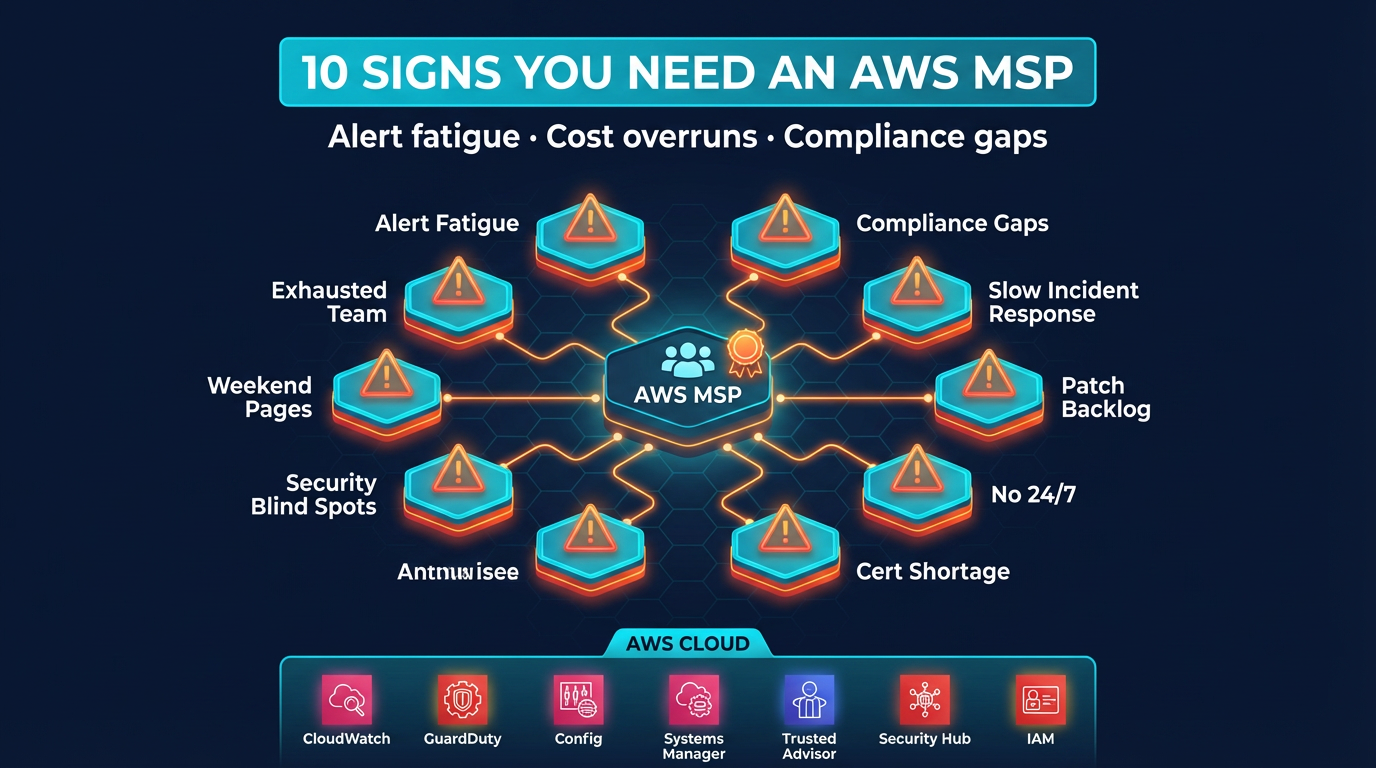
Table of Contents
Not every company needs an AWS Managed Services Provider. A two-person startup with one EC2 box and an RDS instance needs docs and Business Support+, not a managed services retainer.
As of July 2026, a surprising number of teams that “manage fine” are managing poorly — and GenAI spend (Bedrock/AgentCore) has become a new blind spot when on-call never included model bills. This post names ten signs. If three or more fit, proactive external management likely pays for itself.
Sign 1: Your On-Call Engineer Gets Paged for Things They Cannot Fix at 2 AM
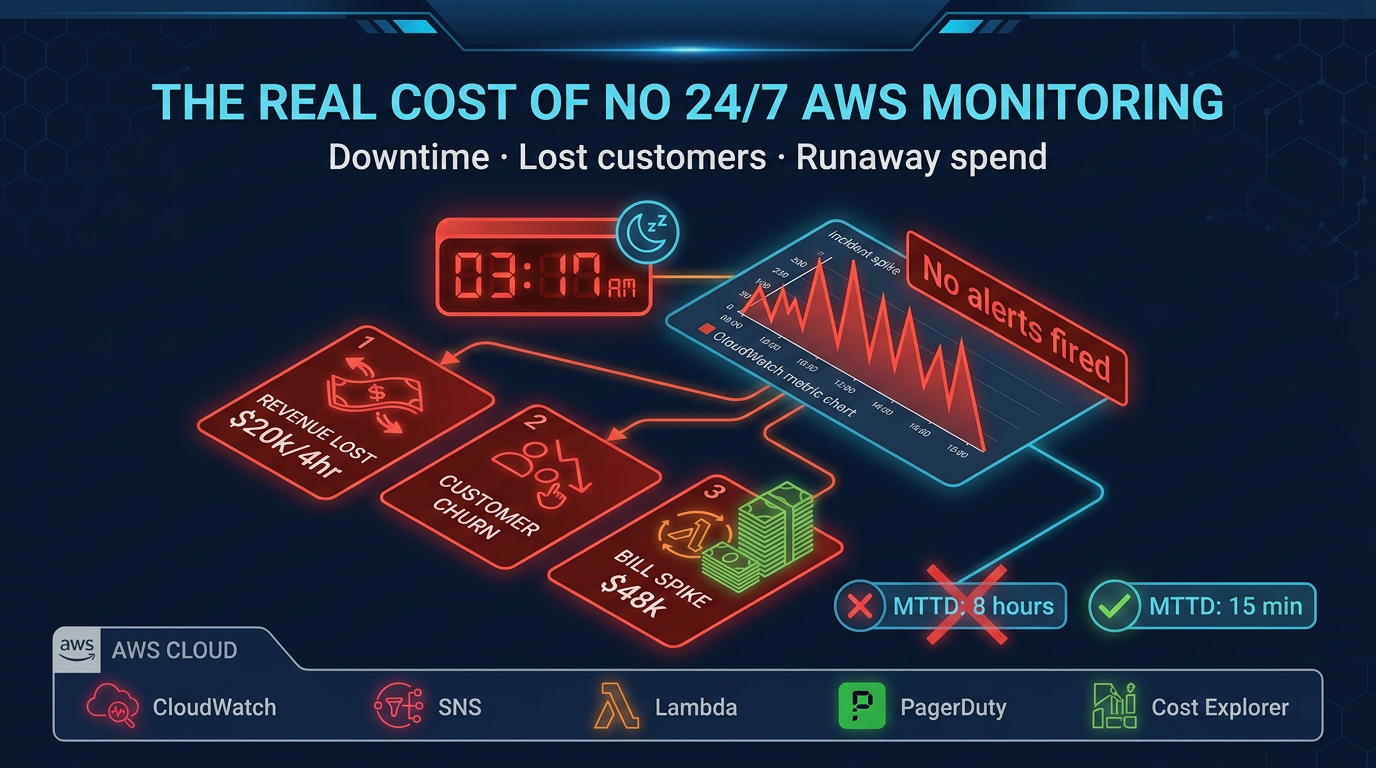
Your on-call rotation exists, and engineers do get paged at night. But the pages frequently produce the same response: someone opens a laptop, looks at the alarm, decides there is nothing actionable they can do at this hour, acknowledges the alert, and goes back to sleep.
This pattern — sometimes called alert fatigue — is one of the clearest signs that your monitoring and response processes have not kept up with your infrastructure complexity. Alerts that fire without producing action are not alerts; they are noise. And noise trains teams to ignore real signals.
What it costs if ignored: The next real incident — a database failover that does not complete cleanly, a Lambda invocation loop driving unexpected charges, a certificate expiring in production — gets missed in the noise. Mean time to detect (MTTD) climbs. User impact extends.
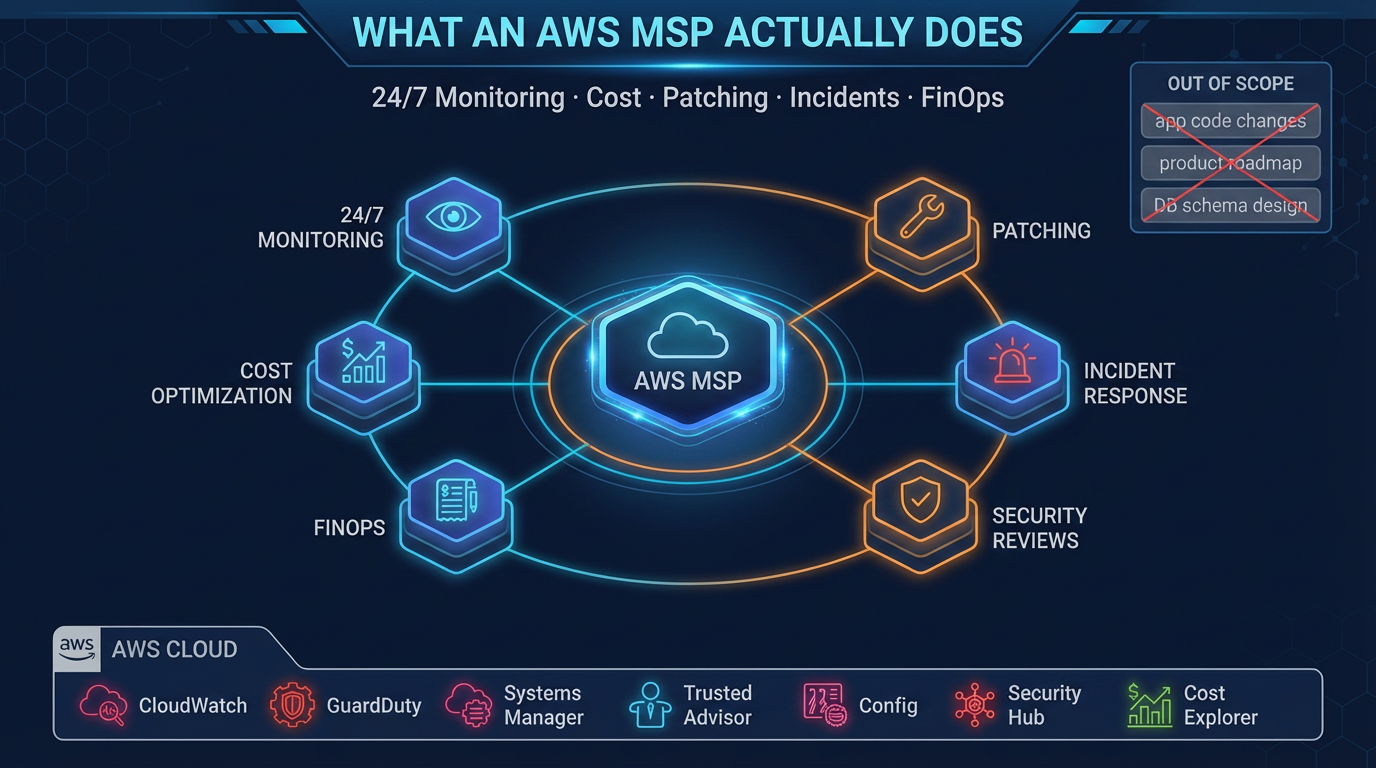
An MSP brings alert tuning, runbook development, and genuine 24/7 human response. They distinguish an alert that needs immediate action from one that can wait until business hours, and they actually respond to the former.
Sign 2: Your AWS Bill Goes Up Every Month and You Are Not Sure Why
Monthly AWS spend increases are not inherently bad — growth drives spend. But when you cannot attribute the increase to specific workloads, features, or business growth, that is a different situation.
Common culprits: CloudWatch Logs ingestion from verbose application logging, EC2 instances that were provisioned for a project and never decommissioned, data transfer charges from architecture patterns that move data inefficiently across regions or availability zones, and EBS volumes attached to stopped instances.
What it costs if ignored: Unmanaged cloud spend compounds. A $3k/month unexplained increase that goes unaddressed for a year is $36k in waste. Teams with $50k+/month AWS bills and no cost ownership processes routinely discover tens of thousands per month in eliminable spend.
A good MSP runs monthly cost reviews with line-by-line accountability, implements tagging governance, and actively rightsizes resources as usage patterns change.
Sign 3: You Have Not Reviewed IAM Policies in More Than a Year
IAM drift is nearly universal in engineering organizations that are building fast. Developers get permissions to unblock themselves, cross-account roles get created for integrations, and Lambda execution roles accumulate star-shaped policy statements over time.
IAM policies are rarely deleted because nobody is sure what still depends on them. Audit findings about overly permissive policies get added to the backlog and do not get prioritized against feature work.
What it costs if ignored: Overly permissive IAM policies are the attack surface that makes credential compromise catastrophic. An AWS access key leaked via a git commit in a repo with broad IAM permissions can result in significant data exposure, resource provisioning for crypto mining, or complete account takeover. AWS publishes case studies on this class of incident.
An MSP runs quarterly IAM access reviews, implements least-privilege policies as a continuous process, and uses tools like IAM Access Analyzer to detect policy drift before it becomes a security event.
Sign 4: Your Last Security Incident Response Involved SSH-ing Directly Into Production
When something goes wrong and the first response is to SSH into a production EC2 instance, that is a signal about the operational maturity of your environment. It means your observability tooling (logs, metrics, traces) is not sufficient to diagnose the issue from outside the instance. It also means your security posture allows direct production access, which complicates audit trails and creates its own risk.
Mature cloud operations diagnose incidents from logs and metrics. SSH access to production is an exception handled via a break-glass procedure with audit logging, not the default response path.
What it costs if ignored: The short-term cost is engineering time spent on incident response. The longer-term cost is audit findings, compliance violations (SOC 2 controls around production access), and the difficulty of reconstructing what happened during an incident when actions were taken outside your logging infrastructure.
Sign 5: You Are Running Unpatched EC2 Instances in Production
Patch management is unglamorous and interrupts workloads. In organizations without a dedicated operations function, it gets deferred indefinitely. A common pattern: instances are launched with the latest AMI, run for 12–18 months, and are never updated because patching requires planned downtime and someone needs to test post-patch behavior.
Unpatched systems have known vulnerabilities. AWS publishes security bulletins. Attackers scan for them.
What it costs if ignored: Beyond the security exposure, regulatory frameworks including SOC 2, HIPAA, and PCI-DSS require documented patch management processes with defined cadences. Failing to meet those requirements produces audit findings and, eventually, certification issues.
An MSP implements a regular patching cadence — typically monthly for security patches, quarterly for major OS updates — with pre-patch backup, testing protocols, and post-patch verification.
Sign 6: Your Incident Response Relies on One or Two Named Individuals
You have a senior engineer (or a small number of them) who actually understands your AWS environment. Everyone else can keep things running when things are stable, but when something breaks in a non-obvious way, the response depends on reaching those specific people.
This is called a bus factor problem, and it is common in companies that have grown fast without investing in knowledge sharing, runbooks, and operational documentation.
What it costs if ignored: When those key individuals are on vacation, in another time zone, or decide to leave, your incident response capability degrades sharply. This risk is most acute for companies where the founders or early engineers built the original infrastructure and most operational knowledge lives in their heads.
An MSP serves as a resilient external team with documented knowledge about your environment that does not walk out the door when an individual leaves.
Sign 7: You Have Multiple AWS Accounts but No Central Governance
As organizations grow, AWS accounts multiply — separate accounts for development, staging, production, and often separate accounts by team or product line. This is the right architecture for isolation and cost attribution. But without central governance, it creates fragmentation: security configurations differ across accounts, billing visibility is limited, and applying a new security policy requires touching multiple accounts manually.
What it costs if ignored: A misconfigured security group or overly permissive S3 bucket policy in a development account that shares data with production is a real attack path. Fragmented accounts without centralized governance create compliance blind spots — you cannot confidently say your entire AWS footprint meets your security baseline.
An MSP implements AWS Organizations with Service Control Policies, centralized logging to a dedicated log archive account, and automated compliance checks that span all accounts.
Sign 8: Your Compliance Requirements Are Growing Faster Than Your Security Documentation
You started in the cloud without compliance requirements. Now you are selling to enterprise customers who want SOC 2 Type II, or you are processing health data that requires HIPAA safeguards, or you are handling payment card data subject to PCI-DSS. Each of these frameworks requires not just technical controls but documented evidence that those controls are operating continuously.
Generating that evidence is operational work: CloudTrail logs preserved for the required retention period, access reviews documented quarterly, vulnerability scans run and remediated on schedule, incident response plans tested annually.
What it costs if ignored: Failed audits delay enterprise deals. HIPAA violations carry financial penalties. PCI non-compliance affects your ability to process payments. The technical controls are often already in place; the gap is in documentation and evidence generation.
An MSP with compliance experience generates the operational evidence your auditors need as a byproduct of normal managed operations.
Sign 9: You Have Never Run a Disaster Recovery Test
You have backups. You have multi-AZ deployments. You might even have a disaster recovery runbook. But you have never actually tested it — restored from backup to a clean environment and verified that the application works.
The difference between a backup and a recovery capability is the test. Backups that have never been tested have an unknown reliability rate.
What it costs if ignored: When you actually need disaster recovery — a data corruption event, an accidental deletion, a region-level disruption — discovering that your restore process does not work is catastrophic. The moment of a real disaster is not the time to learn that your database backup has been failing silently for three months.
An MSP implements and regularly tests recovery procedures as part of standard operations, not as a one-time project.
Sign 10: Cloud Management Is Taking Time Away from Product Development
This one is the most subjective but often the most impactful. If your senior engineers spend meaningful time each week managing AWS infrastructure — responding to alerts, optimizing costs, reviewing security findings, troubleshooting configuration issues — that time is not being spent on the product.
For a 5-person engineering team where two people own cloud operations, the opportunity cost is substantial. You are effectively running a cloud operations team at a stage where your competitive advantage comes from shipping product.
What it costs if ignored: The calculus is straightforward. If your senior engineers cost the company $200k/year fully loaded, and they spend 20% of their time on cloud operations, that is $40k/year in opportunity cost per engineer. An MSP at $5k/month ($60k/year) that frees two engineers to focus on product returns more value than it costs.
When You Genuinely Do Not Need an MSP
To be direct: if you are pre-product-market-fit with a simple architecture and a small team, a managed services provider is premature. The overhead of coordination and the cost are not justified.
Similarly, if you have a dedicated platform engineering team with senior AWS expertise and 24/7 coverage, you have built the internal capability that an MSP provides. You may still benefit from specific advisory services, but ongoing managed operations may be redundant.
The right time to engage an MSP is when your AWS environment has grown complex enough that managing it well requires more specialized time than your team can reasonably provide — and before that gap produces an incident.
When this advice fails
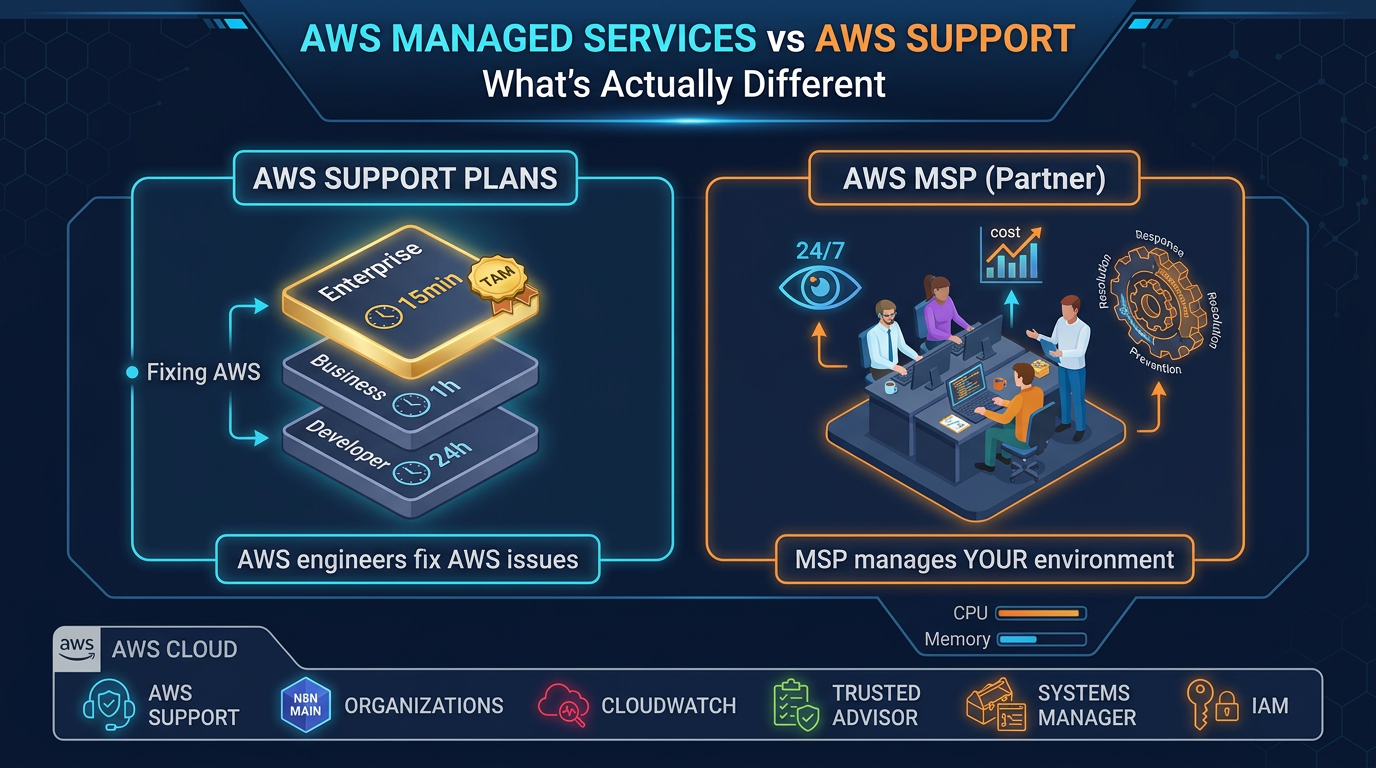
- You confuse AWS Enterprise Support with ops — a TAM is not your 2 AM pager; see Support vs MSP.
- You want a cheaper engineer, not a process — MSPs fail when you refuse runbooks, access, and monthly reviews.
- You only have a GenAI prototype — do not buy full-fleet MSP for a sandbox; scope a narrow retainers later.
What to do Monday morning
- Score yourself against the ten signs (honest yes/no).
- Compute last year’s largest incident cost with the downtime formula.
- Check Support plan tier — migrate off legacy Developer/Business/On-Ramp before 2027-01-01.
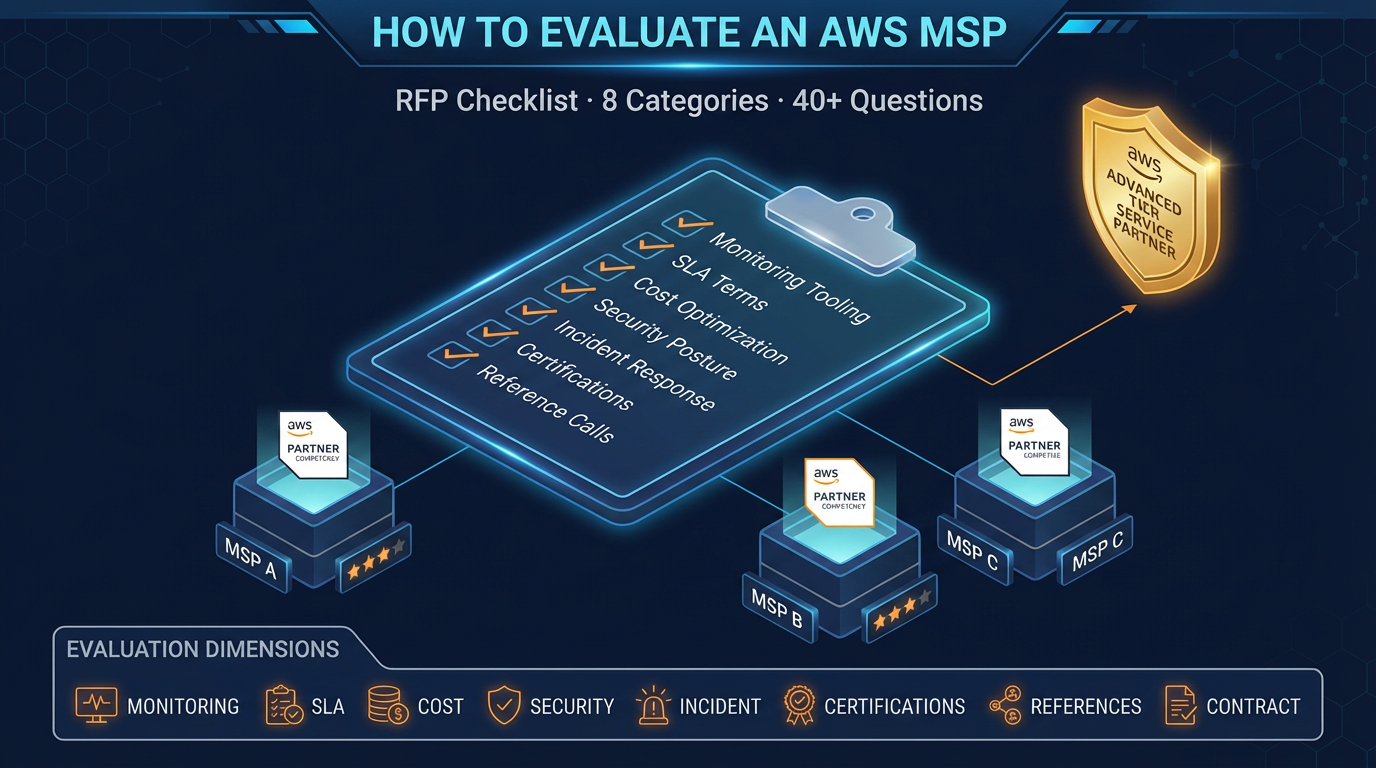
- If ≥3 signs match, run the MSP RFP checklist with three partners.
- Decide GenAI ops in/out in writing before the SOW is drafted.
If several signs fit, start with an environment assessment — not a multi-year contract. Map architecture, gaps, and cost of inaction.
FactualMinds provides assessments as an entry to managed services and will say when ongoing MSP is the wrong fit.
AWS Cloud Architect & AI Expert
AWS-certified cloud architect and AI expert with deep expertise in cloud migrations, cost optimization, and generative AI on AWS.