How to Evaluate an AWS Managed Services Provider: RFP Checklist
Quick summary: Choosing an AWS managed services provider is still a 1–3 year commitment in 2026. Updated RFP framework — monitoring (including Application Signals), FinOps evidence, GenAI ops boundaries, SLA remedies, and exit terms.
Key Takeaways
- Choosing an AWS managed services provider is still a 1–3 year commitment in 2026
- Choosing an AWS Managed Services Provider is not a software purchase
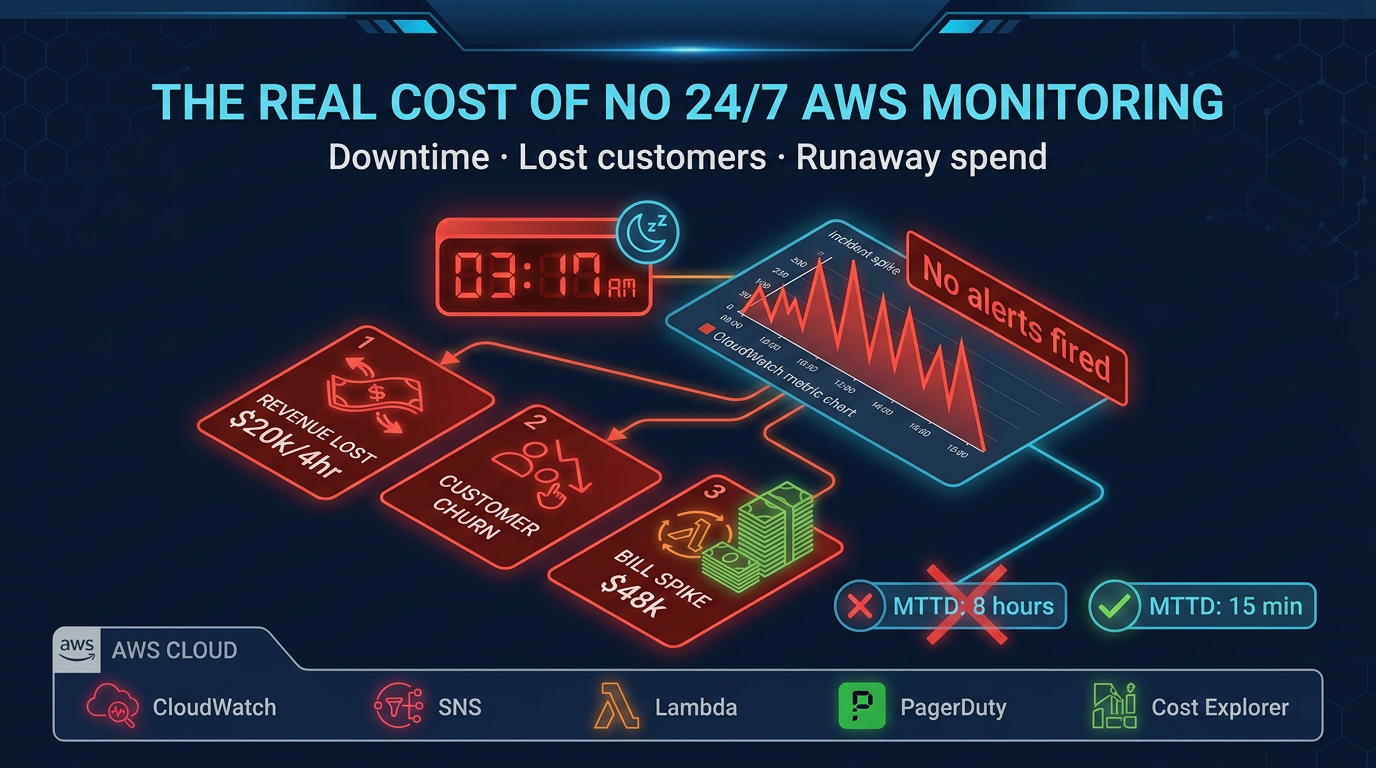
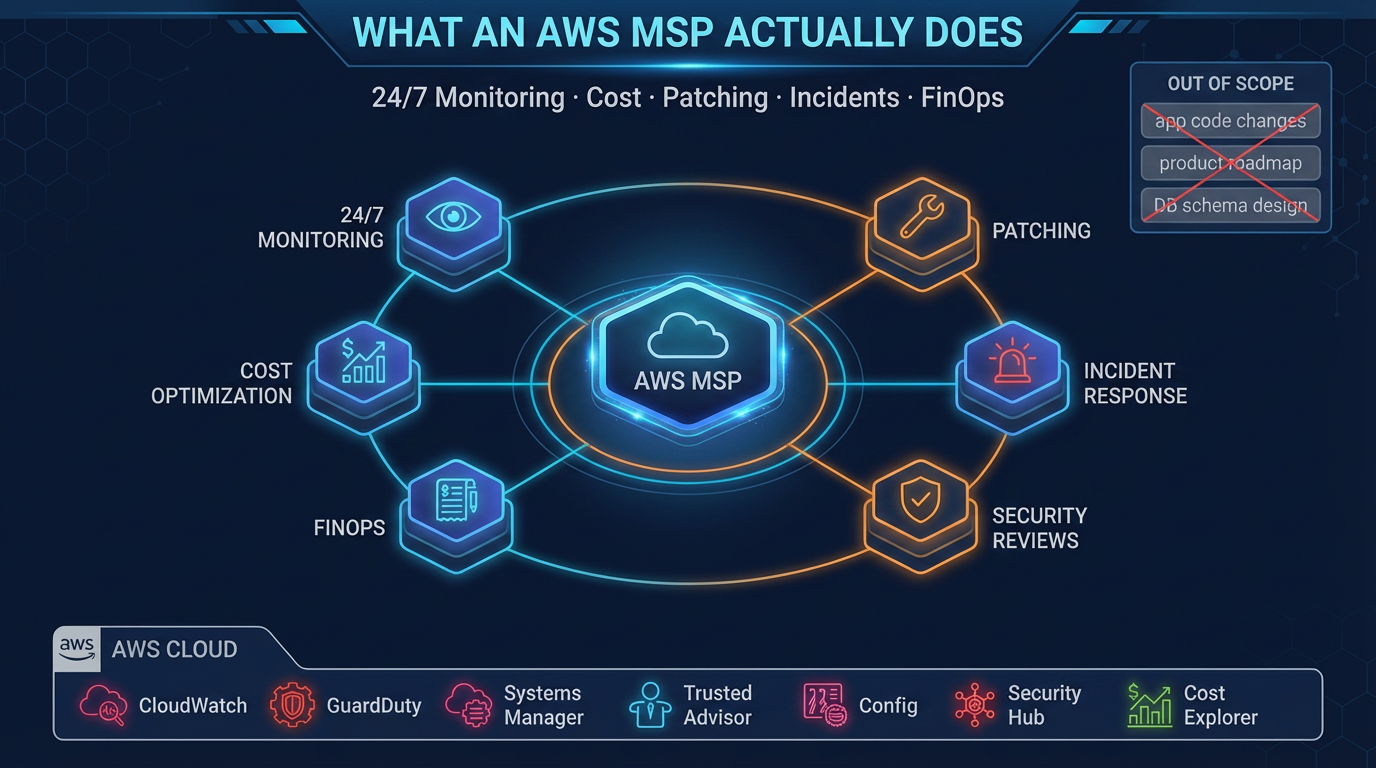
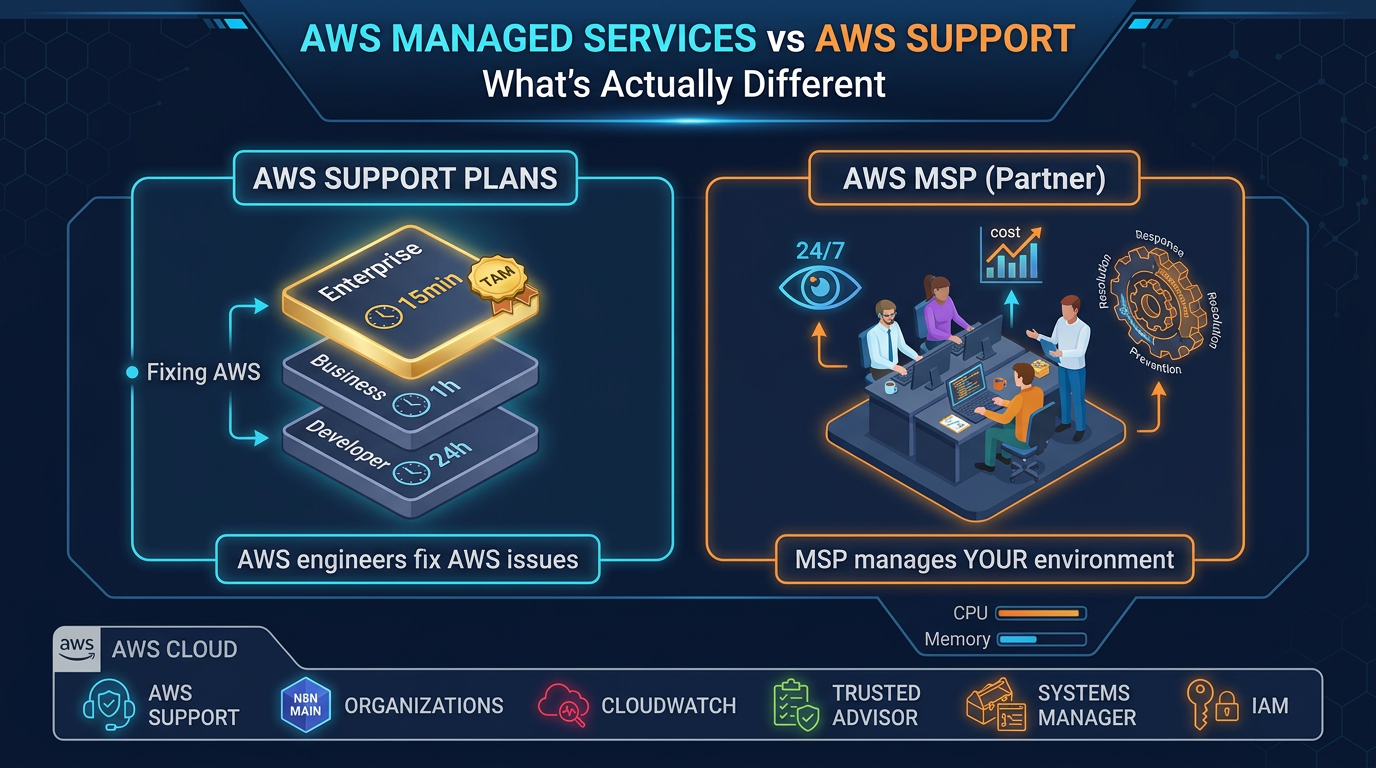
- Pair this checklist with the cost of missing 24/7 coverage and MSP vs Support Plans
- Category 1: Monitoring and Alerting This is the operational foundation of managed services
- Questions to ask: 1
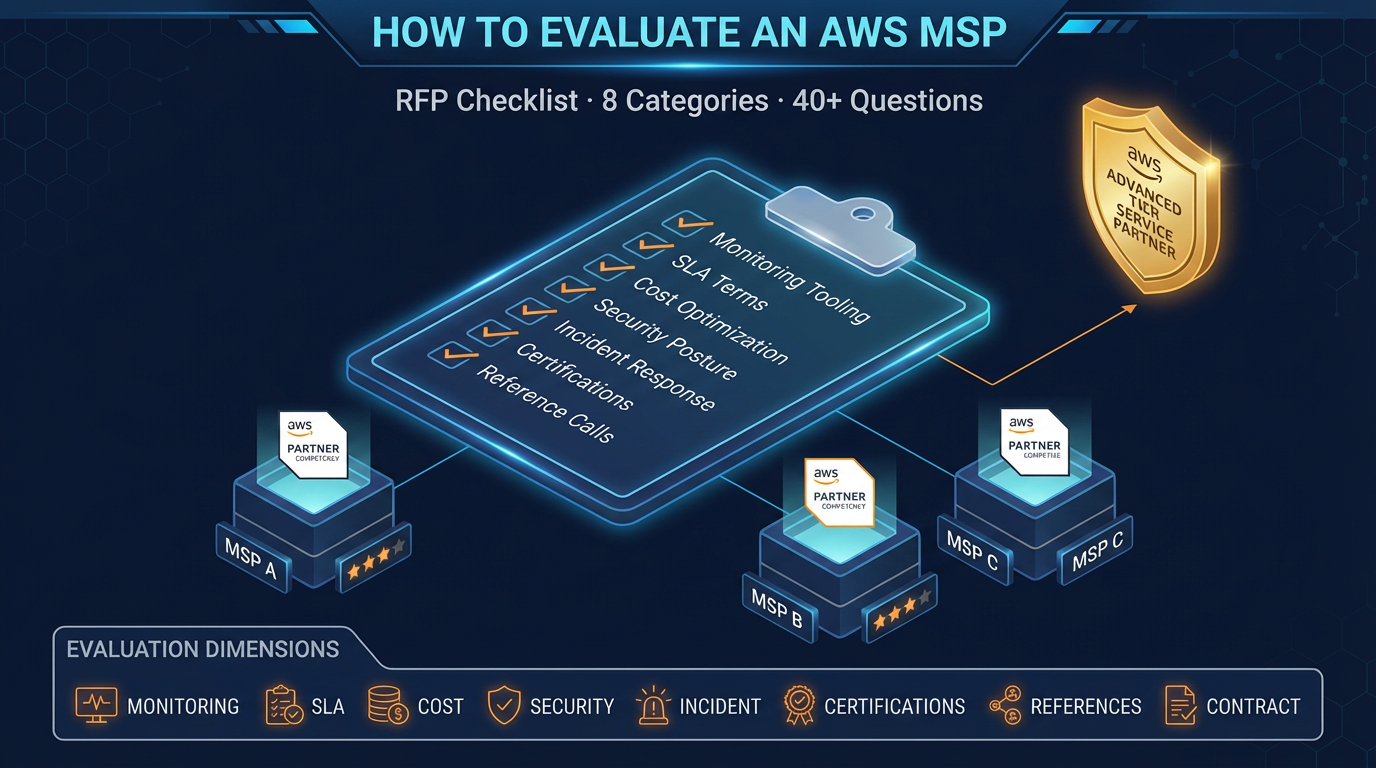
Table of Contents
Choosing an AWS Managed Services Provider is not a software purchase. It is a 1–3 year operational relationship in which the provider will have privileged access to your infrastructure, influence over your AWS spend, and responsibility for responding to incidents that affect your customers.
Getting this decision wrong is expensive — not just in MSP fees, but in migration costs when you inevitably have to switch, and in the incidents and inefficiencies that accumulate under a provider that is not performing.
As of July 2026, keep two updates in the RFP: (1) observability expectations should name CloudWatch Application Signals / SLOs, not only CPU alarms; (2) if you run GenAI on AWS, demand an explicit ops boundary for Bedrock/AgentCore vs “we only watch EC2.” Pair this checklist with the cost of missing 24/7 coverage and MSP vs Support Plans.
This guide gives you a structured evaluation framework with specific RFP questions across eight categories. Use it to compare providers objectively, identify weak spots in their proposals, and negotiate a contract that protects you.
Category 1: Monitoring and Alerting
This is the operational foundation of managed services. An MSP with weak monitoring will miss incidents.
Questions to ask:
- What monitoring platform do you use (CloudWatch — including Application Signals/SLOs — Datadog, New Relic, Grafana)? Will we have direct read access to dashboards, or do we receive reports?
- How do you instrument a new client environment? Walk me through the first 30 days of monitoring setup.
- What are your standard alert thresholds for EC2, RDS/Aurora, Lambda, ECS/EKS, and (if in scope) Bedrock/AgentCore error/latency/spend? How do you tune these for a specific workload?
- How do you reduce alert noise? What percentage of alerts in a typical client environment result in no action?
- Can you show me an example of a monitoring dashboard for a current client (anonymized)?
- Who owns AWS Cost Anomaly Detection / Budgets pages after hours — you, us, or nobody?
Red flags:
- “We monitor everything” without specifics on thresholds and tooling
- Dashboards that you can only view through them — no direct access
- No documented alert threshold standards
- Inability to show examples of actual monitoring output
Category 2: Incident Response
How they perform during incidents is the most important differentiator between MSPs. Vague SLAs protect the provider, not you.
Questions to ask:
- What are your specific SLA commitments for P1 (production down), P2 (degraded), and P3 (non-production) incidents? What constitutes each severity level?
- What is your on-call rotation structure? How many engineers are on-call on a given night? What happens if the on-call engineer is unable to respond?
- Walk me through your incident response process for a production database failure at 2 AM on a Saturday.
- What is your escalation process? When do you involve us, and how?
- Can you share an example post-incident report from a recent engagement?
- How do you track and report on SLA performance over time?
Red flags:
- SLA commitments stated as “best effort” or without defined remedies for misses
- On-call coverage that relies on a small number of named individuals with no backup structure
- No post-incident report process
- Inability to describe escalation paths clearly
Category 3: Cost Optimization Methodology
Cost optimization claims are easy to make. Ask for specifics on how they deliver.
Questions to ask:
- Walk me through your cost optimization process for a new client in the first 90 days.
- What is a realistic savings expectation for a company in our spend range? What assumptions does that depend on?
- How do you handle Reserved Instance and Savings Plans purchases? Who makes the decision, and who holds the financial risk if the commitment is not fully utilized?
- What is your approach to rightsizing? What utilization data and time period do you use?
- How do you handle tagging governance if a client has no current tagging strategy?
- Can you provide examples of cost savings achieved for clients at similar scale?
Red flags:
- Savings promises without clear methodology or caveats about what they depend on
- Reserved Instance purchases made unilaterally without your approval
- No tagging governance offering
- Cost review is annual rather than monthly
Category 4: Security and Compliance
Security is where the gap between MSP marketing and operational reality is largest. Ask for specifics.
Questions to ask:
- What security tooling do you deploy in client environments (GuardDuty, Security Hub, Inspector, Config, Macie)?
- How do you triage and prioritize security findings? What is your SLA for addressing critical findings?
- What does your quarterly IAM access review process look like? Who reviews, what is reviewed, and how are results documented?
- Do you have experience supporting SOC 2, HIPAA, or PCI compliance programs? What does your role look like in an audit engagement?
- How do you handle a security incident — a suspected credential compromise or GuardDuty finding indicating unusual API activity?
- What security controls govern your own team’s access to client AWS accounts?
Red flags:
- Security tooling list limited to GuardDuty only — limited breadth
- No documented IAM review process
- Vague answers about compliance support (“we can help with that”)
- Your account access governed by shared credentials or no MFA requirement
Category 5: Patching and Change Management
Patching is an operational discipline that reveals a lot about an MSP’s process maturity.
Questions to ask:
- What is your patching cadence for critical security patches? For non-critical patches?
- How do you handle patching for stateful workloads (databases, in-memory caches) versus stateless compute?
- What is your pre-patch and post-patch procedure? Do you take snapshots before patching?
- How do you handle a situation where a patch causes an application regression?
- How is patching scheduled — do we have input on maintenance windows?
- What documentation do you produce from each patch cycle for compliance purposes?
Red flags:
- Patching cadence measured in quarters, not months, for security patches
- No snapshot or backup procedure before patching
- No rollback plan for failed patches
- Manual patching processes with no automation or tracking
Category 6: Tooling and Automation
The operational efficiency of an MSP depends heavily on automation. A good MSP reduces manual toil; a poor one substitutes headcount for tooling.
Questions to ask:
- What Infrastructure as Code tools do you use and require (Terraform, CloudFormation, CDK)?
- Do you have pre-built automation for common operational tasks — patching, backup verification, cost report generation? Can we see examples?
- How do you handle infrastructure changes — do they go through a change management process?
- What CI/CD tools do you support or integrate with?
- How is your tooling licensed? If we end the engagement, do we retain access to automation scripts you’ve developed for our environment?
- Do you use any proprietary tooling that would create lock-in to your platform?
Red flags:
- Heavy reliance on proprietary tooling with no export path
- No Infrastructure as Code requirement or usage
- Change management process that slows deployments rather than enabling them
- Automation built in proprietary systems that you cannot retain on exit
Category 7: Contract Terms and Exit Provisions
The contract protects you when the relationship does not go as expected. Review these provisions carefully before signing.
Questions to ask:
- What is the minimum contract term? What is the notice period for termination?
- What are the remedies if you miss SLA commitments? Is there a credit structure, and how does it work?
- What constitutes a performance-based termination for cause?
- What is your transition and exit process? What documentation, access, and handover support do you provide?
- Who owns infrastructure and automation code developed during the engagement?
- Are there price escalation clauses? How does pricing change if our AWS spend increases significantly?
Red flags:
- No performance-based termination clause
- Exit requires 180+ days notice with no performance exit
- No stated transition cooperation obligation
- Proprietary tooling ownership stays with the MSP on exit
- Price caps only on the low end with unlimited escalation clauses
Category 8: Team Structure and References
The quality of the people on your account matters as much as the quality of the process.
Questions to ask:
- Who will be on our account team? What are their AWS certifications and years of experience?
- How many client accounts does each account manager or lead engineer own? What is the ratio of clients to engineers?
- What is your employee turnover rate? What happens to institutional knowledge about our environment when an account engineer leaves?
- Can you provide three references from clients at similar AWS spend levels and in similar industries?
- What is your escalation path for complex architectural issues — do you have senior architects available?
Reference questions to ask:
- How long have you worked with them?
- What was the most complex incident they handled, and how did they perform?
- Did they deliver on cost optimization commitments?
- Have there been SLA misses, and how were they handled?
- Would you renew?
Red flags:
- Account team assigned only after contract signing, not during evaluation
- High client-to-engineer ratios (more than 10–12 accounts per engineer)
- Unable or unwilling to provide references
- No senior escalation path beyond the account team
Scoring Your Evaluation
After completing the RFP process and reference calls, score each provider across the eight categories on a 1–5 scale. Weight the categories based on your priorities:
| Category | Weight (Suggested) |
|---|---|
| Monitoring and Alerting | High |
| Incident Response | High |
| Cost Optimization | Medium-High |
| Security and Compliance | High (higher if regulated) |
| Patching and Change Management | Medium |
| Tooling and Automation | Medium |
| Contract Terms and Exit | High |
| Team Structure and References | High |
Do not let a strong sales process substitute for operational depth. The categories that matter most — incident response, monitoring, and references — are often where sales-driven MSPs perform worst.
Red Flags That Should End the Evaluation
Some signals should disqualify a provider regardless of how they score elsewhere:
- Cannot show you existing monitoring dashboards: They either do not have robust monitoring, or they do not share it with clients — neither is acceptable.
- SLAs with no remedies for misses: An SLA is only as good as its enforcement mechanism. “Best effort” is not an SLA.
- References who are not verifiable or who give qualified answers: “They’re pretty good” from a reference is a soft no. Listen for enthusiasm and specifics.
- Proprietary tooling with no exit path: You should never be more locked in to an MSP than you need to be to produce operational value.
- Pricing that is not transparent: You should know exactly what triggers additional fees before you sign.
When this advice fails
- You only need break/fix tickets — buy an AWS Support plan; an MSP SOW will be mismatched (MSP vs Support).
- You already have a mature SRE org — use MSPs for surge/specialty, not as a second opaque ops team.
- The RFP is “cheapest % of spend” — you will select the vendor least incentivized to cut your bill.
What to do Monday morning
- Write a one-page scope: accounts, hours, P1 definition, GenAI in/out, FinOps ownership.
- Issue this eight-category RFP to ≤6 partners; shortlist three after a 30-minute tooling demo (must show live dashboards).
- Run two reference calls with the scoring table above; ask “would you renew?” last.
- Require SLA remedies + 90-day convenience exit + runbook/export of configs in the SOW.
- Score GenAI ops boundary explicitly if Bedrock/AgentCore is production — blank answers are a no-bid.
The Right Starting Point
FactualMinds goes through this same evaluation process when clients ask us to compete for their managed services business. We welcome rigorous evaluation because it ensures the relationship starts from shared, specific expectations.
If you are beginning an MSP evaluation, contact us to discuss your environment and get a scoped proposal. Or review our AWS Managed Services offering to understand our specific scope, tooling, and SLA commitments before you even pick up the phone.
AWS Cloud Architect & AI Expert
AWS-certified cloud architect and AI expert with deep expertise in cloud migrations, cost optimization, and generative AI on AWS.