What Does an AWS Managed Services Partner Actually Do? (And What They Don't)
Quick summary: Most AWS MSP pitches are still vague in 2026. Concrete day-to-day scope — CloudWatch Application Signals, FinOps, patching, incident response — plus what stays out of a standard SOW (including GenAI/AgentCore unless named).
Key Takeaways
- Most AWS MSP pitches are still vague in 2026
- Concrete day-to-day scope — CloudWatch Application Signals, FinOps, patching, incident response — plus what stays out of a standard SOW (including GenAI/AgentCore unless named)
- The marketing language around AWS Managed Services Partners is still vague in July 2026
- 24/7 support
- This post is a concrete breakdown of what a legitimate AWS MSP does — and what stays outside a standard SOW
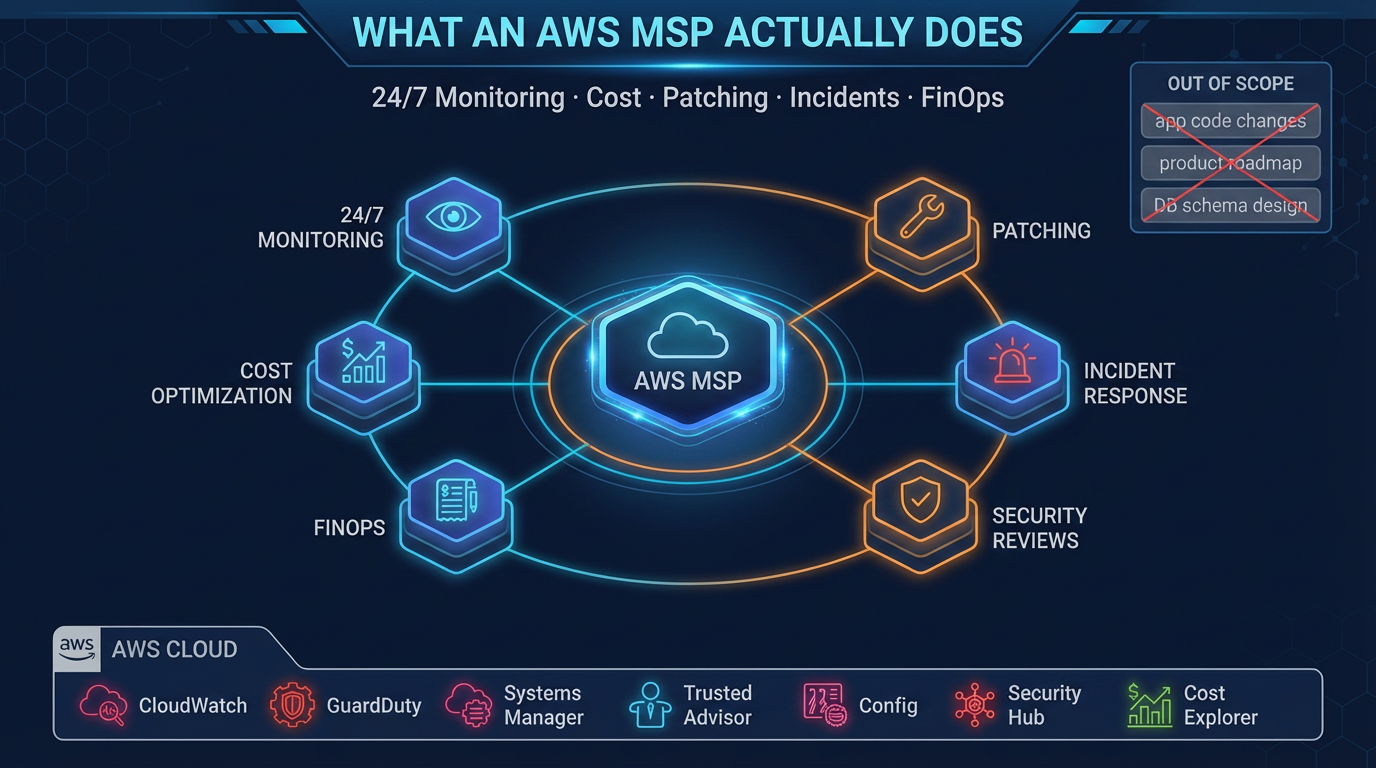
Table of Contents
The marketing language around AWS Managed Services Partners is still vague in July 2026. “End-to-end cloud management.” “24/7 support.” “Cost optimization.” Those phrases appear in almost every pitch and say almost nothing about day-to-day work.
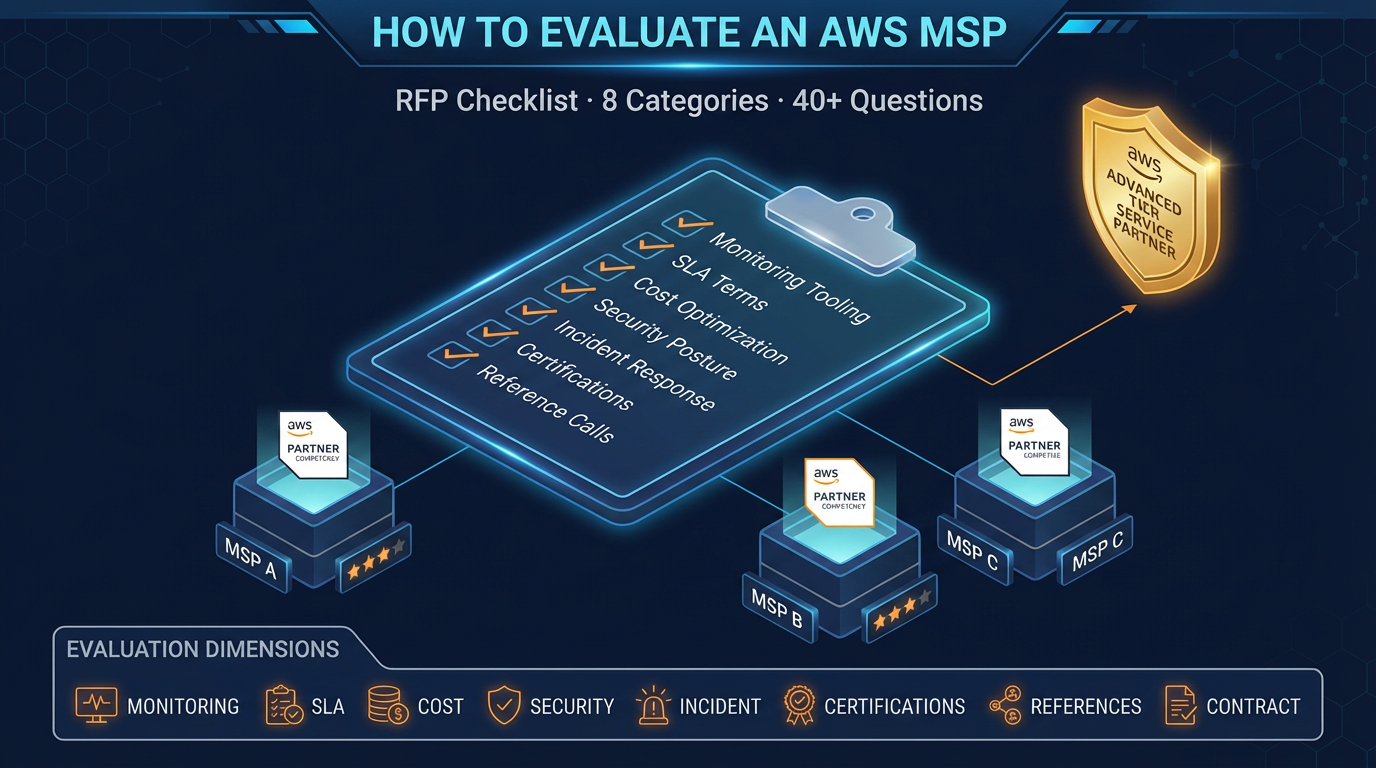
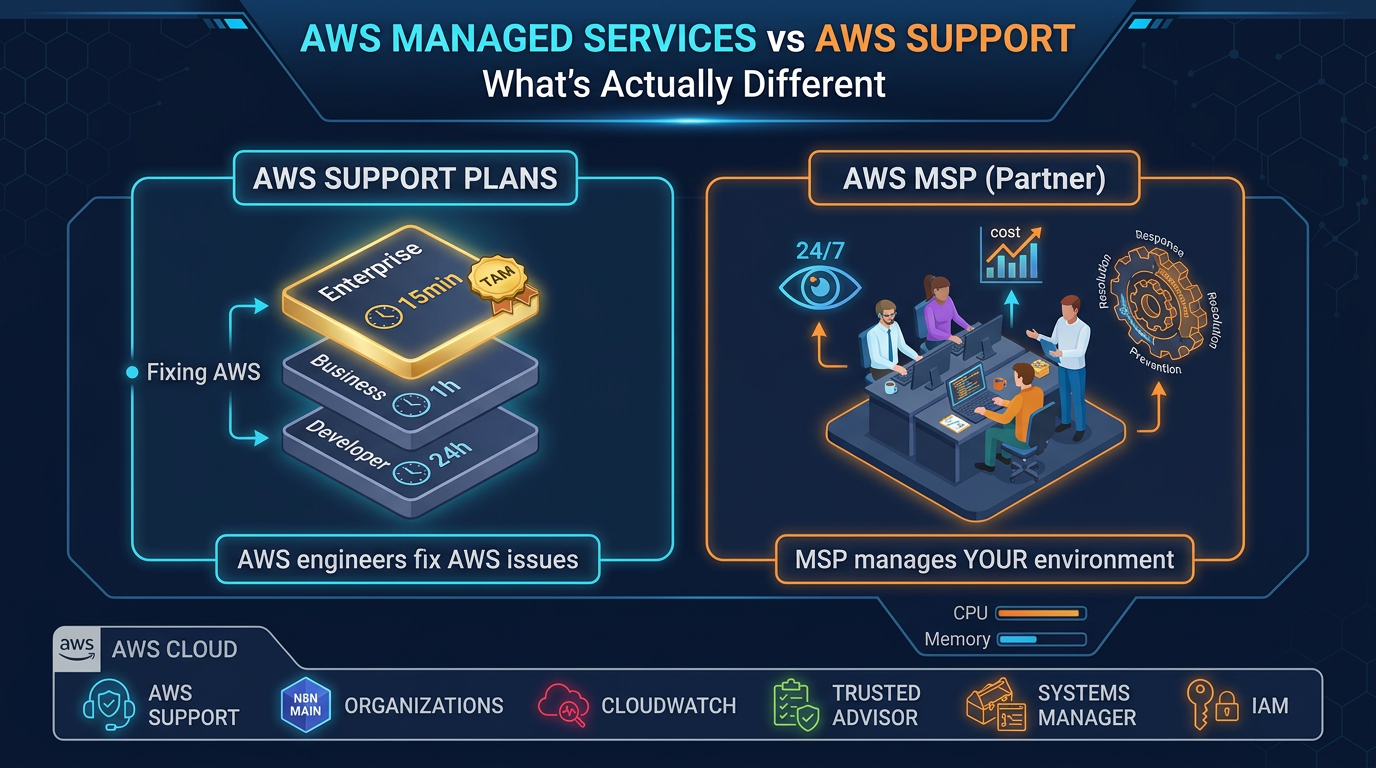
This post is a concrete breakdown of what a legitimate AWS MSP does — and what stays outside a standard SOW. Pair it with the evaluation RFP and Support vs MSP when you buy.
Opinionated take: If the SOW does not name who pages for Bedrock/AgentCore spend and failures, assume GenAI is out of scope even if the sales deck shows “AI.”
What an AWS MSP Does
1. Continuous Monitoring and Alerting
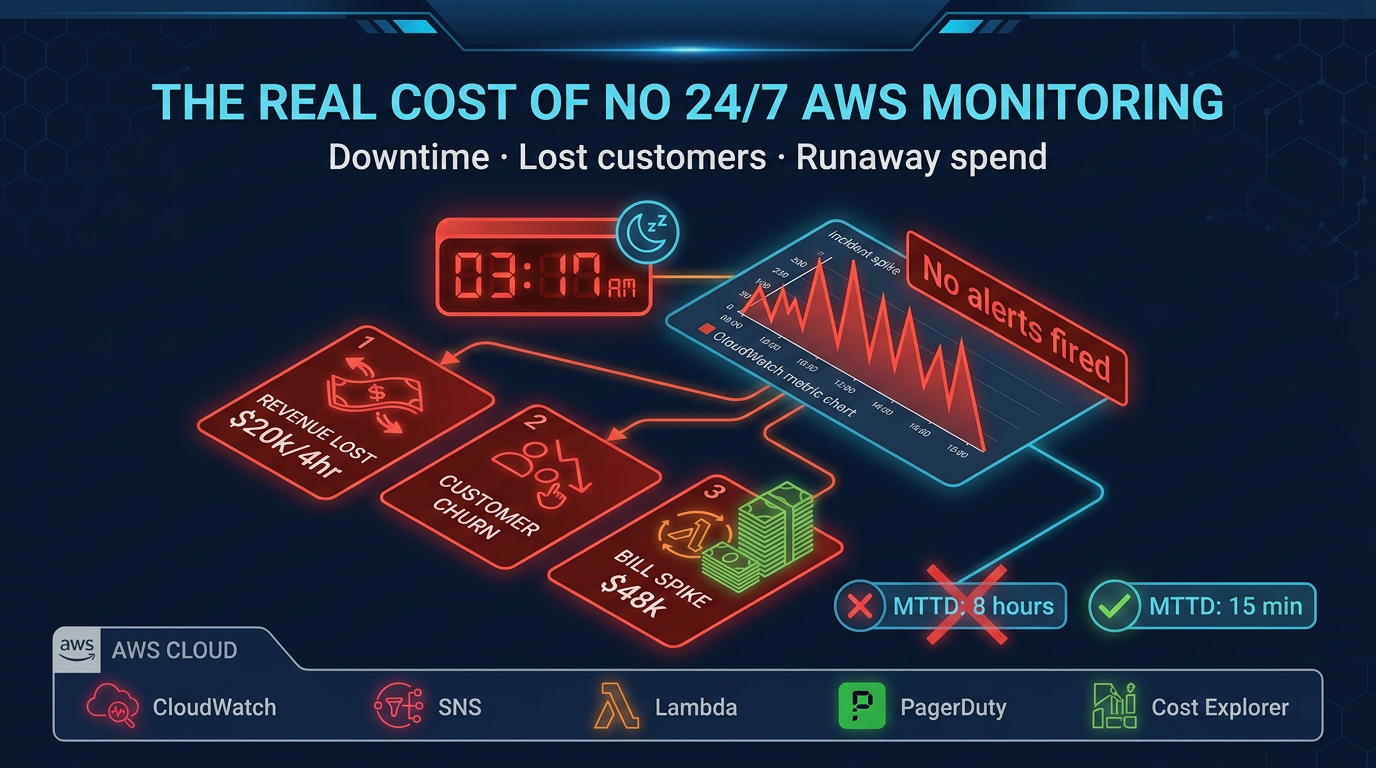
This is the operational foundation. An MSP instruments your AWS environment for infrastructure (and agreed application) health 24×7 — nights, weekends, and holidays.
What this looks like in practice:
- CloudWatch alarms on CPU, memory (CloudWatch Agent), disk, RDS/Aurora connection saturation, Lambda errors/throttles, ECS/EKS task health, ALB 5xx
- Where adopted: CloudWatch Application Signals / SLO burn alerts so pages track customer-facing latency, not only host CPU
- Composite alarms (CPU + latency) to cut noise
- Log-based alerting (CloudWatch Logs metric filters or Datadog/Grafana Loki/OpenSearch) for app errors, security events, and cost proxies
- Cost Anomaly Detection / Budgets wired to the same on-call path — not only a finance email
- Thresholds tuned to your baselines, not generic defaults
Example production thresholds (tune per workload):
- EC2/ECS: CPU >80% sustained 5 minutes, memory >85%, disk >80%
- RDS/Aurora: connections >80% of max, elevated read latency, freeable memory critically low
- Lambda: error rate >1%, throttling >0.5%, duration within 20% of timeout
- ALB: 5xx >0.5% of requests, p95 target response >2s
A human reviews every P1/P2 and acts. Dashboards without pages are not managed services.
2. Incident Response
When a production alarm fires at 2 AM, an MSP engineer wakes up. Not your engineer — theirs.
Incident response covers:
- Acknowledging alerts within the SLA window (typically 15 minutes for P1)
- Running predefined runbooks for known failure modes (RDS failover, EC2 instance recovery, ECS task restart, Lambda concurrency exhaustion)
- Escalating to your team when the incident requires business context or code changes
- Communicating status updates on a defined cadence during active incidents
- Documenting the timeline, root cause, and resolution steps in a post-incident report
What incident response does not cover is rebuilding your application or making decisions that require understanding your business logic. An MSP can restart a crashed ECS service, identify that a database query is causing the issue, and notify your team. Writing the query fix is your team’s job.
3. Cost Optimization (Ongoing, Not One-Time)
Cost optimization in a managed services engagement is a continuous process, not a one-time audit. The MSP monitors spend continuously and takes defined actions as part of standard operations.
Ongoing cost optimization activities:
- Monthly Cost Explorer review: Line-by-line analysis of spend changes, with attribution to specific workloads or events. If your bill increased $4,000 last month, the review identifies why.
- Rightsizing: Analyzing EC2, RDS, and ElastiCache utilization patterns over 30–90 days and recommending instance type or size changes where resources are consistently over-provisioned.
- Reserved Instances and Savings Plans: Analyzing your on-demand spend baseline and recommending 1-year or 3-year commitment purchases. An MSP tracks your commitment coverage and recommends top-ups as workloads grow.
- Idle resource cleanup: Identifying and flagging (or removing, with approval) unattached EBS volumes, unused Elastic IPs, stopped EC2 instances, empty S3 buckets with storage costs, and orphaned load balancers.
- Data transfer optimization: Identifying architecture patterns that generate unnecessary cross-region or cross-AZ data transfer charges.
- Tagging governance: Implementing and enforcing a tagging policy so every resource is attributable to a cost center, team, and environment. This is a prerequisite for meaningful cost attribution.
A realistic expectation: a well-run MSP engagement produces 15–25% cost reduction within the first 90 days, and then ongoing savings of 5–10% annually compared to unmanaged spend.
4. Patch Management
An MSP implements a structured patching cadence that keeps your EC2 instances and managed service configurations current on security patches.
The patching process:
- Security patches are evaluated against your environment within 30 days of release (often 14 days for critical patches)
- AWS Systems Manager Patch Manager is configured with a baseline specifying which patches apply automatically versus require approval
- Maintenance windows are scheduled during low-traffic periods (typically early Sunday morning)
- Pre-patch AMI snapshots or EBS snapshots provide rollback capability
- Post-patch health checks verify application functionality before the maintenance window closes
- Patch compliance reports are generated monthly for audit purposes
Patching covers OS-level packages (the operating system and system libraries). Application dependencies — your Python packages, npm modules, Ruby gems, Java libraries — are your team’s responsibility.
5. Security Reviews and Compliance Monitoring
An MSP runs continuous security monitoring and scheduled reviews that keep your security posture current.
Continuous security monitoring:
- AWS GuardDuty findings reviewed and triaged — P1 findings (root credential usage, crypto mining indicators, unusual data exfiltration) produce immediate alerts
- AWS Security Hub aggregates findings from GuardDuty, Config, Inspector, and IAM Access Analyzer into a single view
- CloudTrail audit logs preserved and monitored for anomalous API call patterns (calls from unusual IP addresses, mass deletion events, IAM privilege escalation)
- AWS Config rules enforce configuration compliance — public S3 buckets, unencrypted EBS volumes, security groups with broad ingress rules
Scheduled security reviews:
- Quarterly IAM access reviews: identifying unused IAM users, access keys older than 90 days, roles with excessive permissions
- Monthly review of AWS Config compliance score
- Annual penetration testing coordination (MSPs typically coordinate, not conduct — pen testing is a separate engagement)
- Compliance evidence generation for SOC 2, HIPAA, or PCI frameworks as applicable
6. Infrastructure Documentation and Runbook Maintenance
Operational knowledge should not live in an individual’s head. An MSP maintains current documentation of your environment as part of standard operations.
What should be documented:
- Architecture diagrams at account, VPC, and service level
- Runbooks for every repeated operational task (deployments, incident response, DR drills, patching)
- Change history and the rationale for significant infrastructure decisions
- Dependency maps between services
- Cost attribution model and tagging conventions
This documentation is yours. A responsible MSP ensures you have access to it and could transition to a different provider or in-house team with it.
What an AWS MSP Does Not Do
Being explicit about scope prevents misaligned expectations. These items are commonly assumed to be part of managed services, but are not.
Application Code and Business Logic
An MSP manages AWS infrastructure, not your application. They can tell you that your Lambda function is timing out, identify that the timeout correlates with a specific input pattern, and notify your team. Writing the code fix is your team’s job. MSPs do not modify application code, refactor database queries, or make product decisions.
New Feature Development
Managed services covers the operational lifecycle of existing infrastructure. Designing and building new infrastructure for new product features is typically a project engagement, not part of an ongoing operations contract. Some MSPs offer project services alongside managed operations, but these are scoped and priced separately.
Data Science and Machine Learning Pipelines
Unless specifically contracted, data pipeline management, ML model training schedules, feature stores, and data warehouse maintenance fall outside standard managed services. Some MSPs have specialized data engineering practices — ask explicitly if this is a requirement.
Third-Party SaaS and External Dependencies
An MSP monitors your AWS resources. If your application depends on Stripe, Twilio, Datadog, or any other third-party SaaS, their availability and performance are outside the MSP’s management scope. They can detect that your application is failing because an external dependency is unreachable, but they cannot fix the external service.
Product Roadmap and Architecture Strategy
Day-to-day operations and strategic architecture decisions are different things. An MSP can advise on AWS service choices and flag architectural concerns, but they do not own your architecture direction. Major architectural decisions — migrating from EC2 to containers, adopting serverless for a new service tier, evaluating a new data warehouse — should be driven by your team with input from qualified advisors.
Business Continuity Beyond Infrastructure
An MSP manages infrastructure-level disaster recovery: RDS backups, cross-region replication, failover procedures. They do not own your business continuity plan, which includes people, processes, communication plans, and recovery priorities that extend beyond the infrastructure layer.
How to Verify an MSP’s Claims
When evaluating an MSP, go beyond their marketing material. Ask for specifics:
- What monitoring platform do you use, and will we have direct access to the dashboards?
- Show me an example post-incident report from a recent engagement.
- What is your on-call schedule structure? How many engineers are on-call on a given night?
- What does your patching runbook look like for an EC2 fleet?
- How do you handle a situation where a patch causes an application regression?
- What is included in your monthly cost optimization review, and what does a typical report look like?
MSPs who have operational discipline will answer these questions with specificity. Those who respond with generalities are telling you something important about how they operate.
When this advice fails
- Pre-PMF, single-region toy stack — MSP coordination tax exceeds value; use Business Support+ and good docs.
- You need app debugging of your codebase — that is product engineering / APM retainers, not infra MSP.
- You assumed “managed” includes AgentCore prompt changes — only if the SOW says so; otherwise you still own model spend and tool wiring.
What to do Monday morning
- List the last 10 P1/P2 pages and who actually fixed them (you vs nobody).
- Ask your shortlisted MSP for one anonymized post-incident report and a live dashboard walkthrough.
- Add a GenAI/ops line to the SOW: in or out for Bedrock/AgentCore, with spend anomaly ownership.
- Confirm they stack on Business Support+ or higher (Support API), not replace it.
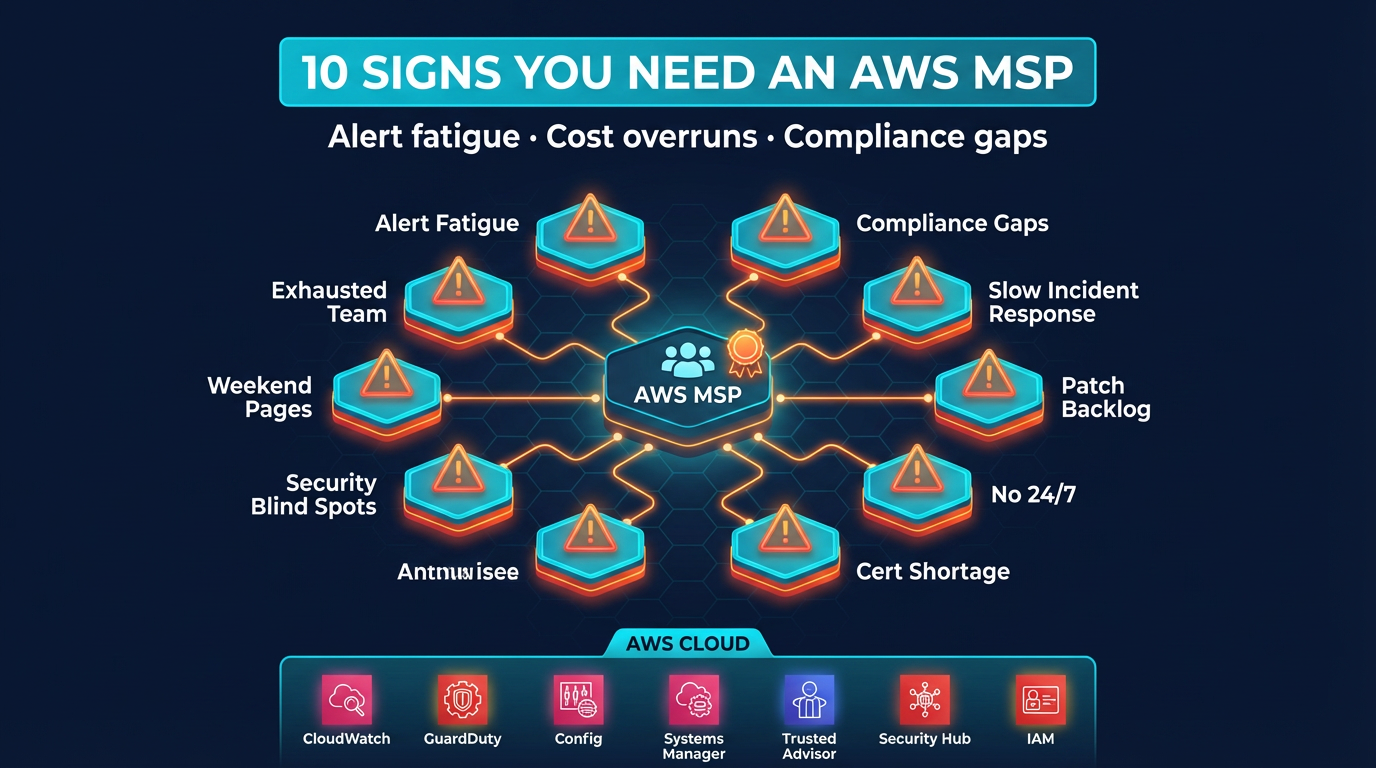
- Use the 10 signs checklist before signing.
The clearest buy signal: engineers spend meaningful time on cloud ops that does not ship product, and that opportunity cost exceeds MSP fees. The clearest “not yet”: simple infra, spare bandwidth, and coordination would slow you down.
FactualMinds provides AWS Managed Services with transparent scope, defined SLAs, and no lock-in through proprietary tooling. If you want to discuss fit, reach out directly.
AWS Cloud Architect & AI Expert
AWS-certified cloud architect and AI expert with deep expertise in cloud migrations, cost optimization, and generative AI on AWS.