AWS Bill Teardown #1: The SaaS Startup Paying $40k/Month for $8k of Workloads
Quick summary: Anonymized Series A SaaS bill: ~$40k/month for ~$8–9k of real work. July 2026 refresh — free S3/DynamoDB gateway endpoints, EBS zombies, RDS rightsizing, Trusted Advisor on Business Support+.
Key Takeaways
- Anonymized Series A SaaS bill: ~$40k/month for ~$8–9k of real work
- July 2026 refresh — free S3/DynamoDB gateway endpoints, EBS zombies, RDS rightsizing, Trusted Advisor on Business Support+
- Engagement shape (anonymized): Series A SaaS, ~12-person eng org, multi-tenant B2B (React + Node on ECS + RDS PostgreSQL), a few thousand customers
- Monthly bill: ~$40,100
- As of July 2026, the three waste patterns below still dominate early SaaS estates: S3/DynamoDB via NAT, zombie EBS, and “growth-phase” RDS that never got rightsized
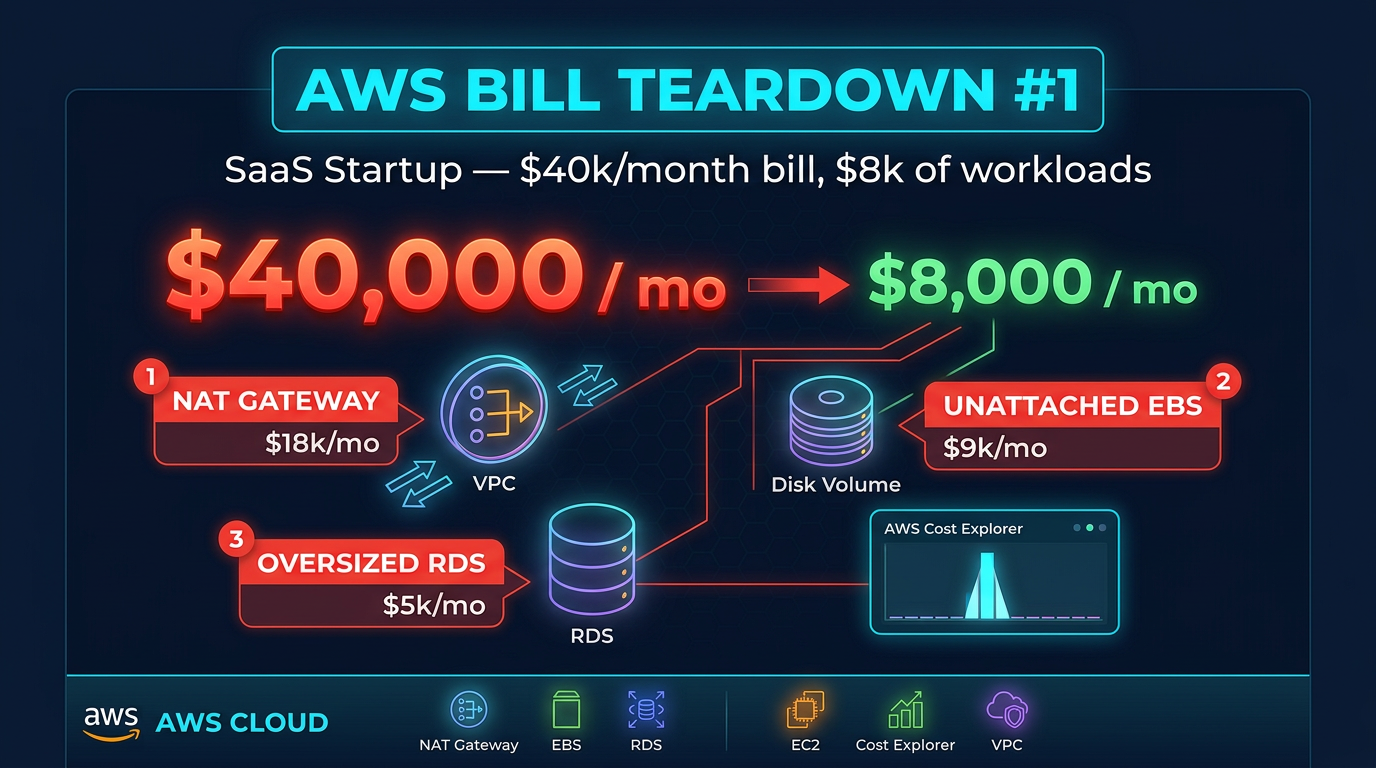
Table of Contents
Engagement shape (anonymized): Series A SaaS, ~12-person eng org, multi-tenant B2B (React + Node on ECS + RDS PostgreSQL), a few thousand customers. Monthly bill: ~$40,100. As of July 2026, the three waste patterns below still dominate early SaaS estates: S3/DynamoDB via NAT, zombie EBS, and “growth-phase” RDS that never got rightsized.
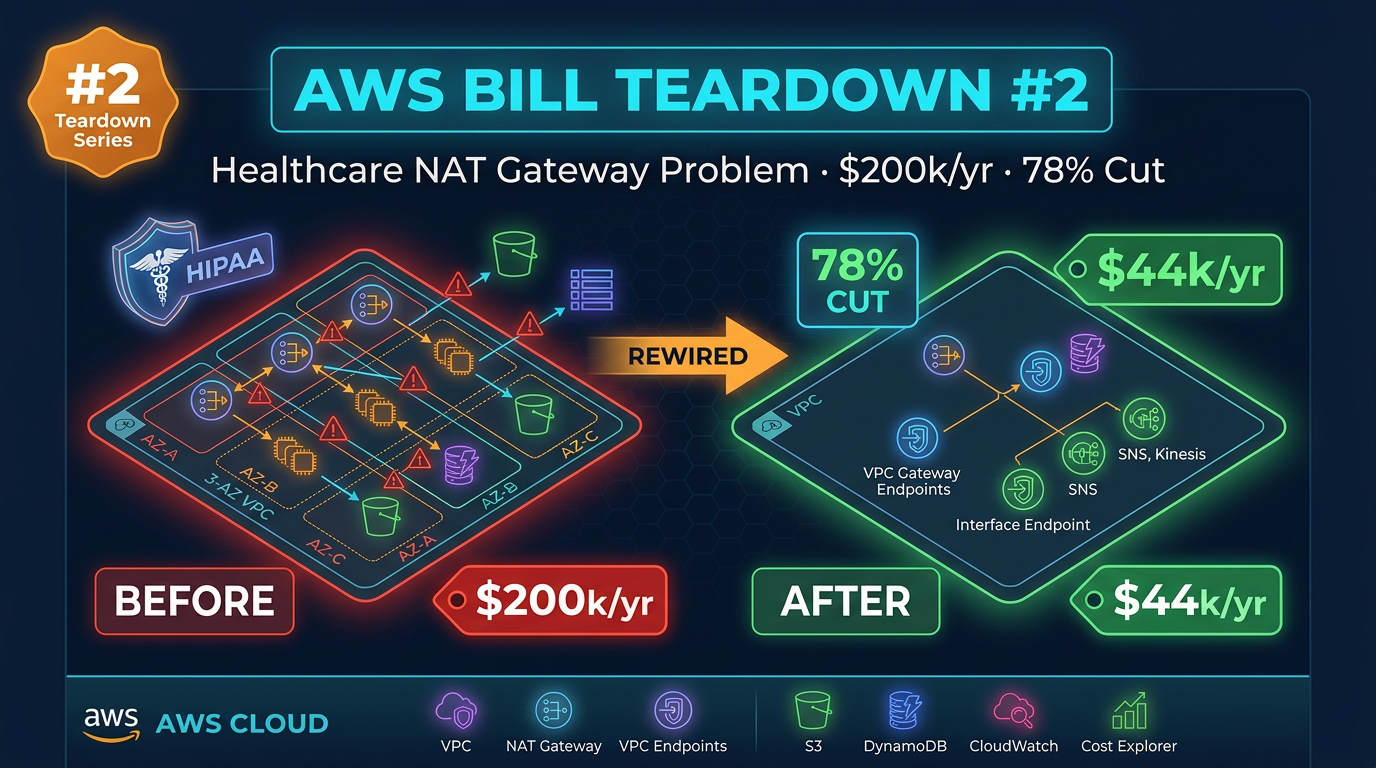
Within 20 minutes in Cost Explorer the answer was obvious: **$32k/month** of fixable waste; true workload cost closer to ~$8–9k. Companion NAT deep-dive (healthcare scale): Bill Teardown #2.
The Bill Summary
Before we get to the findings, here is what the bill looked like when we received it.
| Service | Monthly Cost | % of Bill |
|---|---|---|
| NAT Gateway (data transfer) | $14,200 | 35.4% |
| RDS (db.r6g.4xlarge, Multi-AZ) | $11,000 | 27.4% |
| EC2 / ECS (compute) | $5,800 | 14.5% |
| EBS Volumes | $4,900 | 12.2% |
| S3 | $1,800 | 4.5% |
| Data Transfer Out | $1,400 | 3.5% |
| CloudWatch | $600 | 1.5% |
| Other | $400 | 1.0% |
| Total | $40,100 | 100% |
At first glance, the two biggest line items — NAT Gateway and RDS — look like legitimate infrastructure costs. They are not. They are both symptoms of common architectural shortcuts that compound over time.
Finding #1: NAT Gateway Data Transfer — $14,200/Month
What it is
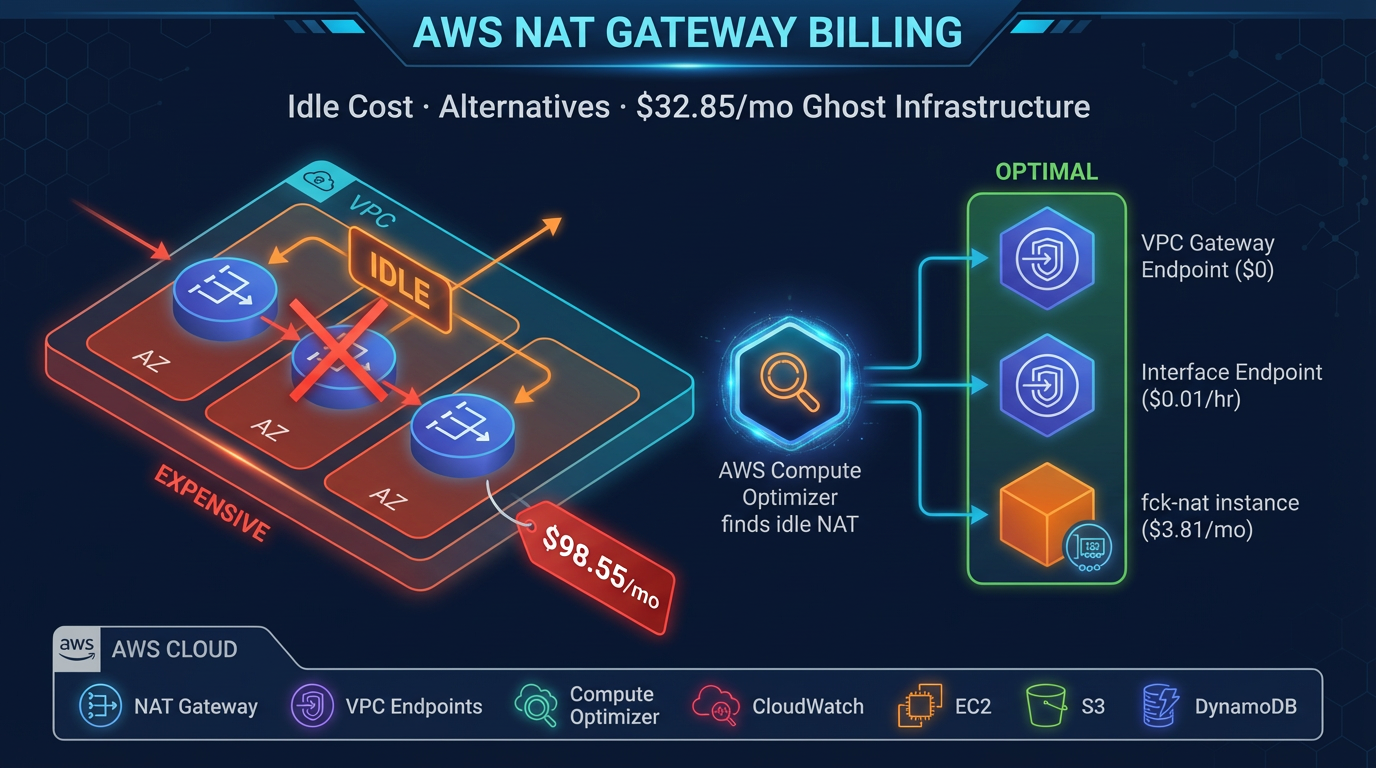
Every request their ECS containers made to S3 (reading config files, uploading user documents, writing logs) and every DynamoDB call (session management, feature flags) was routing through a NAT Gateway. In AWS networking terms, this means traffic was leaving the VPC, passing through the NAT Gateway, exiting to the public internet, hitting the AWS public endpoint for S3 or DynamoDB, and the response was traveling back through the same path.
NAT Gateway still charges roughly $0.045 per GB processed in common US regions as of July 2026 (verify on the VPC pricing page). At this company’s volume — ~316,000 GB/month through NAT — that was ~$14,200.
Why this happens
This is nearly universal in startups that built their initial infrastructure by following a generic “VPC setup” tutorial or using a CDK/Terraform template they found on GitHub. Most of those guides create a VPC with public and private subnets and a NAT Gateway for internet access — which is correct. What they do not always include is VPC endpoints for S3 and DynamoDB.
When a developer writes s3.getObject(...) in their Lambda or ECS container code, AWS does not automatically route that traffic privately. Without an S3 VPC Gateway Endpoint, the SDK connects to s3.amazonaws.com — a public endpoint — through whatever egress path the subnet’s route table points to. In a private subnet, that is the NAT Gateway.
This company had been running for 18 months. The NAT Gateway data transfer cost had been growing every month as their customer base grew, but it was lumped in with “networking costs” in their mental model and never scrutinized closely.
Dollar impact
$14,200/month, or $170,400/year. This is money that delivers zero value — it is pure overhead from traffic taking a suboptimal path that AWS provides a free alternative for.
To confirm this in Cost Explorer: set Group By to Usage Type, filter to the NatGateway service, and look for USE1-NatGateway-Bytes or the equivalent for your region. You will see the volume in GB and the associated cost clearly.
# Confirm what is generating NAT traffic — check VPC Flow Logs
aws logs filter-log-events \
  --log-group-name /vpc/flow-logs \
  --filter-pattern "[version, account, eni, source, destination, srcport, dstport, protocol, packets, bytes, windowstart, windowend, action, log-status, ...]" \
  --query 'events[*].message' \
  --output text | grep "ACCEPT" | awk '{print $5}' | sort | uniq -c | sort -rn | head -20
For a faster check, look at your VPC endpoints list:
aws ec2 describe-vpc-endpoints \
  --filters Name=vpc-id,Values=vpc-YOUREID \
  --query "VpcEndpoints[*].{Service:ServiceName,Type:VpcEndpointType,State:State}"
If you see no entries for com.amazonaws.REGION.s3 or com.amazonaws.REGION.dynamodb, you have found your problem.
Finding #2: Unattached EBS Volumes — $3,800/Month
What it is
When the billing console showed $4,900 in EBS costs against a compute bill of $5,800, something was off. Their ECS cluster was running on roughly 15 m6g.large instances. At current pricing, those instances’ root volumes should account for maybe $600–800 of EBS spend. The rest was unexplained.
We ran a single AWS CLI command:
aws ec2 describe-volumes \
  --filters Name=status,Values=available \
  --query "Volumes[*].{ID:VolumeId,Size:Size,Type:VolumeType,AZ:AvailabilityZone,Created:CreateTime}" \
  --output table
The output showed 47 unattached EBS volumes totaling approximately 3.8 TB of storage. The oldest had been sitting unattached since early 2024 — more than a year. Every one of them was type gp2 (not the newer, cheaper gp3), ranging from 20 GB to 500 GB in size.
Why this happens
AWS does not delete an EBS volume when you terminate an EC2 instance — unless the “Delete on Termination” flag was set on the volume attachment, which it is not by default on data volumes. In the early days of this company, developers were spinning up EC2 instances for load testing, database experiments, and ephemeral data pipelines. When the tests finished, they terminated the instances. The volumes stayed.
Nobody noticed because the volumes do not appear in the EC2 console’s main view unless you specifically click into “Elastic Block Store > Volumes” and filter by state. The billing shows up as EBS:VolumeUsage:gp2 — not linked to any instance, easy to overlook.
Dollar impact
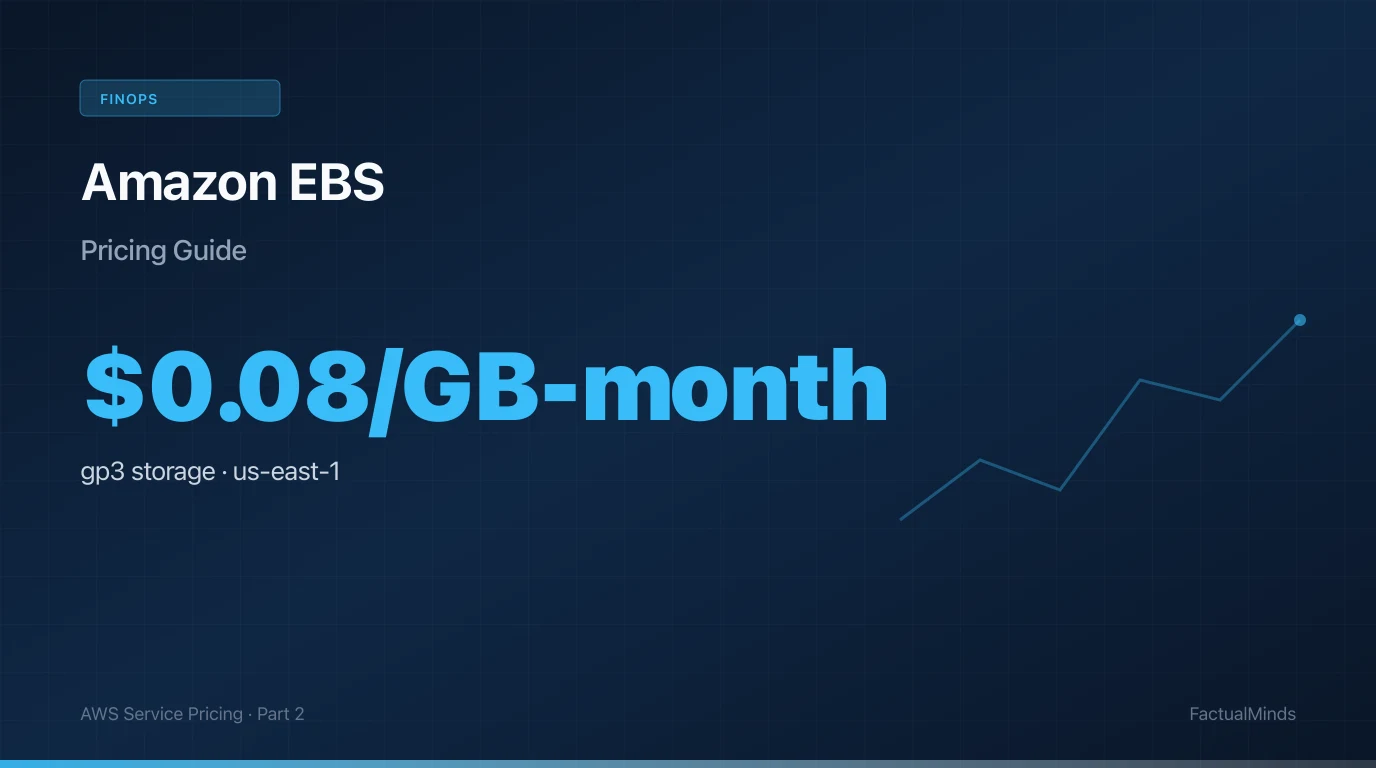
47 volumes × average 80 GB × $0.10/GB/month for gp2 = $376/month per rough estimate — but the actual figure was $3,800 because several of the volumes were large (up to 500 GB) and all were gp2 (which costs 25% more than gp3 per GB). Snapshots of the abandoned volumes added another $1,100.
$3,800/month, or $45,600/year, for disk space that no running process was reading or writing.
To find snapshots associated with deleted instances:
aws ec2 describe-snapshots \
  --owner-ids self \
  --query "Snapshots[?StartTime<='2025-01-01'][*].{ID:SnapshotId,Size:VolumeSize,Created:StartTime,Desc:Description}" \
  --output table
Finding #3: Wrong RDS Instance Class — $11,000/Month
What it is
The startup’s primary database was PostgreSQL on RDS, running on a db.r6g.4xlarge instance in a Multi-AZ deployment. Here is the profile of that instance and that database:
- Database size: 20 GB of actual data
- Average CPU utilization: 14–17% (from CloudWatch metrics over 90 days)
- Peak CPU: 38% (during end-of-month report generation)
- Memory utilization: Under 25 GB of the 128 GB available
- Read/write mix: Roughly 70% reads, 30% writes
A db.r6g.4xlarge is a memory-optimized instance with 16 vCPUs and 128 GB RAM. It is appropriate for databases with hundreds of gigabytes of working set that benefit from keeping data in memory. For a 20 GB database with 15% average CPU, it is an aircraft carrier being used to deliver pizza.
Why this happens
The database was originally sized during a period of rapid growth. Their head of engineering at the time made a conservative call: “We’d rather over-provision than have a production incident.” That is reasonable thinking in isolation. What did not happen was a scheduled review to right-size as the actual utilization profile became clear. The original engineer left the company. The instance class became invisible infrastructure that nobody wanted to touch.
The upgrade from db.r6g.xlarge to db.r6g.4xlarge also happened during a specific performance issue that turned out to be a missing index on a frequently queried column. After the index was added, performance was fine — but the instance was never scaled back down.
Dollar impact
db.r6g.4xlarge Multi-AZ in us-east-1: $11,088/month (on-demand). A db.t4g.large Multi-AZ (the appropriate instance for this workload): $146/month. A db.t4g.large with a single db.t4g.medium read replica for the analytics queries that were hitting the primary: $213/month.
Savings: $10,875/month, or $130,500/year.
To get CloudWatch CPU and memory metrics for your RDS instance over the last 90 days:
aws cloudwatch get-metric-statistics \
  --namespace AWS/RDS \
  --metric-name CPUUtilization \
  --dimensions Name=DBInstanceIdentifier,Value=your-db-identifier \
  --start-time 2026-02-01T00:00:00Z \
  --end-time 2026-05-01T00:00:00Z \
  --period 86400 \
  --statistics Average Maximum \
  --output table
If your average is below 20% and your peak is below 60%, you are paying for a much larger instance than your workload requires.
The Fix
Fix #1: Deploy VPC Gateway Endpoints for S3 and DynamoDB
VPC Gateway Endpoints are free. They take under five minutes to set up in the console, or a few lines of Terraform:
resource "aws_vpc_endpoint" "s3" {
  vpc_id            = aws_vpc.main.id
  service_name      = "com.amazonaws.us-east-1.s3"
  vpc_endpoint_type = "Gateway"
  route_table_ids   = [aws_route_table.private.id]

  tags = {
    Name = "s3-vpc-endpoint"
  }
}

resource "aws_vpc_endpoint" "dynamodb" {
  vpc_id            = aws_vpc.main.id
  service_name      = "com.amazonaws.us-east-1.dynamodb"
  vpc_endpoint_type = "Gateway"
  route_table_ids   = [aws_route_table.private.id]

  tags = {
    Name = "dynamodb-vpc-endpoint"
  }
}
Once deployed, all S3 and DynamoDB traffic from instances in the associated subnets routes privately through the endpoint. No code changes required. Traffic bypasses the NAT Gateway entirely.
Verify the change is working: After deployment, watch NAT Gateway data-processed bytes in CloudWatch. You should see the metric drop significantly within minutes of the endpoint becoming active.
aws cloudwatch get-metric-statistics \
  --namespace AWS/NATGateway \
  --metric-name BytesInFromDestination \
  --dimensions Name=NatGatewayId,Value=nat-YOURID \
  --start-time $(date -u -v-1H +%Y-%m-%dT%H:%M:%SZ) \
  --end-time $(date -u +%Y-%m-%dT%H:%M:%SZ) \
  --period 300 \
  --statistics Sum
Fix #2: Clean Up Unattached EBS Volumes
Step 1: Generate the full list and cross-reference with your team.
aws ec2 describe-volumes \
  --filters Name=status,Values=available \
  --query "Volumes[*].{ID:VolumeId,Size:Size,Type:VolumeType,AZ:AvailabilityZone,Created:CreateTime,Tags:Tags}" \
  --output json > unattached-volumes.json
Step 2: For any volume that cannot be immediately identified and confirmed as needed, create a final snapshot before deleting.
# Create snapshot before deletion
aws ec2 create-snapshot \
  --volume-id vol-YOURID \
  --description "Final snapshot before cleanup - $(date +%Y-%m-%d)"

# Delete the volume
aws ec2 delete-volume --volume-id vol-YOURID
Step 3: Migrate remaining gp2 volumes to gp3 to reduce storage costs by 20% and improve baseline performance.
aws ec2 modify-volume \
  --volume-id vol-YOURID \
  --volume-type gp3 \
  --iops 3000 \
  --throughput 125
Step 4: Enforce “Delete on Termination” for all future EC2 instances at the launch template level. For ECS, set this in the task definition’s volumes configuration or the EC2 launch template used by your ECS cluster.
Governance: Enable AWS Config rule ec2-volume-inuse-check to alert whenever unattached EBS volumes exist for more than 7 days. This prevents recurrence.
Fix #3: Right-Size the RDS Instance
This is the change that makes engineering teams most nervous, which is why we recommend a structured approach over 10–14 days.
Phase 1 — Baseline measurement (Days 1–3)
Pull 90 days of CloudWatch metrics for CPUUtilization, DatabaseConnections, FreeableMemory, ReadIOPS, and WriteIOPS. Identify the actual peak workload profile, not just averages.
Phase 2 — Stage test (Days 4–7)
Restore the latest RDS snapshot to a db.t4g.large instance in a staging environment. Run your full regression test suite and replay production query logs using pg_replay or your own benchmarking scripts. Confirm response times remain within acceptable bounds.
Phase 3 — Add a read replica for analytics (Day 8)
Before touching production, add a db.t4g.medium read replica. Update any reporting queries, dashboard tools, or analytics jobs to use the replica endpoint. This removes the read load that was the original justification for the large instance size.
Phase 4 — Resize production (Day 10–12)
Use RDS instance modification during a maintenance window. The modification requires a brief Multi-AZ failover (~30–60 seconds of downtime). Schedule this for a low-traffic period.
aws rds modify-db-instance \
  --db-instance-identifier your-db-identifier \
  --db-instance-class db.t4g.large \
  --apply-immediately
Monitor for 48 hours post-change. If CPU or memory exceeds thresholds, AWS allows you to scale back up, though the right-size is almost always confirmed by the staging test.
After: Projected Monthly Bill
| Service | Before | After | Savings |
|---|---|---|---|
| NAT Gateway (data transfer) | $14,200 | $800 | $13,400 |
| RDS (rightsized + read replica) | $11,000 | $213 | $10,787 |
| EBS Volumes (cleaned + gp3) | $4,900 | $900 | $4,000 |
| EC2 / ECS (compute) | $5,800 | $5,800 | — |
| S3 | $1,800 | $1,800 | — |
| Data Transfer Out | $1,400 | $1,400 | — |
| CloudWatch | $600 | $600 | — |
| Other | $400 | $400 | — |
| Total | $40,100 | $11,913 | $28,187 |
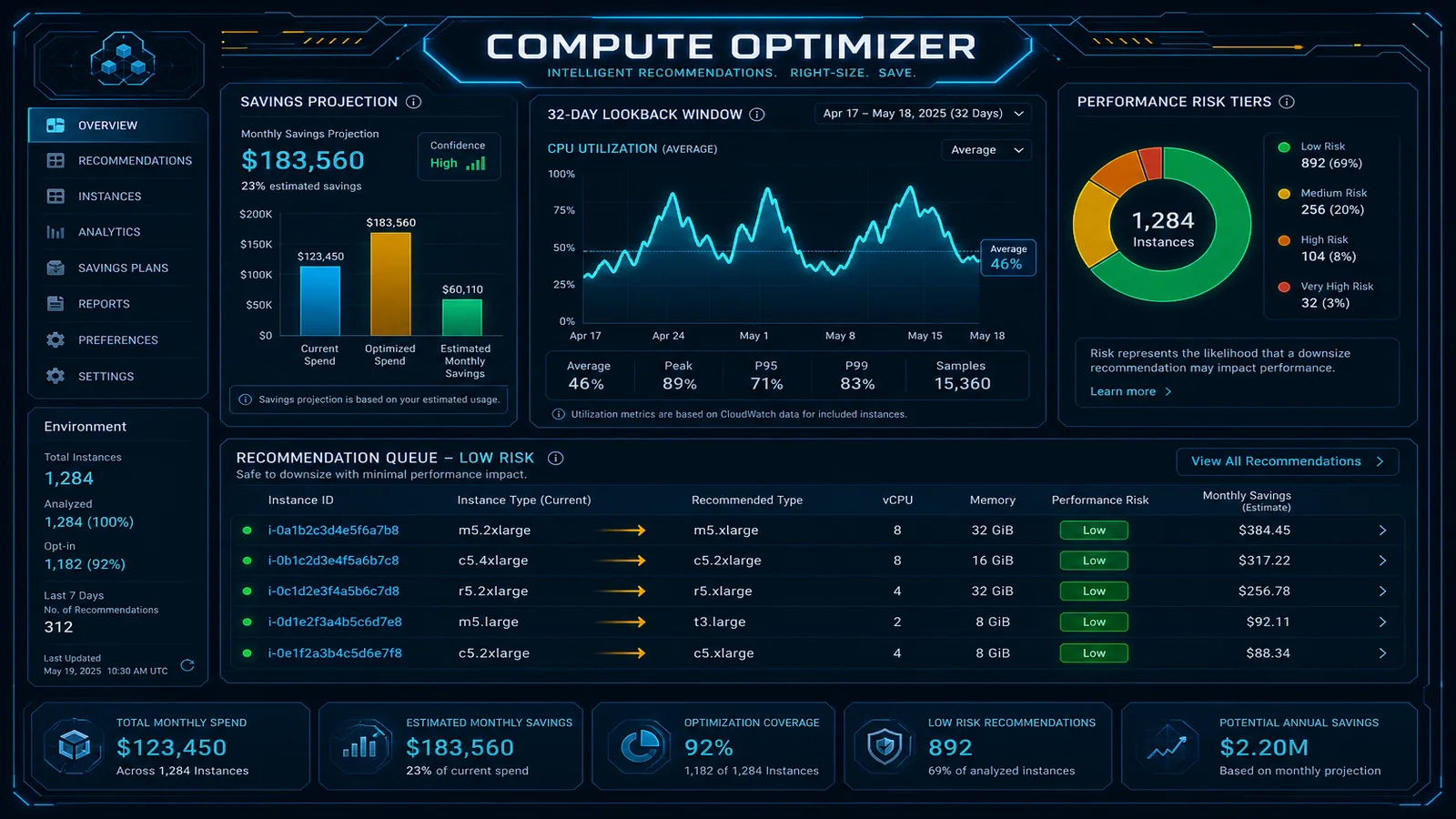
The target monthly bill came in around $9,200 after a few additional minor optimizations (Compute Optimizer recommendations on ECS task CPU/memory sizing, S3 lifecycle rules for log data). That is a 77% reduction from $40,100 — achieved with no changes to the application, no reduction in reliability, and no performance degradation.
When this advice fails
- You already have S3/DynamoDB gateway endpoints and clean EBS — next look at interface-endpoint sprawl, Multi-AZ over-commitment, or failure patterns.
- RDS is legitimately memory-bound — do not force
db.t4g.*; use staging replay first (Compute Optimizer playbook). - NAT is dominated by true public internet egress — endpoints will not erase it; cache and shrink payloads.
What to do Monday morning
- Confirm gateway VPC endpoints for S3 + DynamoDB on every private route table.
describe-volumesstatus=available; snapshot + delete zombies; gp2→gp3 on survivors.- Pull 90 days of RDS CPU/memory/connections; stage a rightsizing test before production modify.
- Cost Explorer → NAT data processed + EBS VolumeUsage; set Budgets on both.
- Quarterly 90-minute review: Cost Explorer + Trusted Advisor (Business Support+) + Compute Optimizer.
- Next: healthcare NAT teardown.
Model your bill — Cost Savings Calculator, NAT Gateway Pricing, RDS Pricing. Or book a free AWS cost audit.
AWS Cloud Architect & AI Expert
AWS-certified cloud architect and AI expert with deep expertise in cloud migrations, cost optimization, and generative AI on AWS.