Kiro IDE: AWS's Agentic Coding Assistant in Production Development Workflows
Quick summary: Kiro is not Amazon Q with a new name. It's a spec-driven agentic IDE built for autonomous multi-file code generation. Enterprise guide to adoption and governance.
Key Takeaways
- Kiro is not Amazon Q with a new name
- On one side: autocomplete and chat tools (GitHub Copilot, Amazon Q Developer plugin) that respond to developer input and suggest code
- May 2026 refresh: AWS announced Amazon Q Developer IDE plugins and paid subscriptions reach end-of-support April 30, 2027, with roadmap focus shifting to Kiro as the agentic IDE
- New Q Developer subscriptions stop May 15, 2026—existing subscribers retain access during transition (console/service-embedded Q surfaces are covered separately)
- Read the official timeline before renewing enterprise IDE contracts: Amazon Q Developer end-of-support announcement
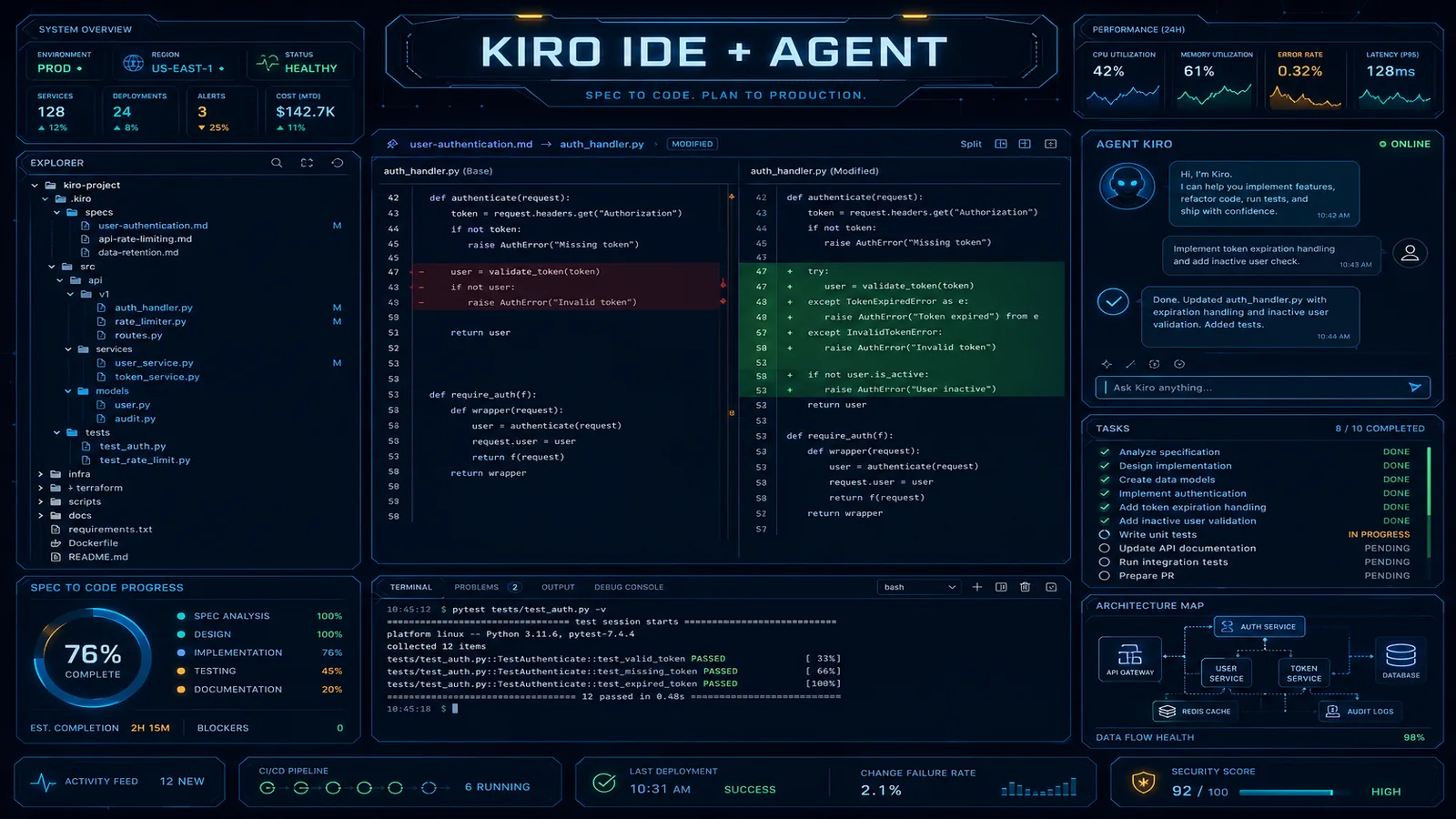
Table of Contents
The AI coding assistant landscape has a clean divide that most comparisons obscure. On one side: autocomplete and chat tools (GitHub Copilot, Amazon Q Developer plugin) that respond to developer input and suggest code. On the other: agentic tools that accept a description of desired behavior and autonomously execute the changes required to produce it.
Kiro IDE sits firmly in the second category. It is not a VS Code plugin with better suggestions. It is a spec-driven agentic development environment where you write a specification — a markdown document describing what a feature should do — and Kiro plans an implementation strategy, breaks it into tasks, and executes those tasks across multiple files without requiring step-by-step direction.
For individual developers, this is a productivity tool. For enterprise engineering teams, it is a governance question. When an AI agent can autonomously modify code across dozens of files, the question is not whether it produces good code — it is whether your existing review processes, audit requirements, and security controls remain intact. This guide covers both: what Kiro actually does, and how to deploy it in enterprise environments without compromising governance.
May 2026 refresh: AWS announced Amazon Q Developer IDE plugins and paid subscriptions reach end-of-support April 30, 2027, with roadmap focus shifting to Kiro as the agentic IDE. New Q Developer subscriptions stop May 15, 2026—existing subscribers retain access during transition (console/service-embedded Q surfaces are covered separately). Read the official timeline before renewing enterprise IDE contracts: Amazon Q Developer end-of-support announcement. Product hub: Kiro documentation.
Kiro vs. Amazon Q Developer vs. GitHub Copilot
The three products occupy genuinely different positions. The comparison matters because enterprise procurement and rollout decisions often get confused when vendors use similar terminology.
| Capability | Kiro IDE | Amazon Q Developer (plugin) | GitHub Copilot |
|---|---|---|---|
| Inline autocomplete | Yes | Yes | Yes |
| Chat interface | Yes | Yes | Yes (Copilot Chat) |
| Multi-file autonomous editing | Yes (core feature) | No | Limited (Copilot Workspace, preview) |
| Spec-driven planning | Yes (.kiro/specs/) | No | No |
| Persistent project context | Yes (steering files) | No | No |
| Agent hooks (file-change triggers) | Yes | No | No |
| AWS IAM Identity Center SSO | Yes | Yes | No |
| Pricing model | Per-token (AWS billing) | Free tier + Pro $19/mo | $10-19/user/month |
| Full IDE replacement | Yes (VS Code core) | Plugin for existing IDE | Plugin for existing IDE |
| Security scanning | Via Amazon Q integration | Yes (CodeGuru Security) | Yes (code scanning) |
The key distinction in practice: Amazon Q Developer (the plugin) is the answer to “give me Copilot but with AWS integration.” Kiro is the answer to “I want to describe a feature and have the agent implement it end-to-end.” These are different jobs. Running both is valid — Q Developer plugin for daily autocomplete in IntelliJ, Kiro for feature development on complex AWS-integrated code.
GitHub Copilot’s Copilot Workspace feature attempts a similar spec-to-implementation flow, but it executes in a GitHub-hosted environment, not locally in your IDE. For teams where local execution and local credential access matter, Kiro’s architecture is more compatible with enterprise development workflows.
Spec-Driven Development: How Kiro Uses Specs, Steering Files, and Agent Hooks
Kiro’s three core concepts — Specs, Steering files, and Agent Hooks — interact to make autonomous coding repeatable and controllable.
Specs: Feature Implementation Plans
A spec is a markdown file in .kiro/specs/ that describes a feature in terms of requirements, not implementation. When you create a spec and ask Kiro to plan it, the agent reads your codebase, reads the spec, and produces a task list with concrete implementation steps before touching any code.
Example spec for a new API endpoint:
# Feature: Rate Limiting for /api/v2/inference Endpoint

## Requirements

- Add per-user rate limiting to the inference endpoint
- Limit: 100 requests per minute per API key
- Exceeding limit returns HTTP 429 with Retry-After header
- Rate limit counters stored in ElastiCache Redis (existing cluster)
- Usage metrics emitted to CloudWatch with dimensions: user_id, endpoint

## Constraints

- Must not break existing integration tests in tests/api/
- Redis connection uses existing config in src/config/cache.ts
- Follow existing middleware pattern in src/middleware/

## Out of Scope

- Admin interface for adjusting limits
- Per-endpoint limit configuration (use single limit for now)
Kiro’s response to this spec is not code — it’s a numbered task plan:
1. Add redis-rate-limiter package to package.json dependencies
2. Create src/middleware/rateLimiter.ts implementing sliding window logic
3. Add rate limit config constants to src/config/cache.ts
4. Register middleware in src/routes/inference.ts
5. Add CloudWatch metric emission in rateLimiter.ts
6. Update integration tests in tests/api/inference.test.ts
7. Update API documentation in docs/api-reference.md
You review and optionally modify this plan before approving execution. The planning step is what separates spec-driven development from “ask the AI to write code” — you get a reviewable intent before irreversible file changes begin.
Steering Files: Persistent Project Context
Steering files (.kiro/steering/) are markdown files that Kiro reads before every agent interaction. They function as always-on system prompts for your project. Unlike a one-off chat context that gets lost between sessions, steering files are committed to your repo and applied consistently.
Typical enterprise steering file contents:
.kiro/steering/coding-standards.md
# Coding Standards

- TypeScript strict mode is enabled; never use `any`
- All AWS SDK calls use v3 client (not v2)
- Error handling: use Result<T, E> pattern from src/types/result.ts, not try/catch
- Logging: use the structured logger at src/utils/logger.ts, never console.log
- Tests: Jest with ts-jest; test files co-located with source (\*.test.ts)
- All Lambda handlers must have explicit timeout validation
.kiro/steering/aws-architecture.md
# AWS Architecture Context

- Region: us-east-1 primary, us-west-2 secondary
- Database: Aurora PostgreSQL Serverless v2 (connection pooling via RDS Proxy)
- Cache: ElastiCache Redis 7.x, single cluster, config in src/config/cache.ts
- Queue: SQS FIFO queues for all async work, DLQ configured
- Secrets: all credentials via AWS Secrets Manager, never environment variables
- IAM: Lambda functions use least-privilege execution roles defined in terraform/modules/lambda/
These files ensure that every Kiro-generated code suggestion — regardless of which developer is working, which session, which feature — inherits your team’s conventions automatically. The agent does not need to be told “use Secrets Manager not env vars” on every spec; the steering file enforces it.
Agent Hooks: Automating Repetitive Responses to Code Changes
Agent Hooks trigger Kiro agent actions when file change events occur. Configured in .kiro/settings/, they automate the repetitive parts of development workflows.
Practical examples:
# .kiro/settings/hooks.yaml
hooks:
  - name: 'Update API docs on controller change'
    trigger: 'file_modified'
    pattern: 'src/controllers/**/*.ts'
    action: 'Review the changed controller and update the corresponding entry in docs/api-reference.md to reflect any new, modified, or removed endpoints.'

  - name: 'Run security check on new Lambda'
    trigger: 'file_created'
    pattern: 'src/functions/**/*.ts'
    action: 'Review the new Lambda function for common security issues: hardcoded credentials, missing input validation, IAM permission scope. Report findings without auto-fixing.'
The security check hook demonstrates an important governance pattern: hooks can be configured as advisory (report findings) rather than prescriptive (auto-fix). An advisory hook that flags security issues on every new Lambda gives your team visibility without automating changes in sensitive areas.
Enterprise Governance: Access Controls, Audit Logs, and Code Review Integration
IAM Identity Center SSO
Kiro integrates with AWS IAM Identity Center for enterprise SSO. The setup flow mirrors other AWS tools:
- In the Kiro settings, configure the SSO start URL (your IAM Identity Center portal URL)
- Set the AWS region for the Identity Center instance
- Developers authenticate via the browser-based SSO flow (same as
aws sso login) - Kiro usage is attributed to the authenticated user’s identity, enabling per-user usage tracking
This means Kiro usage appears in your AWS CloudTrail logs with the federated identity, not a shared service account. For organizations where developer-tool access is tied to HRIS onboarding/offboarding, removing a developer from IAM Identity Center revokes their Kiro access automatically.
CloudWatch Usage Metrics
Kiro emits usage metrics that surface in CloudWatch under the Kiro namespace. Key metrics to monitor:
AgentInvocations— total spec executions per user per dayTokensConsumed— underlying model token usage (maps to billing)FilesModified— files changed per agent session (proxy for blast radius)SpecCompletionRate— percentage of specs that complete without developer intervention
Create CloudWatch alarms on TokensConsumed per account and per user to surface unexpected usage spikes, and on FilesModified values exceeding a threshold (e.g., >50 files in a single spec execution warrants review).
Code Review Integration: The Non-Negotiable Controls
The governance principle that must not change: all code — human-written or agent-generated — goes through your existing PR review and CI pipeline before merging. Kiro does not bypass git. Every change it makes is local until you stage, commit, and push.
Practical enforcement:
# .github/branch-protection.yml equivalent
# (configured in GitHub/CodeCommit repo settings)
required_pull_request_reviews:
  required_approving_review_count: 1
  dismiss_stale_reviews: true

required_status_checks:
  strict: true
  contexts:
    - 'ci/tests'
    - 'ci/security-scan'
    - 'ci/linting'
Kiro-generated changes look identical to human-authored changes in a diff. Your reviewers do not need special tooling to review AI-generated code — they apply the same standards. What changes is the volume of code appearing for review: if Kiro generates a 400-line feature implementation, reviewers need adequate context to evaluate it effectively. The spec document (committed in .kiro/specs/) serves as the review brief — reviewers can read the spec to understand intent before reviewing the implementation.
Recommended PR template addition for Kiro-generated code:
## Implementation Method

- [ ] Fully human-written
- [ ] Kiro-assisted (spec: `.kiro/specs/[spec-name].md`)
- [ ] Kiro-generated with manual modifications

## For Kiro-generated PRs

- [ ] Spec reviewed and accurate before execution
- [ ] All modified files reviewed in full (not just diff-level scan)
- [ ] Tests pass locally (not just in CI)
Practical Workflow Integration
What Changes
- Feature planning: Writing a spec before coding becomes the starting point for significant features. This is a net improvement regardless of whether Kiro generates the implementation — specs improve communication between developers, product managers, and reviewers.
- Context switching: Kiro’s steering files mean you spend less time re-orienting the agent when you context-switch between features. The project context is persistent.
- Junior developer productivity: The planning step (reviewing Kiro’s task breakdown) is a learning opportunity — juniors see how an experienced system would decompose a problem before seeing the implementation.
What Doesn’t Change
- Git workflow (branches, PRs, approvals)
- CI/CD pipeline (CodePipeline, GitHub Actions)
- Code review standards and required reviewers
- Security scanning (GuardDuty, CodeGuru Security, SAST tools)
- Deployment approval gates
- Incident response procedures (runbooks, on-call)
Integration with Existing Toolchains
Kiro is built on the VS Code open-source core, which means extensions for AWS (AWS Toolkit), Terraform, Docker, and other tools continue working alongside Kiro. For teams running JetBrains IDEs for daily development, the current guidance is to run Kiro in parallel for spec-driven feature work while keeping primary development in IntelliJ/Rider — the agent-based workflow does not require exclusive IDE adoption.
ROI Measurement
Line count metrics are useless for evaluating Kiro adoption. The right measurements:
Time-to-PR for feature work: Measure the elapsed time from “spec approved for development” to “PR opened.” A reasonable target: 30-40% reduction for well-scoped features (2-5 day features). Features with unclear requirements will not improve and may get worse — Kiro amplifies good specs and surfaces the cost of bad ones.
Review cycle length: Track the number of review rounds per PR. Kiro-generated code that follows steering file conventions should reduce “style fix” and “wrong pattern” review comments. If review cycle length increases after Kiro adoption, your steering files need refinement.
Junior developer ramp-up time: Track time from engineer start date to first independent feature PR. Steering files provide a codified representation of your team’s conventions that new developers can read. Kiro’s task planning gives them a verified mental model before coding.
Instrumentation:
import boto3
import json

cloudwatch = boto3.client('cloudwatch', region_name='us-east-1')

def record_pr_metrics(pr_id: str, kiro_assisted: bool, days_to_pr: float, review_rounds: int):
    cloudwatch.put_metric_data(
        Namespace='EngineeringMetrics/PRAnalysis',
        MetricData=[
            {
                'MetricName': 'DaysToPR',
                'Dimensions': [
                    {'Name': 'KiroAssisted', 'Value': str(kiro_assisted)},
                ],
                'Value': days_to_pr,
                'Unit': 'Count',
            },
            {
                'MetricName': 'ReviewRounds',
                'Dimensions': [
                    {'Name': 'KiroAssisted', 'Value': str(kiro_assisted)},
                ],
                'Value': review_rounds,
                'Unit': 'Count',
            },
        ]
    )
Run a 90-day controlled comparison: tag PRs as Kiro-assisted vs. human-only and compare distributions. This gives you the data to justify continued investment or course-correct on steering file quality.
Related reading:
- Amazon Q vs. GitHub Copilot: Developer Productivity in 2026
- 10 AWS DevOps Practices That Actually Matter in Production
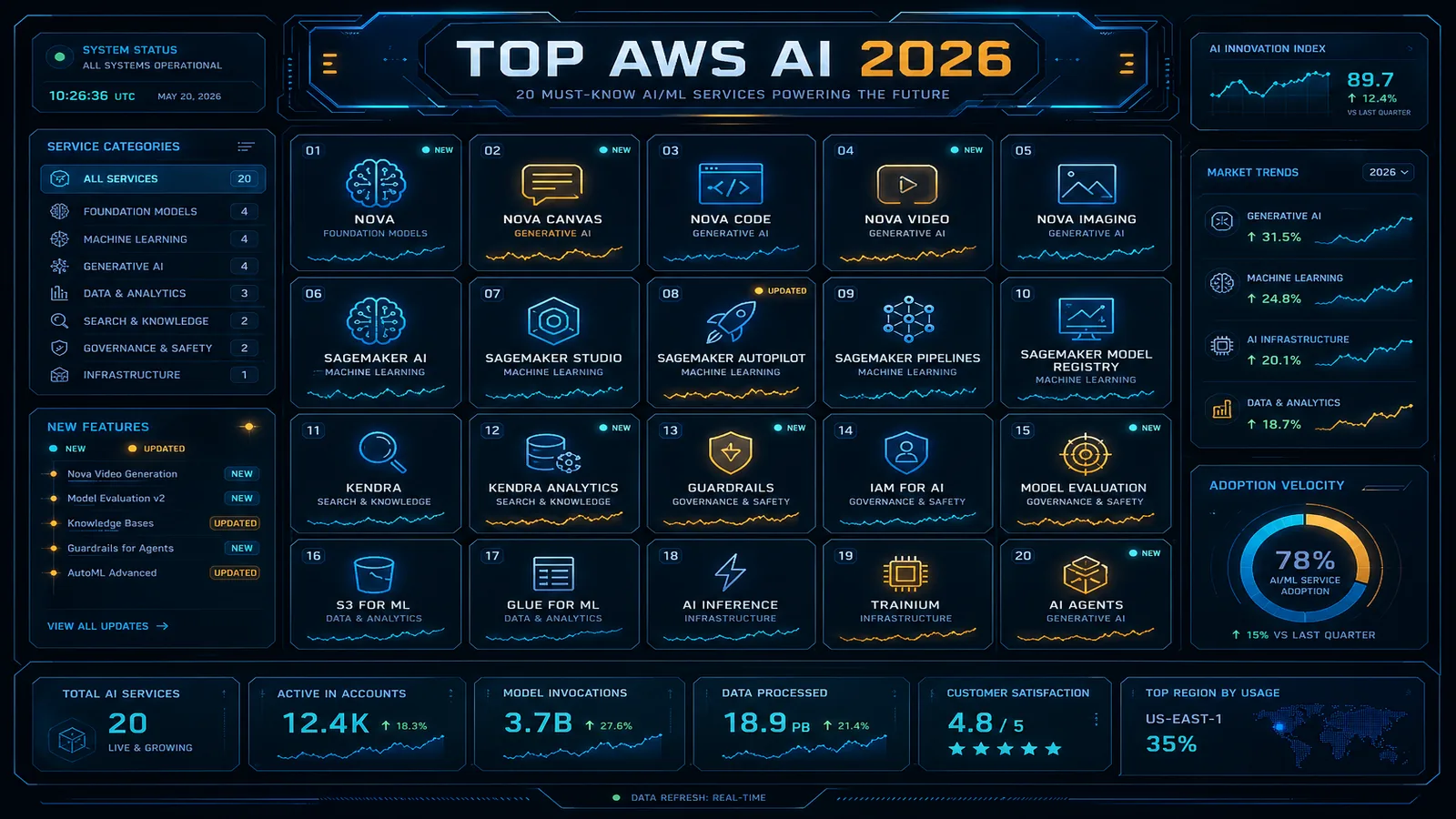
- Top 20 AWS AI and Modern Services in 2026
Need help rolling out Kiro IDE across your engineering organization? FactualMinds helps enterprise AWS teams design developer toolchain governance frameworks — from IAM Identity Center SSO integration to steering file conventions and PR review standards for AI-generated code. We bridge the gap between developer productivity tools and enterprise compliance requirements.
Related reading
AWS Cloud Architect & AI Expert
AWS-certified cloud architect and AI expert with deep expertise in cloud migrations, cost optimization, and generative AI on AWS.