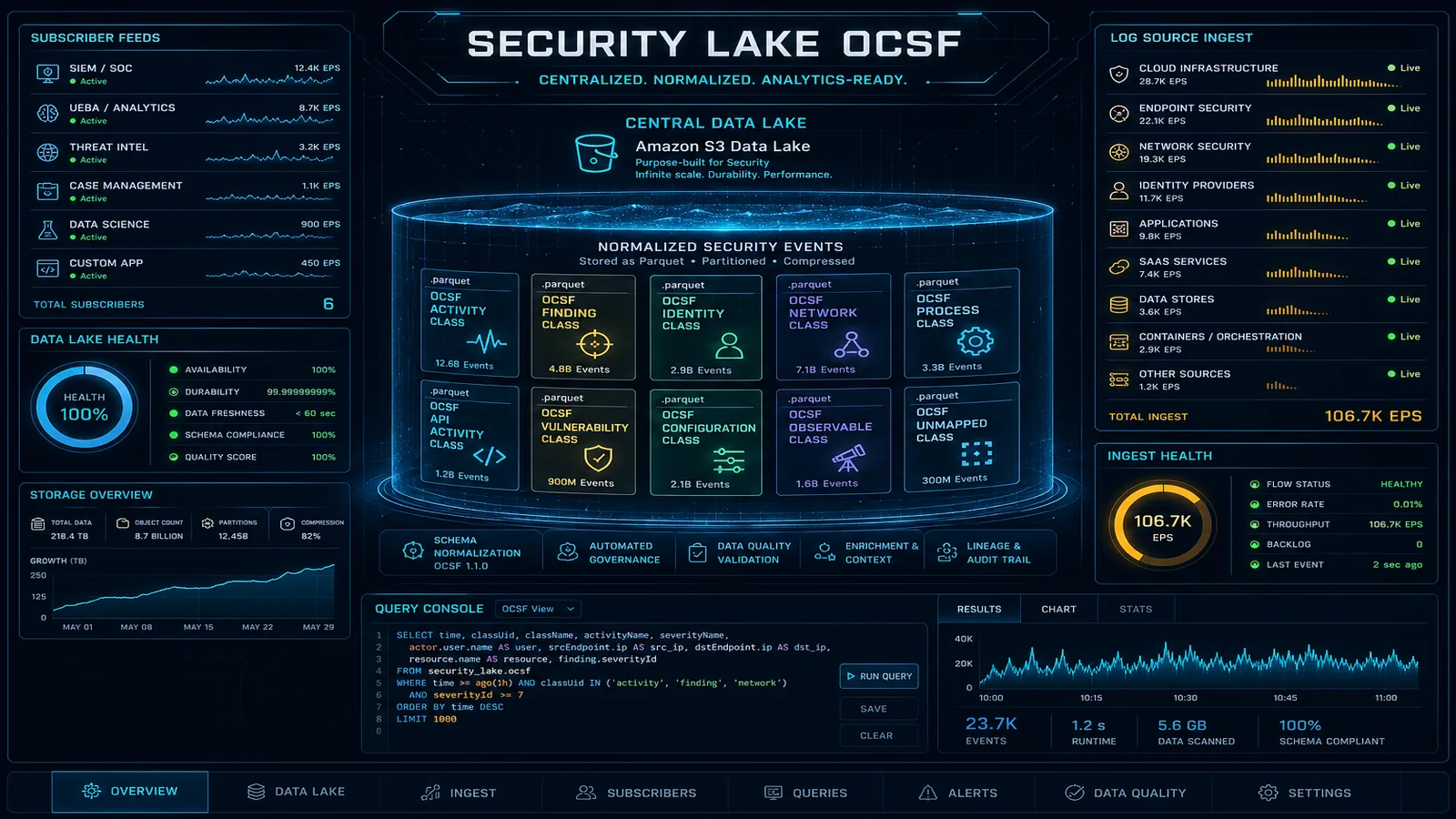
AWS-native threat detection is enough for most workloads — once it is configured correctly. These guides cover GuardDuty across CloudTrail, VPC, EKS, S3, RDS, Lambda, and EC2 Runtime; Security Hub Essentials on resource-based pricing — including the Jul 2026 AI inventory that catalogs managed Bedrock/AgentCore/SageMaker assets, self-hosted stacks via Inspector SBOM, and external model APIs via GuardDuty DNS; Amazon Inspector with agentless EC2, Lambda code scanning, and CI/CD repo scanning; Amazon Detective for graph-based forensics; and Security Lake with OCSF 1.1. Plus the automation that turns findings into remediation runbooks instead of dashboard noise.
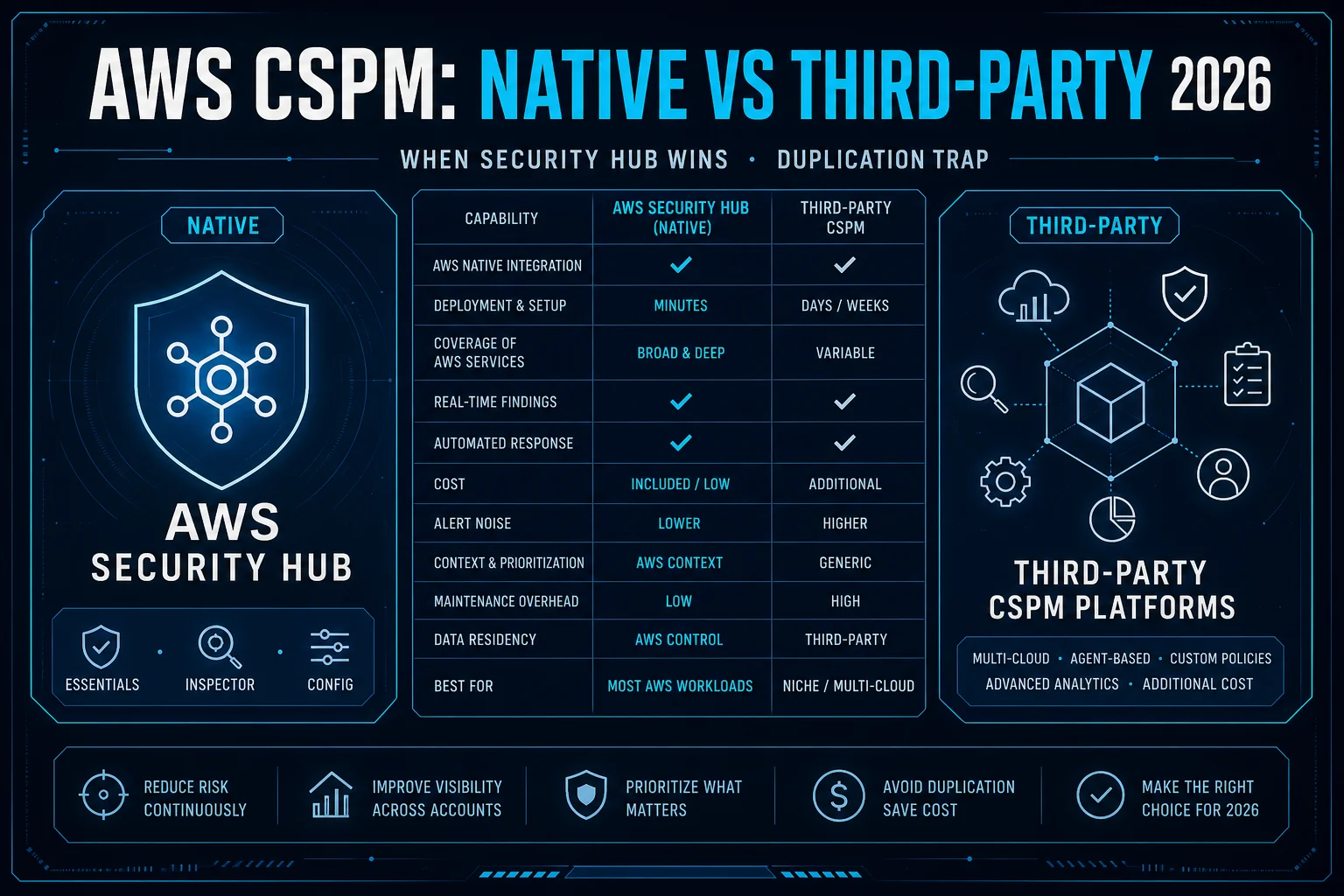
After Security Hub Essentials consolidated Inspector and CSPM into per-resource pricing (example: 500 units ≈ $1,875/mo), most AWS-only estates should run native first. This guide scores when Wiz/Orca-class tools earn a line item—and when paying twice for the same CVE is the real failure mode.
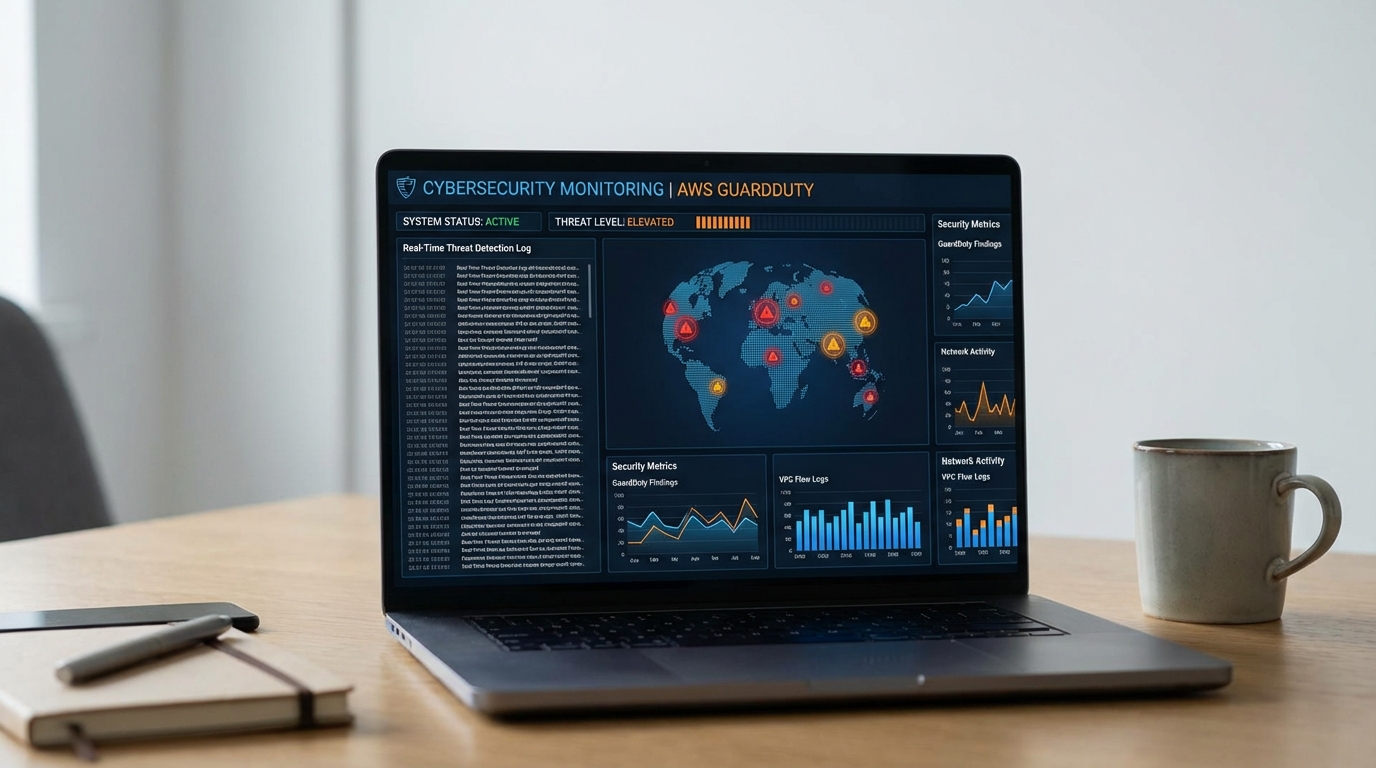
How to deploy, tune, and operationalize Amazon GuardDuty for production threat detection — covering finding types, multi-account setup, automated response, and reducing false positives.
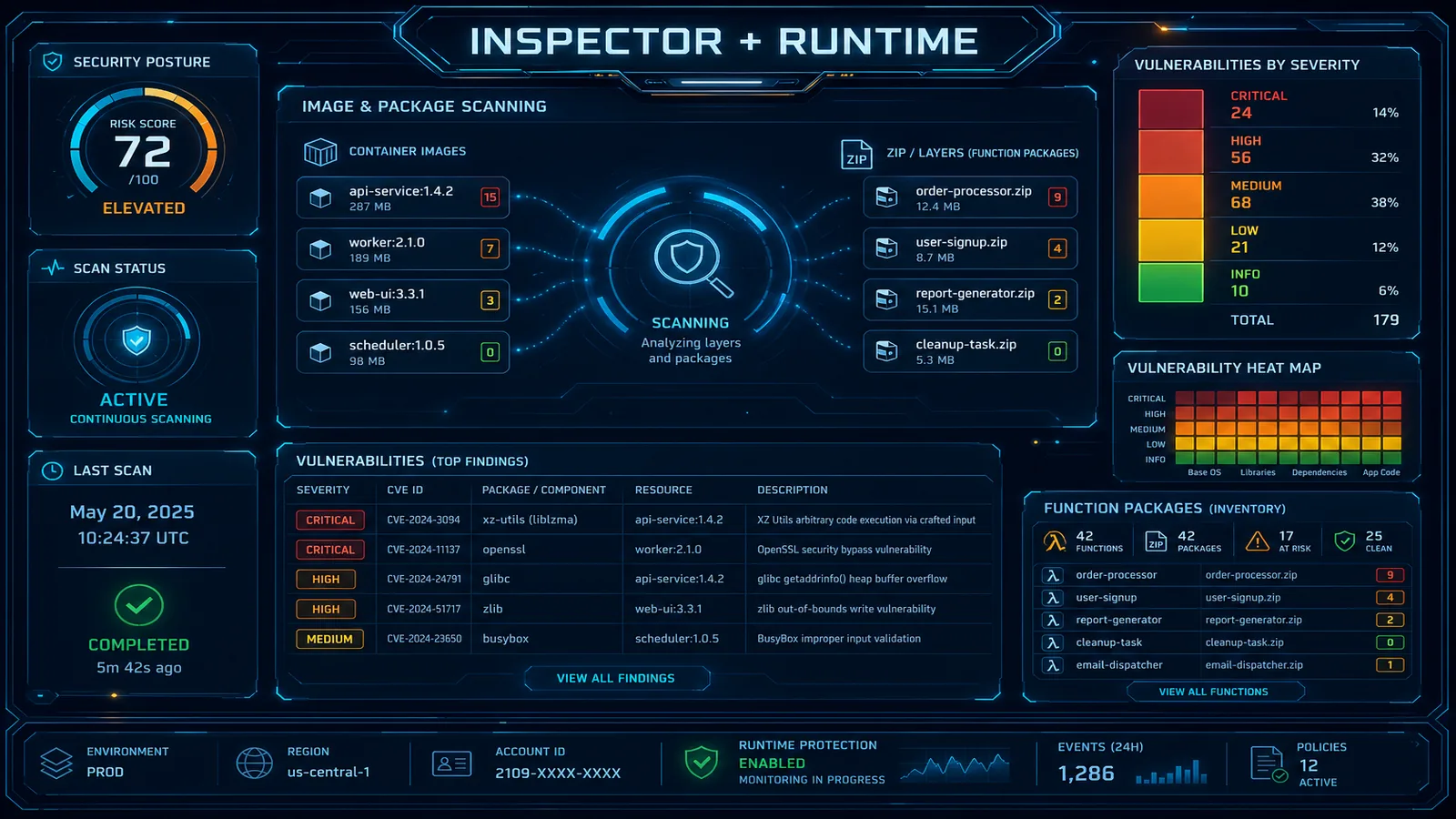
Inspector v2 continuously scans EC2, ECR container images, and Lambda functions without agents. Production guide to CI/CD integration, finding management, risk scoring, and multi-account deployment.
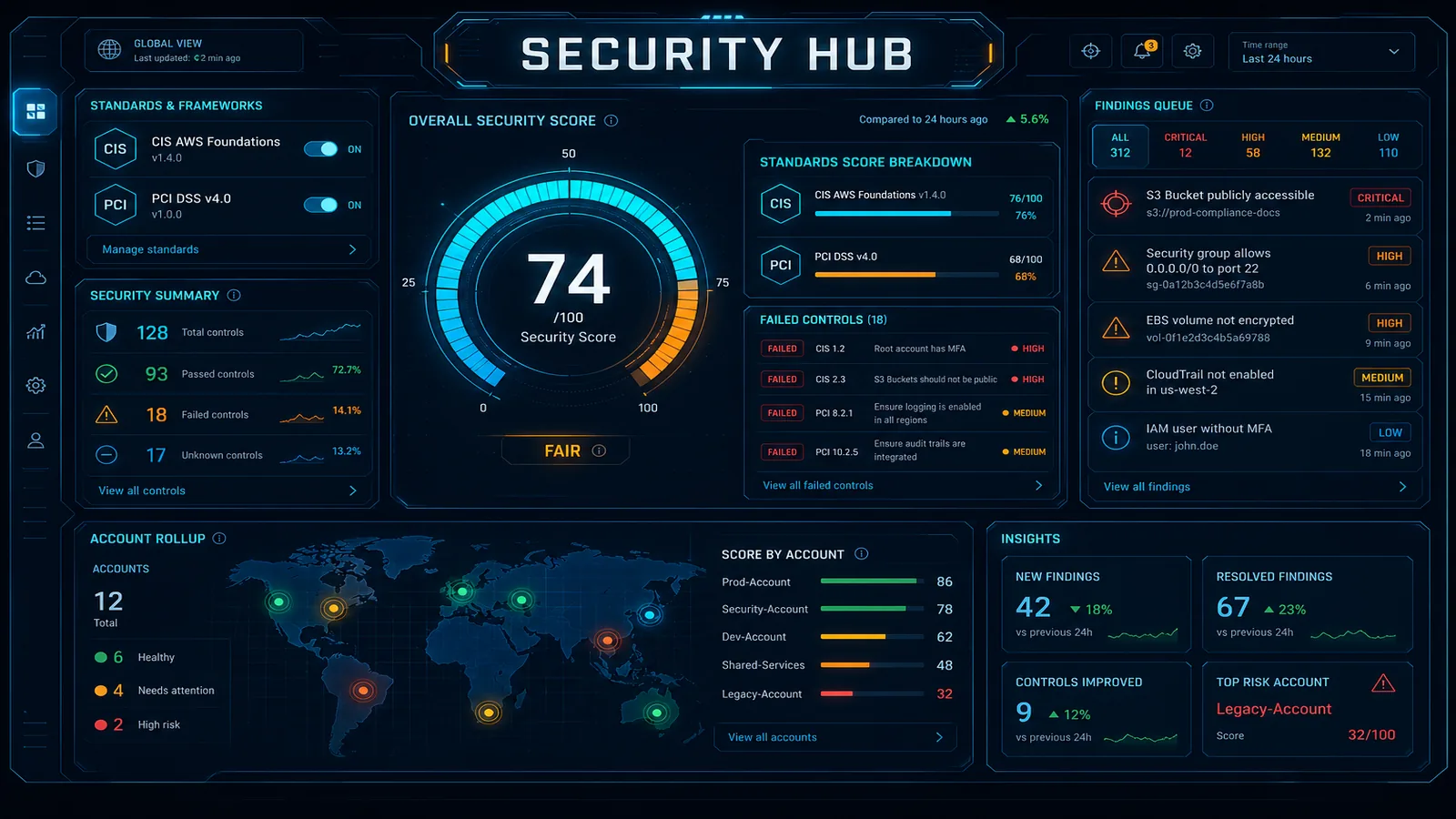
AWS Security Hub aggregates security findings from 200+ sources and, as of Jul 14 2026, includes AI inventory for org-wide AI assets. This guide covers setup, compliance standards, AI inventory, automated remediation, and a compliance dashboard without hiring a SOC team.
Manual security triage cannot keep up with cloud-scale threats. Here is how to wire GuardDuty Extended Threat Detection, Security Hub, EventBridge, and Lambda into a self-healing AWS security architecture.
Two 2025 shifts rewrite the IR playbook: GuardDuty Extended Threat Detection now emits a single critical attack-sequence finding instead of a pile of high findings, and AWS Security Incident Response moved to metered pricing (free first 10,000 findings/month, then $0.000676 each) on November 21, 2025. The lesson is to page humans on the <1% of correlated criticals, isolate instead of terminate, and let auto-triage absorb the rest. Here are the runbooks.
July 2026 placement guide for AWS Security Agent full-repository code review (announced May 12, 2026): trust-boundary and data-flow analysis beside Inspector, CI SAST, and a reproducible pilot checklist — still preview terms; confirm console pricing.
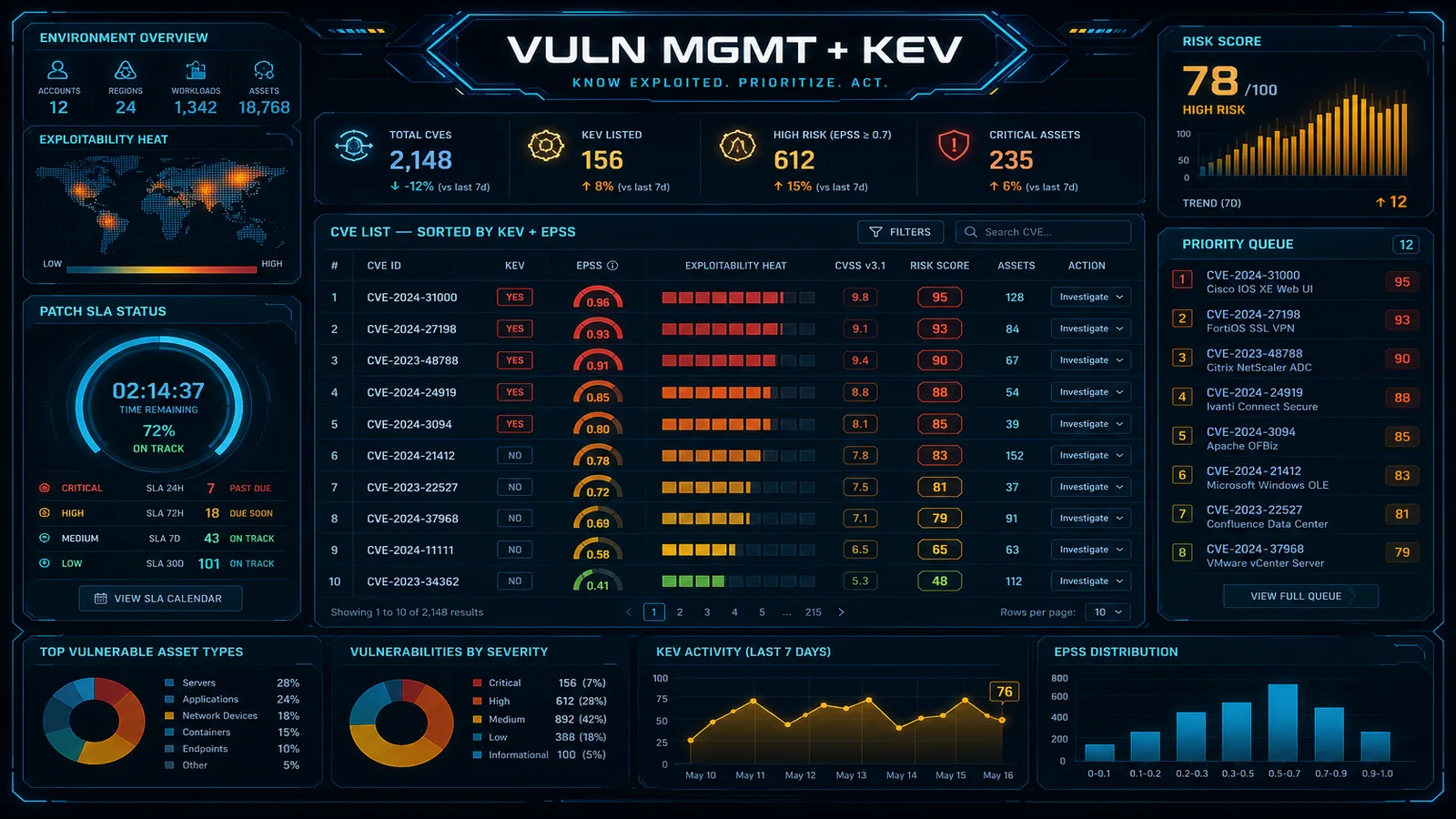
How to build a vulnerability management program that scales beyond CVE-counting. Inspector v2 deployment, CVSS + CISA KEV + reachability for risk-based prioritization, container and IaC scanning in CI/CD, and remediation SLAs that survive audits.
Frequently asked questions about threat detection & response
Do we still need GuardDuty if Security Hub is already on?
Yes — they are complementary, not redundant. Security Hub Essentials is the aggregator: it ingests findings from AWS services and partner tools, runs continuous standards checks (AWS Foundational Security Best Practices, CIS, PCI DSS, NIST 800-53 r5), and emits a normalized severity score. GuardDuty is one of those finding sources — it produces threat-detection findings (cryptocurrency mining, anomalous CLI activity, credential exfiltration, malware, EKS runtime threats) by analyzing CloudTrail, VPC Flow Logs, DNS logs, S3 data events, EKS audit logs, RDS login events, and Lambda invocations. Without GuardDuty, Security Hub still runs the standards checks but has no behavioral threat-detection feed — and AI inventory loses the DNS path that surfaces third-party model API calls.
What is Security Hub AI inventory, and do we need to enable it?
AI inventory (generally available 14 July 2026) is a continuously updated, organization-wide catalog of AI assets inside Security Hub Essentials — included at no additional cost and with no separate enablement step. It discovers managed AI via AWS Config (Amazon Bedrock, Bedrock AgentCore, Amazon SageMaker), self-hosted AI via Amazon Inspector SBOM analysis on EC2 and ECR (frameworks such as Ollama, vLLM, Hugging Face TGI), and external AI API endpoints via GuardDuty DNS telemetry. Each asset maps to underlying infrastructure and correlates with security findings so you remediate AI under active threat first. Filter and group by account, resource type, discovery method, and model identity.
When should we add Amazon Detective on top of GuardDuty?
Add Detective when finding triage takes more than a few minutes per investigation. Detective ingests GuardDuty, VPC Flow Logs, CloudTrail, Route 53, and EKS audit logs and pre-builds the entity graph (IPs, principals, resources, finding chains) so you click into a finding and see the linked behaviour over the prior 30 days without writing CloudWatch Logs Insights queries. Most teams hit the threshold once they cross ~50 GuardDuty findings/week or once a security analyst is dedicated to AWS investigations. Below that, jumping straight to CloudTrail Lake or Athena on Security Lake is acceptable.
Amazon Inspector vs third-party CSPM tools?
Amazon Inspector is best-in-class for AWS-native vulnerability and code scanning: agentless EC2 via EBS snapshots, container image scanning in ECR, Lambda function and Lambda code scanning, and (since 2025) CI/CD scanning of supported code repositories. It is the right call for AWS-only estates because findings flow directly to Security Hub with one CVSS + KEV-aware severity — and its SBOM analysis now feeds Security Hub AI inventory for self-hosted inference stacks. A third-party CSPM (Wiz, Lacework, Orca, Rapid7) earns its line item when you span multi-cloud, need posture findings beyond vulnerability (data exposure, attack-path graphs), or have a SOC that already lives in that console. We do not recommend duplicating findings — pick one source of truth per finding type.
Need expert help on AWS security and compliance?
Our consulting engagements apply this guidance to your specific environment, regulatory scope, and threat model.
We use cookies and similar technologies to analyze site traffic, personalize content, and provide social media features. By clicking “Accept,” you consent to our use of cookies. You can adjust your preferences at any time.