Autoscaling Broke Your Budget (AI Made It Worse)
Quick summary: Autoscaling was supposed to make costs predictable by matching capacity to demand. Instead, it introduced feedback loops, burst amplification, and — with AI workloads — a new class of non-deterministic spend that no scaling policy anticipates.
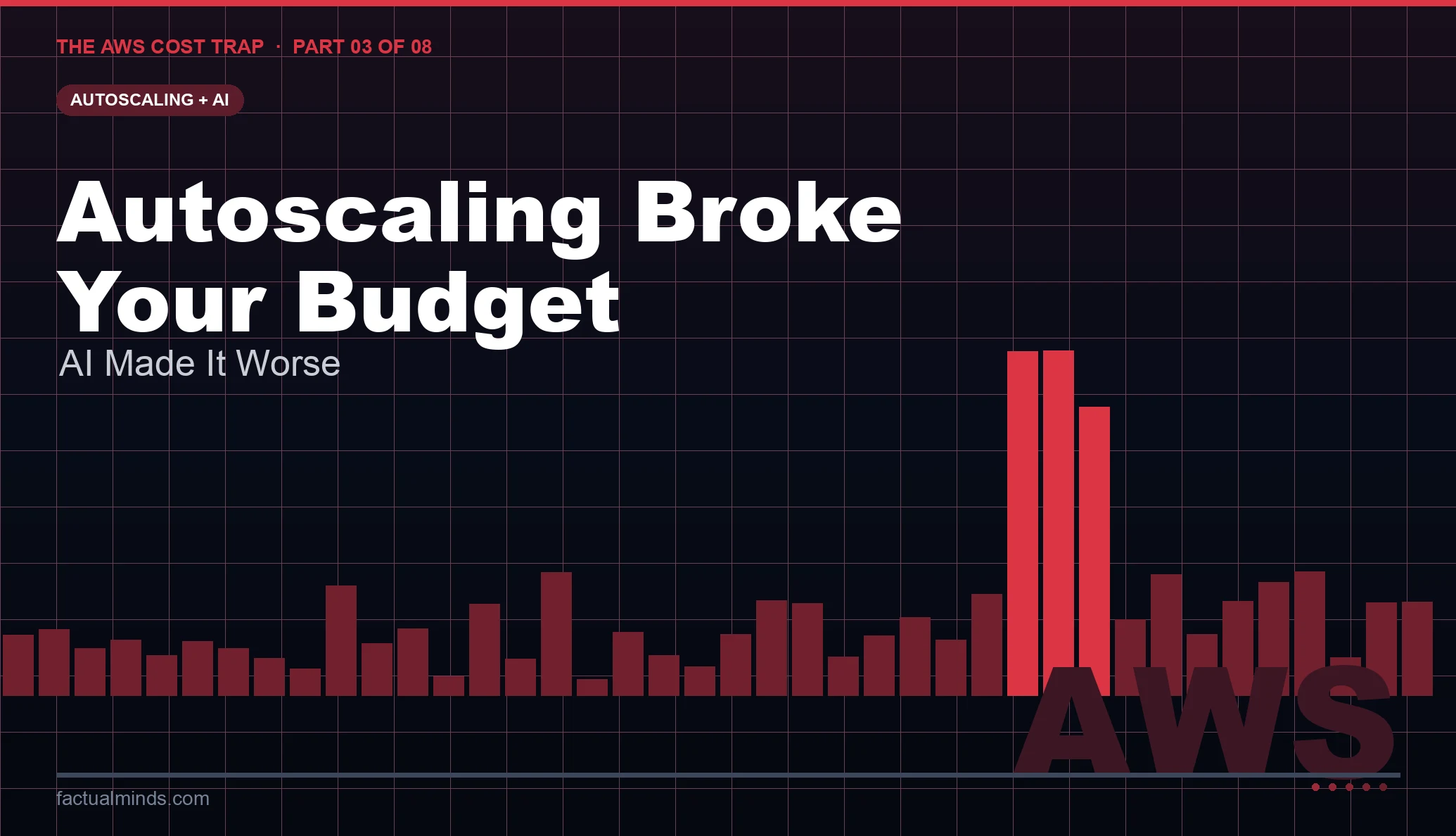
Table of Contents
Part 3 of 8: The AWS Cost Trap — Why Your Bill Keeps Surprising You
The pitch for autoscaling is compelling: pay only for what you use, scale up when traffic arrives, scale down when it leaves. In theory, autoscaling should reduce costs compared to fixed provisioning, because you are not running idle capacity. In practice, it introduces a new failure mode that fixed provisioning never had: cost that responds to events you did not anticipate.
A fixed-capacity cluster has a predictable bill. An autoscaled cluster has a bill that is a function of all traffic, all downstream failures, all retry storms, and all the second-order effects of scaling events themselves. That function is rarely the one you modeled.
Now layer AI inference workloads on top of autoscaling infrastructure, and the complexity compounds. AI workloads have fundamentally different scaling characteristics than web workloads: they are memory-bound, latency-sensitive in non-linear ways, and their resource consumption varies dramatically based on input characteristics rather than just request count. A short prompt and a long prompt are the same HTTP request to your load balancer. They are not the same cost on your GPU instance.
The Mechanics of Autoscaling Cost Failures
Feedback Loop: Scale-Up Triggers More Load
The most dangerous autoscaling failure pattern is the positive feedback loop. A scaling event — more instances launched — increases the apparent capacity of the system, which allows more traffic to be served, which increases metrics, which triggers further scaling.
This sounds desirable. Sometimes it is not.
Consider a queue-based processing system. An SQS queue accumulates messages. An Auto Scaling Group scales EC2 workers based on ApproximateNumberOfMessagesVisible. More messages → more workers → workers process messages → messages processed faster → queue drains → workers scale down. Clean and predictable under normal conditions.
Now introduce a processing error. Workers consume messages from the queue but fail to process them. Depending on your visibility timeout and retry configuration, messages return to the queue after the timeout expires. The queue depth stays high. The Auto Scaling policy reads high queue depth and launches more workers. More workers consume more messages, fail on more of them, and return them to the queue. Queue depth remains high. More workers are launched. You now have a full Auto Scaling Group running at maximum capacity, processing nothing, and generating maximum compute charges, for as long as the underlying error condition persists.
This pattern — scaling to maximum due to a processing failure rather than legitimate demand — is the inverse of what autoscaling should do. The cost impact is indistinguishable from a genuine traffic spike in your billing data until you overlay it with application error metrics.
Thrashing: Scaling Oscillation
Autoscaling policies with aggressive thresholds and short cooldown periods thrash: instances launch, metrics drop below threshold, instances terminate, metrics rise, instances launch again. Each launch-terminate cycle has overhead: instance startup time, application initialization, warm-up traffic during which the instance is not at full efficiency.
In ECS and EKS, container scheduling adds another dimension. A task starts on a new node, pulls container images (which are billed as data transfer from ECR), runs initialization code, and only then becomes ready to serve traffic. If the scaling policy terminates that task before it completes meaningful work, you paid for startup and teardown with no productive output.
The economic signature of thrashing: compute costs that look like moderate sustained usage in Cost Explorer, but application metrics showing low throughput relative to instance count. The instances are running. They are not being useful.
The fix is explicit cooldown tuning. EC2 Auto Scaling, ECS Application Auto Scaling, and EKS Cluster Autoscaler all have cooldown parameters. Setting scale-out cooldown to match your application startup time (the time from instance launch to first request served) prevents launch-terminate cycles. Setting scale-in cooldown conservatively — longer than you think necessary — prevents premature termination of recently launched instances.
Step Scaling vs. Target Tracking
Step scaling policies define rules like “if CPU > 70%, add 2 instances.” Target tracking policies define a target metric value and let AWS calculate the correct capacity to maintain that target.
Step scaling is predictable but brittle. A traffic spike that jumps from 50% CPU to 150% load in seconds will only add 2 instances per scale-out step, leaving the system under-provisioned until multiple scaling actions execute. If the SLA is tight and the application serves failures during the under-provisioned period, engineers interpret the failure as “autoscaling wasn’t fast enough” and increase the number of instances added per step — which means over-provisioning on the next spike.
Target tracking is adaptive but opaque. It calculates scale-out decisions from a model of your system’s behavior. If that model is wrong — because your application’s CPU profile changed after a deployment, or because a new traffic pattern drives a different resource bottleneck — target tracking will make scaling decisions that look wrong from the outside and are hard to explain from Cost Explorer data alone.
Neither policy is inherently better. The cost risk is in deploying either policy without understanding the specific failure mode it creates.
AI Workloads: A New Scaling Problem Class
AI inference workloads break the assumptions that make autoscaling tractable.
Traditional web workloads have relatively predictable resource consumption per request. A request that queries a database takes roughly the same CPU time regardless of what the query returns, as long as the data volume is similar. This makes CPU utilization a reasonable proxy for scaling: more requests → higher CPU → scale out.
AI inference does not behave this way.
Token-based resource consumption. Large language model inference cost is proportional to the number of tokens processed: input tokens plus output tokens. A user sending a 50-token prompt that generates a 500-token response consumes ten times the compute of a user sending a 50-token prompt that generates a 50-token response. Both requests look identical at the load balancer level. Both appear as one request in your request count metrics. Only the inference time — and therefore the compute cost — differs.
Scaling on request count under this model will consistently under-provision for verbose interactions and over-provision for terse ones. The mismatch is structural, not configurable away.
Memory binding. GPU inference is memory-bound, not compute-bound in the traditional sense. The limiting factor on a GPU instance is not floating-point operations per second but GPU memory bandwidth and capacity. A model that fits in GPU memory serves requests with low latency. A model that does not fit in GPU memory incurs host-to-device transfers on every inference, collapsing throughput.
This creates a binary scaling behavior. Below a memory threshold, your GPU instances serve traffic efficiently. Above it, they serve traffic slowly with high latency, which causes clients to retry, which increases load further. Autoscaling responds to the increased load by launching more GPU instances — at substantially higher cost than standard compute — while the actual bottleneck is memory capacity, not instance count.
Cold start amplification. GPU instances do not cold start in seconds. A p3.2xlarge or g5.xlarge instance starting from scratch must boot, load drivers, initialize the ML framework, and load model weights from S3 into GPU memory. Total cold start time for a large model can exceed five minutes. During a traffic spike on an AI inference service, autoscaling launches new GPU instances, but those instances are not available for five minutes. Traffic queues or sheds during that window. After the spike passes, the newly launched instances are running but underutilized. Scaling in too quickly terminates them before they process enough requests to justify their cost. The next spike repeats the process.
The mitigation for GPU cold starts is maintaining a baseline minimum capacity that keeps models warm, combined with predictive scaling based on time-of-day patterns rather than reactive metric-based scaling. Predictive scaling — available for EC2 Auto Scaling — uses historical patterns to pre-launch capacity before demand arrives rather than after metrics spike. For AI inference workloads with predictable daily traffic patterns, predictive scaling can reduce cold-start events substantially while keeping costs lower than static over-provisioning.
Lambda and Queue-Driven Burst Systems
AWS Lambda’s scaling model is different from EC2 or container-based autoscaling, and its cost failure modes are different as a result.
Lambda scales by launching concurrent execution environments. Each environment serves one request at a time. If you have 1,000 concurrent requests, Lambda runs 1,000 concurrent environments. There is no minimum — Lambda can scale to zero. There is a regional concurrency limit — beyond which invocations are throttled.
The cost failure pattern with Lambda is not over-provisioning. It is the inverse: unintentional invocation amplification.
A common pattern: SQS triggers Lambda to process messages. Lambda processes each message and, on failure, allows the message to return to the queue after the visibility timeout. The dead letter queue (DLQ) is configured but not monitored. Messages that fail processing cycle through Lambda invocations on every visibility timeout expiry until the maximum receive count is reached. Each cycle is billed.
If the maximum receive count is set to 10 and the visibility timeout is 30 seconds, a message that fails processing on every attempt will trigger 10 Lambda invocations over 300 seconds before landing in the DLQ. At high queue depth, every message in the queue is generating 10× the expected invocations. Lambda costs 10× what the expected processing volume would suggest. The DLQ fills. Alarms on the DLQ trigger more Lambda invocations from monitoring functions. The billing entry for that day looks like a successful high-traffic day.
Lambda provisioned concurrency introduces a different cost pattern. Provisioned concurrency keeps execution environments warm to eliminate cold starts. It is charged per GB-second regardless of whether those environments serve requests. A service with high traffic during business hours and low traffic overnight that has provisioned concurrency configured for peak will pay for idle warm environments during off-peak hours. The provisioned concurrency charge during a 12-hour off-peak window can exceed the on-demand invocation cost during the 12-hour peak.
What to Measure and When to Alert
For EC2/ECS/EKS autoscaling:
- Scaling event frequency: CloudWatch metrics
GroupTotalInstancesand the ECS/EKS equivalent. Track how often your cluster is scaling and whether scale-out events are followed by scale-in within a short window (thrashing indicator). - Utilization during scale-out: When a scale-out event occurs, what is the actual utilization of the new instances 30 minutes after launch? If it drops quickly, you scaled due to a transient spike rather than sustained demand.
- Cost per request: Divide your compute cost by request count in the same time window. This ratio should be stable. A rising cost-per-request ratio indicates you are running more capacity for the same or less throughput — a thrashing or failure-loop indicator.
For Lambda:
- Invocation count vs. success count: If invocations far exceed successful completions, you are paying for failed invocations. The
Errorsmetric divided byInvocationsgives your error rate. Sustained error rates above a few percent warrant investigation before billing impact accumulates. - SQS
NumberOfMessagesSentvs.NumberOfMessagesDeleted: If messages are sent but not deleted, they are failing processing and cycling back into the queue. This ratio, combined with Lambda Errors, identifies the retry amplification pattern before it becomes a billing line item.
For AI workloads:
- GPU utilization vs. inference throughput: If GPU utilization is high but requests per second is low, you are hitting a bottleneck (memory, network, model loading) that adding more instances will not fix.
- Time from scale-out trigger to first request served: Instrument this explicitly for GPU instances. It tells you whether your minimum capacity baseline is sufficient to absorb spikes without incurring cold-start penalties.
The Principle
Autoscaling does not make costs predictable. It makes costs dynamic. Dynamic costs are only well-behaved when the signals that drive scaling are well-behaved — which means the signals must reflect genuine demand, not failure modes, retry storms, or measurement artifacts.
The correct approach to autoscaling for cost control is: instrument the relationship between your scaling signal and your actual work done before deploying the policy to production. If CPU goes up and throughput goes up proportionally, CPU is a valid scaling signal. If CPU goes up and throughput stays flat, you have a bottleneck that more instances will not solve — and scaling out will only increase cost without improving performance.
For AI workloads, accept that reactive metric-based scaling is insufficient. Use predictive scaling, maintain warmed baselines, and treat GPU cold-start time as a hard constraint in your capacity model.
Related reading: AWS Auto Scaling Strategies: EC2, ECS, and Lambda is the operational counterpart to this post — it covers how to configure scaling policies, cooldown periods, warm pools, and health checks correctly. This series post focuses on the cost failure modes those configurations create when they go wrong. For Lambda-specific pricing and memory tuning, see AWS Lambda Cost Optimization: Pay-Per-Request vs Provisioned.
Next in the series: Part 4 — Logging Yourself Into Bankruptcy. High-cardinality logs, debug logging in production, and CloudWatch metrics explosion creating observability costs that rival compute on active systems.
The AWS Cost Trap — Full Series
Part 1 — Billing Complexity as a System Problem · Part 2 — Data Transfer Costs · Part 3 — Autoscaling + AI Workloads · Part 4 — Observability & Logging Costs · Part 5 — S3 Storage Cost Traps · Part 6 — The FinOps Gap · Part 7 — Real Failure Patterns · Part 8 — Optimization Playbook
AWS Cloud Architect & AI Expert
AWS-certified cloud architect and AI expert with deep expertise in cloud migrations, cost optimization, and generative AI on AWS.