AWS IAM Best Practices: Least Privilege Access Control
Quick summary: A practical guide to AWS IAM — least privilege policies, IAM roles vs users, permission boundaries, SCPs, identity federation, and the access control patterns that secure production workloads without slowing teams down.
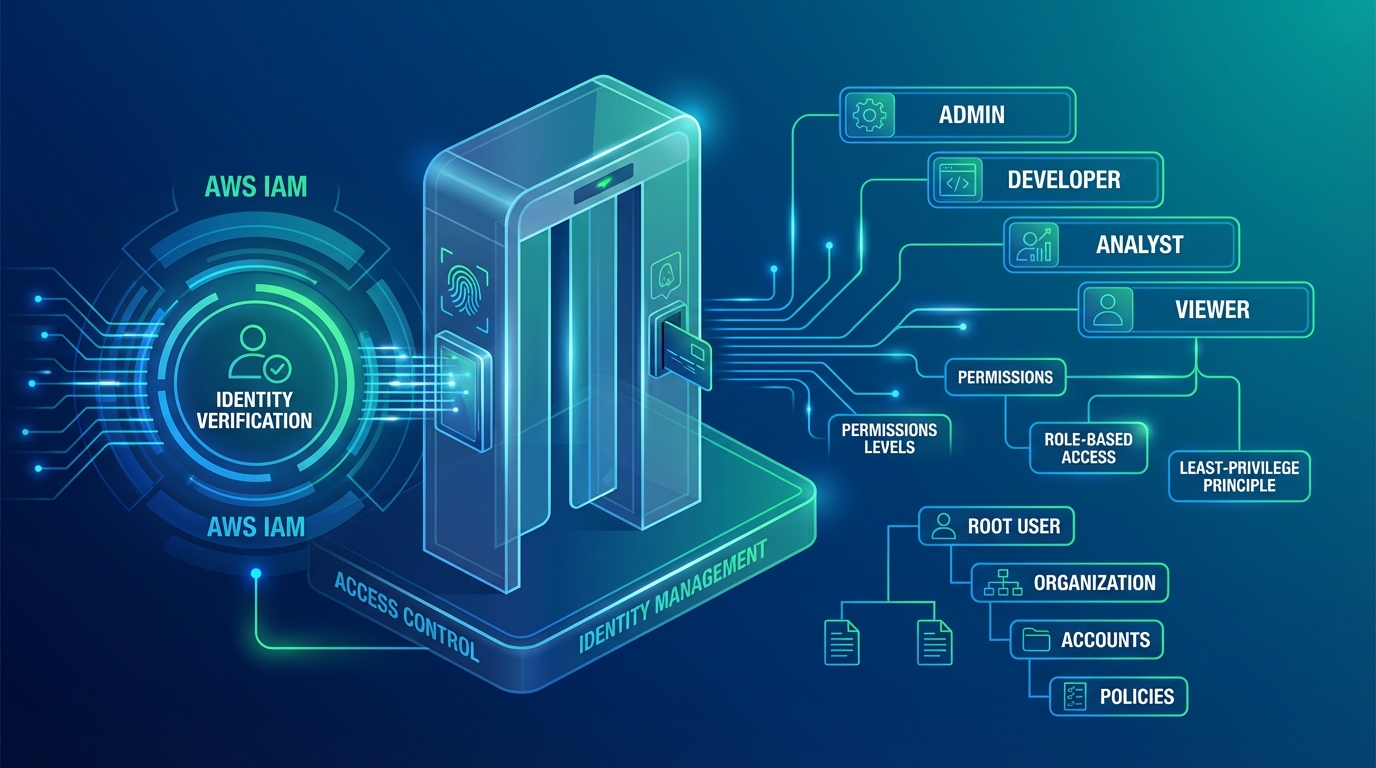
Table of Contents
IAM is the security foundation of every AWS account. Every API call — whether from a user, application, or AWS service — is authenticated and authorized through IAM. A misconfigured IAM policy is the most common root cause of AWS security incidents: overly permissive policies grant access to resources they should not, and overly restrictive policies block legitimate operations and push teams toward workarounds that are even less secure.
The challenge is finding the balance — policies that are tight enough to prevent unauthorized access but flexible enough to let teams operate without friction. This guide covers the IAM patterns that achieve both in production environments.
Core Principles
Least Privilege
Grant only the permissions required to perform a specific task — nothing more:
Too broad:   "Action": "*", "Resource": "*"
Too narrow:  "Action": "s3:GetObject", "Resource": "arn:aws:s3:::prod-bucket/reports/2024/q1/report.csv"
Right:       "Action": "s3:GetObject", "Resource": "arn:aws:s3:::prod-bucket/reports/*"
Least privilege is not “deny everything and add permissions one at a time.” It is scoping permissions to the specific actions and resources a workload needs, with enough flexibility for normal operations.
Start with AWS managed policies for common use cases, then replace them with custom policies that remove unnecessary permissions as you understand the workload’s actual access patterns.
IAM Roles Over IAM Users
IAM users have long-lived credentials (access keys) that can be leaked, shared, or forgotten. IAM roles provide temporary credentials that expire automatically:
| Feature | IAM Users | IAM Roles |
|---|---|---|
| Credentials | Long-lived access keys | Temporary (15 min - 12 hours) |
| Rotation | Manual (must rotate keys) | Automatic (new credentials each session) |
| Sharing risk | Keys can be copied, emailed, committed | Cannot be shared (assumed per session) |
| Auditing | Track key usage | Track role assumption + actions |
Rules:
- EC2 instances: Use instance profiles (IAM roles attached to instances) — never store access keys on instances
- ECS tasks: Use task roles — each container gets its own scoped credentials
- Lambda functions: Use execution roles — automatically assumed per invocation
- Cross-account access: Use role assumption — never share access keys between accounts
- Human users: Use identity federation (SSO) — not IAM users
The only legitimate use for IAM users with access keys is CI/CD pipelines in external systems that cannot assume roles (and even these should use OIDC federation when possible).
Explicit Deny Wins
IAM evaluation order: explicit deny > explicit allow > implicit deny.
An explicit deny in any policy overrides all allow statements. Use this for guardrails:
{
  "Effect": "Deny",
  "Action": ["ec2:RunInstances"],
  "Resource": "*",
  "Condition": {
    "StringNotEquals": {
      "ec2:InstanceType": ["t3.micro", "t3.small", "t3.medium", "m5.large"]
    }
  }
}
This denies launching any instance type not on the approved list — regardless of what other policies allow. Deny statements are the foundation of preventive controls.
Policy Design
Policy Structure
Every IAM policy follows the same structure:
{
  "Version": "2012-10-17",
  "Statement": [
    {
      "Sid": "AllowS3ReadAccess",
      "Effect": "Allow",
      "Action": ["s3:GetObject", "s3:ListBucket"],
      "Resource": ["arn:aws:s3:::my-app-data", "arn:aws:s3:::my-app-data/*"],
      "Condition": {
        "StringEquals": {
          "aws:RequestedRegion": "us-east-1"
        }
      }
    }
  ]
}
Best practices:
- Always include a
Sid(Statement ID) for readability and debugging - Specify exact actions — never use
"Action": "*"in production - Scope
Resourceto specific ARNs — avoid"Resource": "*"whenever possible - Use conditions to further restrict (Region, source IP, time of day, MFA)
Common Policy Patterns
Application role (ECS task or Lambda):
{
  "Statement": [
    {
      "Sid": "ReadAppConfig",
      "Effect": "Allow",
      "Action": ["ssm:GetParameter", "ssm:GetParametersByPath"],
      "Resource": "arn:aws:ssm:us-east-1:123456789:parameter/myapp/prod/*"
    },
    {
      "Sid": "ReadSecrets",
      "Effect": "Allow",
      "Action": ["secretsmanager:GetSecretValue"],
      "Resource": "arn:aws:secretsmanager:us-east-1:123456789:secret:myapp/prod/*"
    },
    {
      "Sid": "ReadWriteDynamoDB",
      "Effect": "Allow",
      "Action": ["dynamodb:GetItem", "dynamodb:PutItem", "dynamodb:Query", "dynamodb:UpdateItem"],
      "Resource": "arn:aws:dynamodb:us-east-1:123456789:table/myapp-orders*"
    },
    {
      "Sid": "PublishEvents",
      "Effect": "Allow",
      "Action": ["events:PutEvents"],
      "Resource": "arn:aws:events:us-east-1:123456789:event-bus/myapp-bus"
    }
  ]
}
This role has access to exactly what the application needs: its own configuration, its own secrets, its own DynamoDB table, and its own event bus. Nothing else.
Developer role:
{
  "Statement": [
    {
      "Sid": "ReadOnlyProduction",
      "Effect": "Allow",
      "Action": [
        "ec2:Describe*",
        "ecs:Describe*",
        "ecs:List*",
        "logs:GetLogEvents",
        "logs:FilterLogEvents",
        "cloudwatch:GetMetricData",
        "cloudwatch:DescribeAlarms"
      ],
      "Resource": "*",
      "Condition": {
        "StringEquals": { "aws:ResourceTag/Environment": "production" }
      }
    },
    {
      "Sid": "FullAccessDev",
      "Effect": "Allow",
      "Action": ["ec2:*", "ecs:*", "lambda:*", "s3:*", "dynamodb:*"],
      "Resource": "*",
      "Condition": {
        "StringEquals": { "aws:ResourceTag/Environment": "development" }
      }
    }
  ]
}
Read-only in production, full access in development — enforced by resource tags.
Condition Keys
Conditions add contextual restrictions to policies:
| Condition Key | Use Case |
|---|---|
aws:RequestedRegion | Restrict to approved Regions |
aws:PrincipalOrgID | Allow access only from your Organization |
aws:ResourceTag/Environment | Scope by environment tag |
aws:MultiFactorAuthPresent | Require MFA for sensitive actions |
aws:SourceIp | Restrict to corporate IP ranges |
ec2:InstanceType | Limit instance types |
s3:prefix | Restrict S3 access to specific prefixes |
MFA for sensitive operations:
{
  "Sid": "DenyWithoutMFA",
  "Effect": "Deny",
  "Action": ["iam:*", "organizations:*", "account:*"],
  "Resource": "*",
  "Condition": {
    "BoolIfExists": { "aws:MultiFactorAuthPresent": "false" }
  }
}
This denies all IAM, Organizations, and Account actions unless MFA is present — even if other policies allow them.
Permission Boundaries
Permission boundaries define the maximum permissions an IAM entity can have. Even if a policy grants "Action": "*", the permission boundary limits what is actually permitted:
Effective permissions = Identity policy ∩ Permission boundaryUse case: Allow developers to create IAM roles for their applications without granting them full IAM admin:
{
  "Sid": "AllowCreateRolesWithBoundary",
  "Effect": "Allow",
  "Action": ["iam:CreateRole", "iam:AttachRolePolicy", "iam:PutRolePolicy"],
  "Resource": "arn:aws:iam::123456789:role/app-*",
  "Condition": {
    "StringEquals": {
      "iam:PermissionsBoundary": "arn:aws:iam::123456789:policy/AppPermissionBoundary"
    }
  }
}
Developers can create roles prefixed with app- but only if those roles have the permission boundary attached. The boundary prevents those roles from escalating privileges beyond what is allowed.
Service Control Policies
In a multi-account organization, Service Control Policies (SCPs) define guardrails across all accounts:
SCP (Organization level) → Permission Boundary (Account level) → IAM Policy (Role level)
  Effective permissions = SCP ∩ Permission Boundary ∩ IAM Policy
Essential SCPs
Prevent disabling CloudTrail:
{
  "Effect": "Deny",
  "Action": ["cloudtrail:StopLogging", "cloudtrail:DeleteTrail"],
  "Resource": "*"
}
Restrict to approved Regions:
{
  "Effect": "Deny",
  "NotAction": ["iam:*", "sts:*", "organizations:*", "support:*"],
  "Resource": "*",
  "Condition": {
    "StringNotEquals": {
      "aws:RequestedRegion": ["us-east-1", "us-west-2"]
    }
  }
}
Prevent leaving the Organization:
{
  "Effect": "Deny",
  "Action": ["organizations:LeaveOrganization"],
  "Resource": "*"
}
SCPs do not grant permissions — they only restrict them. An SCP that denies an action overrides any IAM policy in any account under that OU.
Identity Federation
AWS IAM Identity Center (SSO)
For human access, use IAM Identity Center instead of IAM users:
Corporate IdP (Okta, Azure AD, Google Workspace)
  → AWS IAM Identity Center
    → Permission Sets (mapped to IAM policies)
      → AWS Accounts (assigned to users/groups)
Benefits:
- Single sign-on across all AWS accounts
- Centralized user management in your existing identity provider
- No long-lived credentials to manage or rotate
- Automatic deprovisioning when users leave the organization
OIDC Federation for CI/CD
GitHub Actions, GitLab CI, and other CI/CD systems support OIDC federation — assuming IAM roles without access keys:
GitHub Actions workflow
  → Requests OIDC token from GitHub
    → Assumes IAM role via STS with OIDC token
      → Receives temporary credentials (1 hour)
IAM role trust policy for GitHub Actions:
{
  "Effect": "Allow",
  "Principal": { "Federated": "arn:aws:iam::123456789:oidc-provider/token.actions.githubusercontent.com" },
  "Action": "sts:AssumeRoleWithWebIdentity",
  "Condition": {
    "StringEquals": {
      "token.actions.githubusercontent.com:aud": "sts.amazonaws.com"
    },
    "StringLike": {
      "token.actions.githubusercontent.com:sub": "repo:my-org/my-repo:ref:refs/heads/main"
    }
  }
}
This restricts role assumption to a specific GitHub repository and branch. No access keys stored in GitHub secrets.
Access Analysis
IAM Access Analyzer
Access Analyzer identifies resources shared with external entities and policies that grant more access than needed:
- External access findings — S3 buckets, KMS keys, SQS queues, IAM roles accessible from outside your account or organization
- Unused access findings — Roles, users, and policies with permissions that have not been used
- Policy validation — Checks policies for errors, security warnings, and best practices
- Policy generation — Generates least-privilege policies based on actual CloudTrail activity
Policy generation workflow:
1. Attach broad policy to role (e.g., AmazonS3FullAccess)
2. Run workload for 30-90 days (accumulate CloudTrail data)
3. Use Access Analyzer to generate policy based on actual API calls
4. Replace broad policy with generated least-privilege policy
This is the most reliable way to achieve least privilege — let the workload tell you what it needs.
CloudTrail Analysis
CloudTrail logs every API call. Use it to identify:
- Unused permissions — Actions in the policy that never appear in CloudTrail
- Access denied events — Missing permissions that need to be added
- Unusual access patterns — New principals accessing resources, bulk operations, off-hours activity
Set CloudWatch alarms for critical IAM events:
| Event | Alert Condition |
|---|---|
| Root user login | Any ConsoleLogin by root |
| Access key creation | CreateAccessKey for any user |
| Policy changes | PutUserPolicy, AttachRolePolicy, CreatePolicy |
| Role trust policy changes | UpdateAssumeRolePolicy |
| Failed authentication | ConsoleLogin with errorMessage |
Common Mistakes
Mistake 1: Wildcard Resources
Using "Resource": "*" when specific ARNs are available. Most AWS actions can be scoped to specific resources. Use wildcards only for actions that genuinely require it (like ec2:DescribeInstances which cannot be resource-scoped).
Mistake 2: Long-Lived Access Keys
Creating IAM users with access keys for applications running on AWS. EC2, ECS, Lambda, and all AWS compute services support IAM roles with temporary credentials. Access keys should be the exception, not the default.
Mistake 3: Shared Credentials
Multiple team members sharing one IAM user’s credentials. This eliminates accountability — CloudTrail shows the user but not which person performed the action. Use IAM Identity Center for individual, traceable access.
Mistake 4: No MFA on Privileged Access
Allowing iam:*, organizations:*, or s3:DeleteBucket without requiring MFA. Sensitive operations should require MFA — explicit deny conditions enforce this regardless of other policies.
Mistake 5: Stale Permissions
Roles and policies created for a project that ended months ago still have active permissions. Use IAM Access Analyzer’s unused access findings and credential reports to identify and remove stale access regularly.
Security Checklist
- No IAM users with access keys for AWS-hosted workloads (use roles)
- Permission boundaries on all roles that can create other roles
- SCPs preventing CloudTrail/GuardDuty/Config disablement
- Region restriction SCP in place
- MFA required for all human access
- Root user access keys deleted, MFA enabled, usage alarmed
- IAM Access Analyzer enabled in all accounts
- Credential report reviewed quarterly (stale users/keys)
- CloudTrail alerts for critical IAM events
Getting Started
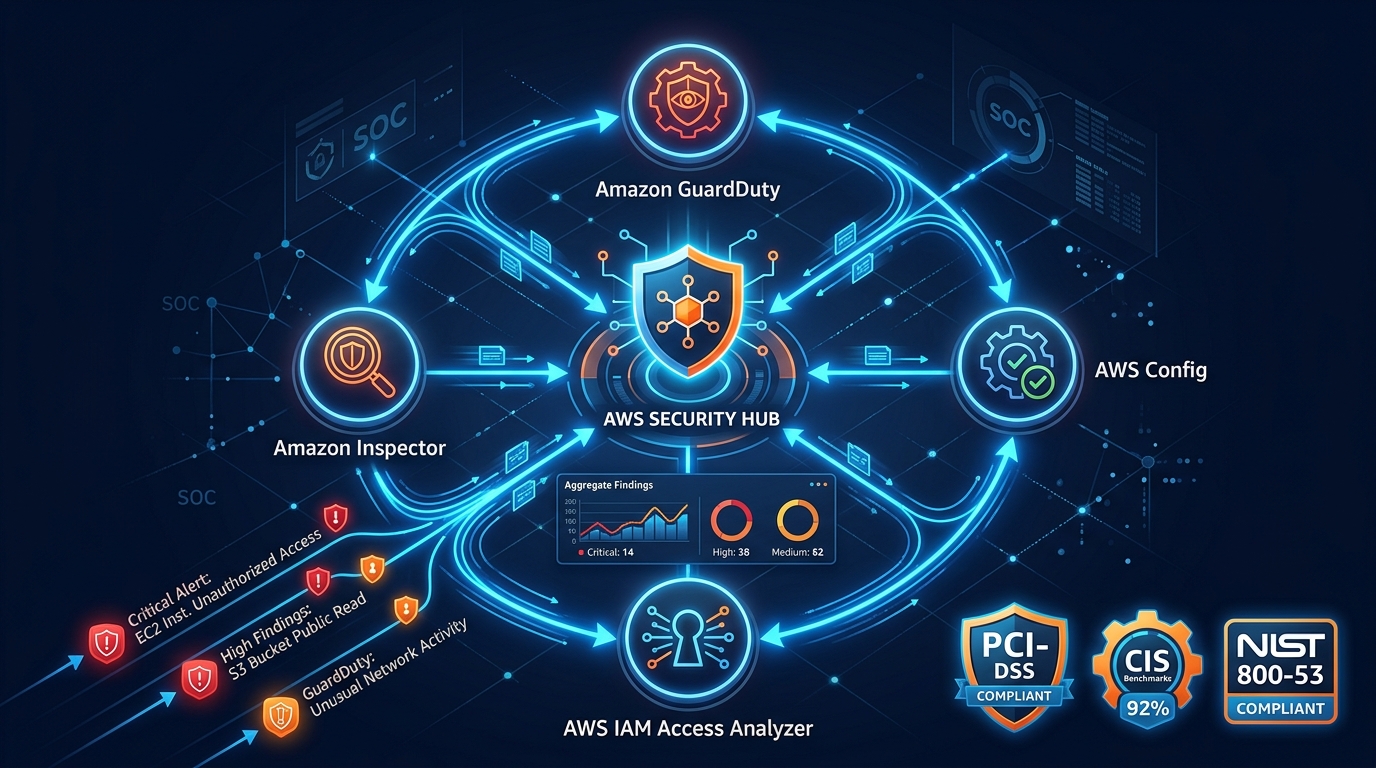
IAM is the most critical security control in AWS. Combined with GuardDuty for threat detection, CloudWatch for monitoring, and SCPs for organizational guardrails, it provides the access control layer that production workloads require.
For IAM architecture design, security assessments, and multi-account access control, talk to our team.
AWS Cloud Architect & AI Expert
AWS-certified cloud architect and AI expert with deep expertise in cloud migrations, cost optimization, and generative AI on AWS.