Amazon SageMaker Unified Studio: Migrating from Studio Classic to the Unified ML Platform
Quick summary: SageMaker Unified Studio consolidates Studio Classic, Canvas, Data Wrangler, and DataZone into one IDE. Here's the migration guide and feature comparison for enterprise ML teams.
Key Takeaways
- SageMaker Unified Studio consolidates Studio Classic, Canvas, Data Wrangler, and DataZone into one IDE
- SageMaker Unified Studio consolidates Studio Classic, Canvas, Data Wrangler, and DataZone into one IDE
Table of Contents
The fragmentation of SageMaker’s toolset has been a recurring operational complaint from ML engineering teams. To do serious ML work on AWS, you needed Studio for notebooks and pipelines, Data Wrangler for data prep (launched as a separate application inside Studio, but with its own login flow), Canvas for no-code experiments the business team wanted, Feature Store for feature management, and a separate browser tab for monitoring training jobs. Teams compensated with tribal knowledge about which tool to open for which task, and new hires spent weeks just learning the tooling topology.
SageMaker Unified Studio, announced at re:Invent 2023 and generally available through 2024, is AWS’s answer to this fragmentation. It consolidates the primary ML workbench surfaces into one browser-based IDE built on JupyterLab 4, and adds two genuinely new capabilities: native Amazon Bedrock model access from notebooks and Amazon DataZone data catalog integration. This post covers the feature comparison, the migration path from Studio Classic, multi-team domain configuration, and the cost implications of the change.
Studio Classic vs. Unified Studio: What Changed
Before planning a migration, it is worth being precise about what moved, what stayed, and what is genuinely new.
| Feature | Studio Classic | Unified Studio | Change |
|---|---|---|---|
| JupyterLab version | JupyterLab 3.x | JupyterLab 4.x | Upgrade — better performance, extension ecosystem |
| Notebooks | Yes | Yes | Same — no code changes needed |
| SageMaker Experiments | Yes (sidebar panel) | Yes (sidebar panel) | Same |
| SageMaker Pipelines | Yes (visual editor) | Yes (improved visual editor) | Better UI, same underlying service |
| Data Wrangler | Separate application launch | Integrated — open from within IDE | Integrated |
| Canvas (no-code ML) | Separate application launch | Integrated | Integrated |
| Feature Store browser | Yes | Yes | Same |
| Data catalog | None | DataZone catalog panel | NEW |
| Bedrock model access | Via SDK only (no UI integration) | Direct from notebook — model picker panel | NEW |
| EMR integration | Via EMR on EC2 cluster attachment | Same | Same |
| Domain model | SageMaker domain + user profiles | SageMaker domain = DataZone domain | Unified — same domain entity |
| URL path | /studio/ | /unified-studio/ | Different access URL |
| EFS storage | Per-user EFS home directories | Per-domain EFS with project isolation | Unified |
The two genuinely new capabilities — DataZone integration and direct Bedrock access — are the reasons to migrate beyond just UI consolidation. The data catalog integration in particular changes the data access workflow for ML engineers in teams with governed data platforms.
DataZone Integration: Data Discovery Inside the ML IDE
The most significant architectural change in Unified Studio is the convergence of the SageMaker domain model with the Amazon DataZone domain model. In Unified Studio, your SageMaker domain is a DataZone domain — they are the same AWS resource, accessible from both the SageMaker console and the DataZone console.
This means every project you create in Unified Studio is a DataZone project with full governance capabilities: asset publishing, subscription requests, approval workflows, and audit history. For ML teams, the practical implication is that governed data assets become discoverable from within the notebook IDE without leaving the browser tab.
The workflow from an ML engineer’s perspective:
1. Open SageMaker Unified Studio notebook
2. Click the Data Catalog panel (left sidebar)
3. Search: "customer churn features"
4. See results: enriched_customer_360 (Data Engineering project, last updated 6h ago, quality score: 94%)
5. Current subscription status: "Not subscribed"
6. Click "Request Access" → add justification → submit
7. Data Engineering owner approves (in DataZone console or Unified Studio)
8. Dataset appears in "My Data" panel — immediately queryable via Athena
9. In notebook:
import awswrangler as wr
import pandas as pd
# After DataZone subscription approved, the Athena data source
# is automatically available via the project's execution role
df = wr.athena.read_sql_query(
sql="SELECT * FROM enriched_customer_360 WHERE partition_date >= '2026-01-01'",
database="analytics_prod",
workgroup="datazone-workgroup-proj-ml-fraud", # DataZone-provisioned workgroup
boto3_session=boto3.Session()
)
print(f"Loaded {len(df):,} rows")The subscription-backed Athena workgroup is provisioned automatically when DataZone approves the request. The ML engineer does not write a CloudFormation template or request an IAM role change — the access flows through the DataZone subscription mechanism documented in the Amazon DataZone governance guide.
For teams not yet using DataZone, Unified Studio still supports direct S3 and Glue connections through the standard SageMaker execution role mechanism.
Migrating Existing Notebooks and Pipelines
The migration from Studio Classic to Unified Studio has a lower technical burden than most teams expect. The domain is compatible — you do not recreate it. The main work is updating user default experiences and verifying that existing automation still works from the new IDE.
Step 1: Update user profile defaults
import boto3

sagemaker = boto3.client('sagemaker', region_name='us-east-1')

# List all user profiles in the domain
paginator = sagemaker.get_paginator('list_user_profiles')
pages = paginator.paginate(DomainId='d-abc123')

for page in pages:
    for profile in page['UserProfiles']:
        # Update each profile to default to Unified Studio
        sagemaker.update_user_profile(
            DomainId='d-abc123',
            UserProfileName=profile['UserProfileName'],
            UserSettings={
                'StudioWebPortal': 'ENABLED',  # Enables Unified Studio access
                'DefaultExperience': 'STUDIO'   # 'STUDIO' = Unified Studio, 'CLASSIC_STUDIO' = old
            }
        )
        print(f"Updated: {profile['UserProfileName']}")
Step 2: Verify existing SageMaker Pipelines
Existing pipeline definitions are visible in Unified Studio’s pipeline UI without any changes. To confirm your pipelines execute correctly from the new environment:
import sagemaker
from sagemaker.workflow.pipeline import Pipeline

# Pipelines are service-level resources — the same ARN works from Unified Studio
sm_client = boto3.client('sagemaker')

pipeline = sm_client.describe_pipeline(PipelineName='customer-churn-training-pipeline')
print(f"Pipeline status: {pipeline['PipelineStatus']}")
print(f"Last modified: {pipeline['LastModifiedTime']}")

# Trigger a test execution to confirm execution role still works
execution = sm_client.start_pipeline_execution(
    PipelineName='customer-churn-training-pipeline',
    PipelineParameters=[
        {'Name': 'InputDataPath', 'Value': 's3://ml-data-prod/features/2026-06/'},
    ]
)
print(f"Execution ARN: {execution['PipelineExecutionArn']}")
Step 3: Notebook compatibility
Existing notebooks require no code changes for the Unified Studio migration. The kernel images, execution roles, and instance types are unchanged. The one area to verify is any notebooks that use hard-coded Studio Classic environment variables:
import os

# These environment variables exist in both Studio Classic and Unified Studio
# but verify they resolve correctly in your specific setup
print(os.environ.get('AWS_DEFAULT_REGION'))
print(os.environ.get('SAGEMAKER_DOMAIN_ID'))

# Studio Classic: uses STUDIO_DOMAIN_ID
# Unified Studio: uses SAGEMAKER_DOMAIN_ID (same value, different var name in some cases)
# Check your notebooks for environment variable references and update accordingly
Step 4: Data source connection verification
For notebooks that connect to Redshift, Athena, or S3 directly via execution role permissions — verify the project execution role has the same permissions in Unified Studio’s project context. If you are migrating to project-based IAM roles (recommended), you may need to add permissions that previously came from the user profile-level execution role.
Post-migration checklist:
- All user profiles updated to Unified Studio default experience
- At least one training job successfully submitted from Unified Studio
- SageMaker Pipelines execute with expected outputs
- Athena query access works from notebook (check Athena workgroup permissions)
- S3 read/write access confirmed from a test notebook
- Experiment tracking captures metrics as expected
- Data Wrangler flows open correctly in integrated mode
- Canvas projects accessible from within Unified Studio
Domain and User Profile Configuration for Multi-Team Deployments
The recommended topology for enterprise multi-team deployments has evolved with Unified Studio. Because the domain is now also a DataZone domain, the domain boundary has governance implications beyond just SageMaker isolation.
Recommended domain topology:
FinServCo ML Platform
│
├── Domain: fraud-ml (Account: ml-platform-prod)
│   ├── Project: fraud-feature-engineering
│   │   └── Execution Role: arn:aws:iam::ACCOUNT:role/fraud-feature-eng-role
│   │       Permissions: S3 (fraud-data/*), Glue (fraud_db), Athena, SageMaker
│   │
│   ├── Project: fraud-modeling
│   │   └── Execution Role: arn:aws:iam::ACCOUNT:role/fraud-modeling-role
│   │       Permissions: S3 (fraud-models/*), SageMaker Training, ECR, Bedrock (Claude 3.x)
│   │
│   └── Project: fraud-deployment
│       └── Execution Role: arn:aws:iam::ACCOUNT:role/fraud-deploy-role
│           Permissions: SageMaker Endpoints, CloudWatch, S3 (model artifacts, read-only)
│
└── Domain: risk-analytics-ml (Account: risk-analytics-prod)
    └── (separate DataZone domain for risk team data governance)
One domain per business unit or regulatory boundary is the right abstraction level. Within a domain, projects provide team isolation and scoped IAM execution roles. Do not create one massive domain for the entire company — cross-team data access still works via DataZone subscriptions between projects, even within the same domain.
Network configuration for compliance:
For workloads requiring VPC isolation (PCI-DSS, HIPAA):
sagemaker.create_domain(
    DomainName='fraud-ml',
    AuthMode='IAM_IDENTITY_CENTER',
    DefaultUserSettings={
        'ExecutionRole': 'arn:aws:iam::ACCOUNT:role/sagemaker-default-role',
        'SecurityGroups': ['sg-0abc123'],
        'SharingSettings': {
            'NotebookOutputOption': 'Disabled'  # Prevent output sharing for sensitive data
        }
    },
    SubnetIds=['subnet-0abc123', 'subnet-0def456'],
    VpcId='vpc-0abc123',
    AppNetworkAccessType='VpcOnly',  # Critical: prevents internet egress from notebooks
    Tags=[
        {'Key': 'Environment', 'Value': 'production'},
        {'Key': 'Compliance', 'Value': 'pci-hipaa'}
    ]
)
AppNetworkAccessType: VpcOnly ensures notebook compute cannot make outbound internet calls — all traffic routes through your VPC, including Bedrock API calls (via VPC endpoint).
Bedrock permissions per project:
One of Unified Studio’s headline features is direct Bedrock model access from notebooks. Configure this at the execution role level per project, scoped to specific model IDs:
{
  "Version": "2012-10-17",
  "Statement": [
    {
      "Effect": "Allow",
      "Action": ["bedrock:InvokeModel", "bedrock:InvokeModelWithResponseStream"],
      "Resource": [
        "arn:aws:bedrock:us-east-1::foundation-model/anthropic.claude-3-5-sonnet-20241022-v2:0",
        "arn:aws:bedrock:us-east-1::foundation-model/amazon.titan-embed-text-v2:0"
      ]
    }
  ]
}
Scoping to specific model ARNs prevents unexpected charges from teams experimenting with high-cost models without awareness of the cost implications.
Cost Changes
The Unified Studio migration does not add a net-new service fee — there is no “Unified Studio” line item on your AWS bill. However, there are cost patterns that shift.
What stays the same:
- SageMaker notebook instance hours (billed per instance type and running time)
- SageMaker training job costs
- SageMaker endpoint costs
- Glue job costs for Data Wrangler transformations
What may decrease:
- Duplicate JupyterLab kernel launches. Studio Classic sometimes resulted in users launching multiple kernel sessions across different applications (Studio, Data Wrangler). Unified Studio consolidates into one session, potentially reducing idle kernel-hours.
- Canvas session costs if Canvas was previously launched as a full separate application startup (studio_canvas app type has startup costs even without ML job submissions).
What may increase:
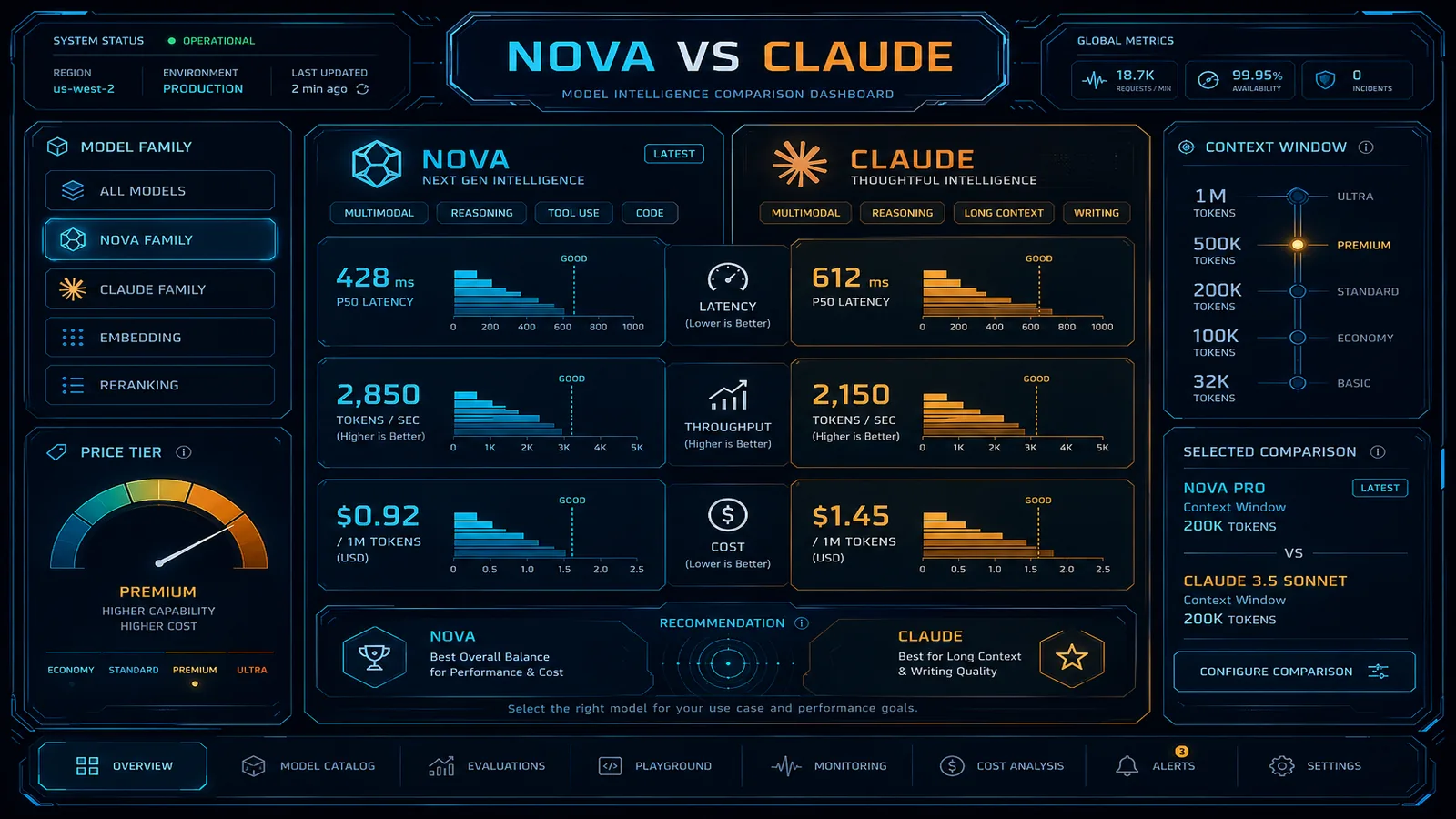
- Amazon Bedrock API calls from notebooks. The most important new cost vector. When Bedrock is accessible from within the notebook IDE, engineers naturally begin using it for data exploration, prompt experiments, and embedding generation during development — activities that previously required separate infrastructure. Establish Bedrock cost monitoring via CloudWatch metrics early.
# Recommended: add spend tracking to notebooks using Bedrock
import boto3

bedrock_runtime = boto3.client('bedrock-runtime')
cloudwatch = boto3.client('cloudwatch')

def invoke_with_tracking(model_id: str, body: dict) -> dict:
    response = bedrock_runtime.invoke_model(
        modelId=model_id,
        body=json.dumps(body)
    )
    # Track usage for cost attribution
    result = json.loads(response['body'].read())
    input_tokens = result.get('usage', {}).get('input_tokens', 0)
    output_tokens = result.get('usage', {}).get('output_tokens', 0)

    cloudwatch.put_metric_data(
        Namespace='ML/BedrockUsage',
        MetricData=[
            {'MetricName': 'InputTokens', 'Value': input_tokens, 'Unit': 'Count',
             'Dimensions': [{'Name': 'ModelId', 'Value': model_id}]},
            {'MetricName': 'OutputTokens', 'Value': output_tokens, 'Unit': 'Count',
             'Dimensions': [{'Name': 'ModelId', 'Value': model_id}]}
        ]
    )
return result- EFS storage. Unified Studio moves to a per-domain EFS model. If your previous Studio Classic setup had small per-user EFS volumes with automatic deletion on user profile deletion, the unified domain EFS may accumulate more data over time. Set an EFS lifecycle policy to move infrequently accessed files to EFS Infrequent Access storage.
Cost monitoring setup post-migration:
Create a Cost Explorer filter with the tag aws:sagemaker:domain-arn to track costs per SageMaker domain. This tag is applied automatically to SageMaker resources created within a domain and lets you see the full cost picture (training jobs, endpoints, storage) at the domain level.
SageMaker Unified Studio is a genuine improvement in ML platform ergonomics, not just a UI refresh. The DataZone integration alone eliminates a class of shadow data access patterns where ML engineers maintain their own S3 copies of governed datasets. The Bedrock integration makes generative AI experimentation accessible without spinning up separate infrastructure.
The migration path is technically straightforward — the existing domain is compatible and notebooks need no code changes. The primary work is organizational: updating user profiles, communicating the new URL, and establishing cost guardrails for Bedrock access before teams discover it on their own.
For teams that are also building governed data platforms, the connection between SageMaker Unified Studio and Amazon DataZone is the architectural reason to adopt both together rather than treating them as independent products.
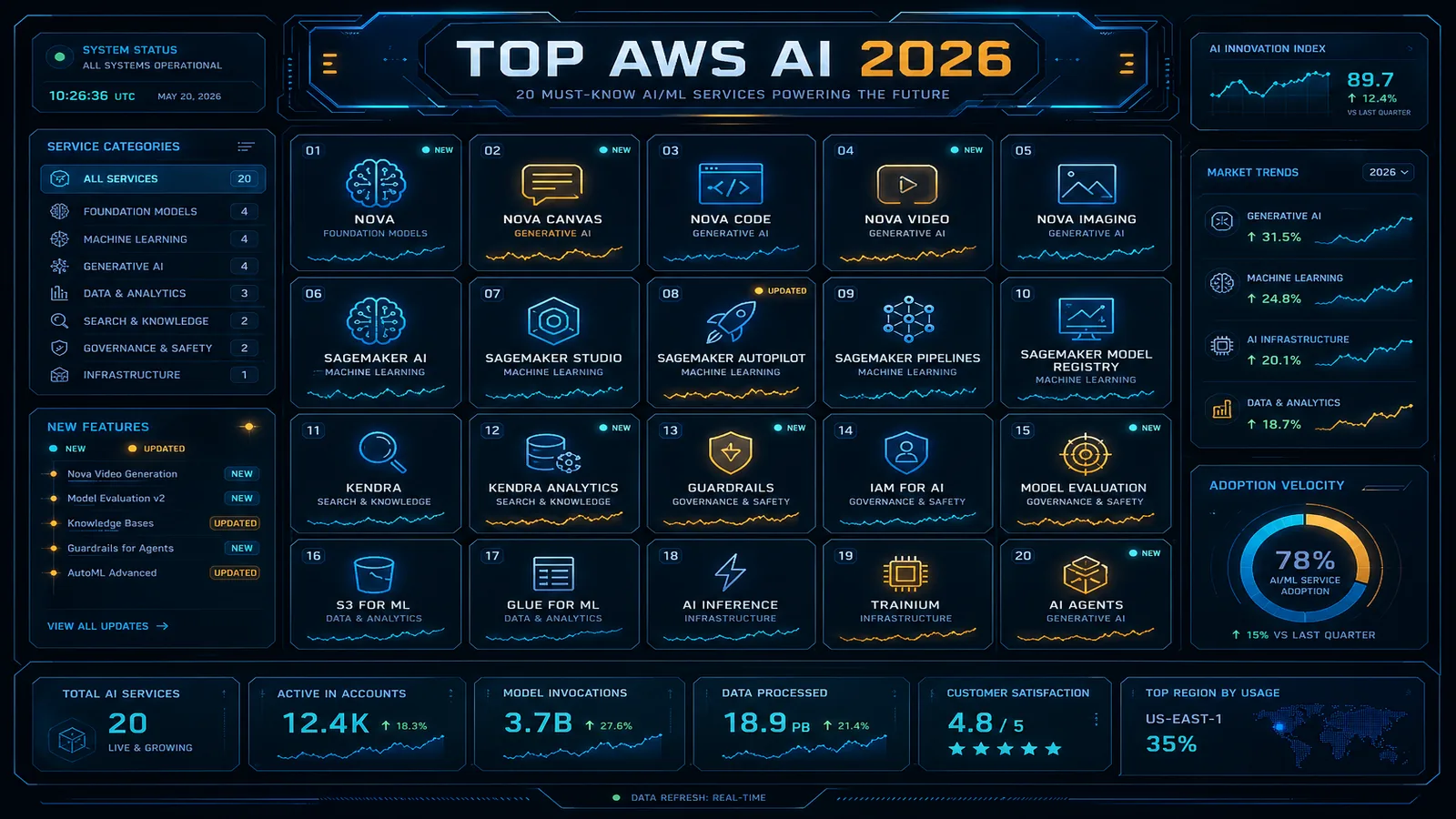
For more on cost-efficient SageMaker training job patterns, the fundamentals apply equally in Unified Studio — the compute billing model is unchanged. See also the top AWS AI services overview for 2026 for where Unified Studio fits in the broader AWS ML product landscape.
Need help planning your SageMaker Unified Studio migration or designing a multi-team domain topology? FactualMinds works with enterprise ML teams on SageMaker platform architecture, DataZone governance integration, and cost optimization across the AWS ML stack.
AWS Cloud Architect & AI Expert
AWS-certified cloud architect and AI expert with deep expertise in cloud migrations, cost optimization, and generative AI on AWS.