Amazon Elastic VMware Service: Migrating VMware Workloads to AWS Without Re-Architecting
Quick summary: Amazon EVS runs vSphere/NSX/vSAN natively on AWS bare metal. No VMware license renegotiation, no application changes, no VMC on AWS partnership. The 2025 VMware cloud migration path.
Key Takeaways
- Amazon EVS runs vSphere/NSX/vSAN natively on AWS bare metal
- No VMware license renegotiation, no application changes, no VMC on AWS partnership
- The 2025 VMware cloud migration path
- import { Image } from 'astro:assets'; In 2023, Broadcom completed its $61 billion acquisition of VMware
- For organizations running 500–5,000 VMware-licensed VMs in on-premises data centers, these renewals represent $5–50M in incremental annual cost with no additional functionality delivered
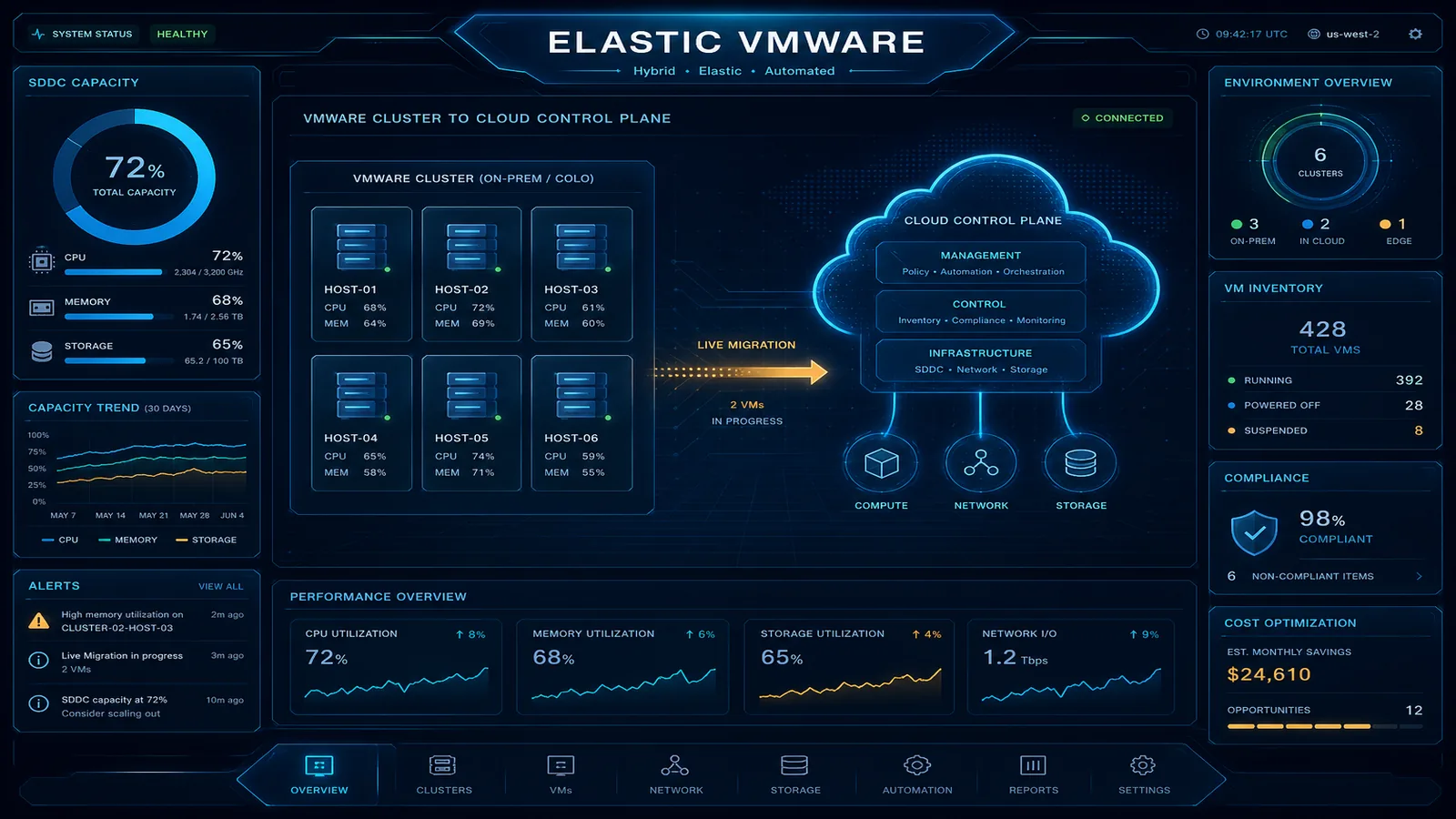
Table of Contents
In 2023, Broadcom completed its $61 billion acquisition of VMware. Within months, the licensing model changed fundamentally: perpetual licenses were discontinued in favor of subscriptions, SKUs were consolidated into expensive bundles, and enterprise customers began receiving renewal quotes that were 3–5x their previous annual spend. For organizations running 500–5,000 VMware-licensed VMs in on-premises data centers, these renewals represent $5–50M in incremental annual cost with no additional functionality delivered.
The migration paths that make sense have narrowed. Re-architecting everything to containers and native cloud services is the ideal long-term outcome but takes 3–7 years at enterprise scale and requires rewriting applications. VMware Cloud on AWS (VMC on AWS) was the previous VMware-in-cloud answer, but it was a VMware-operated service sold with VMware pricing — essentially the same Broadcom licensing problem in a different location.
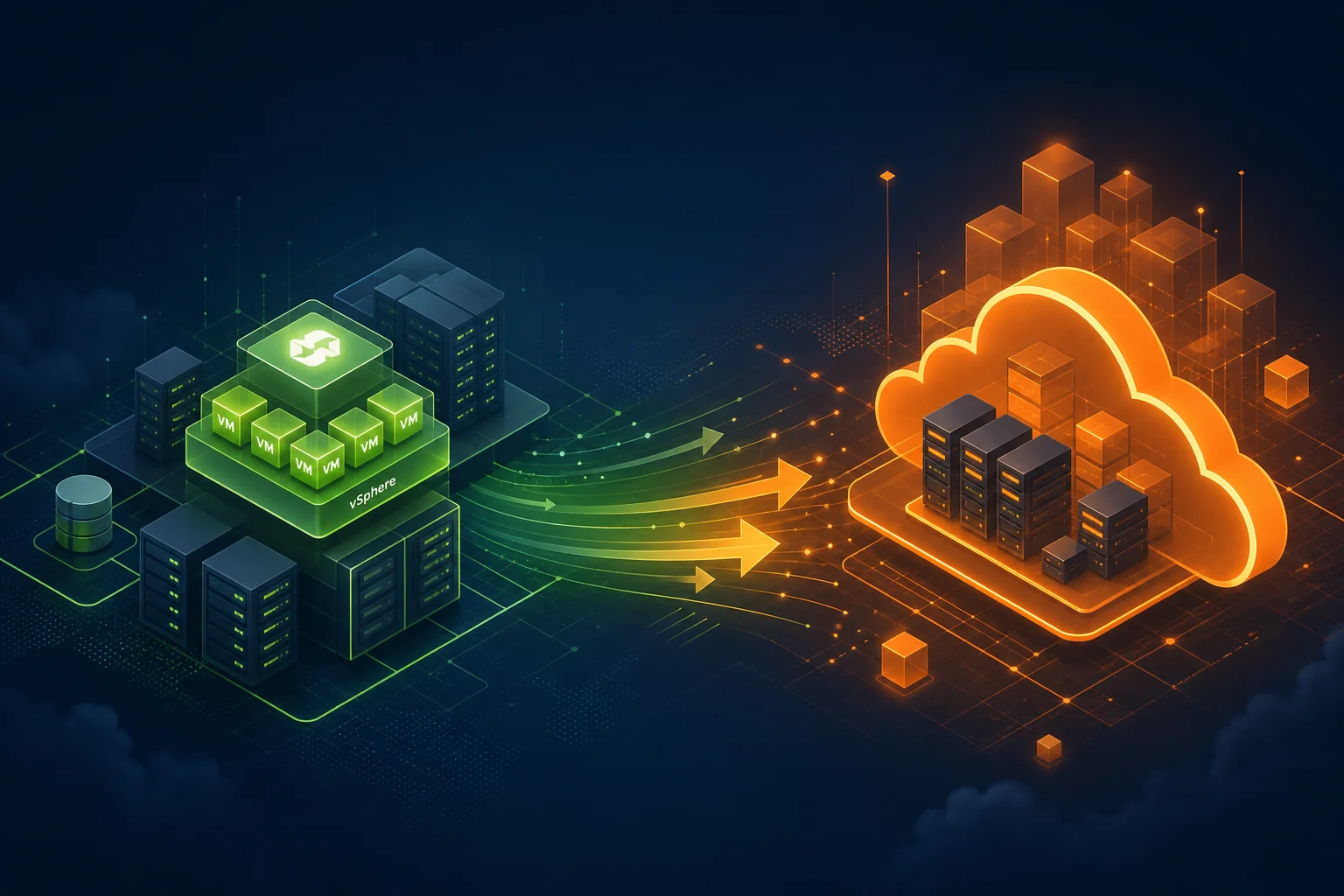
Amazon Elastic VMware Service (EVS), announced at re:Invent 2024 and launched in 2025, is the answer that wasn’t available before: AWS-operated vSphere on AWS bare metal, purchased from AWS, with bring-your-own-license (BYOL) support. The operational model is identical to on-premises vSphere. The vCenter console looks the same. The migration tool (HCX) enables live VM migration without downtime. And the economics compare favorably to an on-premises hardware refresh plus a Broadcom subscription renewal.
EVS vs. VMware Cloud on AWS vs. Native EC2 Migration
Organizations evaluating cloud migration for VMware workloads have three credible paths. Choosing between them requires understanding what you’re optimizing for.
| Dimension | Amazon EVS | VMware Cloud on AWS (Legacy) | Native EC2 Migration |
|---|---|---|---|
| Operational model change | None (same vSphere) | None (same vSphere) | Significant (new OS/app model) |
| Migration complexity | Low (HCX live migration) | Low (HCX) | High (re-architect/re-platform) |
| VM downtime | Near-zero (vMotion) | Near-zero (vMotion) | Varies (depends on migration type) |
| Application changes | None | None | Moderate to significant |
| VMware licensing | BYOL or AWS-provided | Bundled in VMC pricing | Not applicable |
| AWS service integration | VPC-level (full) | VPC-level (full) | Native (full) |
| Cost model | AWS bare metal + licensing | VMware subscription + AWS | EC2 On-Demand/Reserved + AWS |
| Long-term cloud optimization | Limited (still VM-based) | Limited | Full (containers, serverless, etc.) |
| Availability | GA (2025) | End-of-life concerns post-Broadcom | Always available |
| Recommended for | Lift-and-shift, Broadcom exit | Legacy workloads (transitioning away) | Greenfield or re-architecture |
The decision is not binary between EVS and native EC2. A practical enterprise migration strategy uses both: EVS for the 70% of workloads that run on VMware and cannot be economically re-architected in a 3-year window, and native EC2/containers for the 30% of workloads being actively modernized. EVS buys the organization time and cost relief while modernization proceeds in parallel.
EVS Architecture: What AWS Manages vs. What You Manage
The responsibility boundary in EVS is distinct from both on-premises VMware and traditional EC2.
AWS manages:
- Physical bare-metal hosts (i4i.metal or comparable NVMe-SSD instances)
- Hardware failure detection and replacement (30–45 minute SLA for host replacement)
- ESXi hypervisor installation and initial configuration
- vSAN datastore formation from local NVMe SSDs across hosts
- NSX-T installation and initial cluster configuration
- AWS account integration (VPC connectivity, IAM for control plane operations, CloudWatch for host health metrics)
- Physical networking (ToR switches, spine-leaf fabric within the AZ)
You manage:
- vCenter Server configuration (datastores, clusters, resource pools, DRS settings)
- VM creation, configuration, and lifecycle
- NSX-T network policies (micro-segmentation, distributed firewall rules, logical routers)
- vSAN storage policies (RAID levels, fault tolerance, deduplication settings)
- VM guest OS patching and application management
- VM backup configuration (AWS Backup supports EVS VM backups)
- VMware licensing compliance
AWS console touchpoints: you create the EVS environment (cluster), add/remove hosts, view host health, configure VPC connectivity, and manage AWS Backup policies from the AWS console. Everything inside vSphere — creating VMs, configuring networks, managing datastores — happens in vCenter.
VPC connectivity architecture:
On-premises data center
  └── Direct Connect / VPN
        └── VPC (transit gateway hub)
              ├── EVS cluster (bare-metal hosts in VPC subnet)
              │     └── NSX-T overlay (VM networking)
              │           └── VMs (same IP space as on-premises)
              ├── RDS, ElastiCache (VPC-native services)
              ├── EC2 instances (native workloads)
              └── VPC endpoints → S3, Lambda, etc.
VMs on EVS reach AWS services via VPC routing. They do not use the EC2 instance metadata service. For AWS SDK access from VMs, use IAM Roles Anywhere to issue temporary credentials to VMs using their existing X.509 certificates.
HCX Migration Workflow
VMware HCX (Hybrid Cloud Extension) is the migration engine for moving VMs from on-premises vSphere to EVS. HCX enables live vMotion migration without VM downtime — the running workload is transferred while it continues serving traffic.
HCX deployment architecture:
On-premises vCenter          AWS EVS vCenter
┌─────────────────┐          ┌─────────────────┐
│ HCX Manager     │◄────────►│ HCX Cloud Mgr   │
│ HCX Connector   │          │ (AWS-provided)  │
│ HCX WAN Opt.    │          │                 │
│ HCX-IX          │◄────────►│ HCX-IX          │
└─────────────────┘          └─────────────────┘
      │                             │
  On-prem VMs                   EVS VMs
  (still running)            (receiving migration)
Step 1: Deploy HCX Service Mesh on-premises
Download HCX Connector OVA from the EVS console. Deploy to your on-premises vCenter. Pair the on-premises HCX Manager with the EVS-side HCX Cloud Manager using a site pairing key generated from the AWS console.
Step 2: Establish HCX Network Extension
HCX Network Extension creates a Layer 2 bridge between your on-premises VLAN and a logical segment in NSX-T on EVS. This means VMs migrated to EVS retain their original IP addresses — no IP renumbering, no DNS change propagation, no application reconfiguration.
On-premises VLAN 100 (10.0.100.0/24)
        ↕ L2 extension via HCX
NSX-T segment (10.0.100.0/24) on EVS
VMs on EVS respond to the same IPs as before. Traffic from clients that haven’t been updated continues to reach them via the L2 extension (slightly suboptimal path) until routing is cut over.
Step 3: Migration waves
HCX supports three migration types:
- Replication-Assisted vMotion (RAV): pre-copies VM disk data before live cutover. Zero downtime. Best for VMs with large disks (hundreds of GBs) over WAN links.
- Live vMotion: real-time memory + disk transfer without pre-copy. Works well for VMs under 100 GB over 10 Gbps links. Sub-second service interruption.
- Cold migration (bulk migration): VM is shut down, disk transferred, restarted on EVS. Fastest throughput for large batches. Requires a maintenance window.
Timeline example: 500 VMs, average 2 TB vSAN storage each, 10 Gbps Direct Connect
Phase 1 (week 1-2):
  - Deploy HCX on-premises
  - Establish L2 network extensions
  - Test with 5 non-critical VMs
  - Verify DNS, connectivity, application behavior

Phase 2 (week 3-8):
  - RAV migration: ~50 VMs/day at ~120 GB/hour per migration stream
  - 4 parallel HCX migration streams = ~500 GB/hour effective throughput
  - 500 VMs × 2 TB average = 1 PB total = ~15 days at 4 streams

Phase 3 (week 9-10):
  - Cut over network routing (remove L2 extensions)
  - Decommission on-premises hosts
  - Validate AWS Backup jobs
The critical dependency is Direct Connect bandwidth. At 10 Gbps, one HCX migration stream transfers roughly 100–120 GB/hour of disk data. Running 4 streams consumes 4–5 Gbps of the link. Coordinate with networking to ensure production traffic has adequate bandwidth during migration waves.
VMware Licensing on EVS
Licensing is the most complex dimension of EVS planning, particularly post-Broadcom acquisition.
BYOL (Bring Your Own License): if your organization has an existing VMware Enterprise License Agreement (ELA), you can use those licenses on EVS. Most VMware ELAs explicitly cover cloud deployment, but Broadcom’s new subscription agreements may contain different cloud deployment terms. Have your VMware licensing team or a VMware licensing specialist review your current agreement before assuming BYOL applicability.
Key BYOL considerations:
- VMware licenses are typically per-CPU core. EVS bare-metal hosts have 96–128 cores per host. Verify your ELA covers the core count for the hosts you’ll deploy.
- Broadcom’s VCF (VMware Cloud Foundation) subscription bundles vSphere, vSAN, and NSX-T. If you’re on a perpetual license + SnS contract, that contract may or may not be honored by Broadcom for cloud deployment — this is an active legal and licensing issue in 2025.
- AWS has agreements with Broadcom for AWS-provided licensing. If negotiating new licenses is preferable to asserting BYOL rights, the AWS-provided licensing path eliminates the Broadcom direct negotiation.
AWS-provided licensing: simpler operationally. AWS handles the Broadcom relationship. You pay per host-hour (licensing bundled into the EVS hourly rate). No ELA management, no compliance audit risk. The per-hour cost is higher than a fully amortized perpetual license, but avoids the Broadcom negotiation entirely.
When to use each:
| Scenario | Recommended Path |
|---|---|
| Existing valid ELA with cloud rights, >3 years remaining | BYOL — use existing investment |
| ELA renewal due in under 18 months | AWS-provided — avoid Broadcom negotiation |
| No existing ELA, greenfield EVS deployment | AWS-provided |
| Enterprise with dedicated VMware licensing team | BYOL (with legal review of Broadcom terms) |
| Mid-market company without VMware licensing expertise | AWS-provided |
Cost Model: 3-Year TCO Example
For a representative enterprise with 50 VMware hosts on-premises, comparing three scenarios:
Assumptions:
- 50 hosts, 384 GB RAM, 48 cores each
- On-premises: $40K hardware cost per host, 4-year refresh cycle
- Broadcom VCF subscription: $80K per host-year (2025 pricing after restructuring)
- Datacenter costs: $3K per host-year (power, cooling, rack space)
- EVS host rate: ~$30/hour per bare-metal host (approximate, region-dependent)
| Cost Component | On-Premises (3-year) | Amazon EVS (3-year) |
|---|---|---|
| Hardware (50 hosts) | $500K (refresh at year 2) | $0 (AWS manages hardware) |
| VMware licensing (Broadcom VCF) | $12,000K ($4M/year × 3) | $0 (BYOL) or included in EVS rate |
| Datacenter costs | $450K | $0 |
| EVS bare-metal (50 hosts × $30/hr) | $0 | $13,140K |
| AWS network + storage overhead | $0 | ~$500K |
| Hardware operational staff (0.5 FTE) | $270K | $0 |
| 3-year total | ~$13,220K | ~$13,640K |
At this scale, EVS and on-premises reach approximate cost parity over 3 years without Broadcom licensing on the EVS side (BYOL scenario). If Broadcom VCF subscription applies to both on-premises and EVS (no BYOL), on-premises costs increase significantly. The EVS advantage is clear once hardware refresh cycles, datacenter exit costs, and staff costs are included.
Where EVS is clearly cost-competitive:
- Organizations exiting data center leases (avoiding $2M+ data center exit costs)
- Organizations that cannot negotiate favorable Broadcom renewal terms
- Organizations whose on-premises hardware is approaching end-of-life (full refresh cost in 12–24 months)
- Organizations needing to scale capacity faster than hardware procurement timelines allow
Where EVS may not be cost-optimal:
- Organizations with highly efficient on-premises environments (>80% utilization, recent hardware refresh, good Broadcom negotiating leverage)
- Organizations where the majority of VMware workloads are candidates for re-platforming within 18 months — better to accelerate modernization than pay for EVS as an interim step
Production Considerations
Cluster sizing: minimum supported EVS cluster is 3 hosts (vSAN requirement). Production recommendation is 6+ hosts for meaningful HA headroom. Size for N+2: your workload capacity needs plus two host-equivalents of headroom.
AWS Backup integration: EVS supports AWS Backup for VM-consistent snapshots. Configure backup plans from the AWS console. Backup data is stored in S3, charged at S3 rates — significantly cheaper than on-premises backup storage. Restore is via the AWS Backup console, which creates a snapshot available to vCenter.
CloudWatch integration: EVS publishes host health metrics (CPU utilization, memory pressure, network throughput, vSAN disk I/O) to CloudWatch. Create alarms for host health degradation. Set up an SNS topic alert for EVSHostStatus entering DEGRADED state so your infrastructure team has lead time before a host replacement is required.
NSX-T micro-segmentation: one of the advantages of NSX-T in EVS vs. on-premises is that the NSX-T distributed firewall rules can reference AWS-native objects (VPC security group membership) via tags. This allows you to write NSX-T firewall rules that reference the same logical groupings as your VPC security groups for consistent east-west and north-south policies.
Need help evaluating whether Amazon EVS is the right migration path for your VMware environment, calculating your 3-year TCO with accurate Broadcom licensing assumptions, or planning an HCX migration program? FactualMinds is an AWS Select Tier Services Partner specializing in enterprise cloud migration and can lead your VMware-to-AWS transition from assessment through cutover.
Related reading:
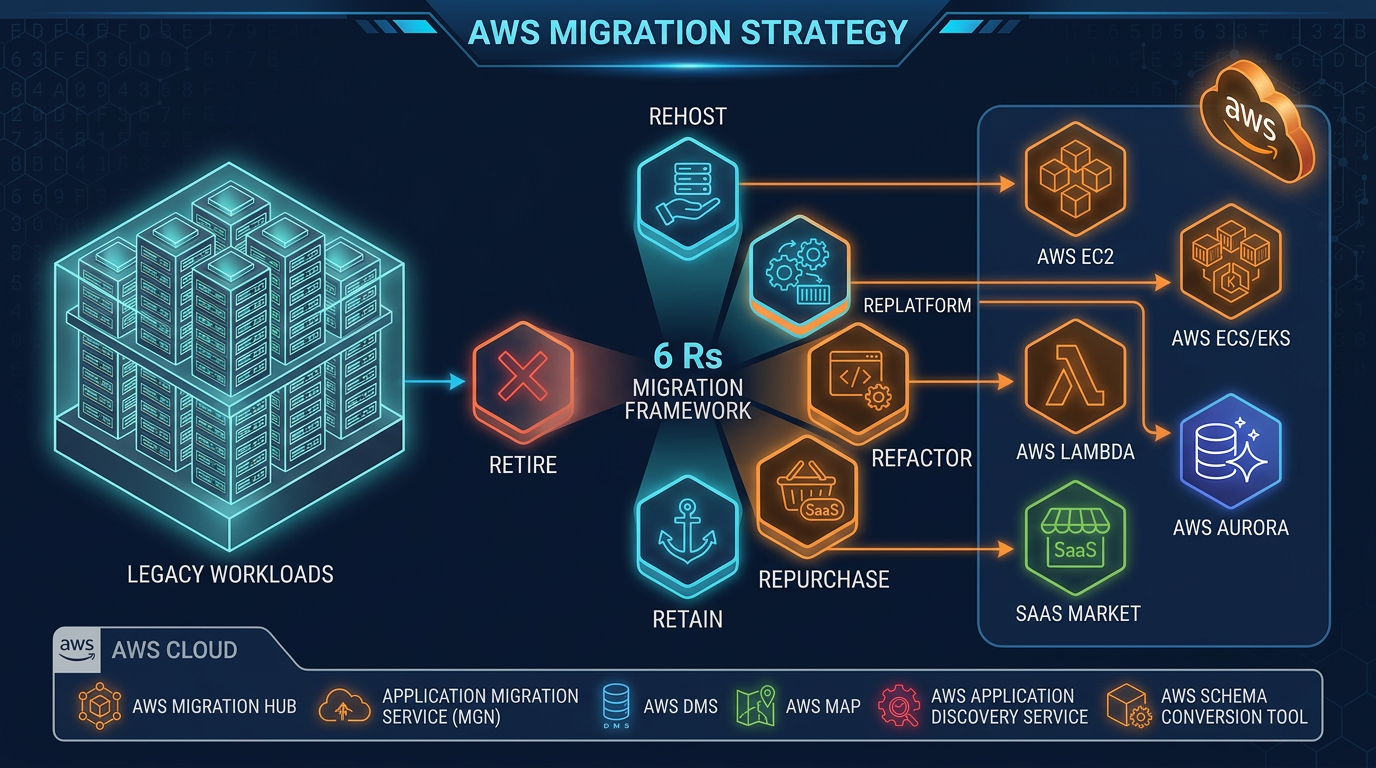
- AWS Migration Strategy: Select the Right Approach
- VMware to AWS Migration Paths (2026): EVS vs MGN vs Native
- AWS Migration Acceleration Program (MAP) Guide
- AWS Multi-Account Strategy: Landing Zones and Organizations
- Top 20 AWS AI and Modern Services in 2026
Related reading
AWS Cloud Architect & AI Expert
AWS-certified cloud architect and AI expert with deep expertise in cloud migrations, cost optimization, and generative AI on AWS.