Terraform vs AWS CDK: Infrastructure as Code Decision Guide
Quick summary: A practical comparison of Terraform and AWS CDK for infrastructure as code — language support, state management, multi-cloud vs AWS-native trade-offs, and when to choose each.
Key Takeaways
- A practical comparison of Terraform and AWS CDK for infrastructure as code — language support, state management, multi-cloud vs AWS-native trade-offs, and when to choose each
- A practical comparison of Terraform and AWS CDK for infrastructure as code — language support, state management, multi-cloud vs AWS-native trade-offs, and when to choose each

Table of Contents
Infrastructure as Code (IaC) is no longer optional — it is a prerequisite for any team managing cloud resources in production. The question is not whether to use IaC but which tool to use. For AWS environments, the two dominant choices are Terraform (by HashiCorp) and AWS CDK (Cloud Development Kit). Both are mature, widely adopted, and capable of managing complex AWS infrastructure. But they represent fundamentally different approaches to the same problem.
This guide compares them across the dimensions that actually matter for production decision-making.
The Fundamental Difference
Terraform is a declarative, multi-cloud IaC tool. You describe the desired state of your infrastructure in HCL (HashiCorp Configuration Language), and Terraform figures out what changes to make. It works with AWS, Azure, GCP, and hundreds of other providers.
AWS CDK is an imperative, AWS-native IaC tool. You write infrastructure definitions in a general-purpose programming language (TypeScript, Python, Java, C#, Go), and CDK synthesizes CloudFormation templates. It generates the same declarative CloudFormation that AWS uses internally.
The practical implication: Terraform users think in terms of resources and their properties. CDK users think in terms of constructs and programming patterns — loops, conditionals, inheritance, and composition.
Language and Developer Experience
Terraform (HCL)
HCL is a domain-specific language designed specifically for infrastructure configuration:
resource "aws_lambda_function" "processor" {
  function_name = "order-processor"
  # ⚠️ nodejs20.x reaches EOL on April 30, 2026 — migrate to nodejs22.x
  runtime       = "nodejs22.x"
  handler       = "index.handler"
  role          = aws_iam_role.lambda_role.arn
  timeout       = 30
  memory_size   = 256

  environment {
    variables = {
      TABLE_NAME = aws_dynamodb_table.orders.name
    }
  }
}
⚠️ Node.js Runtime EOL Notice (April 30, 2026): The
nodejs20.xLambda runtime (updated tonodejs22.xin examples above) reaches end-of-life on April 30, 2026 — 33 days from now. Audit your Lambda functions and IaC definitions and migrate tonodejs22.xbefore this date to avoid running deprecated runtimes. Node.js 22 (LTS) is the current supported version.
Advantages:
- Purpose-built for infrastructure — concise, readable, no boilerplate
- Easy to learn for operations engineers who are not software developers
- Consistent syntax regardless of provider
- Strong IDE support (VS Code extension, syntax highlighting, autocompletion)
Limitations:
- Limited programming constructs — loops (
for_each,count) and conditionals are available but less expressive than general-purpose languages - Complex logic (dynamic resource generation based on configuration) can become verbose
- No native testing framework (requires external tools like Terratest)
AWS CDK (General-Purpose Languages)
CDK uses familiar programming languages:
const processor = new lambda.Function(this, 'OrderProcessor', {
  functionName: 'order-processor',
  // ⚠️ NODEJS_20_X reaches EOL on April 30, 2026 — migrate to NODEJS_22_X
  runtime: lambda.Runtime.NODEJS_22_X,
  handler: 'index.handler',
  timeout: Duration.seconds(30),
  memorySize: 256,
  environment: {
    TABLE_NAME: ordersTable.tableName,
  },
});

// Grant permissions automatically
ordersTable.grantReadWriteData(processor);
Advantages:
- Full power of a general-purpose language — loops, conditionals, classes, interfaces, generics
- Strong typing catches configuration errors at compile time (TypeScript)
- IDE autocompletion shows every available property and valid value
- Native testing with familiar frameworks (Jest, pytest, JUnit)
- L2 and L3 constructs abstract away boilerplate (the
grantReadWriteDatacall above generates a correctly scoped IAM policy automatically)
Limitations:
- Infrastructure code looks like application code — which can confuse the distinction between “what to deploy” and “how to deploy it”
- More lines of code for simple resources compared to HCL
- CDK’s abstraction layers can obscure what CloudFormation is actually generated
- Debugging requires understanding both CDK constructs and CloudFormation behavior
State Management
Terraform State
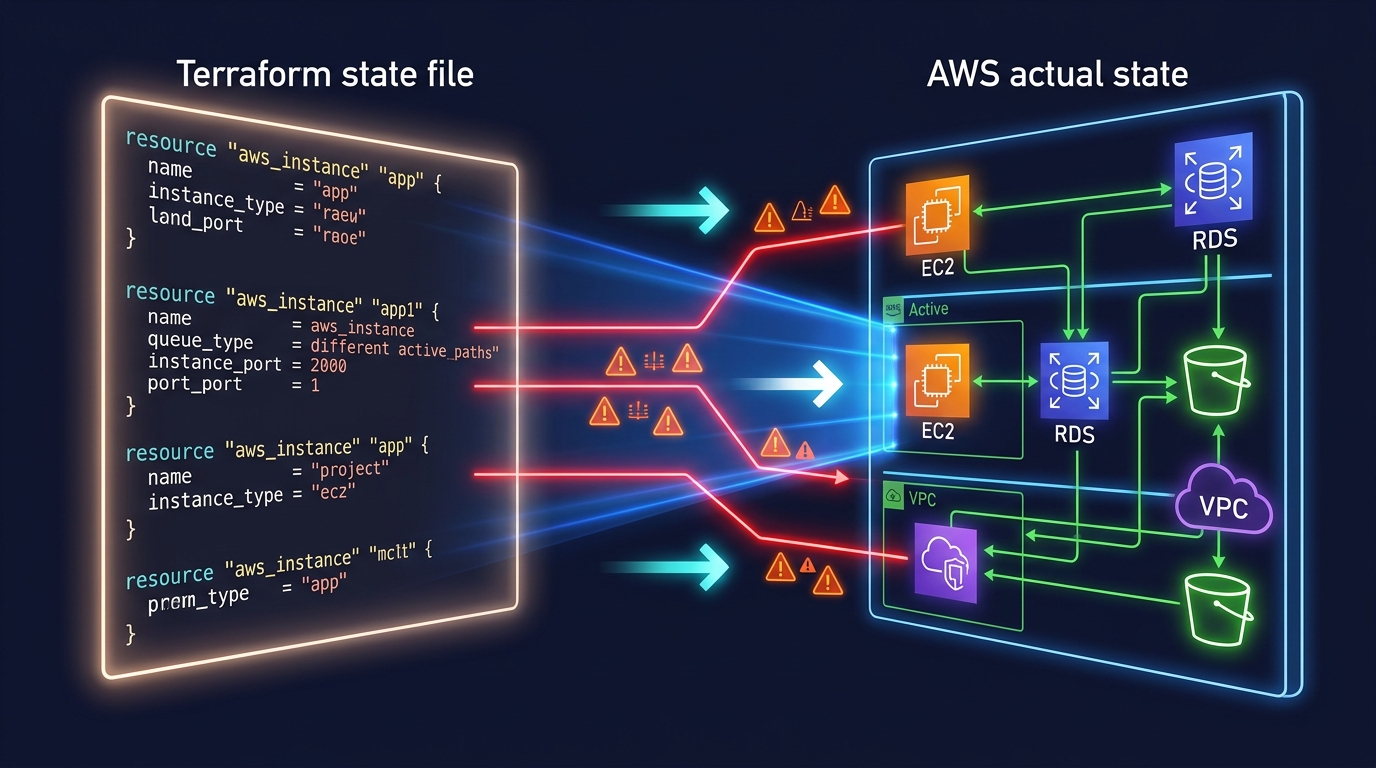
Terraform maintains a state file that maps your configuration to real-world resources. This state file is critical — it is how Terraform knows what exists, what changed, and what to destroy.
State backends:
- S3 + DynamoDB — The standard remote backend for AWS. S3 stores the state file; DynamoDB provides locking to prevent concurrent modifications.
- Terraform Cloud/Enterprise — Managed state with collaboration features, access controls, and run history.
- Local file — Default, but never appropriate for team or production use.
State challenges:
- State drift — If someone modifies infrastructure outside Terraform (console, CLI), state becomes inaccurate.
terraform refreshorterraform plandetects drift. - State file corruption — Rare but catastrophic. Mitigated by S3 versioning and DynamoDB locking.
- State splitting — Large monolithic state files become slow to plan. Teams split state into smaller, scoped configurations (e.g., per-service or per-environment).
- Secrets in state — Terraform stores resource attributes in state, including sensitive values like database passwords. State files must be encrypted and access-controlled.
CDK State (CloudFormation)
CDK delegates state management entirely to CloudFormation. Each CDK stack becomes a CloudFormation stack, and CloudFormation tracks the state of every resource it manages.
Advantages over Terraform state:
- No state file to manage, back up, or protect
- No state locking to configure
- No drift between state file and reality (CloudFormation is the source of truth)
- CloudFormation drift detection built in
Disadvantages:
- CloudFormation stack limits (500 resources per stack) require careful stack splitting
- CloudFormation updates can be slower than Terraform applies
- Rollback behavior can be confusing — CloudFormation rolls back the entire stack if any resource fails, which can cause cascading issues
Multi-Cloud vs AWS-Native
Terraform: Multi-Cloud
Terraform’s provider model supports any cloud or service with an API. A single Terraform configuration can manage:
# AWS resources
resource "aws_s3_bucket" "data" { ... }

# Datadog monitoring
resource "datadog_monitor" "alert" { ... }

# GitHub repository
resource "github_repository" "app" { ... }

# PagerDuty escalation
resource "pagerduty_escalation_policy" "ops" { ... }
This is Terraform’s strongest advantage for organizations that use multiple clouds or manage non-AWS resources (DNS providers, SaaS tools, monitoring services) alongside their AWS infrastructure.
Reality check: Most teams that say “we might go multi-cloud” never do. If your organization is committed to AWS, Terraform’s multi-cloud capability is insurance you pay for but rarely use. However, even AWS-only teams often manage GitHub, Datadog, PagerDuty, and other SaaS tools — and Terraform’s provider ecosystem covers all of these.
CDK: AWS-Native
CDK is designed exclusively for AWS. It generates CloudFormation, which means:
- Every AWS service is supported on day one (CloudFormation coverage)
- L2 constructs provide opinionated, best-practice defaults for common patterns
- Deep integration with AWS services (CDK Pipelines for CI/CD, CDK Aspects for compliance checks)
- Cannot manage non-AWS resources (no Datadog, GitHub, PagerDuty providers)
CDK for Terraform (CDKTF): HashiCorp offers CDKTF, which lets you write Terraform configurations using CDK-style programming languages. This gives you CDK’s developer experience with Terraform’s multi-provider support. However, CDKTF is less mature than either CDK or Terraform HCL individually.
Modularity and Reuse
Terraform Modules
Terraform modules are directories of .tf files that accept input variables and produce outputs:
module "api" {
  source = "./modules/api-gateway"

  name        = "orders-api"
  stage_name  = "production"
  lambda_arn  = module.processor.function_arn
}
Module ecosystem:
- Terraform Registry has thousands of community modules
- Company-internal modules shared via Git repositories or private registries
- Module versioning via Git tags or registry versions
CDK Constructs
CDK constructs are classes that can be composed, extended, and shared:
export class ApiStack extends Stack {
  constructor(scope: Construct, id: string, props: ApiStackProps) {
    super(scope, id, props);

    const api = new CompanyApi(this, 'Api', {
      name: 'orders-api',
      handler: props.processorFunction,
      authentication: 'cognito',
    });
  }
}
Construct levels:
- L1 (CFN resources) — Direct CloudFormation resource mapping, lowest level
- L2 (Curated) — AWS-maintained constructs with sensible defaults and helper methods
- L3 (Patterns) — Multi-resource patterns (e.g.,
LambdaRestApicreates API Gateway + Lambda integration + permissions)
Construct ecosystem:
- Construct Hub (constructs.dev) has community and partner constructs
- Company-internal constructs shared as npm/PyPI packages with full versioning
- Inheritance and composition provide powerful reuse patterns
Testing
Terraform Testing
Terraform’s built-in testing is limited. Most teams use external frameworks:
terraform plan— Preview changes before applying (the most common “test”)terraform validate— Syntax and configuration validation- Terratest — Go-based integration testing framework that provisions real infrastructure, validates it, and destroys it
- Checkov/tfsec — Static analysis for security and compliance policy violations
CDK Testing
CDK has first-class testing support using familiar unit testing frameworks:
test('Lambda function has correct timeout', () => {
  const app = new App();
  const stack = new OrderStack(app, 'TestStack');
  const template = Template.fromStack(stack);

  template.hasResourceProperties('AWS::Lambda::Function', {
    Timeout: 30,
    MemorySize: 256,
  });
});
Testing levels:
- Snapshot tests — Compare synthesized CloudFormation to a known-good snapshot
- Fine-grained assertions — Validate specific resource properties
- Validation tests — Test that invalid inputs throw errors at synth time
CDK’s testing story is significantly stronger than Terraform’s because infrastructure tests use the same language and tooling as application tests.
Day-Two Operations
Terraform Day-Two
- Plan before apply —
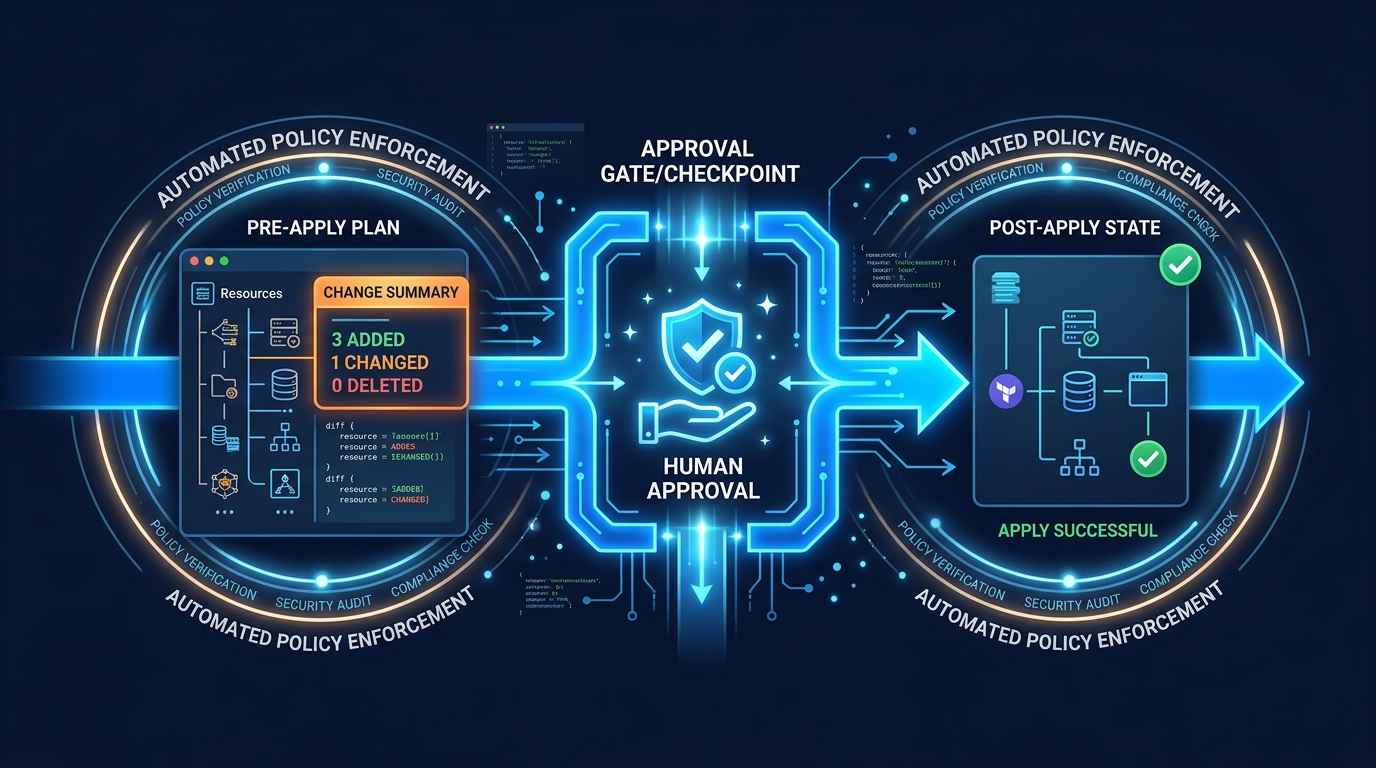
terraform planshows exactly what will change. This is Terraform’s signature workflow and provides high confidence before modifications. - Targeted applies —
terraform apply -target=aws_lambda_function.processormodifies a single resource without touching others. - Import —
terraform importbrings existing resources under Terraform management. - State surgery —
terraform state mv,terraform state rmfor state file manipulation when refactoring.
CDK Day-Two
- Diff before deploy —
cdk diffshows CloudFormation changeset before deployment. - Hotswap —
cdk deploy --hotswapupdates Lambda code and some resources without full CloudFormation deployment (development only). - Import — CDK supports importing existing resources into stacks, though the process requires more manual steps than Terraform.
- Refactoring — Moving resources between CDK stacks is more complex than Terraform state operations because CloudFormation manages resource lifecycle.
Team Considerations
Choose Terraform When
- Multi-cloud or multi-provider — You manage resources across AWS, Azure, GCP, or SaaS providers
- Operations-focused team — Your team has more ops/SRE engineers than software developers
- Organizational standardization — Your company has standardized on Terraform across teams or business units
- Existing Terraform investment — Migrating away from working Terraform has high cost and low benefit
- Strong module ecosystem — Community modules cover your infrastructure patterns
Choose CDK When
- AWS-only — Your infrastructure is entirely on AWS
- Developer-focused team — Your team is primarily software developers who prefer TypeScript/Python
- Complex infrastructure logic — You need conditionals, loops, and composition that HCL handles awkwardly
- Testing culture — Your team values unit testing infrastructure alongside application code
- CDK construct reuse — You want to package and share infrastructure patterns as typed libraries with autocompletion
Migration Between Tools
Terraform to CDK
The cdk import command can bring existing CloudFormation stacks under CDK management. For Terraform-managed resources, the process is:
- Export resource configurations from Terraform state
- Write equivalent CDK constructs
- Import existing resources into CDK stacks
- Remove resources from Terraform state (without destroying them)
This is a non-trivial migration. Plan for weeks, not days, for a large infrastructure.
CDK to Terraform
- Use CloudFormation outputs to identify resource ARNs and IDs
- Write equivalent Terraform configurations
- Import resources into Terraform state using
terraform import - Delete CloudFormation stacks with
DeletionPolicy: Retainon all resources
Our Recommendation
For AWS-focused organizations building serverless applications and modern cloud infrastructure, we recommend CDK with TypeScript as the default choice. The type safety, testing capabilities, and construct abstractions accelerate development and reduce configuration errors.
For organizations managing multi-account environments with resources across multiple providers, or teams with strong existing Terraform expertise, Terraform remains an excellent choice.
Both tools are production-grade and well-supported. The worst choice is no IaC at all.
For infrastructure automation and DevOps pipeline setup using either Terraform or CDK, talk to our team.
AWS Cloud Architect & AI Expert
AWS-certified cloud architect and AI expert with deep expertise in cloud migrations, cost optimization, and generative AI on AWS.