How to Build Multi-Tenant GenAI on AWS Bedrock
Quick summary: Build SaaS with AI: multi-tenant architecture on Bedrock, cost isolation, and tenant data security.
Key Takeaways
- Build SaaS with AI: multi-tenant architecture on Bedrock, cost isolation, and tenant data security
- Build SaaS with AI: multi-tenant architecture on Bedrock, cost isolation, and tenant data security
Table of Contents
Building Multi-Tenant GenAI SaaS on Bedrock
Most AI SaaS platforms use shared Bedrock account (pool model) with tenant isolation at the application layer. This guide covers architecture, cost tracking, and scaling considerations.
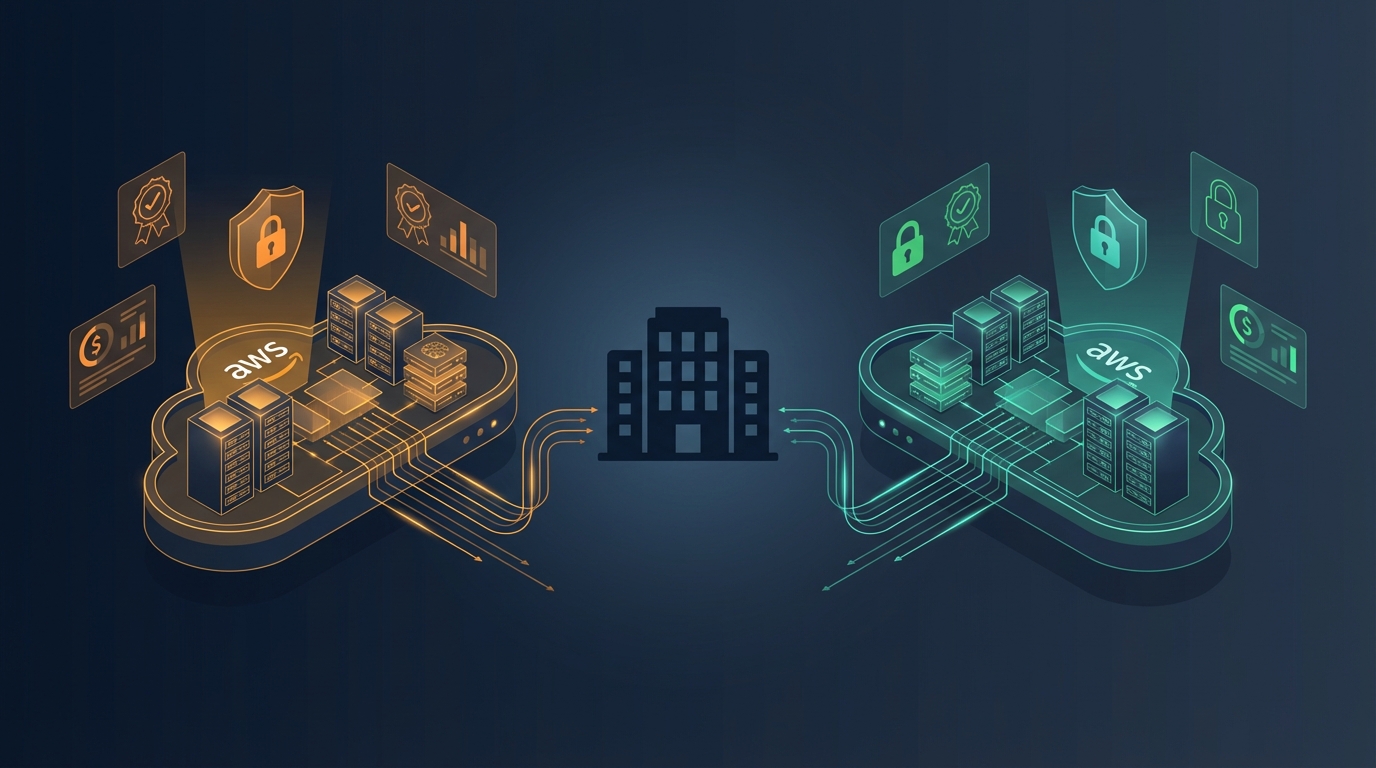
Multi-Tenancy Models for AI
Pool Model (Shared Bedrock)
- One Bedrock account, many customers
- Cheapest (shared infrastructure)
- Requires app-level tenant isolation
- Best for: startups, SMB SaaS
Silo Model (Dedicated Bedrock)
- Separate Bedrock account per customer
- Highest isolation (compliance-sensitive)
- Most expensive (~$73/month per customer for control plane)
- Best for: enterprise SaaS ($10K+/month customers)
Bridge Model (Hybrid)
- Free/standard customers: pool
- Enterprise customers: silo
- Supports multiple tiers
- Best for: scaling SaaS with mixed customers
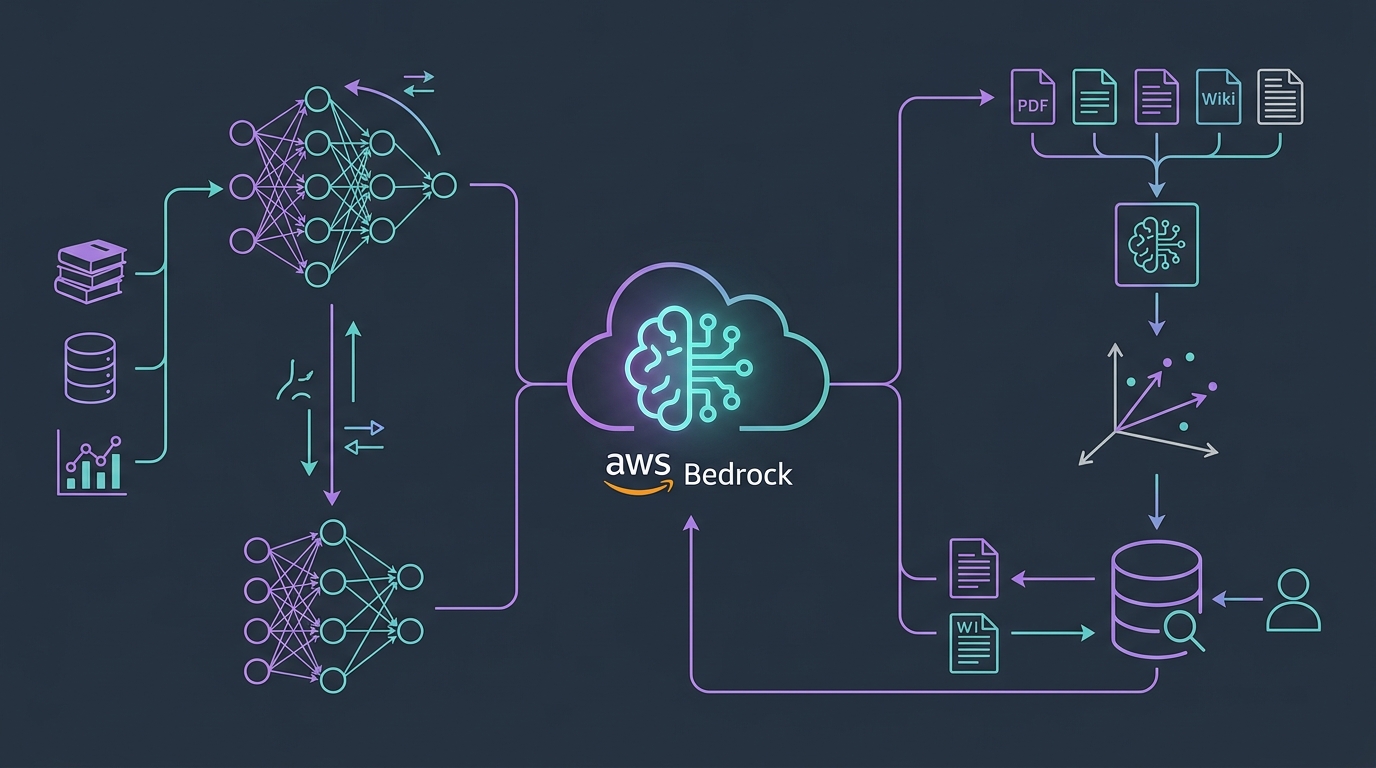
Architecture: Multi-Tenant AI on Bedrock
Customer A Request
    ↓ (tenant_id=cust_a)
API Gateway
    ↓
Lambda (include tenant_id in prompt)
    ↓
Bedrock (same account, multiple tenants)
    ↓
Vector DB (RAG, filter by tenant_id)
    ↓
Response (tagged with tenant_id, returned)
    ↓
Billing (track cost per tenant)
Key Points:
- Single Bedrock account
- Tenant isolation at app layer (every request includes tenant_id)
- Vector DB queries filtered by tenant_id
- Cost tracking via tags/metrics
Tenant Isolation Implementation
1. Include Tenant Context in Prompt
def bedrock_prompt(customer_id, user_question, documents):
    # Include tenant context to prevent crosstalk
    system_prompt = f"""
    You are an AI assistant for customer {customer_id}.
    You have access only to this customer's documents.

    Documents for {customer_id}:
    {documents}

    Rules:
    - Do not reference other customers' data
    - Do not share this customer's data with other customers
    - Always cite which document you're referencing
    """

    return {
        'system': system_prompt,
        'messages': [{'role': 'user', 'content': user_question}]
    }
2. Filter Vector DB by Tenant
# RAG embedding retrieval
vector_db.search(
    query=user_question,
    filters={'tenant_id': customer_id},  # Only their docs
    top_k=5
)
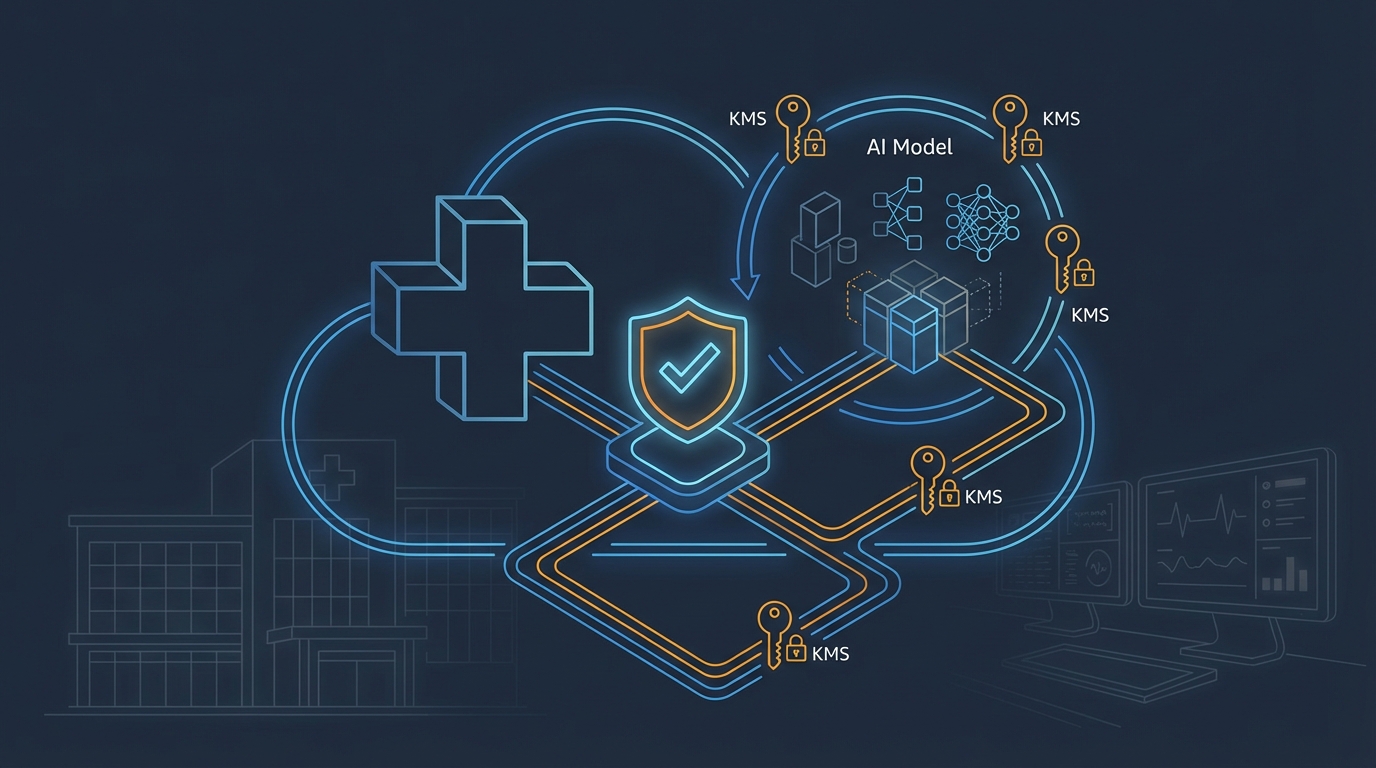
3. Encrypt Data per Tenant
# Store embeddings with tenant isolation
vector_db.store(
    embedding=embedding_vector,
    document=document_text,
    tenant_id=customer_id,  # Queryable filter
    encrypted=True  # KMS encryption key per tenant
)
Cost Tracking Per Customer
1. Tag Bedrock Calls
bedrock = boto3.client('bedrock-runtime')

response = bedrock.invoke_model(
    modelId='anthropic.claude-3-5-sonnet-20241022-v2:0',
    body=json.dumps({...}),
    # Tags for cost tracking
    'x-amzn-tagresource': [{
        'Key': 'Customer',
        'Value': customer_id
    }]
)
2. Track Tokens (Billing Calculation)
# Bedrock returns token counts
def track_usage(customer_id, response):
    tokens_used = response['usage']['input_tokens'] + response['usage']['output_tokens']

    # Bedrock pricing ~$0.003 per 1K tokens (example)
    bedrock_cost = (tokens_used / 1000) * 0.003

    # Store in DynamoDB for billing
    usage_table.put_item(Item={
        'customer_id': customer_id,
        'timestamp': datetime.now().isoformat(),
        'tokens': tokens_used,
        'cost': bedrock_cost
    })

    return bedrock_cost
3. Generate Customer Invoice
def calculate_customer_bill(customer_id, period):
    usage = usage_table.query(
        KeyConditionExpression='customer_id = :cid',
        ExpressionAttributeValues={':cid': customer_id}
    )

    total_tokens = sum(item['tokens'] for item in usage['Items'])
    bedrock_cost = (total_tokens / 1000) * 0.003

    # Add markup for profit/ops (3-5x typical)
    customer_price = bedrock_cost * 4  # 4x markup

    return {
        'bedrock_cost': bedrock_cost,
        'customer_charge': customer_price,
        'margin': customer_price - bedrock_cost
    }
Rate Limiting Per Customer
def check_rate_limit(customer_id):
    # Get customer's tier
    tier = get_customer_tier(customer_id)  # free, pro, enterprise

    limits = {
        'free': {'requests_per_day': 100},
        'pro': {'requests_per_day': 10000},
        'enterprise': {'requests_per_day': None}  # unlimited
    }

    daily_limit = limits[tier]['requests_per_day']

    # Check usage today
    today = datetime.now().date()
    usage_today = usage_table.query(
        KeyConditionExpression='customer_id = :cid AND starts_with(#ts, :date)',
        ExpressionAttributeNames={'#ts': 'timestamp'},
        ExpressionAttributeValues={
            ':cid': customer_id,
            ':date': str(today)
        }
    )

    if len(usage_today) >= daily_limit:
        raise Exception(f'Rate limit exceeded for {customer_id}')
Scaling Considerations
Per Customer Concurrency
- Each customer can call Bedrock concurrently
- Bedrock has regional rate limits (can burst)
- For 1,000+ concurrent customers: use SQS queue (async processing)
Vector DB Scaling
- For 1,000 customers × 10,000 docs each: 10M embeddings
- Use Pinecone, Weaviate, or OpenSearch with partition by tenant_id
- Ensure retrieval latency stays < 1 second
Cost Growth
- As customers use more: Bedrock costs scale linearly
- Typical SaaS margin: 2-5x markup (customer pays 4x what you pay for Bedrock)
- For profitable SaaS: ensure customer LTV > acquisition cost
Example Economics: AI SaaS with Bedrock
10 Customers, 100 queries/month each
Total queries: 1,000
Avg tokens per query: 500 (input) + 500 (output) = 1,000 tokens
Total tokens: 1M
Bedrock cost: 1M / 1000 × $0.003 = $3

Other costs:
- Vector DB: $20
- Lambda: $5
- API Gateway: $3

Monthly cost: $31
Revenue (assuming $50/customer): $500
Margin: $469 (94% margin!)
100 Customers
Bedrock cost: $30
Other infrastructure: $50
Total cost: $80
Revenue: $5,000
Margin: $4,920 (98% margin!)
When to Move to Silo Model
As customer grows:
- Single customer > $5K/month: consider dedicated Bedrock
- Compliance requirements (HIPAA): maybe silo needed
- Negotiate separate account, negotiate AWS discount
Best Practices
Tenant Isolation
- Always include tenant_id in queries/filters
- Never return another tenant’s data
- Test with multiple customers; verify isolation
Cost Control
- Set per-customer token budgets
- Alert on unusual usage
- Implement rate limiting per tier
Monitoring
- CloudWatch metrics by customer
- Track latency per customer
- Monitor Bedrock availability
Bottom Line
Pool model (shared Bedrock) is economical for most SaaS. Include tenant context in prompts, filter vector DB by tenant_id, track costs per customer. As customers grow, eventually move to silo (dedicated account) but most SaaS stays on pool model.
AWS Cloud Architect & AI Expert
AWS-certified cloud architect and AI expert with deep expertise in cloud migrations, cost optimization, and generative AI on AWS.