HIPAA-Compliant AI on AWS Bedrock: A Production Guide for Healthcare Workloads
Quick summary: Production guide for HIPAA-compliant generative AI on AWS Bedrock — BAA scope, eligible models, Guardrails for PHI redaction, Knowledge Bases for RAG over clinical data, VPC isolation, and the audit evidence package OCR investigators expect.
Key Takeaways
- AWS lifecycle notice (June 30, 2026) — Amazon Bedrock Agents Classic is now Bedrock Agents Classic, in maintenance for new customers after July 30, 2026
- Net-new agent builds should use Bedrock AgentCore
- This post covers generative AI on AWS Bedrock for PHI workloads
- For the program-level audit checklist, read HIPAA on AWS: The Compliance Lead's Audit-Ready Checklist
- For the engineering build manual covering KMS, VPC, RDS, S3, and Lambda, read How to Implement a HIPAA-Compliant Architecture on AWS
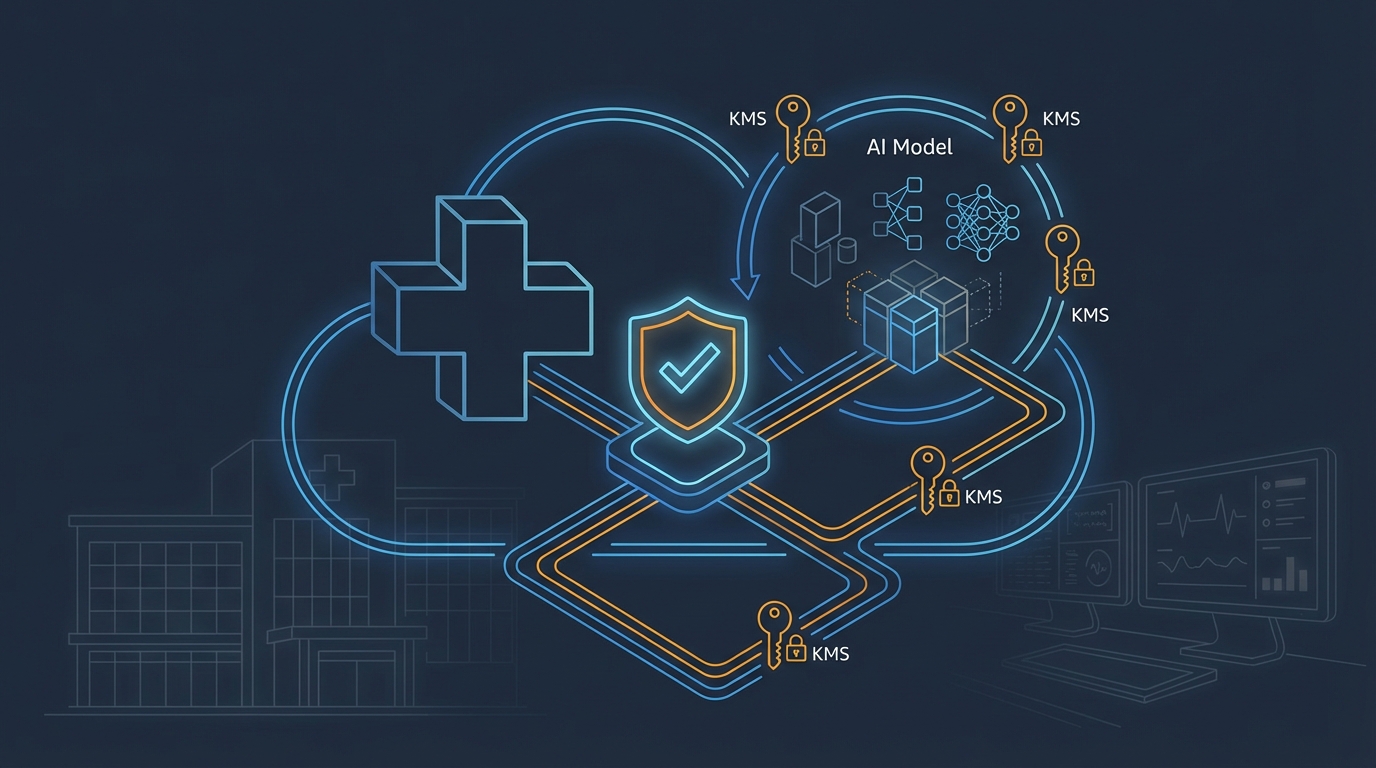
Table of Contents
AWS lifecycle notice (June 30, 2026) — Amazon Bedrock Agents Classic is now Bedrock Agents Classic, in maintenance for new customers after July 30, 2026. Net-new agent builds should use Bedrock AgentCore. Full matrix: lifecycle roundup.
Looking for the broader HIPAA guides? This post covers generative AI on AWS Bedrock for PHI workloads. For the program-level audit checklist, read HIPAA on AWS: The Compliance Lead’s Audit-Ready Checklist. For the engineering build manual covering KMS, VPC, RDS, S3, and Lambda, read How to Implement a HIPAA-Compliant Architecture on AWS.
Generative AI is moving into clinical and revenue-cycle workflows faster than most healthcare organizations have governance for. Ambient documentation tools are summarizing visits, claims teams are using LLMs to draft prior authorizations, patient-facing chatbots are answering education questions, and provider-facing copilots are surfacing context from EHRs. The infrastructure question — “can we run this on AWS Bedrock under HIPAA?” — has a clear answer in 2026: yes, when configured correctly. The harder question is what “configured correctly” means for AI workloads, where the failure modes (PHI leakage in prompts, logs, model context, or training data) are different from traditional applications.
This guide is the build manual for HIPAA-compliant generative AI on Amazon Bedrock. It covers BAA scope, the model lineup, Bedrock Guardrails for PHI redaction, Knowledge Bases for clinical RAG, VPC isolation, model invocation logging, the layered defense pattern, allowed and prohibited use cases, and the evidence package an OCR investigator expects.
Need help building HIPAA-compliant AI on AWS? FactualMinds builds Bedrock workloads for healthcare organizations, health-tech startups, and platforms handling PHI — including ambient documentation, clinical RAG, and patient-facing assistants. See our compliance services or talk to our team.
Step 1: Confirm BAA Scope Before You Touch Bedrock
The AWS Business Associate Agreement, accessible through AWS Artifact, makes AWS your HIPAA business associate for all HIPAA-eligible services in your AWS Organization. Before any Bedrock prototype touches PHI:
- AWS BAA executed (single self-service action in AWS Artifact — covers all member accounts in the Organization)
- Bedrock confirmed HIPAA-eligible for the regions you’ll use (verify against the AWS HIPAA Eligible Services Reference)
- Supporting services confirmed eligible — Knowledge Bases, the chosen vector store (OpenSearch Serverless, Aurora pgvector, MemoryDB, S3 Vectors, Neptune Analytics), KMS, Lambda, API Gateway, CloudTrail, CloudWatch, S3, VPC, Secrets Manager
- Sub-processor downstream BAAs if you use any third-party SaaS in the PHI flow (vector DB providers like Pinecone, observability tools, evaluation platforms)
- Public OpenAI / Anthropic API usage formally prohibited by policy — these are NOT HIPAA-eligible regardless of any other controls
The OpenAI prohibition is the single most common violation in healthcare AI prototypes. An engineer reaches for openai.ChatCompletion.create() because it’s familiar, the prototype works, and PHI flows to a non-eligible API. The architectural fix is to wire Bedrock as the only LLM gateway in the HIPAA environment via IAM and VPC egress controls — no other API endpoints reachable from the workload.
Step 2: Choose Your Bedrock Models
All foundation models served through Bedrock are HIPAA-eligible. The choice is functional, not compliance-driven:
| Model family | Strengths | Common HIPAA use cases |
|---|---|---|
| Anthropic Claude (Sonnet, Opus, Haiku) | Strong reasoning, long context, refuses unsafe content | Clinical summarization, prior-auth drafting, complex documentation |
| Amazon Nova (Pro, Lite, Micro) | AWS-native, lower latency, cost-efficient | High-volume summarization, classification, internal copilots |
| Amazon Nova Canvas / Reel | Image and short-video generation | Patient education materials, internal training |
| Meta Llama | Open-weights flexibility, fine-tuning options | Specialized clinical tasks, on-prem-style deployment patterns |
| Amazon Titan Text Embeddings, Cohere Embed | Embeddings for RAG | Knowledge Base ingestion, semantic search |
| Anthropic Claude (vision models) | Multimodal — clinical images alongside text | Medical document OCR, radiology report drafting (with FDA awareness) |
Cost considerations matter: a high-volume ambient documentation workflow might run Claude Haiku or Nova Lite for first-pass summarization and only escalate to Claude Sonnet or Opus for cases flagged for low confidence. See the Bedrock cost optimization guide for token budgeting patterns.
Cross-region inference (CRIS): Bedrock supports cross-region inference profiles that automatically route invocations across multiple AWS regions for capacity and latency. For HIPAA workloads, restrict CRIS to US regions only (us-east-1, us-east-2, us-west-2) so PHI does not leave US jurisdiction. Use IAM policies that allow only the US-region inference profile ARNs.
Step 3: Encrypt Everything with Customer-Managed KMS Keys
HIPAA’s encryption requirements apply at every layer of the AI workload:
- Prompts and completions in transit — TLS 1.2+ enforced (Bedrock requires TLS for all API calls; nothing to configure)
- Model invocation logs at rest — KMS-encrypted S3 bucket with a dedicated key
- Knowledge Base vector store at rest — KMS-encrypted (OpenSearch Serverless, Aurora, MemoryDB all support customer-managed keys)
- Source data in S3 — bucket-level default encryption with a customer-managed KMS key, plus
aws:SecureTransportdeny in the bucket policy - Lambda environment variables containing model IDs / prompts — encrypted with KMS
- Secrets Manager for any external integrations — automatic KMS encryption
Use separate KMS keys per data classification: a hipaa-bedrock-prompts key for invocation logs, a hipaa-bedrock-knowledge key for source data and vector stores, a hipaa-application key for application data. Separate keys mean separate key policies — and separate roles authorized to use each key. An OCR investigator asking “who can read your model invocation logs?” should receive a one-line answer: the holders of the kms:Decrypt grant on hipaa-bedrock-prompts, which is a documented, narrow list.
Enable automatic annual rotation on every key, and store key policy diffs in version control alongside your IaC.
Step 4: VPC Isolation with VPC Endpoints
PHI must not traverse the public internet. Bedrock supports AWS PrivateLink — VPC endpoints that route Bedrock API calls over the AWS backbone:
com.amazonaws.<region>.bedrock— for control-plane (model management) callscom.amazonaws.<region>.bedrock-runtime— forInvokeModelandInvokeModelWithResponseStreamcom.amazonaws.<region>.bedrock-agent— for Knowledge Bases and Agents control-planecom.amazonaws.<region>.bedrock-agent-runtime— for Agent invocation andRetrieveAndGenerate
Combined with VPC endpoint policies that restrict access to your Organization and to the specific model ARNs you’ve approved, this prevents:
- A misconfigured Lambda from sending PHI prompts to Bedrock over the public internet
- A compromised credential from invoking models in non-approved regions
- Data exfiltration to non-approved Bedrock model providers (e.g., if you’ve approved Claude but not Cohere, the endpoint policy enforces it)
Block egress to *.amazonaws.com at the SCP layer for HIPAA accounts to force all AWS API calls through VPC endpoints. This is a hard guardrail that survives developer mistakes.
# Terraform — Bedrock runtime VPC endpoint with restrictive policy
resource "aws_vpc_endpoint" "bedrock_runtime" {
  vpc_id              = aws_vpc.hipaa.id
  service_name        = "com.amazonaws.${var.region}.bedrock-runtime"
  vpc_endpoint_type   = "Interface"
  subnet_ids          = aws_subnet.private[*].id
  security_group_ids  = [aws_security_group.bedrock_endpoint.id]
  private_dns_enabled = true

  policy = jsonencode({
    Version = "2012-10-17"
    Statement = [{
      Effect    = "Allow"
      Principal = "*"
      Action    = ["bedrock:InvokeModel", "bedrock:InvokeModelWithResponseStream"]
      Resource = [
        "arn:aws:bedrock:${var.region}::foundation-model/anthropic.claude-sonnet-4-6",
        "arn:aws:bedrock:${var.region}::foundation-model/amazon.nova-pro-v1:0",
      ]
      Condition = {
        StringEquals = {
          "aws:PrincipalOrgID" = var.org_id
        }
      }
    }]
  })

  tags = {
    DataClassification = "PHI"
    Compliance         = "HIPAA"
  }
}
Step 5: Configure Bedrock Guardrails for PHI
Bedrock Guardrails is the safety perimeter for HIPAA generative AI. Configure a Guardrail with at minimum these policies:
Sensitive information filters — apply to both INPUT and OUTPUT:
| Entity | Action | Rationale |
|---|---|---|
NAME | Mask (with {NAME}) | Patient names should not appear in logs or unredacted contexts |
ADDRESS | Mask | Combined with name = identifier |
EMAIL | Mask | HIPAA identifier |
PHONE | Mask | HIPAA identifier |
US_SOCIAL_SECURITY_NUMBER | Block (input), Mask (output) | Never permitted in clear text |
US_INDIVIDUAL_TAXPAYER_IDENTIFICATION_NUMBER | Block, Mask | HIPAA identifier |
AGE | Mask if > 89 | Ages >89 are HIPAA identifiers under Safe Harbor |
DATE_TIME | Mask if specific dates | Dates more granular than year are identifiers |
IP_ADDRESS | Mask | HIPAA identifier |
URL | Mask if contains identifiers | Patient-portal URLs may embed MRNs |
Custom regex filters for org-specific identifiers — your internal MRN format, accession numbers, encounter IDs:
guardrail_config = {
    "sensitiveInformationPolicyConfig": {
        "regexesConfig": [
            {
                "name": "internal_mrn",
                "description": "Internal medical record number (8-digit MRN-prefixed)",
                "pattern": r"\bMRN[- ]?\d{8}\b",
                "action": "BLOCK"
            },
            {
                "name": "accession_id",
                "description": "Imaging accession number",
                "pattern": r"\bACC\d{10}\b",
                "action": "ANONYMIZE"
            }
        ]
    }
}
Denied topics for clinical decision-making boundaries:
name: "Specific medication dosing recommendations"—definition: "Recommending specific drug, dosage, frequency, or duration to patients or providers"name: "Definitive diagnosis"—definition: "Confirming or ruling out a specific medical diagnosis as a final determination"name: "Treatment plan finalization"—definition: "Issuing a complete treatment plan as final medical advice without clinician oversight"
Content filters at HIGH strength for hate, insults, sexual, violence, misconduct, and prompt-attacks. Even patient-facing health applications should not generate prompt-attacked or harmful content.
Apply the Guardrail at every InvokeModel call — Guardrails are not automatic. Pass guardrailIdentifier and guardrailVersion on every call, and reject any application code path that omits it. Use a thin SDK wrapper that makes Guardrail-less calls impossible.
Step 6: Bedrock Knowledge Bases for Clinical RAG
Most HIPAA AI workloads need RAG — grounding LLM responses in your own clinical content (SOPs, formularies, guidelines, de-identified case notes) rather than relying on the model’s training data. Bedrock Knowledge Bases is the managed RAG service.
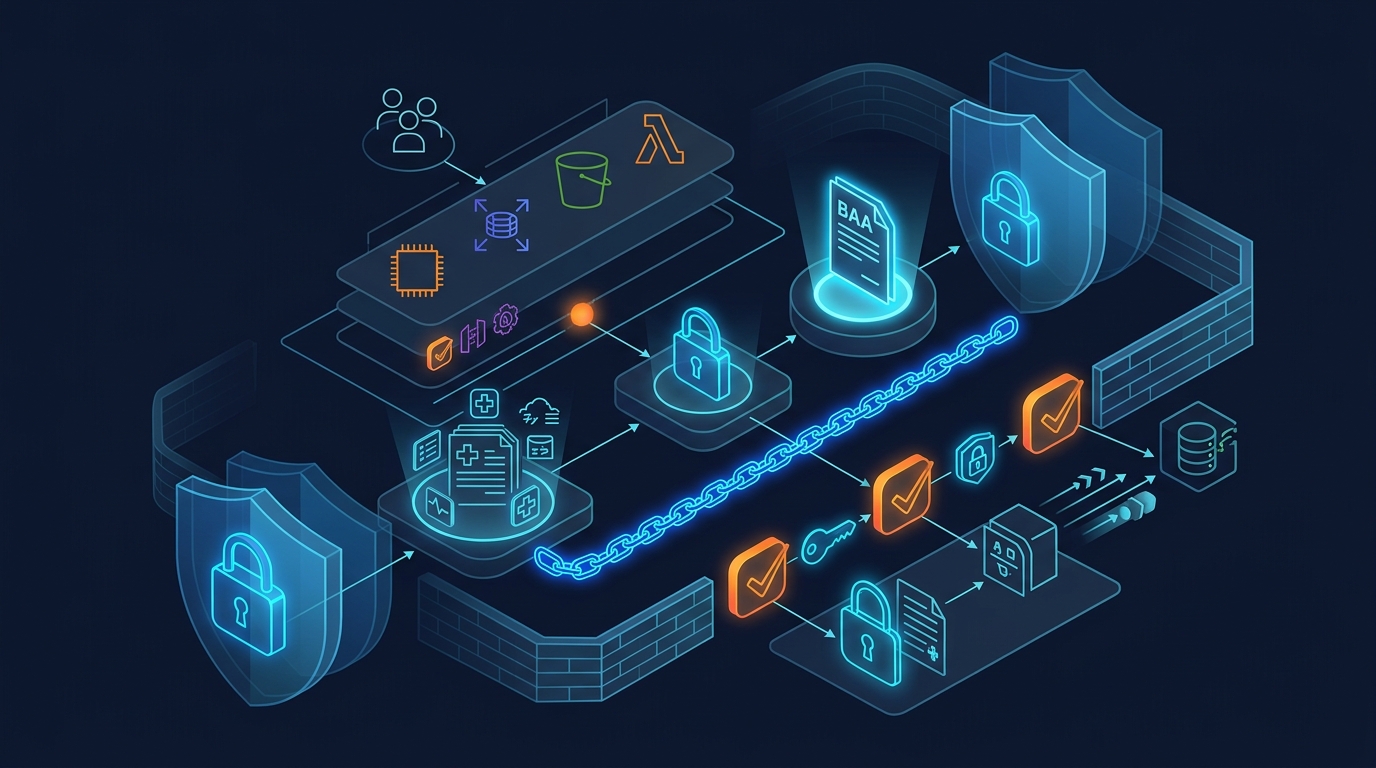
HIPAA-compliant Knowledge Base architecture:
PHI source data in S3 (encrypted, customer-managed KMS key)
    ↓ (VPC endpoint, IAM-restricted)
Knowledge Base ingestion (Bedrock Agent service role)
    ↓ (chunking, embedding via Titan Embeddings or Cohere Embed)
Vector store (OpenSearch Serverless / Aurora pgvector / MemoryDB / S3 Vectors)
    ↓ (encrypted at rest, VPC-isolated)
RetrieveAndGenerate API call from application
    ↓ (with Guardrail applied)
Foundation model (Claude / Nova) generates grounded response
    ↓ (with citations + invocation logging)
Application response with audit trail
Vector store choice for HIPAA:
| Vector store | HIPAA-eligible | Best for |
|---|---|---|
| Amazon OpenSearch Serverless | Yes | Default choice; managed; auto-scaling |
| Aurora PostgreSQL with pgvector | Yes | Teams already running Aurora; SQL-driven retrieval |
| MemoryDB for Redis with vector search | Yes | Sub-millisecond retrieval; smaller scale |
| S3 Vectors | Yes | Cost-optimized for cold-store retrieval, sparse access patterns |
| Neptune Analytics | Yes | Graph + vector for clinical knowledge graphs |
| Pinecone, Weaviate (managed SaaS) | Requires their own BAA | Only if their HIPAA offering is procured |
For most clinical RAG workloads, OpenSearch Serverless is the default — managed scaling, encryption with customer-managed keys, and tight Bedrock Knowledge Base integration. For very large clinical document corpora with infrequent retrieval, S3 Vectors is dramatically cheaper.
Source data hygiene before ingestion:
- Use Amazon Comprehend Medical to scan source documents for unintended PHI before ingestion — Comprehend Medical detects 65+ PHI entity types (NAME, AGE, DATE, MEDICATION, MEDICAL_CONDITION, etc.)
- For RAG content that should be de-identified, run a Comprehend Medical de-identification pass and store both the raw and de-identified versions in separate S3 prefixes with separate KMS keys
- Tag every S3 object with
data-classification = phi | de-identified | non-phiand use IAM conditions to restrict ingestion to the appropriate sources
Step 7: Model Invocation Logging — The Audit Backbone
Bedrock model invocation logging is what gives you the audit trail HIPAA’s audit-controls rule (45 CFR §164.312(b)) requires. Configure it before processing any PHI:
aws bedrock put-model-invocation-logging-configuration \
  --logging-config '{
    "cloudWatchConfig": {
      "logGroupName": "/aws/bedrock/hipaa-invocations",
      "roleArn": "arn:aws:iam::123456789012:role/BedrockInvocationLoggingRole"
    },
    "s3Config": {
      "bucketName": "hipaa-bedrock-invocation-logs",
      "keyPrefix": "model-invocations/"
    },
    "textDataDeliveryEnabled": true,
    "imageDataDeliveryEnabled": false,
    "embeddingDataDeliveryEnabled": false,
    "videoDataDeliveryEnabled": false
  }'
Critical configuration choices:
- S3 bucket has Object Lock with Compliance retention (6 years for HIPAA) — logs cannot be deleted by anyone, including root, before retention expires
- Bucket KMS key is restricted — only a dedicated
hipaa-audit-readerrole can decrypt; engineers cannot read raw logs - CloudTrail data events enabled on the log bucket so reads of the audit logs are themselves audited
- Bucket policy denies
s3:PutObjectfrom anything except the Bedrock service — prevents log poisoning - CloudWatch Logs subscription to a SIEM or Security Lake for real-time analysis (CloudWatch Logs is the read-friendly view; S3 is the immutable archive)
The Guardrail-redacted prompt is what’s logged when Guardrails masks PHI in the input. So a log entry that would have read "Summarize visit for Jane Doe, MRN-12345678..." instead reads "Summarize visit for {NAME}, {INTERNAL_MRN}..." — the audit trail still proves the invocation happened, with what redacted content, and what response was returned, but the raw PHI never reaches the log.
Step 8: Layered Defense — The Five-Layer Pattern
A defensible HIPAA AI architecture applies five layers of PHI protection:
- Pre-processing layer — De-identify or tokenize PHI in the source data when full PHI is not necessary for the task. Use Comprehend Medical or application-layer tokenization.
- Guardrails input layer — Block or mask any remaining PHI in prompts before the model sees them.
- Model layer — The model operates on Guardrail-filtered input within an account that holds a BAA.
- Guardrails output layer — Mask any PHI the model surfaces (whether from RAG context, training data, or hallucination).
- Audit layer — Every invocation logged with Guardrail metadata, IAM principal, model ID, timestamp, and Guardrail action taken.
This layered design means a single failure does not produce a HIPAA breach. If Comprehend Medical misses an identifier, Guardrails catches it. If Guardrails has a regex gap, the masked output catches it. If both miss it, the audit log creates the record needed to investigate and remediate. Defense-in-depth is the standard the HIPAA Security Rule expects.
Step 9: Allowed, Bounded, and Off-Limits Use Cases
Use cases need both a HIPAA architecture and a clinical-safety framework. The HIPAA bar is whether PHI is protected; the clinical-safety bar is whether the AI output drives care decisions.
Defensible (informational, administrative, or human-in-the-loop):
- Clinical note summarization for provider review
- Ambient documentation transcription and structured-note generation
- Prior-authorization document drafting
- Medical coding suggestion (with human review)
- Patient-facing FAQ chatbots over published education content
- Internal knowledge search over clinical SOPs
- Claims processing automation
- De-identified research analysis
- Provider-facing context surfacing from EHR
Bounded (require additional oversight, often FDA scrutiny):
- Symptom triage with disposition recommendations
- Clinical decision support that influences treatment
- Automated radiology preliminary reads
- Workflows where AI output drives a clinical decision without a clinician in the loop
Off-limits without specific clearance:
- Autonomous diagnostic decisions
- Autonomous medication dosing
- Direct-to-patient definitive treatment recommendations
The HIPAA question and the FDA software-as-a-medical-device question are separate. Your HIPAA architecture can be flawless while your use case still requires FDA premarket review. Have an internal clinical-safety review board that signs off on use cases independent of the HIPAA review.
Step 10: Continuous Validation and Evidence Collection
Standing up a HIPAA-compliant Bedrock workload is not a project — it’s an ongoing program. Continuous validation:
- AWS Config rules — encryption on Knowledge Base S3 sources, MFA on root accounts, no public Bedrock VPC endpoints, no Bedrock invocations from outside approved roles
- Bedrock model invocation log analysis — weekly review of high-severity Guardrail interventions; investigate any prompt that triggered a BLOCK action
- Macie scans of Knowledge Base source S3 buckets to catch accidental PHI in supposedly de-identified content
- Quarterly access review of who can
bedrock:InvokeModel, who can decrypt invocation logs, who can read Knowledge Base source data - Annual penetration test that includes prompt-injection attempts against Guardrails — AWS permits security testing of customer-owned Bedrock workloads
- Annual risk assessment updated to reflect AI-specific risks (model evolution, new attack patterns, regulatory changes)
- Bedrock Studio / evaluation jobs to track output quality drift — quality regressions can indicate model changes that warrant re-validation
Evidence package for an OCR investigation:
| Evidence | Source |
|---|---|
| Signed BAA | AWS Artifact export |
| HIPAA-eligible service confirmation for Bedrock | AWS HIPAA Eligible Services Reference snapshot, dated |
| Bedrock Guardrail configuration | aws bedrock get-guardrail output, version-controlled |
| Model invocation logging configuration | Logging config + sample log entries |
KMS key policies for hipaa-bedrock-* keys | IaC export |
| VPC endpoint policies for Bedrock | IaC export |
| IAM policies for Bedrock-invoking roles | IaC export |
| Knowledge Base source bucket encryption + Object Lock evidence | S3 configuration export |
| Quarterly access review records | Documented in your GRC tool |
| Penetration test report including prompt-injection results | Annual external test report |
| Workforce training records covering AI-specific PHI handling | HR system export |
| Risk assessment dated within 12 months | Compliance team document |
| Incident response runbook with AI-specific scenarios | Documented runbook |
This is the package an OCR investigator (or a HITRUST CSF assessor) reviews. Most of it is collected automatically by AWS Audit Manager when configured against the AWS Foundational Security Best Practices and HIPAA frameworks.
Common Pitfalls
Pitfall 1: Using public OpenAI / Anthropic APIs for prototypes. Engineers default to familiar APIs. Even short-lived prototypes that touch real PHI are HIPAA violations. Block these endpoints at the SCP and VPC egress level for all HIPAA accounts.
Pitfall 2: Logging full prompts and completions in application CloudWatch Logs. Application logs are typically broadly readable. A clinical-note summarization application that does logger.info(f"prompt: {prompt}") is logging PHI in clear text. Use Bedrock invocation logging (encrypted, restricted) for the audit trail; application logs should reference invocation IDs, not content.
Pitfall 3: Skipping Guardrails on internal-only workloads. “It’s only used by our doctors, no patients see it” doesn’t change HIPAA. The minimum-necessary rule still applies, and an internal copilot that surfaces full SSNs in its output violates the rule even if no external user sees it.
Pitfall 4: Knowledge Bases over S3 buckets containing mixed-classification data. A bucket with both PHI and de-identified content should not be a Knowledge Base source — separate buckets, separate keys, separate Knowledge Bases. The Knowledge Base service inherits the source bucket’s blast radius.
Pitfall 5: Cross-region inference profiles spanning non-US regions. CRIS can route invocations to EU or APAC regions for capacity. Restrict to US regions only via IAM, or PHI may briefly cross into non-BAA jurisdiction.
Pitfall 6: Treating model updates as no-op deployments. When AWS updates a foundation model version (anthropic.claude-sonnet-4-6 → anthropic.claude-sonnet-5), behavior shifts. Have a model-version pinning policy and a re-validation gate before adopting new versions for clinical workloads.
Cost Estimate (2026)
A representative HIPAA Bedrock workload — clinical note summarization, ~500K invocations/month, Claude Haiku for first-pass plus 5% escalation to Claude Sonnet, 200K vector store records:
| Component | Estimated monthly cost |
|---|---|
| Bedrock invocations (Haiku at scale + Sonnet escalation) | $1,200–$3,500 |
| Bedrock Guardrails (per text unit policy evaluation) | $150–$500 |
| Knowledge Bases retrievals (managed RAG) | $200–$600 |
| OpenSearch Serverless vector store (1 OCU baseline) | $700–$1,400 |
| KMS (3 customer-managed keys, key usage) | $30–$80 |
| CloudTrail + invocation logging S3 storage with Object Lock | $50–$200 |
| VPC endpoints (4 endpoints) | $30–$60 |
| Comprehend Medical de-identification (occasional batch) | $100–$400 |
| Estimated total | $2,460–$6,740 |
Compliance overhead (consulting + Audit Manager evidence pipeline + initial risk assessment + annual pen test + workforce training): typically $25,000–$60,000 in year 1, then $10,000–$25,000 annually for sustained validation.
Get Started
Healthcare organizations adopting Bedrock for clinical or revenue-cycle workflows need both the HIPAA architecture and the clinical-safety governance running in parallel. We’ve built ambient documentation pipelines, clinical RAG over EHR-derived content, prior-auth automation, and patient-facing assistants on Bedrock — and run the compliance evidence pipeline alongside the engineering work so the audit prep is ready when the workflow goes live.
If your team is moving from a prototype on the public OpenAI API to a HIPAA-eligible Bedrock deployment, or building greenfield AI workloads under HIPAA, we can help.
Related reading:
- HIPAA on AWS: The Compliance Lead’s Audit-Ready Checklist — governance and audit-prep companion
- How to Implement a HIPAA-Compliant Architecture on AWS — broader engineering build guide
- How to Set Up Amazon Bedrock Guardrails for Production — Guardrails deep dive
- Implementing GenAI Guardrails: Secure AI Governance on AWS — broader AI governance patterns
- GDPR Compliance on AWS: A Practical Guide for SaaS — for EU-based or EU-customer-serving healthcare workloads
- AWS Security & Compliance Hub — full AWS security and compliance content cluster
- AI Security subtopic — Bedrock Guardrails, HIPAA-compliant AI, GenAI governance
Frequently asked questions
Is Amazon Bedrock HIPAA-eligible in 2026?
Which Bedrock foundation models are HIPAA-eligible?
Can Bedrock Knowledge Bases handle PHI for clinical RAG applications?
What does Bedrock Guardrails do for PHI handling?
How do I prevent PHI from leaking into Bedrock invocation logs?
What clinical use cases are HIPAA-defensible on Bedrock today?

AWS Cloud Architect & AI Expert
AWS-certified cloud architect and AI expert with deep expertise in cloud migrations, cost optimization, and generative AI on AWS.