Amazon Q vs GitHub Copilot 2026: Developer Tools Comparison
Quick summary: Compare Amazon Q and GitHub Copilot for code generation, IDE integration, and developer productivity.
Key Takeaways
- Compare Amazon Q and GitHub Copilot for code generation, IDE integration, and developer productivity
- Compare Amazon Q and GitHub Copilot for code generation, IDE integration, and developer productivity
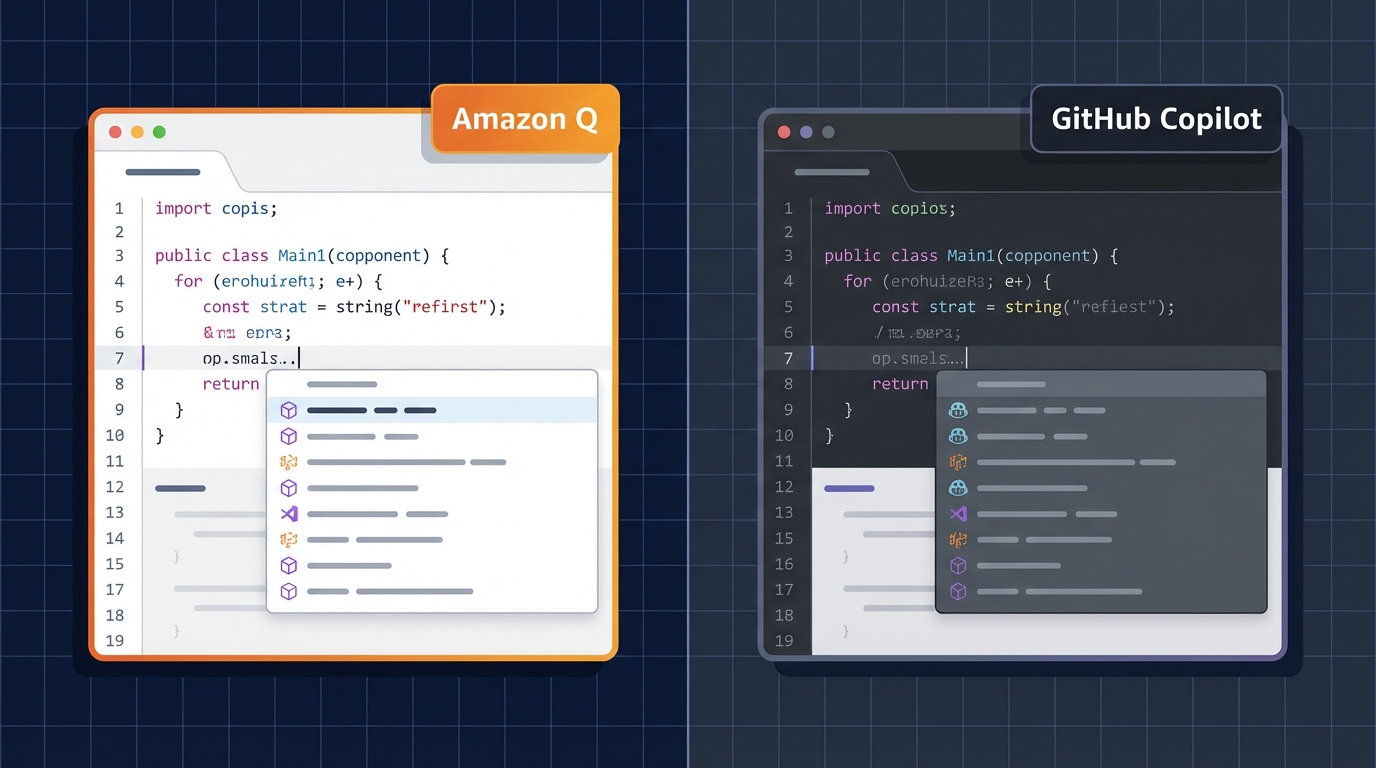
Table of Contents
Amazon Q vs GitHub Copilot: The Developer Tool Battle
Both offer AI-powered code generation in your IDE. GitHub Copilot is more established; Amazon Q is newer but AWS-integrated. Choice depends on your stack and priorities.
Feature Comparison
| Feature | Amazon Q | GitHub Copilot |
|---|---|---|
| Code completion | Excellent | Excellent |
| Full function generation | Excellent | Excellent |
| AWS knowledge | Best-in-class | Good |
| Multi-language support | All major | All major |
| IDE support | VSCode, JetBrains | VSCode, JetBrains, more |
| Pricing | $20/user/month | $10/month (individual), $21/user (business) |
| HIPAA-eligible | Yes | No |
| On-premises | Q Business (enterprise) | No (cloud only) |
| Context awareness | Codebase-aware | Codebase-aware |
Code Generation Quality
GitHub Copilot Strengths
- GPT-4 in the latest versions
- Better for complex logic problems
- Larger training dataset (more code examples)
- Stronger Python, JavaScript generation
Amazon Q Strengths
- Claude reasoning (better explanations)
- AWS CloudFormation, CDK, SAM templates
- AWS API documentation integration
- Infrastructure-as-code focus
Real Example: Lambda Function
# Both can generate this, but approach differs

GitHub Copilot:
- Generates working function quickly
- May need refinement for edge cases
- Focuses on code correctness

Amazon Q:
- Includes AWS best practices comments
- Suggests CloudWatch logging
- References IAM permission patterns
AWS Integration: Q Wins
Amazon Q Advantages for AWS:
- Understands CloudFormation syntax
- SAM (Serverless Application Model) generation
- CDK (AWS Cloud Development Kit) patterns
- AWS API call suggestions in context
- Integration with AWS documentation
Example: Generate DynamoDB Table
GitHub Copilot:
// table_name, items, attributes, etc
const params = {TableName: 'MyTable', ...}

Amazon Q:
// DynamoDB best practices:
// - Enable point-in-time recovery
// - Add encryption at rest (KMS)
// - Consider Global Secondary Indexes for scale
const params = {
  TableName: 'MyTable',
  SSESpecification: {Enabled: true, SSEType: 'KMS'},
  StreamSpecification: {StreamViewType: 'NEW_AND_OLD_IMAGES'},
  ...
}
IDE Integration & User Experience
GitHub Copilot
- Native integration (started here)
- Smooth in VSCode, JetBrains IDEs
- Excellent autocomplete (suggestion as you type)
- GitHub Chat (Copilot Chat in IDE)
Amazon Q
- Excellent VSCode plugin
- JetBrains plugins (IntelliJ, PyCharm, WebStorm)
- Q Business (enterprise on-prem option)
- Context-aware (understands your codebase)
Winner (Tie): Both have excellent IDE integration
AWS vs Non-AWS Developers
Use Amazon Q if:
- Primary stack is AWS
- Write CloudFormation, CDK, SAM templates
- Want AWS API documentation in IDE
- Healthcare/compliance (HIPAA)
- Enterprise with on-prem requirements
Use GitHub Copilot if:
- Multi-cloud (AWS, GCP, Azure)
- Language-agnostic (not AWS-focused)
- Prefer established tool
- Willing to pay slightly less for individuals
Security & Compliance
Amazon Q
- HIPAA-eligible (signed BAA)
- Runs on AWS infrastructure (you control)
- Data stays in your account
- SOC 2 Type II compliant
GitHub Copilot
- NOT HIPAA-eligible
- Runs on GitHub/Microsoft servers
- Data processing in US
- Enterprise agreement available
Healthcare/Compliance Winner: Amazon Q
Pricing Breakdown
GitHub Copilot
- Individual: $10/month
- Business: $21/user/month
- No per-team setup fee
- Cheapest for small teams
Amazon Q
- Unified: $20/user/month
- Enterprise volume discounts available
- Requires AWS account (may already pay)
- Q Business (on-prem): custom pricing
Winner for Cost Efficiency:
- Individuals: GitHub Copilot ($10)
- Small teams: GitHub Copilot ($21)
- Large AWS teams: Amazon Q (negotiated discounts)
Real-World Developer Feedback (2026)
GitHub Copilot Users
- “Amazing for general code completion”
- “Sometimes suggests outdated patterns”
- “Works great in all languages”
Amazon Q Users (AWS shops)
- “Understands our infrastructure better”
- “CloudFormation generation saves hours”
- “Integrates seamlessly with AWS docs”
Hybrid Approach: Use Both
Many large enterprises use both:
- GitHub Copilot for general coding (Python, JavaScript, Go)
- Amazon Q for AWS infrastructure (CloudFormation, CDK, Lambda)
- Different tabs in IDE, both helping context-aware
Benchmark: Code Generation Accuracy
Simple Functions (sorting, parsing)
- Both: 95%+ correct first try
Complex Logic (algorithm implementation)
- GitHub Copilot: 80-85% correct
- Amazon Q: 75-80% correct
- Both require review/refinement
AWS Infrastructure Code
- GitHub Copilot: 60-70% correct
- Amazon Q: 85-95% correct
- Q wins decisively for AWS
Migration Path
If Using GitHub Copilot, Switch to Q if:
- 50%+ of code is AWS infrastructure
- Healthcare/compliance requirements
- AWS-first development strategy
If Using Amazon Q, Switch to Copilot if:
- Multi-cloud (AWS + GCP + Azure)
- Non-AWS developers on team
- Language-agnostic projects
Final Recommendation
For AWS-First Teams: Amazon Q
- Best for infrastructure code
- Compliance advantage (HIPAA)
- Integrated with AWS ecosystem
For General Development: GitHub Copilot
- Broader language support
- Established tool (more mature)
- Slightly cheaper for individuals
For Enterprise: Both + integrate both IDEs
- General code: Copilot
- AWS code: Q
- Cost: ~$30/user/month for both
The best developer tool is the one your team uses most. Both are excellent in 2026; choice comes down to ecosystem and budget.
AWS Cloud Architect & AI Expert
AWS-certified cloud architect and AI expert with deep expertise in cloud migrations, cost optimization, and generative AI on AWS.