
Quick Index
Search across SharePoint, Confluence, Salesforce, ServiceNow, Jira, Slack, Teams and S3.
AWS Quick
AWS Quick is the agentic workspace for employees — unified enterprise search (Quick Index), multi-source analysis (Quick Research), workflow automation (Quick Flows / Quick Automate), and governed BI (AWS Quick Sight). Net-new buyers after July 30, 2026 should start here instead of Amazon Q Business.
Last updated:
Permission-aware search over 40+ connectors, ACLs inherited through IAM Identity Center.
Agents that synthesize one cited answer across connected sources.
Low-code workflows started from a conversation: tickets, approvals, reports.
Natural-language questions on governed AWS Quick Sight datasets, no SQL.
Which P1 incidents this quarter had no runbook, and who owns the fix?
Three of the 14 incidents had no runbook: payment retries, the nightly export and SSO lockouts. Two already have an open Jira ticket.
1 · ServiceNow2 · Confluence3 · Jira
One permission-aware platform in your AWS account, with the same safety model as the Q Business lineage.
Search across SharePoint, Confluence, Salesforce, ServiceNow, Jira, Slack, Teams and S3.
Ticket creation, approvals, scheduled reports and triage runbooks, without custom Lambda glue.
Executives ask governed metrics in plain language.
Reach MCP servers on EC2, Fargate or AgentCore without internet exposure.
Block out-of-scope topics and stop sensitive data leaking into answers.
Active indexes and connector sync schedules.
Validate AWS Quick features for your Q Apps and plugins.
Existing indexes attach to AWS Quick on an AWS-supported path.
Pilot one department before Q Business UI access is turned off.
Seats keep the Q Business tiers
Seat prices checked October 17, 2026. Index rate as of July 2026. Model seats and index units
Training, change playbooks and an adoption dashboard, so AWS Quick gets used and not just provisioned.
AWS lifecycle context (June 30, 2026) — Amazon Q Business is in maintenance for new customers after July 30, 2026. AWS Quick is the recommended path for net-new workforce AI. Existing Q Business customers remain supported. Full matrix: lifecycle roundup.
Name change (November 9, 2026) — Amazon Quick is now AWS Quick. Amazon Quick was formerly Amazon Quick Suite. Amazon Quick Sight, the BI capability, is now AWS Quick Sight. No customer action. Dashboards, datasets, analyses, and pricing stay the same. This page keeps the
/services/amazon-quick-suite/URL.
AWS Quick (Amazon Quick, formerly Amazon Quick Suite) is the unified agentic workspace — the evolution of Amazon Q Business plus the BI capability now called AWS Quick Sight. It combines Quick Index (enterprise search), Quick Research (multi-source analysis), Quick Flows / Quick Automate (workflow automation), and AWS Quick Sight (governed BI) in one permission-aware platform inside your AWS account.
FactualMinds implements AWS Quick for organizations that need employees to stop searching and start asking — with ACL inheritance from SharePoint, Confluence, Salesforce, and 40+ other connectors.
| Dimension | AWS Quick | Amazon Q Business | Bedrock AgentCore |
|---|---|---|---|
| Net-new availability (July 2026) | Yes — default path | Maintenance — no new customers after July 30 | Yes — for custom agents |
| Primary user | Employees | Employees (existing tenants) | Product/API consumers |
| Permission-aware search | Yes | Yes | Build-your-own |
| Low-code automation | Quick Flows / Automate | Q Apps / plugins | Custom tools + Gateway |
| Best for | Workforce knowledge + research | Existing Q Business continuity | Customer-facing agents |
For customer-facing support bots or embedded product AI, pair AWS Quick (internal escalation docs) with Bedrock AgentCore. Decision framework: AgentCore vs Quick guide.
Phase 1 — Discover (Week 1): Inventory data sources, permission models, and Q Business migration scope if applicable. Map IAM Identity Center groups to Quick Index access policies.
Phase 2 — Configure (Weeks 2–3): Stand up AWS Quick application, connect priority connectors, configure Enterprise Index units, and validate ACL propagation with test queries per department.
Phase 3 — Tune (Week 3–4): Guardrails, topic blocks, Quick Flows for top three repetitive workflows, and Quick Research prompts for analyst personas.
Phase 4 — Deploy (Week 4–5): Pilot cohort, feedback loop, full rollout with training materials and adoption dashboard.
Phase 5 — Monitor (Ongoing): Query volume, unanswered questions, failed retrievals, and index freshness — same operational discipline as our Q Business deployments.
If you run Amazon Q Business today:
Existing customers: see Amazon Q for Business (existing customers) for continuity support.
Contact FactualMinds for a free AWS Quick assessment — we scope migration effort, connector gaps, and realistic timeline in 30 minutes.
AWS Quick subsumes Q Business capabilities and adds Quick Research, Quick Flows, Quick Automate, and deeper AWS Quick Sight integration in one agentic workspace. Q Business enters maintenance for new customers after July 30, 2026; existing Q Business customers can attach indexes to AWS Quick. Net-new evaluators should start with AWS Quick.
Choose AWS Quick for employee-facing, permission-aware knowledge work with minimal engineering — HR policy search, internal wiki Q&A, analyst research. Choose AgentCore when the agent is customer-facing, embedded in your product, or requires custom orchestration and Git-versioned tool chains. For Chat Agents / Flows / Automate vs Harness / Strands, use the five-surface comparison; for seat-vs-session TCO, use the AgentCore vs Quick decision guide.
Yes. Existing Q Business indexes and connector configurations can attach to AWS Quick without re-crawling all sources in most cases. We run a migration assessment in week one: connector inventory, ACL mapping validation, guardrail parity, and user cutover plan.
Quick Index supports the same 40+ connector ecosystem as Q Business — S3, SharePoint, Confluence, Salesforce, ServiceNow, Jira, Zendesk, Slack, Teams, GitHub, and more — with ACL propagation and delta sync.
AWS Quick lineage services are on the AWS HIPAA-eligible services list under the same BAA model as Q Business. We configure region pinning, KMS encryption, and CloudTrail logging for regulated workloads.
A standard deployment connecting 3–5 data sources takes 4–6 weeks: discovery and IAM Identity Center (week 1), connector and index setup (weeks 2–3), guardrails and testing (week 3–4), rollout and training (weeks 4–5). Q Business migrations with existing indexes often shave 1–2 weeks off connector work.
AWS Quick inherits Q Business pricing tiers ($3/user/month Lite, $20/user/month Pro in us-east-1 as of July 2026) plus Enterprise Index units ($0.264/hour per unit). Use our Amazon Q pricing calculator for seat and index modeling — it notes Q Business maintenance and AWS Quick as the net-new path.
Source: Amazon Quick is now AWS Quick
A free AWS Quick assessment scopes connectors, Q Business migration effort and a realistic timeline in 30 minutes.
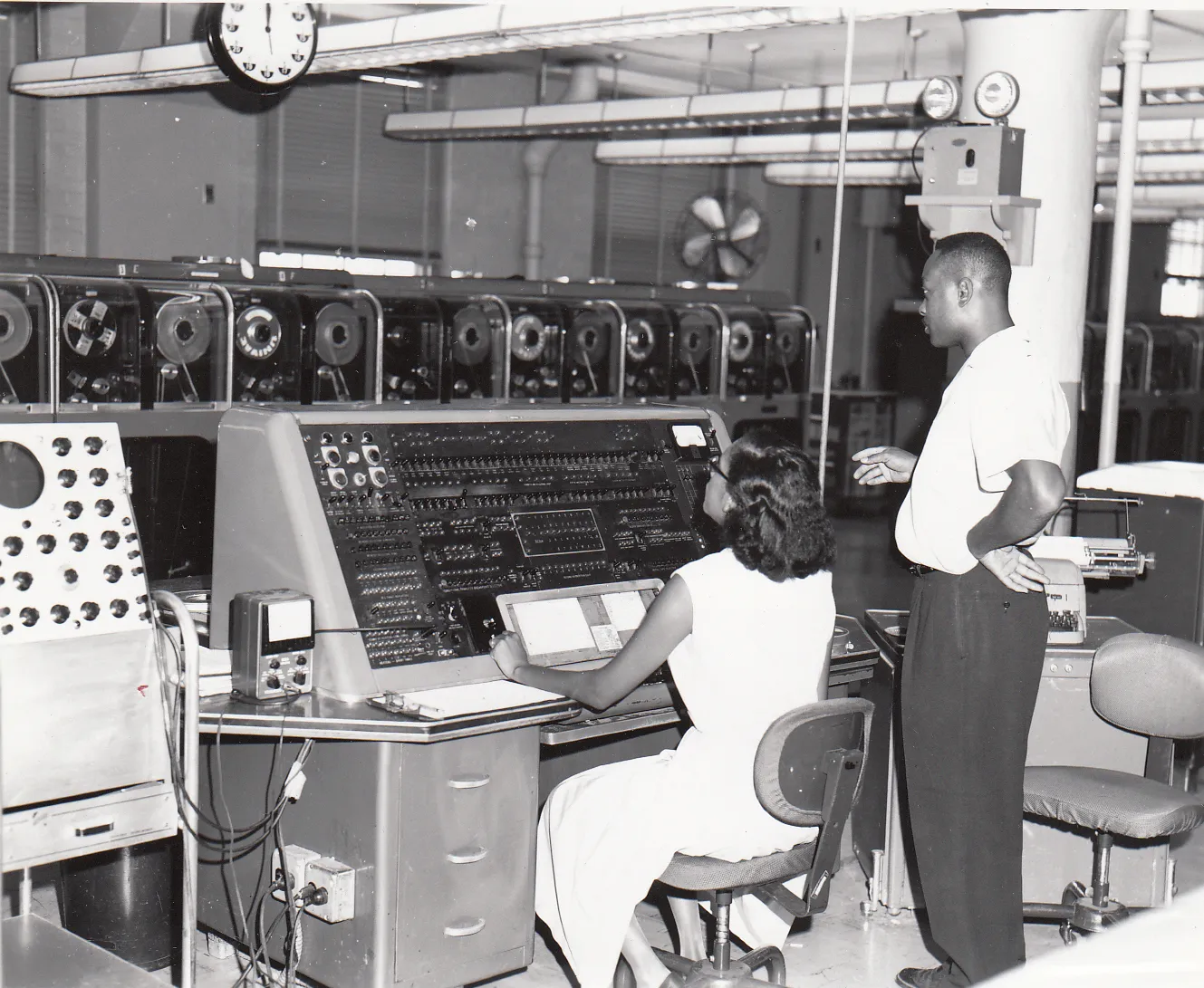
Photograph: “Univac I at Census Bureau with two operators”, U.S. Census Bureau, public domain, via Wikimedia Commons.
We use cookies and similar technologies to analyze site traffic, personalize content, and provide social media features. By clicking “Accept,” you consent to our use of cookies. You can adjust your preferences at any time.


