
A sale isn’t finished at the doorstep
HomeNest is the AI aftercare agent for appliance and furniture retailers. It checks in after delivery, guides the fix, ships the part, books the technician and answers the phone.
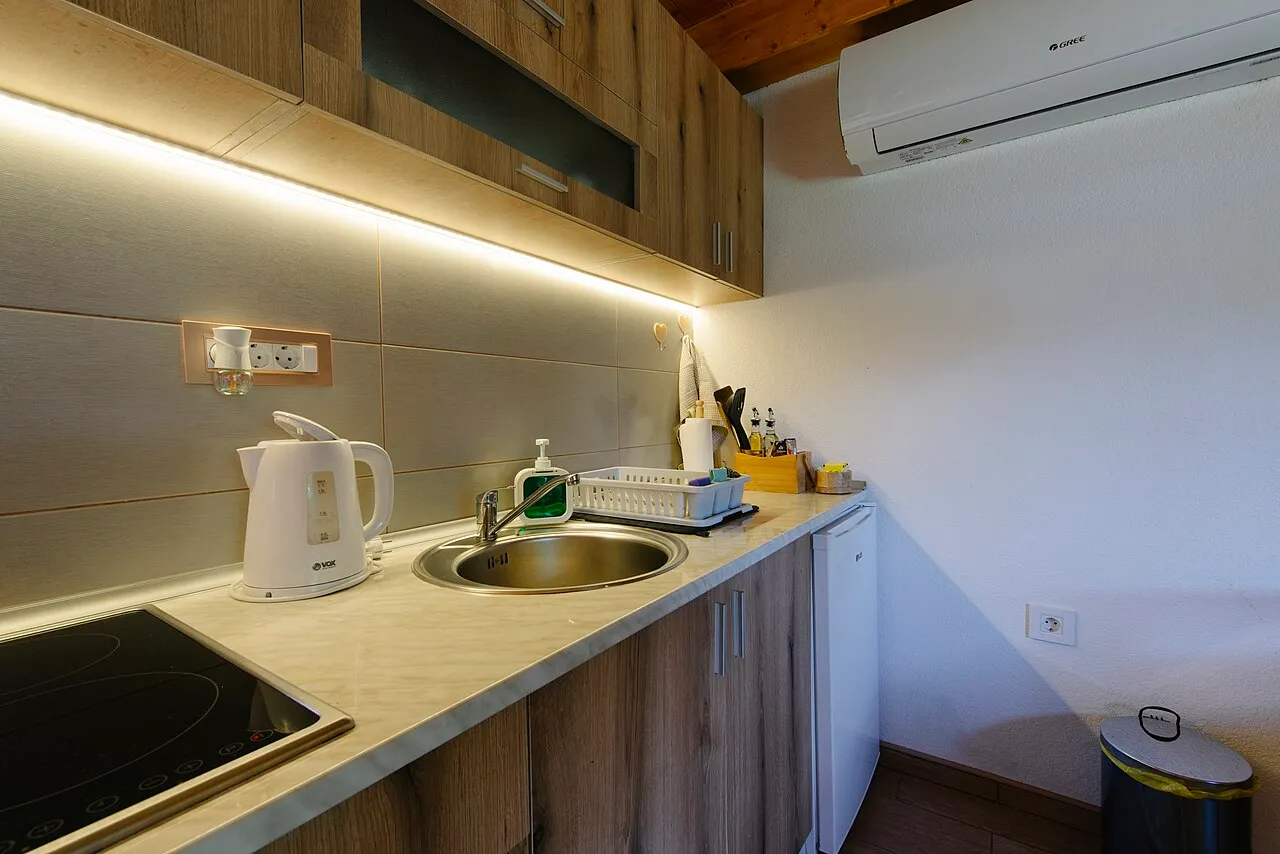
Your washing machine arrived today. How is it going?
Give feedbackI need helpCall me
I need help
Sorry to hear that. What does the display show?
E21, and there is water in the drum.
Let’s drain it. Step 1 of 6: switch off and unplug the machine. Tell me when that’s done.
The first week
Aftercare calls start the day the box is opened
- 01
E21 on the display
Grace’s new washing machine stops mid-cycle. The display says E21 and there is water left in the drum.
- 02
The manual went out with the box
The fix is six steps with a tray and a towel. The manual that lists them is in the recycling.
- 03
On hold, order number twice
She calls the shop, waits on hold, and reads her order number out twice before anyone can help.
- 04
With HomeNest, it wrote first
A message arrived the day the machine was delivered. When E21 appeared, the fix came one step at a time on the channel she answers.
Hold times in the first week
“It doesn’t work” calls arrive in the days after delivery, all at once, and most are setup or an error code the guide already covers.
Parts shipped without proof
A missing bracket is sent on the customer’s word, sometimes twice, and nobody can say later what was shipped or why.
Technician visits with no history
The technician arrives without knowing which product it is, what the fault was, or what the customer already tried.
- See one delivery, end to end
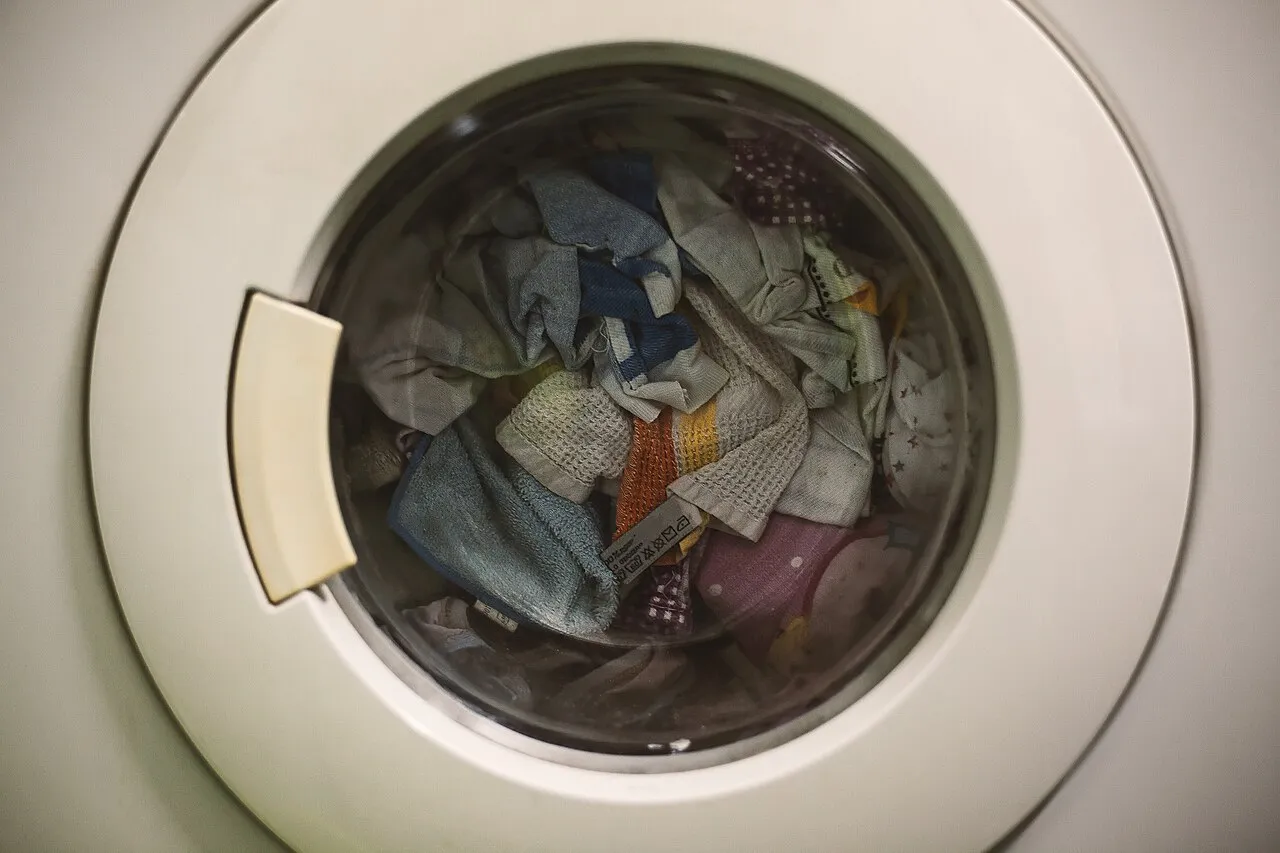
A delivery, end to end
From the doorstep to a closed case
One case record from the moment the van leaves. RCS, WhatsApp, SMS, email, website chat and phone all write to it, so nobody reads the order number out twice.
- Store event
Delivered
The delivery event arrives through Amazon EventBridge and a case opens on the order.
- RCS
Check-in
Give feedback, I need help and, where calls are allowed, Call me. Other phones get SMS with links.
- WhatsApp
“I need help”
With WhatsApp set up, the button opens a chat already tied to the case.
- WhatsApp
Error code, step by step
The agent finds the product’s guide, gives one step, waits, then sends the next.
- One-use link
Photo of the missing bracket
The customer uploads a photo through a link that works once, for 24 hours, on this case.
- Store
Part shipped
Free, once the photo is on the case, recorded as its own zero-value order.
- Phone
Still failing
One outbound call, with voice consent. The call keeps the same case and history.
- HomeNest desk
Technician booked
The request carries the product, the problem and what was tried. It stays open until your team calls the customer.
- Internal
Case closed
Closing needs a summary for your team. It is never sent to the customer.
Guided help
Help that knows the product
Setup, assembly or an error code: the agent finds the right guide in your catalog and walks the customer through it in their kitchen, one step at a time.
One step, then wait
The agent gives one step, waits for “done”, then sends the next. Nobody reads six steps off a phone in a wet laundry room.
From your catalog
Guides come from each product in your catalog: setup, assembly and error codes, with the video where you have one.
Guide and video on request
Ask for the guide and the agent sends it, with its video. Anything said on a chat or call can follow by email.
WhatsAppE21 · washing machine
- Step 2 of 6: put a towel and a shallow tray under the filter flap, bottom right.
- Done
- Step 3 of 6: open the flap and pull out the small drain hose. Let it empty into the tray.
- Can you send me the guide?
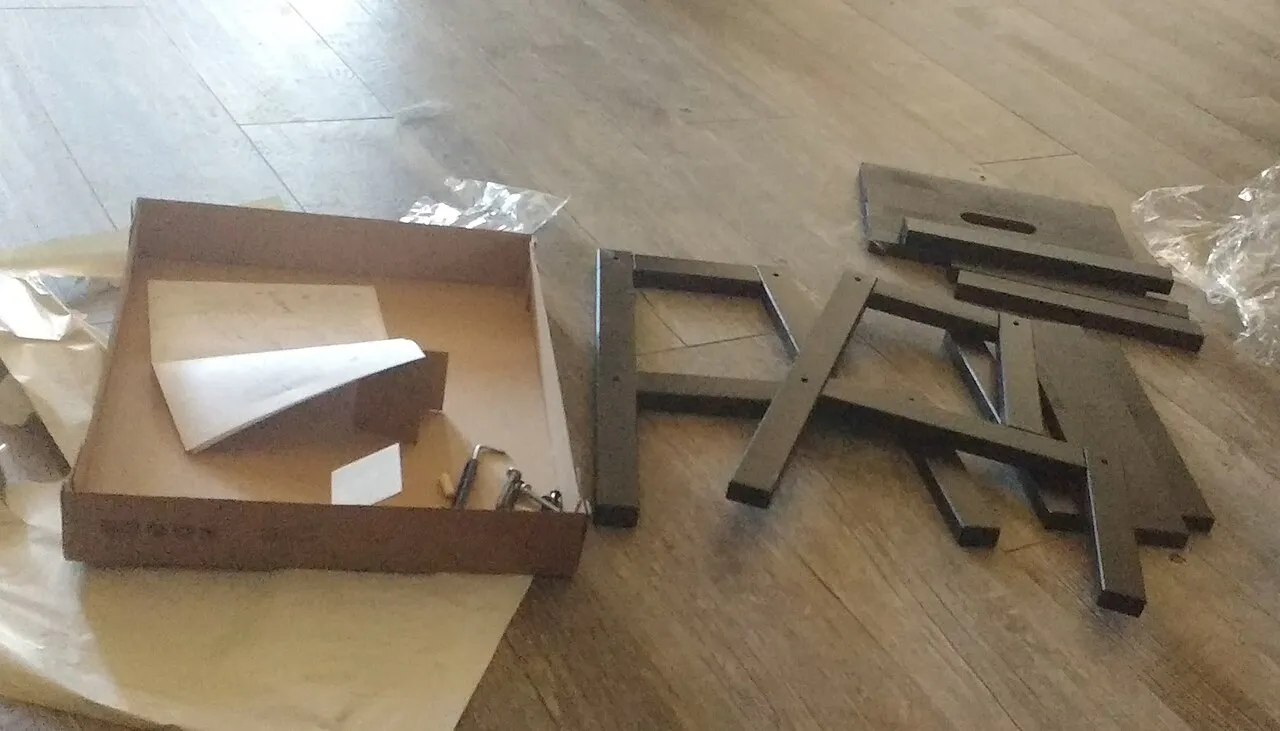
Wardrobe · step 4 of 9 Fit the hinge bracket to the left door.
Parts on proof
Missing parts ship on a photo, once
A bracket is missing from the wardrobe box. The customer sends a photo, and the part goes out free. Generous to the customer, safe for your margin.
Photo link
Works once, for 24 hours, on one case.
Photo on the case
Stored in a private bucket, deleted after 30 days.
Part ships free, once
Each part at most once per order.
Recorded
As its own zero-value order, so finance sees it.
Parts on order 48213
| Part | Photo | Status |
|---|---|---|
| Hinge bracket | On the case | Shipped, zero-value order |
| Hinge bracket (again) | On the case | Blocked: already sent on this order |
| Shelf pin set | Not yet | Waiting for photo |

Phone, chat and inbox
The support line answers on the same case
When Grace calls instead of typing, the agent already knows her order. On Amazon Connect: the phone line, the chat on your website and your support inbox.
Incoming call · known number
Open case picked up Washing machine · E21 · part sent
- Agent Hello, I can see your washing machine case from this morning. Is it still showing E21?
- Caller Yes. I drained it but it came back.
- Agent Thanks for trying the steps. I’ll ask a technician to call you, with what you’ve already done.
A natural voice
An AI agent answers with Amazon Nova 2 Sonic speech-to-speech, in the caller’s language where Amazon Connect supports it.
Knows the caller
A known number is recognised and the open case picked up, or a new case opens on their latest order. Unknown numbers go to a person.
Hears when it goes wrong
Contact Lens flags negative sentiment on calls. Transcripts stay on the case.
Says it is automated
The chat on your site says up front that it is an AI agent.
Checks the order first
Order number and delivery ZIP code before anything beyond how-to help.
A person when it should be
Asking for a person, three wrong tries, or the agent handing off puts the chat in front of your team with the conversation so far.
Re: Wardrobe door won’t closeSame case
The left door still sticks after the new bracket.
Thanks for the update. The guide’s next step is the hinge screw on the door side. Here is that step, with the video.
Same thread
Replies to your support address land on the same case. The agent answers in the same email thread.
Same history
The agent sees earlier cases on the order, how each ended, and the parts already sent.
Seven-day reopen
A closed case reopens if the customer writes again within seven days.
A text sent during a call is acknowledged, shown to the voice agent, and answered after the call. Anything said on a chat or call can be sent by email.
Before and after delivery
Four more playbooks on the same agent
Everything above is the delivered playbook. The same agent works the rest of the order, each playbook with its own prompt and only the tools it allows.
payment_failed
Payment failed
- Send a payment link
delivery_failed
Delivery failed
- Reschedule delivery
- Update the address
- Make an offer
return_requested
Return requested
- Start a return
- Make an offer
negative_review
Complaint
- Record feedback
- Make an offer
Follow-ups run on a timer (24 hours by default, configurable). After three unanswered contacts the case closes, or goes to a person if a message bounced. An upset customer goes to a person after one.
Guardrails
Limits it cannot be talked out of
Enforced in code, for the text agent and the voice agent alike, whatever a customer says on the phone.
| Rule | Value |
|---|---|
| Consent and opt-out | Consent per channel. STOP and similar words, or a spam complaint, opt the customer out of that channel |
| Largest discount | 15% of the order total, combined across everything given on the case |
| Largest store credit | 20% of the order total, combined across everything given on the case |
| Refunds | The AI can only request one. A signed-in support lead approves or declines |
| Parts | A photo on the case before any part ships. One of each part per order |
| Identity check | Order number and delivery ZIP code before anything beyond how-to help, with a daily limit on wrong codes |
| Delivery address | Never read out, and never changed on an inbound contact |
| Action links | Work once, for 24 hours, on one case |
| Customer photos | Kept in a private bucket and deleted after 30 days |
| Contact | Never contacts a customer twice |
| Claims | Never says sent, shipped or booked until the system confirms it |
The HomeNest desk
The desk where your team decides
Every case as the conversation across channels, the call transcripts, and every AI step with each tool call’s input and result.
- RCSYour washing machine arrived today. How is it going?
- WhatsAppIt shows E21 and there’s water in the drum.
- WhatsAppStep 1 of 6: switch off and unplug the machine.
- PhoneI drained it but E21 came back.
- Agent I can see your washing machine case. Is it still showing E21?
- Caller Yes, after all six steps.
- Agent I’ll ask a technician to call you, with what you’ve already tried.
find_guideok
in { "product": "washing machine", "code": "E21" } out { "steps": 6, "video": true }request_technicianopen until dealt with
in  { "problem": "E21 returns", "tried": "steps 1-6" }
out { "status": "awaiting_team_call" }
Anyone who asks for a person lands in that channel’s queue with a summary and a link to the case. Refunds wait here for a support lead. A storefront demo page carries the website chat.
- Web chat
- RCS and SMS
- Phone
From signed contract to live
Nine steps to a live aftercare line
Your guides first, your channels one at a time, and a dry run with real phones before a customer hears from it.

Step a: Demo in the HomeNest desk
We load sample orders and walk a delivery from check-in to technician request.
FactualMinds: Runs the demo with your aftercare lead.
Step b: Load your catalog guides
Setup, assembly and error-code guides, and videos, per product.
FactualMinds: Helps map your guides to products and check they read well one step at a time.
Step c: Deploy into your AWS account
AWS CDK deploys the stack. The dev environment comes first.
FactualMinds: Onboarding: the first deploy, side by side with your IT team.
Step d: Connect your store
A signed webhook for order events, and Amazon EventBridge for delivery events.
FactualMinds: Helps map your store’s events to the playbooks.
Step e: Turn on channels as they are approved
Email, SMS, RCS, WhatsApp, the Amazon Connect phone line, website chat and the support inbox, one at a time.
FactualMinds: Channel registration help and the Amazon Connect setup.
Step f: Dry run with your testers
Add testers with real numbers. Every case is worked end to end and nothing reaches customers. Review every case and AI step.
FactualMinds: Reviews the dry-run cases with your team.
Step g: Go live
Staging first, then prod.
FactualMinds: Watches the first live deliveries with you.
Step h: Operate daily
Needs a person, refunds, technician call-backs, transcripts and alarms.
FactualMinds: Answers questions while your team settles in.
Step i: Improve
Add guides for new products, tune playbooks and adjust follow-up timing.
FactualMinds: Reviews audit trails with you and proposes changes.
We start in the HomeNest desk, on sample orders.
Built on AWS
Runs on AWS, inside your own account
HomeNest is built on the CareBridge platform: Amazon Bedrock with Nova 2 Lite, AgentCore Runtime, Gateway and Memory, Amazon Connect with Nova 2 Sonic for the phone line, AWS End User Messaging for SMS, RCS and WhatsApp, and Amazon SES.
 Amazon Bedrock
- Amazon Nova 2 Lite
- AgentCore Runtime, Gateway, Memory
 Amazon Connect
- Amazon Nova 2 Sonic
- AWS End User Messaging
 Amazon SES
 Amazon EventBridge
- AWS CDK
484 automated tests, and scripted support-line conversations run against the live agent.
For your IT team
Your AWS account
Deployed with AWS CDK into dev, staging and prod in your account.
Least privilege per channel
Channels are switched on one at a time. A channel that is off has no permissions.
Signed webhooks
Store events arrive signed with HMAC-SHA256.
Private photos
Customer photos sit in a private bucket and are deleted after 30 days.
Full AI audit trail
Every AI step is stored with each tool call’s input and result. Alarms and optional budget alerts are built in.
Dry run works every case end to end and records what it would send, sending nothing.
Proof
Placed 3rd, built on CareBridge
3rd place
AWS Communication Developer Services (CDS) Agentic AI Partner Hackathon
Read the hackathon write-upAWS Select Tier Services Partner
Built and supported by FactualMinds, with 50+ AWS certifications on staff.
See our AWS credentialsHomeNest began as the demo store we built for the hackathon. No retailer runs it live yet. What you can see today: the demo, the guardrails, and a dry run on your own orders.
- Error codes read from connected appliances before the customer reports the fault
- Technician slot picked on the call, with a work order and calendar invite
- Vision check of part photos before shipping
- One-time SMS code as a stronger caller check
- Shopify adapter
Pricing
Pricing and common questions
HomeNest is priced per deployment and order volume. Tell us your monthly deliveries and the channels you need, and we send a quote.
Get pricingWhat products does HomeNest support?
Any product with a guide in your catalog. You load setup, assembly and error-code guides, and videos where you have them, per product. The agent works from those.
Do we need all the channels?
No. Channels are switched on one at a time as each is approved: email, SMS, RCS, WhatsApp, the Amazon Connect phone line, website chat and the support inbox. A channel that is off has no permissions.
Can it give away parts or refunds?
Parts ship only once a photo is on the case, and each part at most once per order. The AI can only request a refund; a signed-in support lead approves or declines it. Discounts stop at 15% and store credit at 20% of the order, combined across the case.
How do you stop fraud on part claims?
A photo through a one-use link must be on the case before anything ships, each part ships at most once per order, and each part is recorded as its own zero-value order you can audit.
What happens when a customer asks for a person?
On any channel, the case moves to that channel’s escalation queue: web chat, WhatsApp, RCS and SMS, email or phone. Your team gets a summary and a link to the case.
Does it replace our technicians?
No. It briefs them. A technician request carries the product, the problem and what the customer already tried, and stays open until your team calls the customer and marks it dealt with.
Can we test it without sending anything?
Yes. Dry run works every case end to end and records what it would send, sending nothing. In the HomeNest desk you can also load demo orders, add testers with real numbers, send a test event and watch the case live.
Where does customer data live?
In your own AWS account. HomeNest is deployed there with AWS CDK, and customer photos sit in a private bucket that deletes them after 30 days.
Which store platforms does it work with?
Any platform that can send a signed webhook (HMAC-SHA256), plus Amazon EventBridge for delivery events. A Shopify adapter is coming next.
How long does go-live take?
It depends on how many guides you load and how quickly each channel is approved. We scope it with you after the demo. Dry run lets you test with real numbers before anything goes live.
Make sure every delivery works.
Check-in, guided help, parts on proof and a technician brief, on the channel your customer answers.
- RCS
- SMS
- Website chat
- Phone
Photographs from Wikimedia Commons: Shixart1985 (CC BY 2.0), Dejan Krsmanovic (CC BY 2.0), Bruce Szalwinski (CC BY 2.0), Leon Brooks (public domain).