How to Upgrade the AWS Terraform Provider Safely: Strategy, Testing, and Rollback
Quick summary: AWS provider 6.0 GA June 2025. July 2026: upgrade 4→5→6 one major at a time, changelog-first, staging plan, lockfile commit.
Key Takeaways
- AWS provider 6.0 GA June 2025
- July 2026: upgrade 4→5→6 one major at a time, changelog-first, staging plan, lockfile commit
- Your Terraform configuration still says (or a soft while hashicorp/aws 6
- x has been GA since 18 June 2025)
- As of July 2026, that gap is not cosmetic: you miss resources, defaults, and — on the 5→6 jump — enhanced per-resource support that changes how multi-region stacks are written
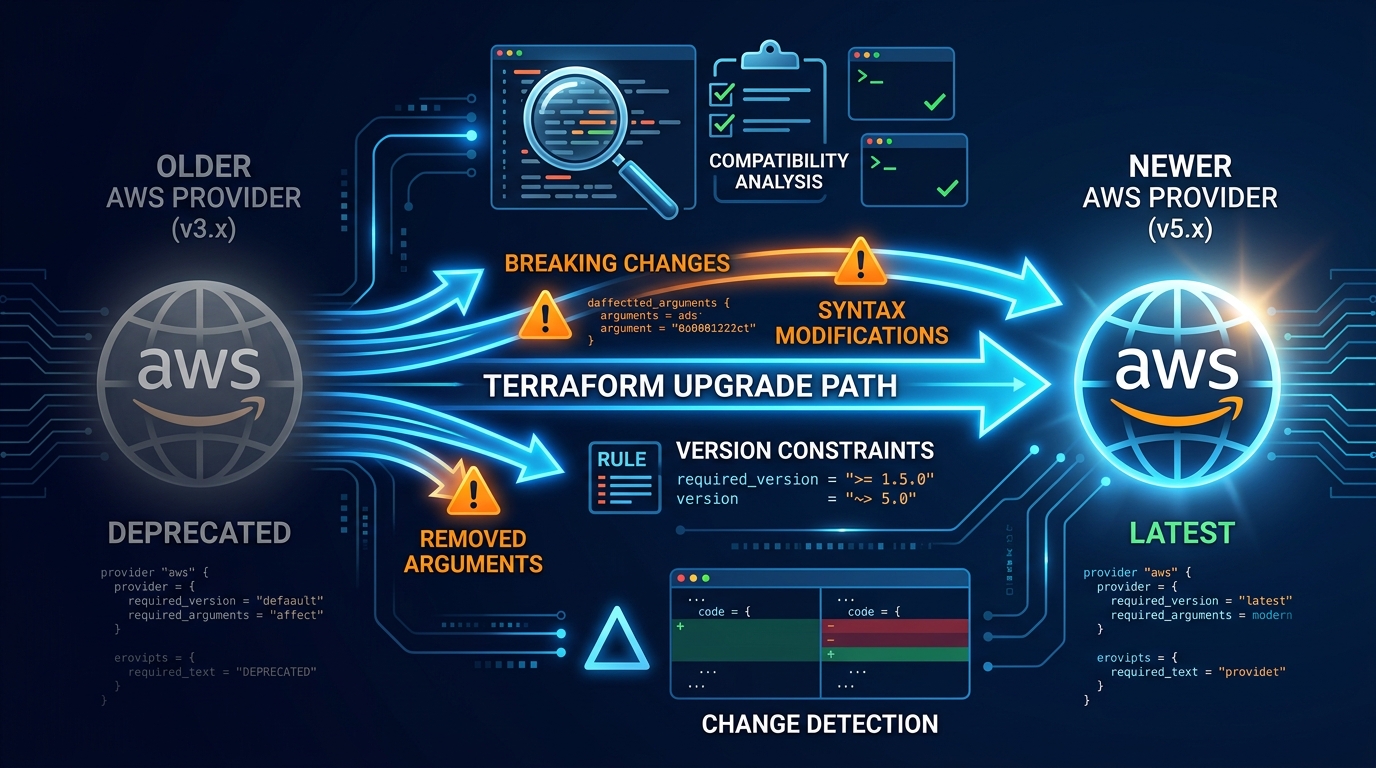
Table of Contents
Your Terraform configuration still says required_providers { aws = "~> 4.0" } (or a soft ~> 5.0 while hashicorp/aws 6.x has been GA since 18 June 2025). As of July 2026, that gap is not cosmetic: you miss resources, defaults, and — on the 5→6 jump — enhanced per-resource region support that changes how multi-region stacks are written.
First-party benchmark (illustrative): a mid-size SaaS with ~180 AWS resources and a 4.x pin often needs a dedicated staging PR per major (4→5, then 5→6). Skipping majors in one apply is how “zero plan changes” turns into surprise replaces.
Reproduce this: AWS provider major-upgrade checklist
Counter-case: do not treat terraform init -upgrade in production as the upgrade strategy — changelog + staging plan first.
This guide covers audit → changelog triage → one-major-at-a-time testing → lockfile commit → controlled prod apply.
Why Your Provider Version Is Out of Date
Most teams don’t intentionally stay on old provider versions. It happens passively:
- You set up Terraform two years ago with version
"~> 4.0" - That version works fine and you don’t think about it
- New resources are released, but they only work with newer provider versions
- You try to use a new resource and get “resource not found” errors
- Security vulnerability is discovered in an old provider, but you don’t know about it
The AWS provider releases new versions constantly:
- Major versions introduce breaking changes (4.0 → 5.0)
- Minor versions introduce new resources and features (4.50 → 4.51)
- Patch versions fix bugs and security issues (4.50.0 → 4.50.1)
Most teams stay 1-2 minor versions behind. But many teams are 2-3 major versions behind, which means significant breaking changes.
Step 1: Audit Your Current Provider Version
Start by understanding what you’re running.
Check Your Lock File
The most authoritative source is your .terraform.lock.hcl file:
provider "registry.terraform.io/hashicorp/aws" {
  version     = "5.12.0"
  constraints = "~> 5.0"
  hashes = [
    "h1:...",
  ]
}
This tells you: you’re currently running version 5.12.0, and your constraint allows 5.x.x (but not 6.x.x).
Check Your Configuration
Look at your root terraform.tf:
terraform {
  required_providers {
    aws = {
      source  = "hashicorp/aws"
      version = "~> 4.50"
    }
  }
}
The version constraint ~> 4.50 means: allow 4.50.x and 4.51.x and 4.52.x, but not 5.0.0 (breaking changes).
Check AWS Provider Releases
Visit releases.hashicorp.com to see:
- Current latest version
- Release history
- Breaking changes per version
Current state (as of July 2026):
- Latest stable line: 6.x (6.0 GA 2025-06-18; enhanced Region support via top-level
regionon most resources) - Previous major: 5.x — still common in prod; upgrade via the Registry 5→6 guide
- Older: 4.x — treat as debt; plan 4→5 before 5→6
- 3.x: unsupported — do not run in production
Step 2: Understand Breaking Changes Before Upgrading
Before you upgrade, read the changelog for each version you’re skipping.
Changelog Structure
Each major version has a list of breaking changes:
AWS PROVIDER 5.0
- BREAKING CHANGE: aws_elasticache_cluster `engine_version` argument is now required

AWS PROVIDER 4.50
- NEW: aws_lambda_permission `qualifier` argument added
- DEPRECATED: aws_s3_bucket_website_configuration. Use aws_s3_bucket instead.
Breaking changes categories:
| Type | Example | Impact |
|---|---|---|
| Required arguments | Field that was optional is now required | terraform plan will show errors |
| Renamed arguments | security_group_ids renamed to security_group_id_list | terraform apply will fail |
| Removed resources | aws_security_group_association no longer exists | terraform plan will show resource will be destroyed |
| Changed default values | Default multi_az = false is now multi_az = true | terraform apply might replace resources |
| Deprecated resources | aws_db_security_group is deprecated; use aws_security_group | Works now, will be removed in future |
Document Breaking Changes Specific to Your Infrastructure
Go through the changelog for each version you’re upgrading through. Note which changes affect your infrastructure:
# AWS Provider 5.0 Upgrade Breaking Changes

## Affects Our Infrastructure

1. aws_elasticache_cluster: engine_version now required
   - Current code: elasticache clusters without explicit version
   - Impact: Need to add engine_version to all elasticache resources

2. aws_s3_bucket: website property removed
   - Current code: 2 buckets use website property
   - Impact: Migrate to aws_s3_bucket_website_configuration

## Doesn't Affect Us

- aws_rds_db_instance: default backup_retention changed
  (We explicitly set retention; no issue)
Step 3: Test the Upgrade in a Non-Prod Environment
Never upgrade the provider on production first.
Create a Staging Environment with Identical Configuration
# Staging configuration with same infrastructure
cd terraform/staging/

# Use the same code, but different AWS account/region
terraform {
  backend "s3" {
    bucket = "terraform-state-staging"
    key    = "terraform.tfstate"
  }
}
Update Provider Version in Staging Only
# terraform/staging/provider.tf

terraform {
  required_providers {
    aws = {
      source  = "hashicorp/aws"
      version = "~> 5.0"  # Upgraded from 4.50
    }
  }
}
Run Plan and Review
terraform init  # Downloads new provider
terraform plan  # Compares code against new provider
If terraform plan shows errors, you’ve found breaking changes. Debug them now, before touching production.
Common error patterns:
Error: Missing required argument
  on main.tf line 10, in resource "aws_elasticache_cluster" "cache":
  10: resource "aws_elasticache_cluster" "cache" {

    The argument "engine_version" is required, but was not set.
This tells you: upgrade broke this resource because you didn’t specify engine_version. Add it:
resource "aws_elasticache_cluster" "cache" {
  engine_version = "7.0"  # Add this
  # ... rest of config
}
Fix Breaking Changes in Code
For each breaking change:
- Identify the resource and argument that broke
- Update the Terraform code
- Re-run
terraform planand verify the fix - Commit the fix to git
Example commit messages:
provider: upgrade aws to 5.0

- add engine_version to elasticache_cluster resources
- migrate s3 bucket website config to aws_s3_bucket_website_configuration
- add required multi_az argument to rds instances
Verify Staging Still Works
Once the plan shows no changes, verify staging infrastructure is still functional:
- SSH to staging servers (if applicable)
- Run health checks against staging databases
- Test staging applications
- Verify logs are clean (no warnings about deprecated features)
Step 4: One Major Version at a Time
Don’t jump from 4.0 to 5.0 to 6.0 in one go. Upgrade one major version at a time.
Why:
- Breaking changes compound. Jumping multiple versions means multiple sets of breaking changes to handle
- If something breaks, you won’t know which upgrade caused it
- Testing is simpler with single-version upgrades
Example safe progression:
Current: 4.50
Step 1: Latest 4.x patch → staging → prod
Step 2: 5.x major (changelog + staging) → prod
Step 3: 6.x major (refresh-only before region refactors) → prod

Current target (July 2026): 6.x pin with committed lockfile
Step 5: Update Lock File and Commit
Once staging tests pass, update the lock file:
cd terraform/

# Update provider version constraint
# Edit terraform.tf with new version

terraform init  # Updates lock file
Commit:
git add terraform.tf .terraform.lock.hcl
git commit -m "provider: upgrade aws to 5.0

- update provider version constraint
- add engine_version to elasticache resources
- refactor s3 website configs

Tested in staging environment. No infrastructure changes required."
Step 6: Deploy to Production Carefully
Once code is merged and tested, deploy to production:
Option 1: Rolling Deployment (Safest)
- Update provider version on one service or region
- Monitor for 1 week
- If stable, roll out to next service/region
- Repeat until all environments updated
Option 2: Blue-Green Deployment
- Spin up new infrastructure with new provider version
- Run integration tests
- Switch traffic from old to new
- Tear down old infrastructure
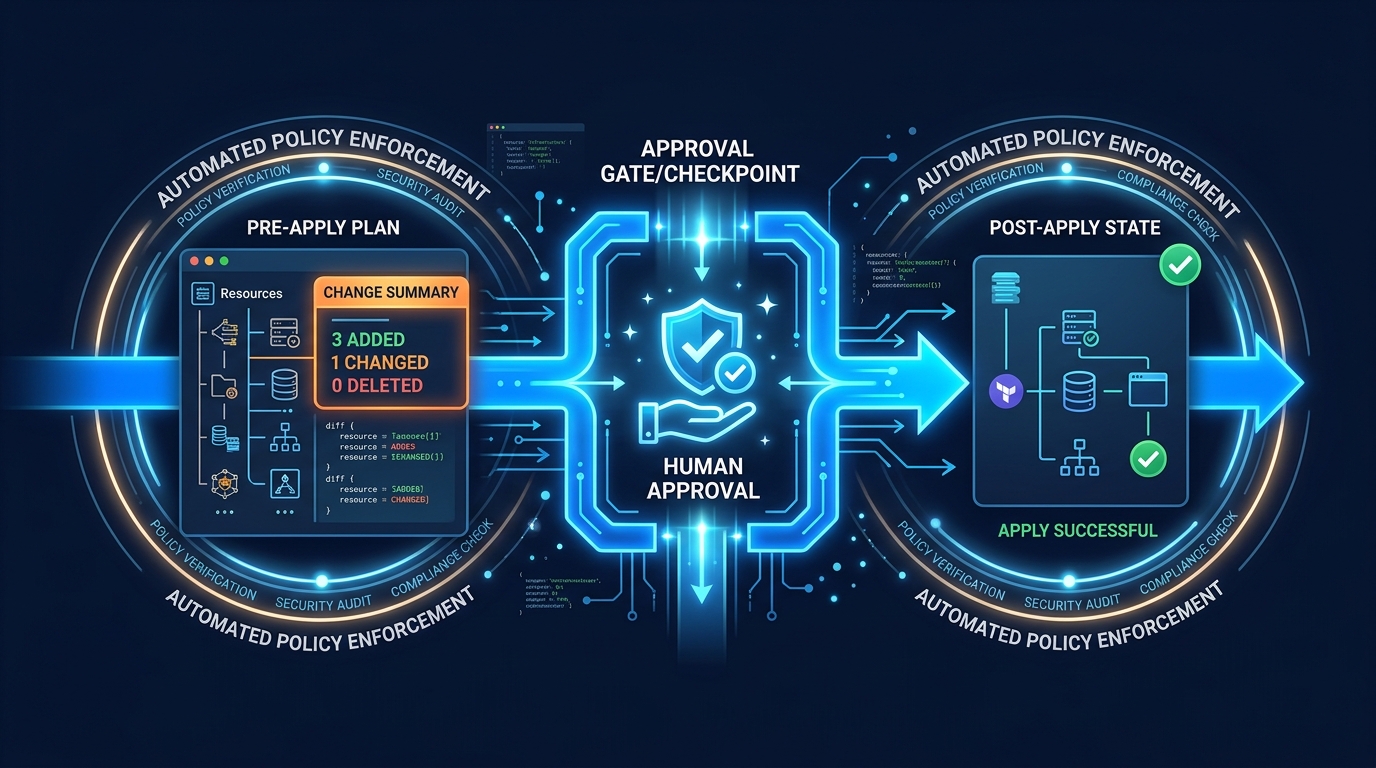
Option 3: Direct Deployment with Approval Gates
- Update provider version
- Run
terraform planin CI/CD - Require senior engineer approval
- Deploy via automated CI/CD
Handling Rollback If Upgrade Breaks Production
If the upgrade causes problems in production, you need to rollback quickly.
Rollback Option 1: Revert Provider Version
If the new provider causes problems:
# terraform.tf

terraform {
  required_providers {
    aws = {
      source  = "hashicorp/aws"
      version = "~> 4.50"  # Revert to previous version
    }
  }
}
terraform init # Re-download old provider
terraform plan # Should show zero changes
# If plan is clean, apply
terraform applyThis should be fast (under 5 minutes) and straightforward.
Rollback Option 2: Use Terraform State to Fix
If reverting the provider version doesn’t work, you may need to repair state:
# Save current broken state
terraform state pull > broken-state.json

# Restore previous state from backup
# (You do have backups, right?)
terraform state push previous-state.json

# Plan to verify
terraform plan
This is riskier because you’re trusting your state backup is accurate.
Prevention: Test Breaking Changes First
The best rollback is one you never need:
- Test all provider upgrades in staging first
- Run integration tests (not just
terraform plan) - Deploy to production during business hours (not Friday at 5 PM)
- Have a senior engineer on-call
- Keep the old provider version available for quick rollback
Provider Upgrade Checklist
## AWS Provider Upgrade (repeat per major: 4→5, then 5→6)

- [ ] Review Registry upgrade guide + changelog for the **next** major only
- [ ] Document breaking changes specific to our infrastructure
- [ ] Update provider version in staging environment only
- [ ] Run `terraform plan` in staging
- [ ] Fix all breaking changes in code
- [ ] Test staging infrastructure is functional
- [ ] Commit code changes to git
- [ ] Create PR with detailed description of changes
- [ ] PR review + approval from senior engineer
- [ ] Merge to main branch
- [ ] Run `terraform plan` in production (CI/CD)
- [ ] Verify plan shows zero changes
- [ ] Deploy to production via CI/CD with approval gate
- [ ] Monitor production for 24 hours
- [ ] Verify logs show no deprecation warnings
- [ ] Document upgrade in CHANGELOG/release notes
Preventing Drift from Old Provider Versions
Old providers often have bugs that are fixed in newer versions. When you stay on old providers, you accumulate drift over time.
Example: AWS provider 4.0 had a bug where it didn’t detect certain RDS property changes. You’d make a change in the console, and Terraform wouldn’t notice. By provider 5.0, the bug was fixed, and suddenly Terraform detects the drift.
To prevent this:
- Upgrade provider versions regularly (every 6 months)
- Always read the changelog (bugs fixed = potential drift detected)
- Run
terraform planafter upgrades to discover drift - Address drift immediately (don’t let it accumulate)
What to Do This Week
- Print the lockfile AWS provider version and constraint.
- If you are on 4.x, schedule 4→5 only; if on 5.x, open the 6.x upgrade guide and list resources you actually use.
- Run the checklist in a non-prod workspace — no multi-major jumps.
What This Post Doesn’t Cover
OpenTofu provider forks, module-by-module version skew across many repos, and HCP Terraform run-task policy packs — use your org’s module registry conventions for those.
Related Reading

AWS Cloud Architect & AI Expert
AWS-certified cloud architect and AI expert with deep expertise in cloud migrations, cost optimization, and generative AI on AWS.