ProsperOps on AWS: Automation vs Commitment Strategy
Quick summary: Implement ProsperOps on AWS — Savings Plans automation works best after baseline modeling and architecture stability. Production checklist included.
Key Takeaways
- As of June 2026, AWS Compute Optimizer includes 32-day lookback for cyclic workloads and Graviton migration paths — run those recommendations before enabling autopilot
- Pre-Flight Checklist (Before Enabling Autopilot) 1
- What to Do This Week 1
- Pause autopilot if a major architecture change shipped in the last 30 days
- 2
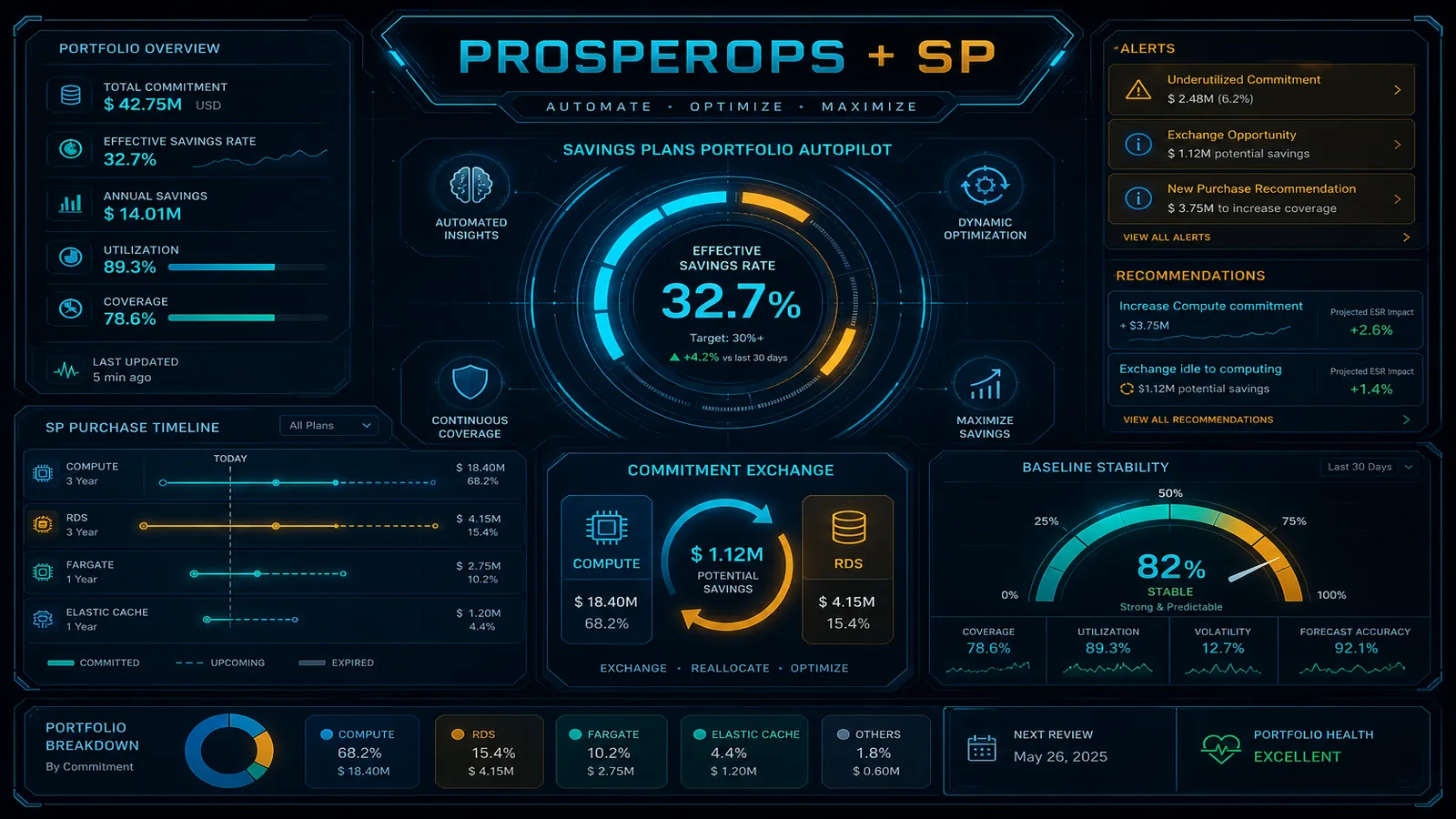
Table of Contents
ProsperOps automates Savings Plans portfolio management — a strong fit when your compute baseline is stable and well understood. As of June 2026, AWS Compute Optimizer includes 32-day lookback for cyclic workloads and Graviton migration paths — run those recommendations before enabling autopilot.
Engagement shape we commonly see: a mid-market SaaS, stable EC2/EKS compute after a recent migration, ProsperOps enabled immediately, effective savings rate drops after a Graviton refactor because the SP portfolio no longer matches the new baseline.
Autopilot without a flight plan is how teams over-commit after a migration or under-commit during growth.
This guide covers when to enable ProsperOps, what to fix first, and how to pair automation with architecture work.
What ProsperOps Does Well
- Automated Savings Plans purchases and exchanges
- Risk-adjusted commitment strategy across compute families
- Integration with AWS billing and Organizations
- Reporting on effective savings rate (ESR)
- FinOps Foundation-aligned commitment management
What ProsperOps Does Not Do
- Remove NAT Gateway or cross-AZ waste
- Rightsize EC2, Lambda, or EKS before commitment
- Stabilize tagging for allocation
- Execute Graviton migrations or serverless refactors
- Guarantee savings if baseline compute is mis-sized
Autopilot needs a flight plan: model baseline → stabilize architecture → enable automation → review quarterly.
Pre-Flight Checklist (Before Enabling Autopilot)
1. Baseline Stability (4–6 weeks of clean data)
- No major migration in flight (EC2 → Lambda, x86 → Graviton, datacenter exit)
- Idle resources removed (cost pitfalls — idle resources)
- Rightsizing reviewed via Compute Optimizer
- Dev/test schedules or shutdown policies in place
2. Commitment Portfolio Design
- On-Demand vs Spot vs SP split documented per workload class
- 60–80% of stable compute covered by SP (FinOps Foundation guidance)
- Burst/workload variance identified — keep On-Demand headroom
- Graviton migration plan if significant x86 remains
3. AWS Native Alignment
- Savings Plans recommendations reviewed in Cost Explorer
- RI legacy portfolio inventoried (convert or let expire deliberately)
- Payer account billing alerts configured
4. Enable ProsperOps
- Read-only + purchase-scoped IAM role per ProsperOps docs
- Stakeholders: finance + platform + engineering sign-off on risk tolerance
- ESR target defined (FinOps consulting engagements typically target 25–35% average savings on covered compute)
Post-Enable Operations
| Cadence | Action |
|---|---|
| Weekly | Glance ESR trend; flag architecture changes in sprint |
| Monthly | Reconcile ProsperOps actions vs Cost Explorer SP utilization |
| Quarterly | Full cost optimization cadence; reassess baseline after major releases |
| After architecture change | Pause autopilot; re-baseline 30 days |
When to Add FactualMinds
Commitment Strategy Workshop (1 week):
- Baseline modeling from CUR
- Architecture stability assessment
- SP portfolio design document
- ProsperOps enablement with guardrails
- Handoff runbook for quarterly review
FinOps Foundation Build if tagging, NAT, or EKS costs undermine commitment accuracy.
What to Do This Week
- Pause autopilot if a major architecture change shipped in the last 30 days.
- Export CUR and validate stable compute baseline before re-enabling.
- Review Compute Optimizer Graviton recommendations — migrate before locking SP coverage on x86.
What This Post Doesn’t Cover
Reserved Instance legacy portfolio optimization, Spot Fleet commitment strategies, and multi-payer Organizations SP sharing — see Reserved Instances vs Savings Plans for the commitment type decision.
Related Reading
AWS Cloud Architect & AI Expert
AWS-certified cloud architect and AI expert with deep expertise in cloud migrations, cost optimization, and generative AI on AWS.