AWS VPN Decision Guide (2026): Client VPN vs Site-to-Site vs Verified Access vs Direct Connect
Quick summary: A 280-user SaaS ops team cut Client VPN connection-hours ~62% after moving 34 HTTPS apps to Verified Access — Site-to-Site on TGW stayed for the colo; full-tunnel Client VPN had been burning ~$1.1k/mo in idle connection fees.
Key Takeaways
- AWS VPN is not one product — it is a family
- This is the 2026 path-selection guide
- It is not the Verified Access ZTNA how-to, not Outposts / Local Zones placement, and not a VPC peering tutorial (production VPC practices cover that layer)
- Benchmark silhouette (not a cited client) — B2B SaaS, ~280 remote users, 1 colo with Site-to-Site to TGW, Client VPN full-tunnel for “everything
- Modeled Client VPN spend ≈ $1.1k/mo (endpoint + connection hours per AWS VPN pricing shape)

Table of Contents
AWS VPN is not one product — it is a family. Site-to-Site VPN connects networks; Client VPN connects people to subnets; Verified Access connects people to applications. Teams that collapse those into “just turn on VPN” usually overpay and over-privilege.
This is the 2026 path-selection guide. It is not the Verified Access ZTNA how-to, not Outposts / Local Zones placement, and not a VPC peering tutorial (production VPC practices cover that layer).
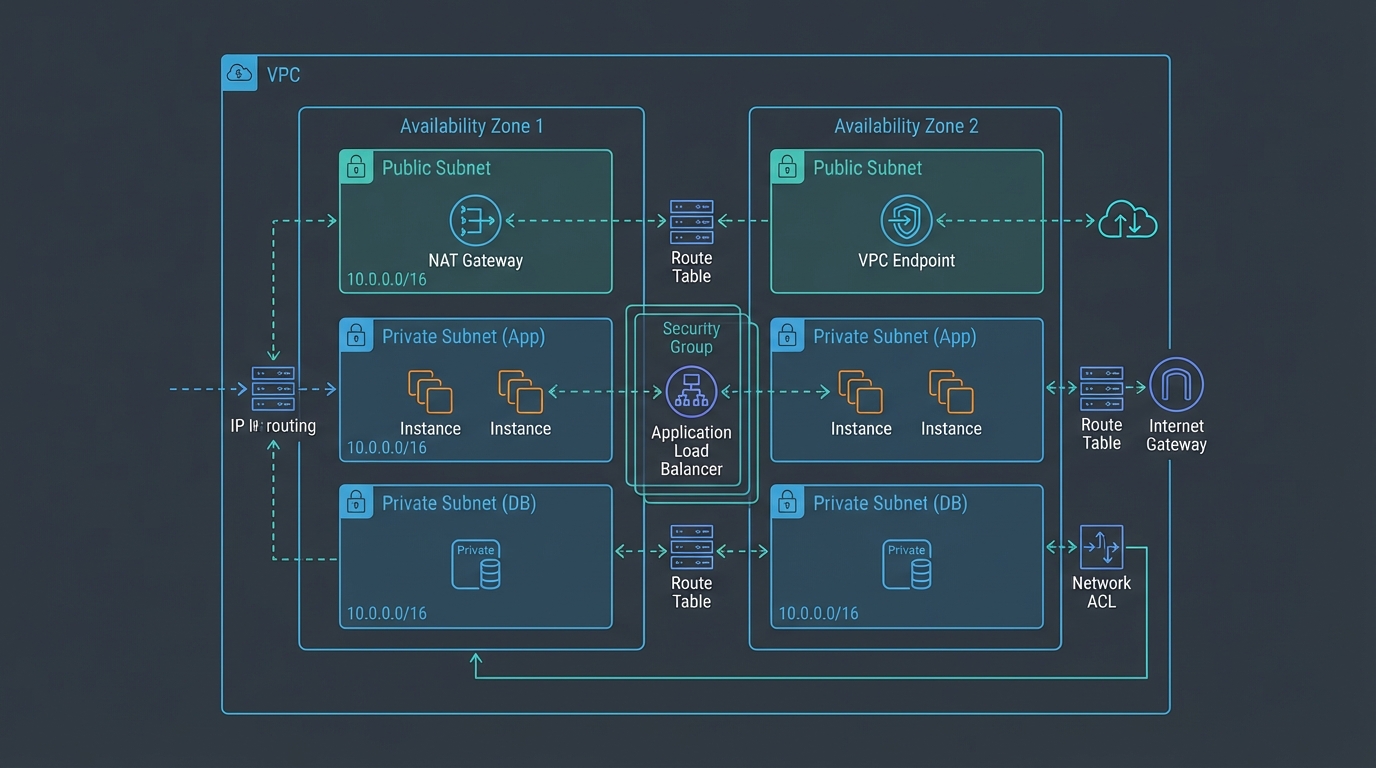
Artifacts: connectivity decision matrix, Client VPN hardening checklist, cost worksheet, architecture diagram (draw.io).
Benchmark silhouette (not a cited client) — B2B SaaS, ~280 remote users, 1 colo with Site-to-Site to TGW, Client VPN full-tunnel for “everything.” Modeled Client VPN spend ≈ $1.1k/mo (endpoint + connection hours per AWS VPN pricing shape). After moving 34 HTTPS internal apps to Verified Access and switching remaining Client VPN to split-tunnel: connection-hours −62%, colo Site-to-Site unchanged. Lesson: apps ≠ subnets ≠ sites.
Four paths in one table
| Need | Default AWS path |
|---|---|
| Datacenter / branch ↔ VPC | Site-to-Site VPN (TGW if multi-VPC) |
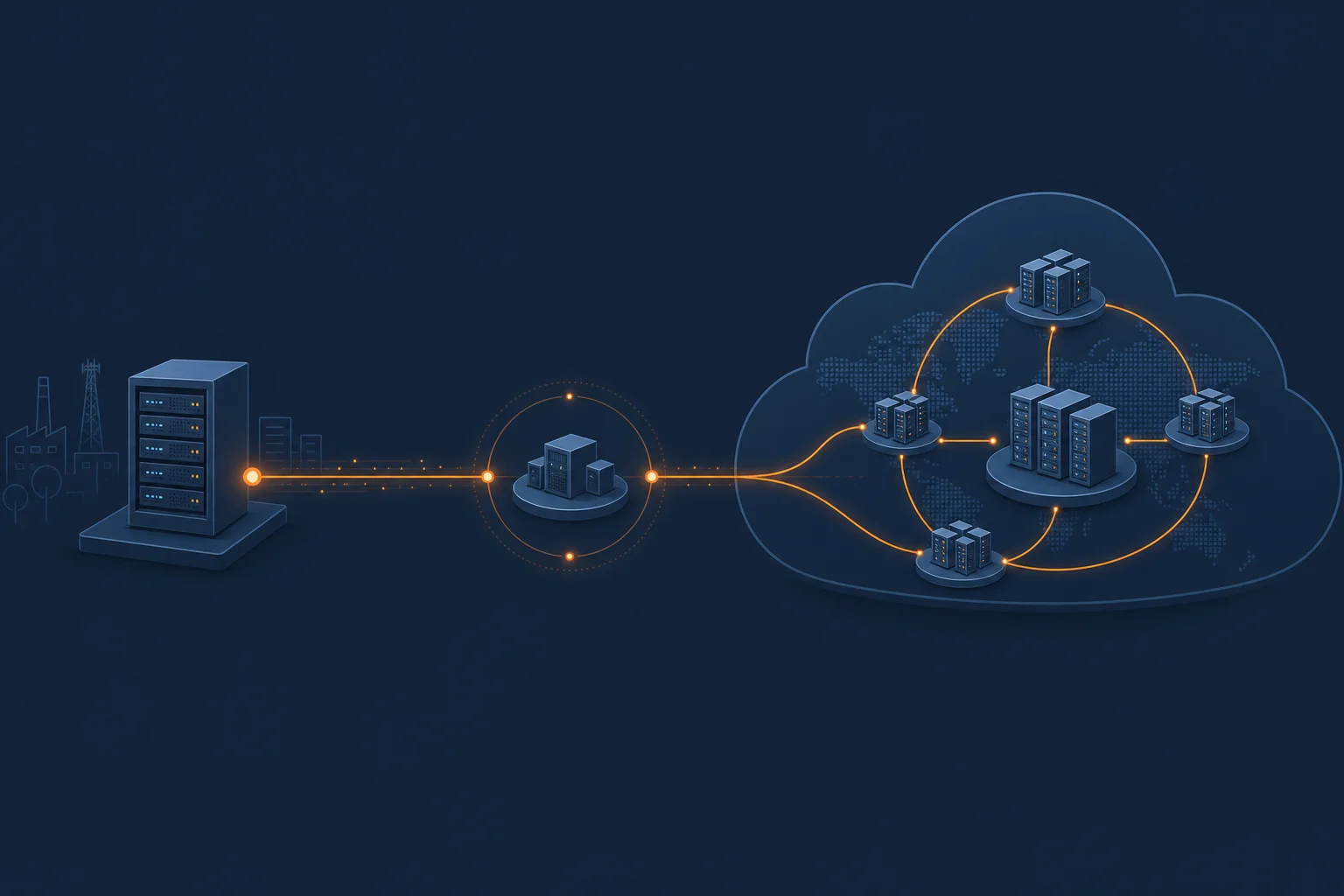
| Lossy internet path to AWS | Accelerated Site-to-Site on TGW (Accelerated VPN rules) |
| Humans → HTTPS apps | Verified Access |
| Humans → thick client / broad CIDR | Client VPN |
| Steady high bandwidth / predictable latency | Direct Connect (+ VPN backup) |
Opinionated take: Design Site-to-Site for sites and Verified Access for apps before you grow Client VPN. Client VPN is the residual bucket — not the architecture.
Walk connectivity-path-decision-matrix.md before buying another endpoint.
Reference architecture
On-prem / colo ──► Site-to-Site VPN ──► Transit Gateway ──► VPCs
                         │                    │
                         └── Accelerated? (TGW only; Global Accelerator edge)

Laptops (HTTPS apps) ──► Verified Access endpoints ──► ALB / app

Laptops (thick / RDP) ──► Client VPN endpoint ──► VPC subnets
                              (prefer split-tunnel)
AWS documents Client VPN as an elastic OpenVPN-compatible service: default scale toward 2,000 concurrent connections (higher via limit increase), dual-AZ subnet associations for HA, and split-tunnel vs full-tunnel routing (Client VPN overview, WFH scaling patterns).
Site-to-Site — VGW, TGW, and acceleration
- VGW: fine for one VPC.
- TGW: multi-VPC, ECMP across tunnels, centralized security appliances, Accelerated VPN.
- Accelerated VPN: TGW-only; create new connection (cannot flip existing); NAT-T required; not for DX public VIF (FAQ, hybrid connectivity whitepaper).
For placement of Outposts/Local Zones and DX service-link sizing, see the hybrid edge post — use Site-to-Site as the backup path, not the only path, when DX is primary.
Client VPN — cost and hardening
Pricing has two hourly meters: endpoint association and active connection, plus data transfer and often public IPv4 / EIP charges when an IGW is present (pricing, what is Client VPN).
Use client-vpn-hardening-checklist.md:
- Dual-AZ associations
- Non-overlapping client CIDR sized ~2× concurrency
- Split-tunnel by default
- Tight authorization rules
- Connection logging + cost alarms
Fill vpn-cost-worksheet.csv with your Region rates before executive quotes. For attachment-level VPC economics, see VPC pricing guide.
Verified Access — link, do not re-implement
When the problem is workforce access to internal HTTPS (and increasingly TCP) apps, follow Verified Access in production. This post only decides when that path wins over Client VPN.
For console-only private access patterns, see Management Console private access. For VDI-heavy workforces, see WorkSpaces remote workforce.
What broke — full-tunnel as default
What broke — Week of a marketing all-hands. ~220 concurrent Client VPN sessions, full-tunnel. Connection-hour spike plus hairpinned SaaS traffic through the VPC NAT. Detection: Cost anomaly + user complaints about Zoom quality. Fix: split-tunnel + move internal HTTPS tools to Verified Access. Site-to-Site to colo never needed to change.
What to Do This Week
- Inventory every use of “VPN” as site, person→subnet, or person→app.
- Score paths with the decision matrix; write the primary choice in the architecture RFC.
- If Client VPN is primary for HTTPS apps, schedule a Verified Access pilot for the top 10 apps.
- Enable cost alarms on Client VPN endpoint + connection hours; run the worksheet.
What This Post Doesn’t Cover
- Cedar policy authoring for Verified Access (dedicated post)
- Customer gateway vendor CLI for every firewall brand
- SD-WAN appliance deep-dives on TGW
- AWS Cloud WAN global fabric design
- MCP / agent tooling (already covered: AWS MCP Server GA)
Frequently asked questions
When should we NOT use AWS Client VPN?
When should we NOT use Accelerated Site-to-Site VPN?
How is this different from the Verified Access ZTNA post?
Site-to-Site on VGW or Transit Gateway?
What could go wrong with Client VPN at scale?
Does Site-to-Site replace Client VPN for remote employees?

AWS Cloud Architect & AI Expert
AWS-certified cloud architect and AI expert with deep expertise in cloud migrations, cost optimization, and generative AI on AWS.