AWS Security Hub MCP App (Preview): Investigate Exposure Findings Inside Claude Desktop
Quick summary: On Jul 27, 2026, AWS launched the Security Hub MCP App preview—8 read-only tools that bring exposure findings, attack paths, and remediation guidance into Claude Desktop at no additional cost for Security Hub customers.
Key Takeaways
- On Jul 27, 2026, AWS announced the preview of the AWS Security Hub MCP App—a local Model Context Protocol server that brings Security Hub exposure findings into Claude Desktop
- This is not another generic “ask AI about AWS” connector
- Chat investigates; EventBridge + Lambda (or your ticketing SLA) remediates
- How it fits next to other AWS agent surfaces Do not conflate three different products: 1
- Managed AWS MCP Server (GA May 6, 2026) — general agent gateway to AWS APIs with IAM guardrails, CloudWatch, CloudTrail; 2 Regions at GA
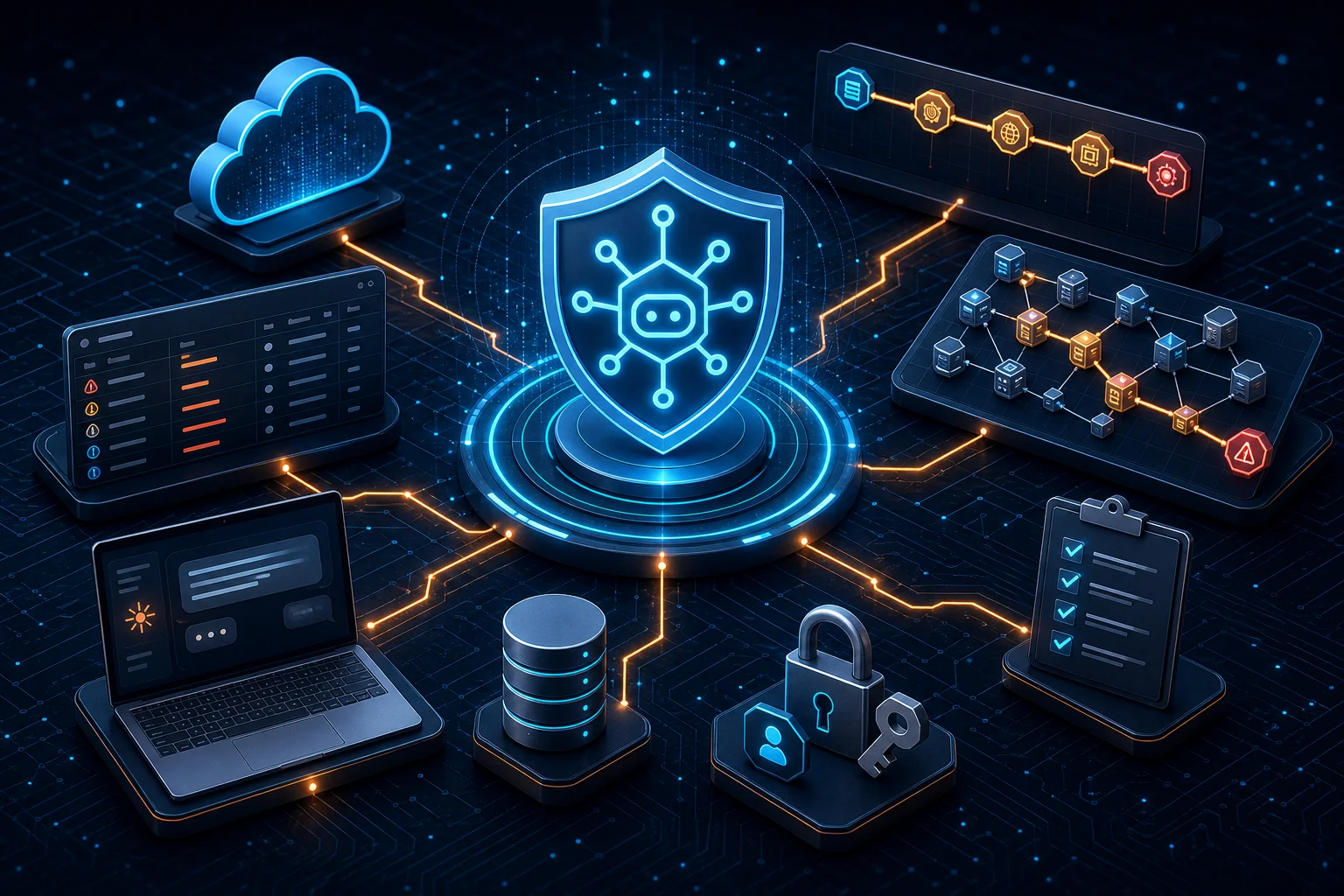
Table of Contents
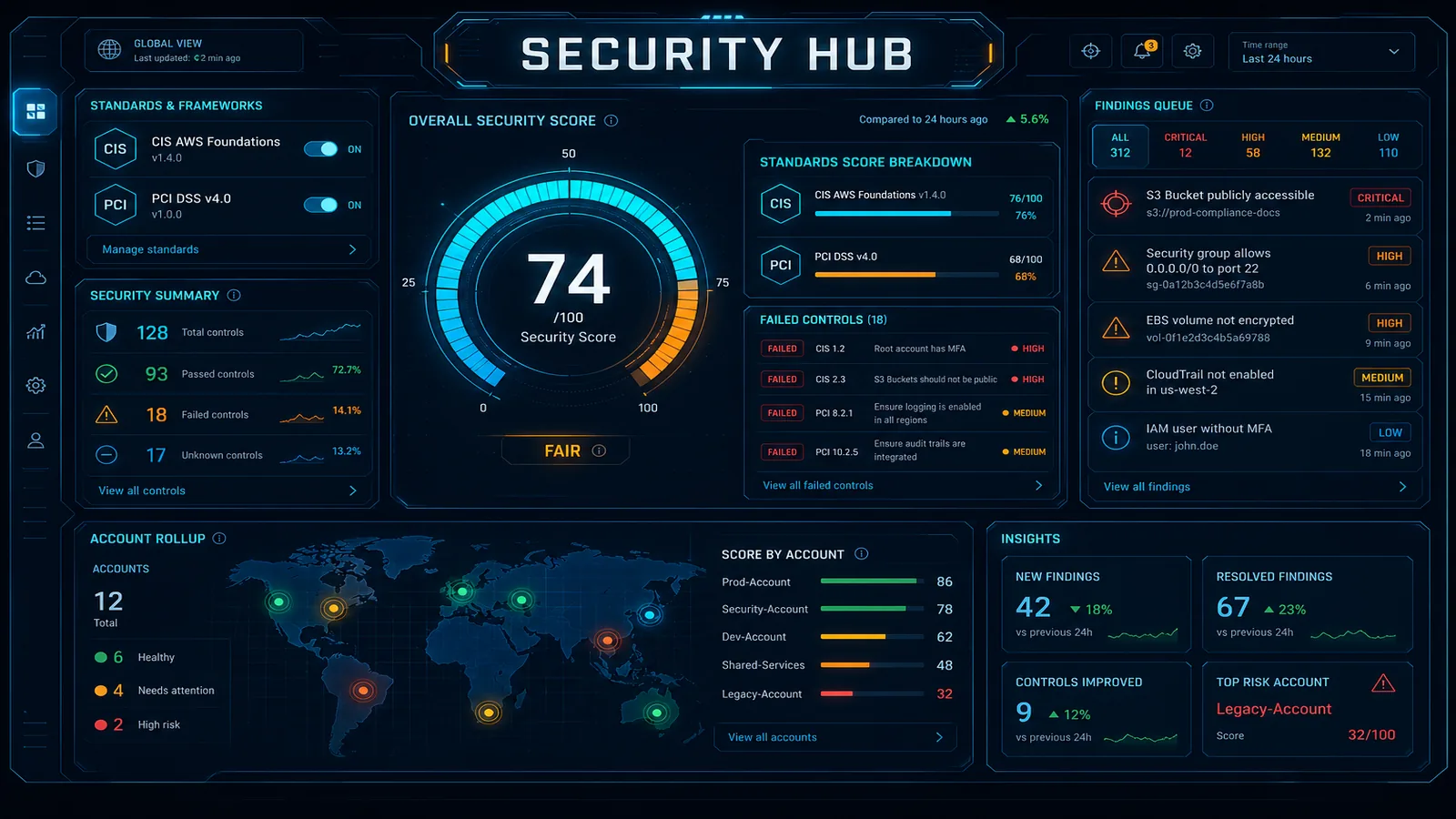
On Jul 27, 2026, AWS announced the preview of the AWS Security Hub MCP App—a local Model Context Protocol server that brings Security Hub exposure findings into Claude Desktop. Each tool call returns a dual response: a compact text summary for the agent to reason over, plus an interactive visualization (top exposures table, attack path graph, network path hops) you can verify in the same conversation.
This is not another generic “ask AI about AWS” connector. It is a read-only investigation surface for the exposure model Security Hub has been building through 2025–2026—correlated signals (vulnerability, misconfiguration, reachability, sensitive data) rolled into prioritized exposures, with impact analysis (Jul 6, 2026) feeding severity and attack-path scope.
Quantified scope (from AWS, not a customer claim): 8 documented tools; available at no additional cost to Security Hub customers; preview in all commercial Regions where Security Hub runs; requires Security Hub enabled with exposure findings already available.
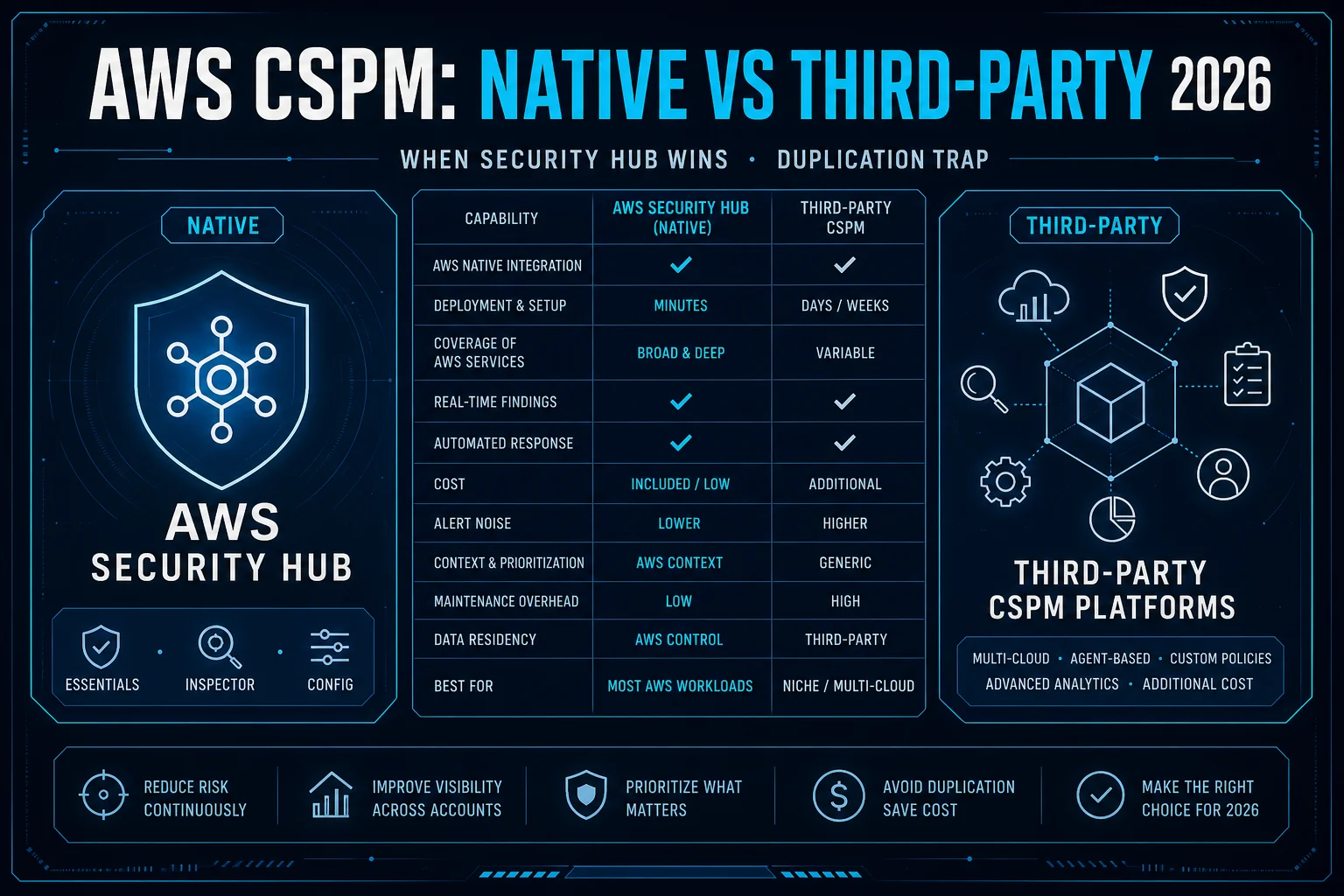
If you are still wiring Security Hub itself, start with our Security Hub compliance monitoring setup guide and the native CSPM vs third-party decision guide before chasing an MCP install.
Why this matters for security teams
Context switching is the tax most SOCs and cloud security engineers already pay: Security Hub console → Inspector → GuardDuty → Config → ticket → chat. The MCP App collapses the investigation read path into Claude Desktop without inventing a new finding store.
| Before | With Security Hub MCP App |
|---|---|
| Export finding IDs, paste into chat, lose graphs | Agent calls top_exposures / attack_path; UI renders in-chat |
| Attack path lives in one console tab | Graph + text summary in one dual response |
| Remediation docs hunted separately | recommendation returns guidance with doc links |
Opinionated take: treat this as an analyst accelerator for exposure triage, not as a replacement for automated remediation or incident response runbooks. Chat investigates; EventBridge + Lambda (or your ticketing SLA) remediates.
Trade-off stated plainly: you gain speed and dual-response visualization inside Claude Desktop; you accept a local credential dependency, Claude Desktop–only install path in preview, and the reality that visualizations do not create audit evidence unless you capture outcomes into your ticket/IR system of record.
How it fits next to other AWS agent surfaces
Do not conflate three different products:
- Managed AWS MCP Server (GA May 6, 2026) — general agent gateway to AWS APIs with IAM guardrails, CloudWatch, CloudTrail; 2 Regions at GA.
- Agent Toolkit for AWS skills/plugins — curated Agent Skills and install bundles for coding agents.
- Security Hub MCP App (this preview) — Security Hub exposure investigation inside Claude Desktop with dual text + UI responses.
Recommendation: use the Security Hub MCP App when the question is “what are my top exposures and how are they reachable?” Use the managed MCP Server when agents need broader AWS API reach under organizational guardrails. Use AWS Security Agent full-repo review for codebase trust-boundary analysis—not for live cloud exposure graphs.
Concepts you need before the install
From the Security Hub MCP App user guide:
- Exposure finding — correlates multiple signals (vulns, misconfigs, reachability, sensitive data) into one view of a resource exposed to risk.
- Local MCP server — runs on your machine; uses your AWS SDK credential chain; holds no credentials of its own.
- MCP App — interactive UI rendered inside Claude Desktop (tables, graphs).
- Dual response — every tool returns agent text and a human-verifiable visualization.
Exposure quality still depends on the underlying Security Hub stack—Inspector, CSPM signals, network reachability, and (where enabled) impact analysis. An empty exposure backlog means an empty MCP conversation, not a broken install.
The 8 tools (call order matters)
| Tool | Job |
|---|---|
top_exposures | Interactive table of most urgent exposures — call first; other tools need finding IDs from this list |
finding_detail | Overview + correlated-finding trait summary for one finding |
finding_overview | Text-only summary by finding ID |
correlated_finding_detail | Correlated findings for one trait (Vulnerability, Misconfiguration, Reachability, …) |
attack_path | Interactive reachability graph (resources, identities, services) |
network_path | Ordered hops from AWS edge → target (e.g. IGW → NACL → SG → ENI → instance) |
recommendation | Remediation guidance + documentation links |
resource_detail | Resource configuration by short ID (i-1234) or ARN |
Why this matters / who breaks without it: teams that skip top_exposures and invent finding IDs waste cycles on empty tool errors. Teams that stop at the table without attack_path / network_path miss the Jul 2026 impact story—downstream privilege reach is often what turns a “medium” into a pageable risk.
Sample investigation flow (pilot worksheet)
Use this sequence on one Critical exposure during the pilot. Do not batch-remediate from chat.
- Prompt: “What are my top security exposures?” → confirm
top_exposurestable loads and Region matches expectations. - Pick the top Critical →
finding_detail+correlated_finding_detailfor Vulnerability and Reachability traits. - Run
attack_pathandnetwork_path→ screenshot or export finding ID + hop summary into the ticket. - Call
recommendation→ map each suggested change to an owner and a change window (or to an existing EventBridge auto-remediation). - Optionally
resource_detailon the exposed instance/role/bucket → verify config matches what the path graph claims. - Close the loop outside Claude: ticket status, suppress/archive rules only when justified, and update the IR runbook if this class of exposure should page differently next time.
This worksheet is process guidance, not a published latency benchmark. If step 1 fails, fix credentials/Region/Security Hub enablement before debating prompt quality.
Prerequisites and setup
Prerequisites (AWS docs):
- AWS account with Security Hub enabled and exposure findings available
- Claude Desktop installed
- AWS credentials in the standard SDK credential chain
Before you install, confirm from a terminal:
# Assumed: AWS CLI v2 on PATH; SSO or profile already configured
aws sts get-caller-identity
aws configure get region
Install flow:
- Download the official bundle:
https://d29a07xw1myhp4.cloudfront.net/latest/sechub-mcp.mcpb - Open the
.mcpbfile — Claude Desktop starts the configuration flow; complete it. - Verify with a prompt such as: “What are my top security exposures?”
Reproduce this — Follow the MCP App (Preview) user guide. Bundle URL:
sechub-mcp.mcpb. Cross-check any CLI/install steps against the live docs—preview packages move.
Failure modes and counter-cases
What breaks — Analysts install the
.mcpbwith a shared laptop profile that has write privileges “for convenience.” The Security Hub tools stay read-only, but the same principal powers the AWS CLI and any other MCP servers. Detection later shows unexpectediam:/ec2:mutations that never came from Security Hub MCP. Fix: dedicated read-only role + short-lived SSO; treat Claude Desktop like a SOC workstation, not a personal admin shell.
Counter-case — If your team already runs a mature Security Hub → EventBridge → ticket → Prowler pipeline with clear owners and SLAs, forcing Claude Desktop into the critical path can slow triage (license friction, local installs, screenshot-to-ticket handoffs). Pilot MCP App as an optional investigation aid for senior analysts, not as the mandatory first hop for every Critical.
Other preview gotchas:
- No exposures yet → enable Security Hub standards / Essentials coverage and wait for exposure population before blaming MCP.
- Wrong Region in credential chain → findings look “empty” while another Region is full.
- Expecting remediation APIs → use
recommendationfor guidance, then your automated remediation path to execute.
What to do this week
- Confirm Security Hub readiness — delegated admin, Regions, exposure findings present (setup guide).
- Issue a read-only investigation role — SecurityAudit-class read + Security Hub read APIs; no
*:*on analyst laptops. - Install Claude Desktop +
.mcpbon one pilot workstation; runtop_exposures→attack_path→recommendationon a single Critical. - Write the outcome into your system of record — ticket or IR case with finding ID, path summary, and owner. Chat is not the archive.
- Decide the boundary — MCP App for human-in-the-loop investigation; EventBridge/Lambda for known auto-remediations; Security Agent for code; managed AWS MCP Server for broader agent API access.
If you only do one thing
Create a dedicated read-only AWS profile for Claude Desktop, install the official .mcpb, and walk one Critical exposure end-to-end (top_exposures → attack_path → recommendation) into a ticket. That single drill surfaces credential, Region, and process gaps faster than a policy memo.
What this post doesn’t cover
- Side-by-side latency or token-cost benchmarks of Claude Desktop vs console investigation (we have not published a first-party harness for this preview).
- Non–Claude Desktop MCP hosts loading the Security Hub MCP App UI (unsupported in the Jul 27, 2026 docs).
- Org-wide rollout patterns (device management, DLP for finding text in chat logs, contractor laptop policy).
- Deep pricing math for Security Hub Essentials — see the CSPM decision guide.
For compliance program wiring beyond findings triage, see Cloud Compliance Services and AWS cloud security consulting.
Hardening Security Hub investigations? FactualMinds helps teams stand up Security Hub Essentials, exposure triage workflows, and agent guardrails without turning analyst chat into an admin shell. Talk to our team.
AWS Cloud Architect & AI Expert
AWS-certified cloud architect and AI expert with deep expertise in cloud migrations, cost optimization, and generative AI on AWS.