S3 Is Not Cheap — Your Usage Is Expensive
Quick summary: S3 storage is still cheap in July 2026. Request storms, unmanaged versioning, CRR, Express One Zone, and S3 Tables compaction choices are what blow the bill — not GB-month alone.
Key Takeaways
- S3 storage is still cheap in July 2026
- Request storms, unmanaged versioning, CRR, Express One Zone, and S3 Tables compaction choices are what blow the bill — not GB-month alone
- S3 is still the storage substrate of AWS as of July 2026
- Quantified shape (representative): 50 TB in S3 Standard is typically under ~$1,200/month in storage
- The same 50 TB as 500 million small objects with hourly LIST + GET pipelines can push request charges past $10,000/month
Table of Contents
Part 5 of 8: The AWS Cost Trap — Why Your Bill Keeps Surprising You
Series tooling (July 2026): Spike investigation starts in Cost Explorer with Analyze with Amazon Q; proactive alerts via Cost Anomaly Detection; automated routing with FinOps Agent (preview).
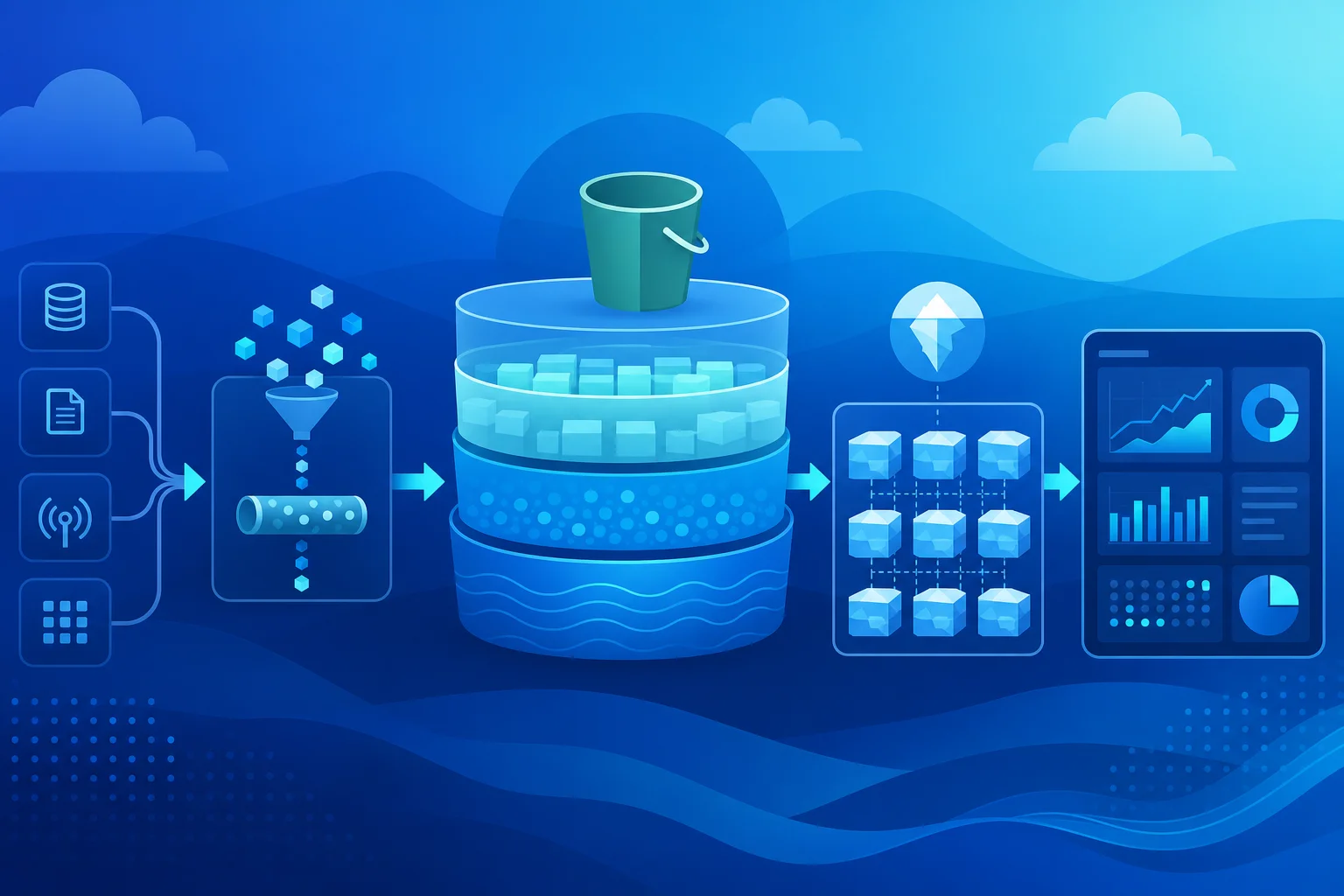
S3 is still the storage substrate of AWS as of July 2026. Backups, uploads, lakes, ML datasets, artifacts — Standard storage often looks “essentially free.” For many workloads, GB-month is not the bill.
Quantified shape (representative): 50 TB in S3 Standard is typically under ~$1,200/month in storage. The same 50 TB as 500 million small objects with hourly LIST + GET pipelines can push request charges past $10,000/month. Storage is cheap. Access patterns are expensive.
Newer surfaces compound the trap: S3 Express One Zone request premiums, S3 Tables / Iceberg compaction economics (see modern data lake architecture), and security migrations such as SSE-C default disable that change client access patterns overnight.
Model your S3 bill — S3 Pricing Calculator with storage class, requests, and replication.
Request Pricing: The Invisible Dimension
S3 charges for every API operation against the service. PUT, COPY, POST, and LIST requests are charged at one rate. GET, SELECT, and all other data requests are charged at a lower rate. DELETE and certain lifecycle operations are either free or charged at minimal rates.
The costs feel small per operation — we are talking fractions of a cent per thousand requests. The numbers only become significant at scale. At 10 million GET requests per day, you are spending a meaningful amount monthly on GET requests alone, from a bucket where you might be spending a fraction of that on storage.
LIST operations are the most dangerous. The S3 LIST API returns up to 1,000 objects per call. A pipeline that lists a large prefix to find new files makes one API call per 1,000 objects. A bucket with 100 million objects requires 100,000 LIST calls to enumerate fully. If your pipeline runs this enumeration hourly, you are making 2.4 million LIST calls per day. LIST calls are charged at the PUT/LIST rate, which is higher than GET. The monthly cost of that enumeration alone is material — and the underlying work (scanning a bucket to find new files) is an architectural anti-pattern that S3 Event Notifications or S3 Inventory was designed to replace.
S3 Select and Glacier Instant Retrieval have retrieval charges that are separate from request charges and separate from storage charges. A workflow that queries S3 with S3 Select at high frequency pays per GB of data scanned, not per byte returned. A 1 GB Parquet file with S3 Select returning 10 KB of results still scans 1 GB for billing purposes. If that query runs 10,000 times per day, the scan cost accumulates regardless of how small each result set is.
Glacier Instant Retrieval, Glacier Flexible Retrieval, and S3 Glacier Deep Archive have storage costs far below S3 Standard — but retrieval charges that can exceed the total storage cost for a year if applied to the wrong access pattern. Glacier Deep Archive is designed for data retrieved once or twice per year. A data team that archives data to Glacier Deep Archive and then discovers they need to run retrospective analyses against it pays retrieval charges that quickly make Glacier more expensive than S3 Standard for the same data volume.
The principle: storage class selection must be driven by retrieval frequency, not just storage cost. An analysis of access patterns before tiering data is not optional — it is the decision.
Model your bill: Use our free AWS S3 Pricing Calculator to split storage, PUT/LIST, GET, and egress costs — and see when requests exceed 30% of the total.
Versioning: The Cost Multiplier Nobody Sees
S3 versioning is a sensible default for production buckets. It protects against accidental deletion, enables point-in-time recovery, and is required by some compliance frameworks. It is also a cost multiplier that many teams activate and then forget to manage.
When versioning is enabled, every PUT to an existing object creates a new version. The previous version is retained. Both versions consume storage. Every lifecycle transition, replication operation, and retrieval fee applies to all versions — not just the current one.
A bucket receiving 1 million object updates per day, with an average object size of 100 KB, generates 100 GB of new version data per day. If no lifecycle policy expires non-current versions, that bucket accumulates 3 TB of version history per month. After a year, the version history is 36 TB — at S3 Standard pricing, not at a discounted rate — because lifecycle policies that transition non-current versions to cheaper storage tiers are a separate configuration that does not apply retroactively.
The lifecycle policy you need if versioning is enabled:
{
  "Rules": [
    {
      "Filter": {},
      "Status": "Enabled",
      "NoncurrentVersionTransitions": [
        {
          "NoncurrentDays": 30,
          "StorageClass": "STANDARD_IA"
        },
        {
          "NoncurrentDays": 90,
          "StorageClass": "GLACIER_IR"
        }
      ],
      "NoncurrentVersionExpiration": {
        "NoncurrentDays": 365
      }
    }
  ]
}
This transitions non-current versions to cheaper tiers and expires them after a year. Without something like this on every versioned bucket, you are paying full S3 Standard rates for years of object history that no engineer is aware of and no process ever reviews.
Delete markers are a related trap. When an object is deleted in a versioned bucket, S3 creates a delete marker rather than removing the object. The previous versions remain and are billed for storage. The bucket appears empty from the console. The costs continue. A bucket that looks empty in the S3 console because all objects have delete markers may still contain terabytes of non-current versions that are generating storage charges.
Cross-Region Replication: Paying Twice for Everything
S3 Cross-Region Replication (CRR) is used for disaster recovery, data residency requirements, and proximity-to-user optimization. It is billed in ways that compose into a higher total cost than most architects anticipate.
When CRR is configured, every new object PUT to the source bucket is replicated to the destination bucket. The charges are: the standard PUT cost to the source bucket, the replication data transfer charge (per GB transferred between regions), the destination PUT request charge (one PUT per replicated object), and the destination storage charge (full storage cost in the destination region for all replicated objects).
If versioning is enabled in both buckets (required for CRR), the version history in both regions is billed. If the destination bucket has its own CRR configured (for a third-region copy), the chain repeats.
Replication filter misconfiguration is a specific failure mode. CRR can be scoped to specific prefixes or object tags. A replication rule scoped to all objects in a bucket replicates everything, including temporary files, intermediate processing artifacts, and test uploads. Engineering teams that use production S3 buckets for ephemeral storage during data processing pipelines often replicate gigabytes of intermediate data that is deleted from the source within hours — but is retained (and billed) in the destination because the delete operation is only replicated if “delete marker replication” is explicitly enabled.
The correct configuration for CRR:
- Scope replication to specific prefixes (only replicate final output, not intermediate artifacts)
- Enable delete marker replication if you want deletions to propagate to destination
- Set lifecycle policies on the destination bucket that mirror the source bucket’s policies
- Audit monthly what percentage of the destination bucket’s contents are replicated objects that were since deleted from source
The Small Object Problem
S3 charges a minimum billable size for certain storage classes. S3 Standard-IA and S3 One Zone-IA have a minimum billable object size. An object smaller than the minimum is billed as if it were the minimum size. This makes these storage classes economically wrong for small objects.
But even in S3 Standard (no minimum billable size), small objects create an access pattern cost problem. The fixed overhead of an S3 API call — in latency, in billing, in operational overhead — is the same regardless of whether the object is 1 byte or 1 GB. A data lake with tens of billions of 1 KB files pays the same per-request cost as one with files that are 1,000× larger, while gaining 1,000× less data per request. The cost efficiency of the access pattern degrades with object size.
The operational data pattern that creates this problem is writing one file per event: one JSON file per user action, one CSV per transaction, one log file per Lambda invocation. At low volume, this works. At high volume, the bucket becomes difficult to list, expensive to process, and slower to read than equivalent data in larger files.
The fix is compaction. Aggregate small files into larger ones using Glue, EMR, or a Lambda function that runs on a schedule. Target object sizes between 64 MB and 512 MB for data lake objects — this is the range where S3 read efficiency and Athena/Glue/Spark processing efficiency align. The compaction process itself consumes compute and generates API calls, but the reduction in downstream request costs and processing overhead from eliminating small files typically produces net savings at scale.
EBS: The Storage You Forget About
EBS volumes are provisioned and billed by size, not by utilization. A 1 TB gp3 volume bills for 1 TB whether it is 5% full or 95% full. This creates a quiet accumulation problem: instances are terminated, but their root EBS volumes are not deleted if the “Delete on Termination” flag is not set.
The default behavior for EBS volumes attached at launch through most methods sets “Delete on Termination” to true for root volumes. For additional data volumes attached separately, the default is false. A workflow that launches instances with attached data volumes and terminates the instances without explicitly deleting the volumes leaves orphaned EBS volumes running indefinitely at full provisioned cost.
At scale, orphaned EBS volumes represent a measurable fraction of infrastructure costs. A scan of your account using aws ec2 describe-volumes --filters Name=status,Values=available returns all EBS volumes not attached to any instance. “Available” status means the volume is not in use. It is also being charged.
Provisioned IOPS over-provisioning is the other EBS cost failure. io1 and io2 volumes charge separately for provisioned IOPS, independent of actual IOPS consumed. An io2 volume provisioned at 16,000 IOPS for a peak load that never materialized bills for 16,000 IOPS continuously. Migrating to gp3, which provides up to 16,000 IOPS configurable at a lower per-IOPS rate, or right-sizing the provisioned IOPS to actual peak observed usage, reduces this charge significantly.
What to Audit in Your Account
Monthly S3 cost audit:
- Pull Cost Explorer filtered to S3, grouped by usage type. Identify the top three usage types by spend. For most accounts, one of them will be unexpected.
- Check the ratio of request costs to storage costs. If requests exceed 30% of total S3 spend, your access patterns warrant review.
- List all versioned buckets:
aws s3api list-buckets | jq -r '.Buckets[].Name' | xargs -I{} aws s3api get-bucket-versioning --bucket {}. For each versioned bucket, check whether a lifecycle policy governing non-current versions exists.
Quarterly EBS audit:
aws ec2 describe-volumes --filters Name=status,Values=availablefor orphaned volumesaws ec2 describe-snapshots --owner-ids selffiltered by age for orphaned snapshots (snapshots older than your retention policy with no associated AMI)
S3 Intelligent-Tiering is worth evaluating for buckets where access patterns are unknown or variable. Intelligent-Tiering moves objects between tiers automatically based on access frequency and charges a per-object monitoring fee. For large objects with unpredictable access patterns, the monitoring fee is outweighed by the storage tier savings. For small objects (below the monitoring fee threshold), Intelligent-Tiering does not provide cost benefit and should not be used.
S3 Intelligent-Tiering Archive Instant Access tier: Objects that have not been accessed in 90 days are automatically moved to Archive Instant Access, which costs roughly 68% less than S3 Standard. Retrieval is still millisecond-latency — no restore operation required. For buckets with mixed access patterns (some objects accessed frequently, most accessed rarely), enabling the Archive Instant Access tier in the Intelligent-Tiering configuration can significantly reduce the effective storage cost without any access-pattern changes.
S3 Glacier Instant Retrieval vs S3 Standard-IA: For objects accessed less than once a quarter, S3 Glacier Instant Retrieval (formerly S3 Glacier) is now the default recommendation over S3 Standard-IA. Glacier Instant Retrieval has lower storage cost than Standard-IA and the same millisecond-latency retrieval. Standard-IA is now primarily useful for objects accessed once a month or so — if your access frequency is lower than that, Glacier Instant Retrieval is cheaper with no retrieval latency penalty.
Day-0 Standard → IA transitions (July 16, 2026): Lifecycle rules can now move objects from Standard to Standard-IA or One Zone-IA on day 0 — the old requirement to keep objects in Standard for 30 days before IA transition is gone. That unlocks immediate tiering for cold prefixes you already know about. It does not remove IA billing minimums: Standard-IA and One Zone-IA still charge for at least 30 days of storage per object if you delete or re-transition early. Model churn before pointing volatile prefixes at IA.
S3 Express One Zone: The Speed Premium That Surprises Budgets: S3 Express One Zone (directory buckets) provides 10× faster request performance than S3 Standard, making it attractive for latency-sensitive workloads like ML training data loading. However, the per-request cost is significantly higher than S3 Standard. For ML training workloads that read the same dataset thousands of times, Express One Zone can reduce training time (and GPU cost) enough to justify the storage premium. For general application storage or workloads that do not make thousands of requests per object, Express One Zone will increase costs without meaningful benefit. Evaluate request volume and frequency before adopting.
Storage is infrastructure. Like compute, it accrues costs based on configuration, not just consumption. The difference is that compute cost is visible — you see running instances. Storage cost is invisible — you see capacity, not the billing behaviors layered on top of it.
Model before tiering: S3 pricing calculator — if requests exceed ~30% of total, fix access patterns before changing storage class.
When this advice fails
- Cold archive with true once/year access — Deep Archive wins; Instant Retrieval is the wrong tier.
- You already Event-notify + Inventory — LIST storms are not your problem; look at CRR/versioning next.
- Express One Zone for GPU-bound training that re-reads hot shards — request premium can still beat GPU idle time; measure both.
What to do Monday morning
- Cost Explorer → S3 → group by usage type; note request vs storage share.
- For every versioned bucket, confirm non-current lifecycle (transition + expire).
- Replace LIST-poll pipelines with S3 Event Notifications or Inventory.
- Scope CRR to final prefixes only; match lifecycle on destination.
- Re-check Express One Zone / S3 Tables workloads against request volume before expanding.
- Continue to Part 6 — FinOps gap.
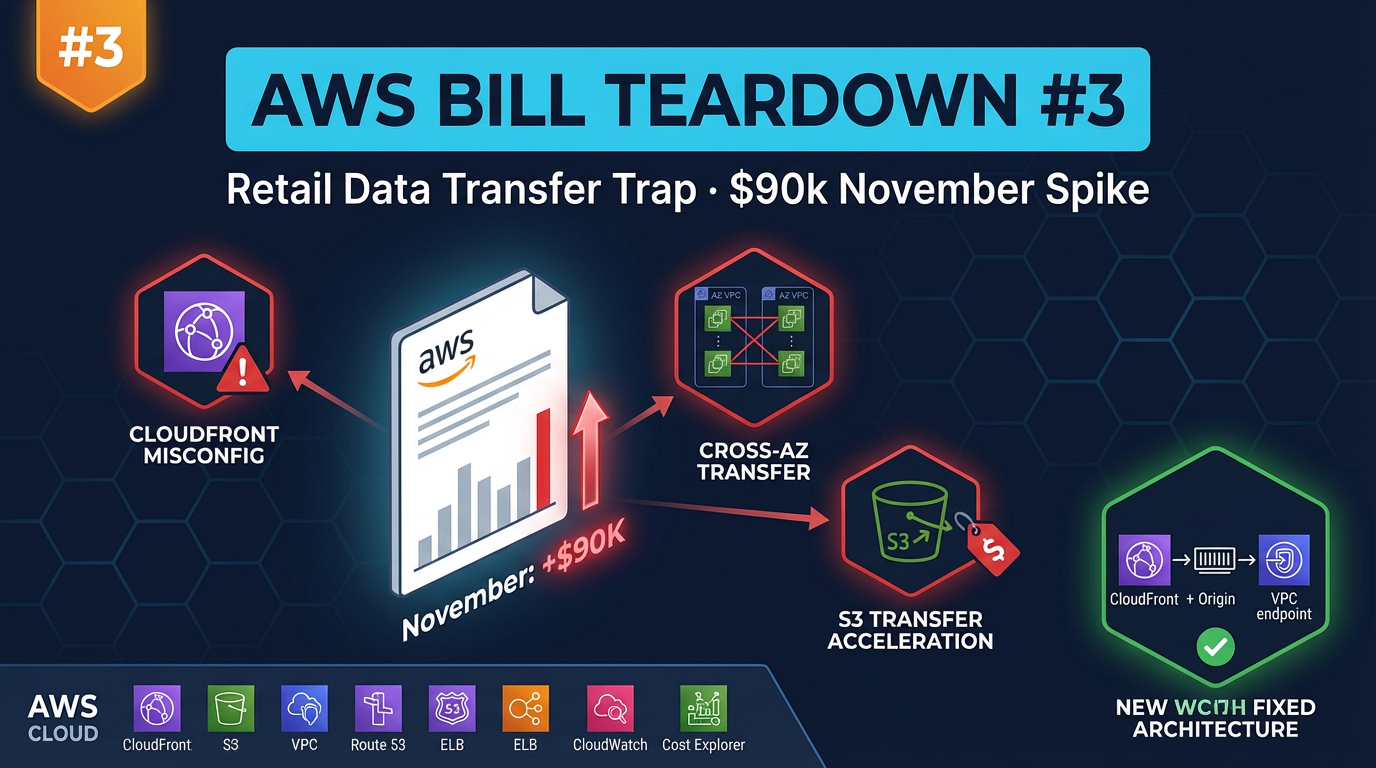
Related: Backup strategies · S3 security · Retail data-transfer teardown
The AWS Cost Trap — Full Series
Part 1 · Part 2 · Part 3 · Part 4 · Part 5 · Part 6 · Part 7 · Part 8
AWS Cloud Architect & AI Expert
AWS-certified cloud architect and AI expert with deep expertise in cloud migrations, cost optimization, and generative AI on AWS.