Post-Migration Optimization and the FinOps Handoff (2026): The First 30 Days After Cutover Decide Your Run-Rate
Quick summary: A lift-and-shift migration copies on-prem specs sized for peak plus headroom, then the migration partner rolls off and nobody owns the bill. The waste is predictable: 30–60% of cost untagged, over-provisioned EC2/RDS, idle NAT Gateways and orphaned EBS, and commitments bought on top of all of it. This is the explicit migration→FinOps handoff — owner first, visibility second, right-size before you commit — with a 30-day checklist and an optimization-backlog CSV.
Key Takeaways
- The waste is predictable: 30–60% of cost untagged, over-provisioned EC2/RDS, idle NAT Gateways and orphaned EBS, and commitments bought on top of all of it
- This is the explicit migration→FinOps handoff — owner first, visibility second, right-size before you commit — with a 30-day checklist and an optimization-backlog CSV
- The bill it created does not — and the first 30 days after cutover decide your run-rate for the next year
- This post is the explicit handoff that prevents that, anchored to AWS Cost Optimization Hub (which consolidates 18 recommendation types priced with your discounts)
- We ship a 30-day handoff checklist and an optimization-backlog CSV template

Table of Contents
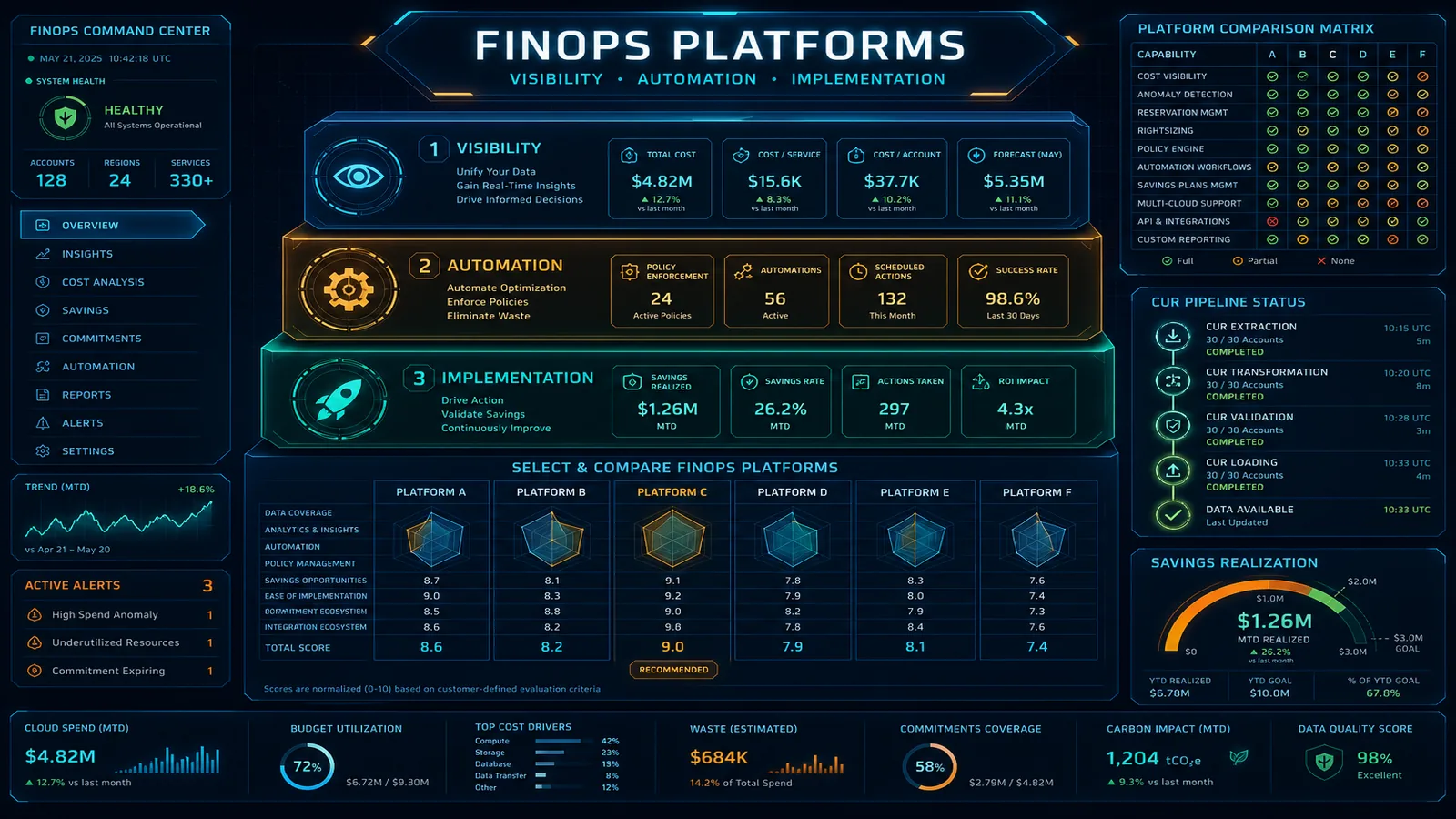
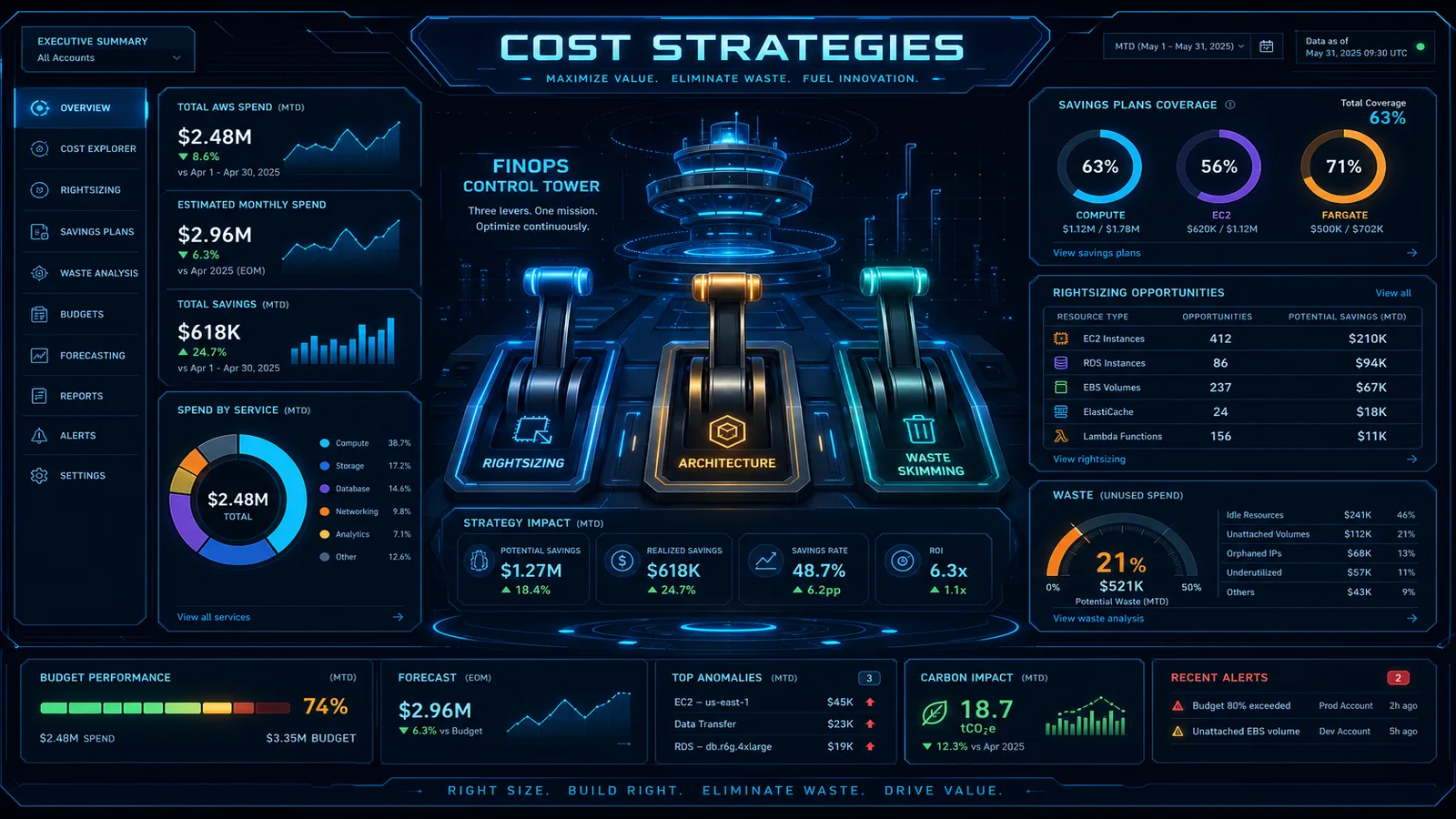
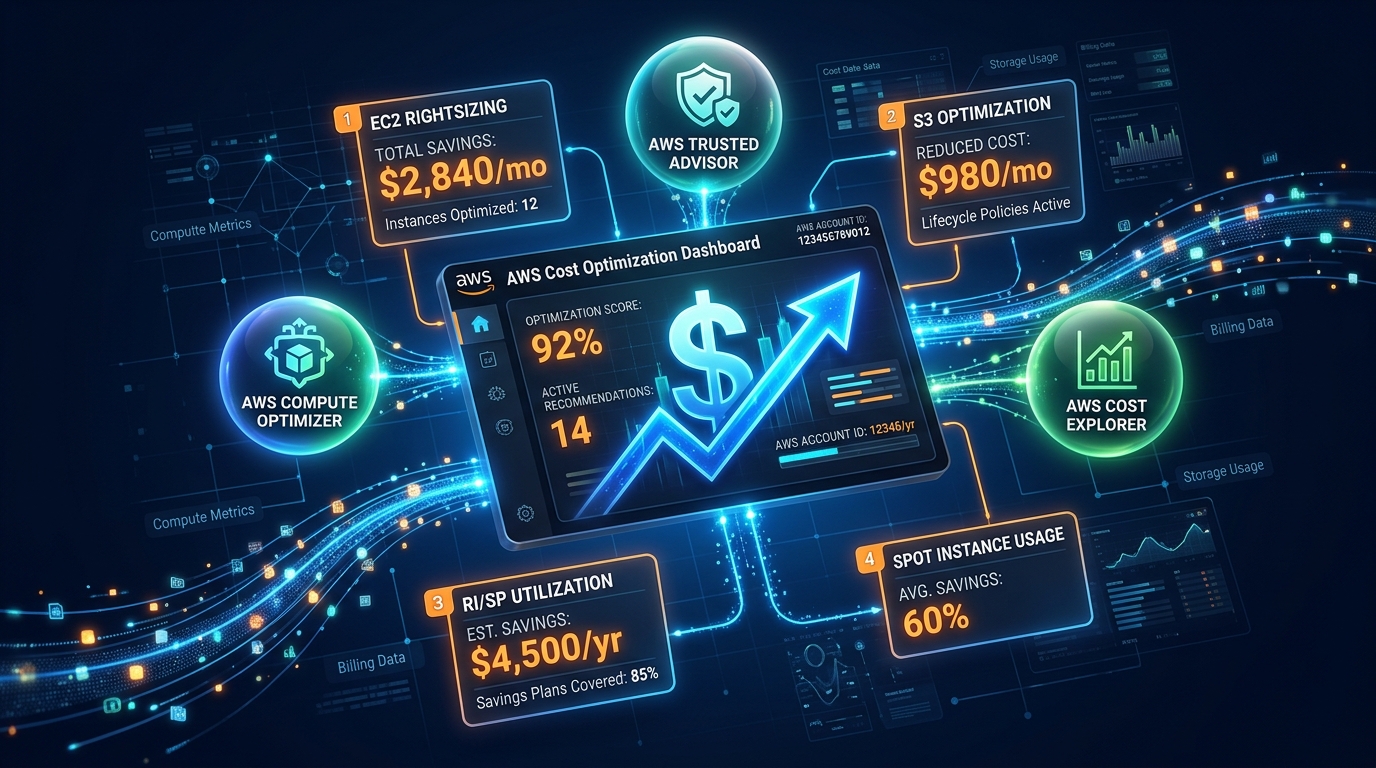
A migration project ends at cutover. The bill it created does not — and the first 30 days after cutover decide your run-rate for the next year. The pattern is depressingly consistent: a lift-and-shift reproduces on-prem specs (sized for peak plus a hardware-refresh buffer), the migration partner is measured on cutover success rather than run-rate, and when they roll off, nobody owns the bill. By the time someone notices, 30–60% of cost is untagged, EC2 and RDS are over-provisioned, idle NAT Gateways and orphaned EBS are quietly billing, and — worst of all — someone has “saved money” by buying Savings Plans on top of all of it. This post is the explicit handoff that prevents that, anchored to AWS Cost Optimization Hub (which consolidates 18 recommendation types priced with your discounts).
This is for the engineering lead, FinOps owner, or CTO inheriting a freshly-migrated estate — the bridge from a program like a data-center exit to a steady-state FinOps practice. We ship a 30-day handoff checklist and an optimization-backlog CSV template.
Benchmark pattern (not a cited client) — A composite estate freshly lifted from a data center: instances sized at on-prem peak + ~30% headroom, ~50% of cost untagged at cutover, dev/test running 24×7. Representative arithmetic, not a billed result: dev/test scheduled to 12×5 instead of 24×7 removes roughly 65% of those environments’ runtime; right-sizing a fleet sized for peak that runs at 15–25% utilization is typically a double-digit-percent compute cut. The point is sequencing: every one of those numbers is negated if you buy a three-year Savings Plan before doing the right-sizing pass. Right-size, then commit.
The order is the whole game: owner → visibility → right-size → commit → guardrail
Most post-migration cost work fails not because the team picks the wrong instance type, but because it does the right things in the wrong order.
1. Assign the owner first (this is not optional)
Before the migration team rolls off, name the FinOps owner in writing, put a monthly cost review on the calendar, and turn on Cost Anomaly Detection routed to a channel a human reads. Diffusion of responsibility is the actual root cause of post-migration cost drift — see the FinOps gap.
2. Get visibility (you can’t optimize what you can’t see)
Activate cost allocation tags in the Billing console — they are inactive by default even if your resources are tagged. Measure tagging coverage, then close the gap with a tag policy as described in tagging, chargeback & FinOps ownership. Opt the org into Cost Optimization Hub: it dedupes and ranks recommendations across accounts/Regions and prices them with your RI/SP discounts. (Our Cost Optimization Hub guide walks the console.) For the first monthly review after cutover, open Cost Explorer filtered to the migrated accounts and use Analyze with Amazon Q (June 2026) to narrate top drivers — faster than teaching every stakeholder to pivot CE. Optionally enable FinOps Agent (preview) to route Cost Anomaly Detection events to Slack/Jira so post-migration spikes reach engineering without manual triage.
3. Right-size and kill the lift-and-shift waste
Drive right-sizing from Compute Optimizer (surfaced inside Cost Optimization Hub). Then the idle/orphaned sweep: unattached EBS, idle RDS, old snapshots, unused Elastic IPs, idle NAT Gateways (see NAT Gateway idle cost), zombie load balancers. Storage: S3 lifecycle/Intelligent-Tiering and gp2→gp3. Schedule dev/test off nights and weekends.
4. Commit — only now
With the baseline right-sized, layer Compute Savings Plans over the stable portion. Pick a coverage target (70–80% is a sane start), not 100%. The decision logic is in Reserved Instances vs Savings Plans.
What broke — A team inherited a migrated estate and, eager to show savings in month one, bought a three-year Compute Savings Plan sized to the current run-rate. The next sprint they right-sized the over-provisioned fleet and decommissioned idle hosts as planned — and immediately fell below their committed spend, paying for a commitment they could no longer use. They’d inverted the order. The recovery was slow (you can’t easily unwind a three-year commitment); they had to backfill usage onto the plan and defer further right-sizing until the commitment amortized. Right-size first, commit second — in that order, every time.
What to do this week
- Name the bill owner in writing and put a recurring monthly cost review on the calendar. Do this before anyone from the migration team leaves.
- Activate cost allocation tags and measure coverage. If it’s under ~80%, that’s your first backlog item.
- Opt into Cost Optimization Hub (org-wide) and export the top recommendations into the optimization-backlog CSV.
- Do the idle sweep (EBS, NAT, snapshots, EIPs) — fast, low-risk wins that fund the harder work.
- Freeze new commitments until right-sizing is done. Write it down so a well-meaning teammate doesn’t buy an SP early.
- Run the first post-cutover review with Analyze with Amazon Q in Cost Explorer (team/account filter). Consider FinOps Agent (preview) for anomaly routing if your on-call channel is already in Slack.
What this post doesn’t cover
- The steady-state FinOps operating model — see FinOps on AWS complete guide.
- The migration program that feeds this handoff — see data-center exit and choosing a migration strategy.
- Modernization economics (monolith → containers/serverless ROI) — a separate, longer-horizon track than the 30-day handoff.
- Exact pricing and recommendation counts — confirm Cost Optimization Hub coverage and current rates in the AWS console; figures here are the mid-2026 model.
Related: FinOps complete guide · Tagging, chargeback & FinOps ownership · RI vs Savings Plans · Cost Optimization Hub guide · AWS FinOps Agent preview · FinOps consulting · Cost optimization services
If you only do one thing: Assign a named owner for the bill before the migration team rolls off, and freeze all Savings Plan / RI purchases until the right-sizing pass is complete. Order beats effort here.
Frequently asked questions
Why does cost go UP right after a successful migration?
Should we buy Savings Plans or Reserved Instances right after migrating?
What is AWS Cost Optimization Hub and why use it for the handoff?
Who should own the AWS bill after the migration team leaves?
When is post-migration optimization NOT worth doing aggressively?
How is this different from a general FinOps program?

Ecommerce Growth & Retail Marketplaces
Ecommerce growth leader working across ratings and reviews, Walmart review syndication, retail marketplaces, and email and SMS deliverability. Writes the FactualMinds guides on AWS cost optimization and FinOps for teams that need cloud spend to stay predictable.