Managed EKS on AWS (2026): Auto Mode vs Self-Managed Karpenter vs Partner MSP
Quick summary: For a product SaaS (~12 production nodes, 3 clusters), EKS Auto Mode cut internal K8s ops from 80 to 35 hours/month at similar compute spend — partner MSP quote was $6,500/mo on top for 24/7 paging alone.
Key Takeaways
- 2025–2026 consolidation optimizations reduced scale-out latency versus self-managed node groups (Faster nodes, smarter scaling)
- This post is the managed EKS decision framework — three operating models, ops-hour trade-offs, and when an MSP still earns its fee
- It is not Karpenter installation, not Karpenter vs Cluster Autoscaler, not EKS pricing line items alone, and not generic MSP scope
- Artifacts: EKS mode cost worksheet CSV, managed EKS decision checklist
- Benchmark pattern (not a cited client) — B2B product SaaS, 3 EKS clusters, ~12 production nodes avg, self-managed Karpenter since 2023 (~80 internal ops hours/month)
Table of Contents
EKS Auto Mode ships managed Karpenter, Node Auto Repair (GPU failure detection with cordon/replace respecting PDBs), and Bottlerocket accelerated AMIs with pre-installed GPU telemetry (AWS containers blog — GPU on Auto Mode). 2025–2026 consolidation optimizations reduced scale-out latency versus self-managed node groups (Faster nodes, smarter scaling).
This post is the managed EKS decision framework — three operating models, ops-hour trade-offs, and when an MSP still earns its fee. It is not Karpenter installation, not Karpenter vs Cluster Autoscaler, not EKS pricing line items alone, and not generic MSP scope.
Artifacts: EKS mode cost worksheet CSV, managed EKS decision checklist.
Benchmark pattern (not a cited client) — B2B product SaaS, 3 EKS clusters, ~12 production nodes avg, self-managed Karpenter since 2023 (~80 internal ops hours/month). After EKS Auto Mode on two clusters: ~35 ops hours/month, compute within ±3% of prior bill. MSP 24/7 quote: $6,500/mo additional — rejected until app-level runbooks mature.
Three operating models
| Model | You operate | AWS operates | Best when |
|---|---|---|---|
| Self-managed Karpenter | NodePools, AMIs, GPU drivers, upgrades | Control plane only | Custom AMIs, full Karpenter flexibility |
| EKS Auto Mode | Workloads, Helm, GitOps | Karpenter lifecycle, consolidation, node repair, Bottlerocket AMIs | Ops headcount is the constraint |
| Partner-managed | Application releases (sometimes) | MSP runs patches, on-call, upgrades per SOW | 24/7 paging you cannot staff |
Opinionated take: Auto Mode before MSP for node operations. Paying $6k+/mo for Karpenter tuning that AWS now manages is hard to justify unless the MSP brings application SRE depth Auto Mode explicitly excludes.
Decision tree
Need custom AMI or non-standard instance types?
  YES → Self-managed Karpenter
  NO → Need 24/7 app-aware on-call across 5+ clusters?
         YES → Partner MSP (+ optionally Auto Mode for nodes)
         NO → EKS Auto Mode
Fill dollar amounts in eks-mode-cost-worksheet.csv.
EKS Auto Mode — what you actually get
Per Under the hood: EKS Auto Mode:
- Dynamic autoscaling — right-sized EC2 including GPU pools from pod requirements
- Consolidation — node deletion when pods fit elsewhere; node replacement with cheaper types
- Node Auto Repair — GPU failures detected via DCGM-Exporter / Neuron Monitor; repair ~10 minutes after detection
- Bottlerocket AMIs — no manual launch-template driver pinning for NVIDIA/Inferentia
What Auto Mode does not do: upgrade your application Helm charts, tune JVM heap, page your product manager, or own database failover.
Self-managed Karpenter — when to stay
Stay if any of these are true:
- Custom kernel modules or FIPS STIG AMI mandated
- Instance types outside Auto Mode predefined set
- Existing NodePool investment with GitOps-reviewed YAML you cannot migrate this quarter
- Multi-cloud Kubernetes abstraction (same Karpenter CRDs on EKS + elsewhere)
Partner MSP — normalize the SOW
What broke — MSP onboarding week. Production inference Deployment used
minAvailable: 100%PDB. Auto Mode Node Auto Repair cordoned a GPU node with ECC errors; replacement blocked 47 minutes — p99 latency tripled. Detection: CloudWatchInferenceLatencyalarm. Fix: PDBminAvailable: 50%for stateless GPU tier + topology spread constraints. Lesson: MSP managed nodes, not PDB design — document workload HA assumptions in runbook before signing.
Checklist: managed-eks-decision-checklist.md.
| SOW line item | Ask |
|---|---|
| Control plane upgrades | Included or customer change window? |
| GPU node pools | Same SLA as general compute? |
| Application Helm | In scope or “customer responsibility”? |
| Incident comms | Who pages product owner? |
Migration gates — Auto Mode cutover
# Context: eksctl 0.190+, existing cluster us-east-1 — enable Auto Mode compute capability (July 2026)
eksctl update cluster --name prod-a --enable-auto-mode- Run 10% traffic parallel node pool for 2 weeks
- Compare p99 inference latency and ops hours (ticket count)
- Snapshot previous Karpenter NodePool YAML for rollback
- Validate GPU workloads on Bottlerocket accelerated AMI before decommissioning custom AMIs
What to Do This Week
- Download eks-mode-cost-worksheet.csv — fill your node counts and internal ops hours.
- List tasks you did last month: AMI patch, Karpenter upgrade, GPU driver, on-call — mark which Auto Mode covers.
- If MSP quote in flight, map SOW lines to checklist Stage 0.
- Audit PDBs on GPU/stateless tiers before enabling Node Auto Repair.
- Pilot Auto Mode on one non-production cluster first.
Reproduce this — Open eks-mode-cost-worksheet.csv; duplicate the
self_managed_karpenterrow with your numbers. Walk managed-eks-decision-checklist.md Stages 1–3; record pass/fail per cluster.
What This Post Doesn’t Cover
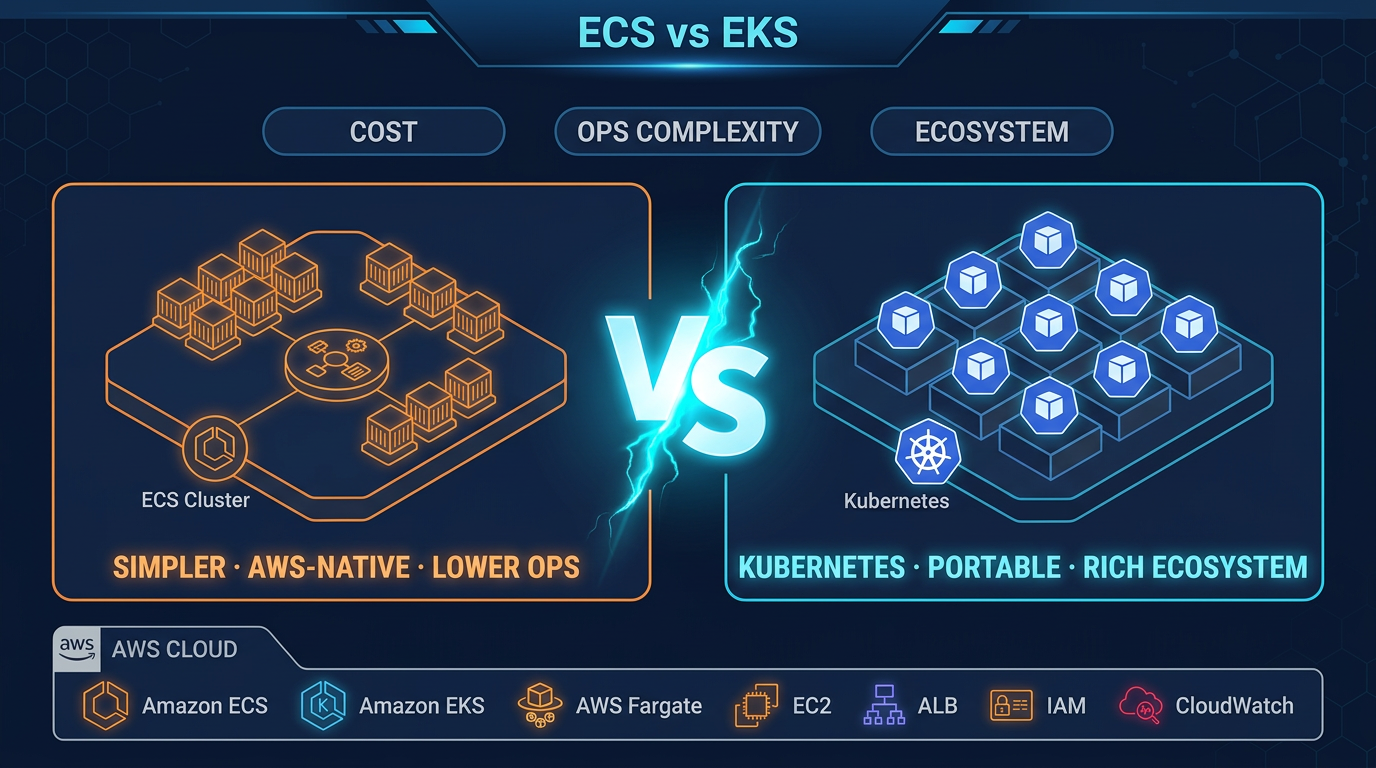
- ECS vs EKS orchestration choice — see ECS vs EKS guide
- GitOps bootstrap (Argo CD / Flux) — see GitOps on EKS 2026
- Kubecost allocation labels — see Kubecost EKS optimization
- Full MSP evaluation RFP — see how to evaluate an AWS MSP
We have not benchmarked Auto Mode consolidation savings on Spot-only node strategies — worksheet uses On-Demand assumptions; add your Savings Plan discount column locally.
Frequently asked questions
When should we choose EKS Auto Mode over self-managed Karpenter?
Choose Auto Mode when your bottleneck is platform engineering headcount, workloads fit predefined instance types (including GPU), and you accept AWS-managed Bottlerocket AMIs. Stay on self-managed Karpenter when you need custom AMIs, restricted instance families, or non-standard CNI/kernel modules.
When should we NOT enable EKS Auto Mode?
Skip Auto Mode for dev clusters under ~5 nodes where control-plane savings are negligible, when you require custom GPU drivers not in Bottlerocket accelerated AMIs, or when compliance mandates a specific CIS-hardened AMI you must own end-to-end.
What breaks during Node Auto Repair on GPU nodes?
Pod Disruption Budgets set to minAvailable=100% block cordon-and-replace after GPU hardware failure. Symptom: unhealthy node persists >30 min; workloads on other nodes over-saturate. Fix: relax PDB for stateless inference tiers; use topology spread for HA.
How does this differ from the Karpenter cost how-to?
The Karpenter deployment post teaches installation and NodePool YAML. This post is a buyer decision — who operates upgrades, when Auto Mode replaces DIY Karpenter, and when an MSP still adds value on top of Auto Mode.
When should we hire an MSP for EKS instead of Auto Mode?
Hire an MSP when you need 24/7 application-aware paging, multi-cluster fleet operations (>5 clusters), or regulatory separation of duties — Auto Mode manages nodes, not your Helm releases, database failover runbooks, or incident comms.
What could go wrong comparing MSP quotes?
SOW says managed Kubernetes but excludes control-plane upgrades, excludes GPU node pools, or charges per incident. Normalize quotes using the checklist worksheet — same node counts, same on-call SLA, same patch window.
AWS Cloud Architect & AI Expert
AWS-certified cloud architect and AI expert with deep expertise in cloud migrations, cost optimization, and generative AI on AWS.