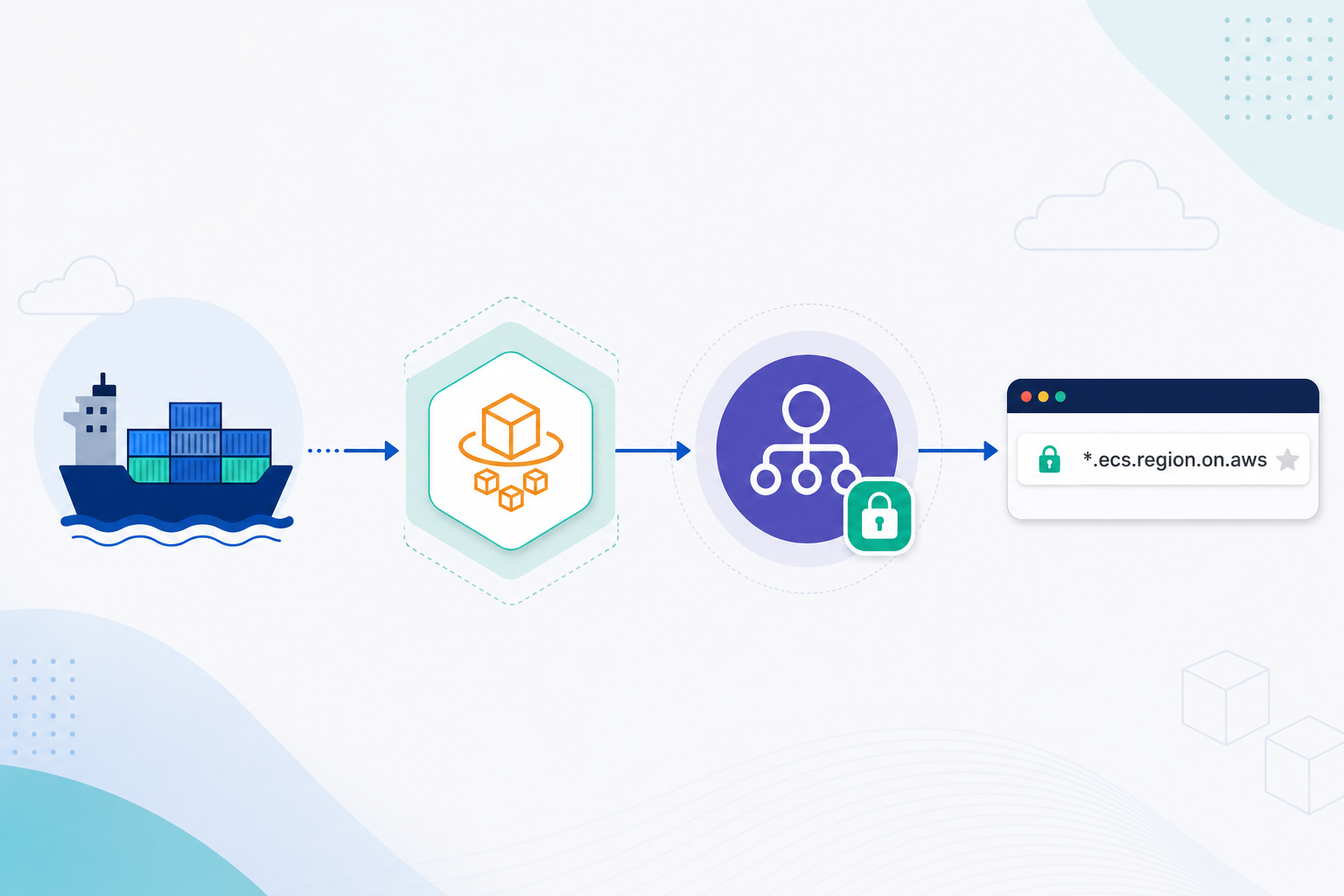
Lambda Managed Instances (2026): Scheduled Scaling, 32 GB / 16 vCPU, and Ops Playbook
Quick summary: After Mar–May 2026 LMI updates (32 GB / 16 vCPU, 4,096 FDs, EventBridge scheduled scaling), a B2B analytics API (~40k peak RPM, 9–6 UTC) cut idle capacity cost ~62% by scheduling MinExecutionEnvironments 20→3 off-peak.
Key Takeaways
- First-party benchmark silhouette — B2B analytics API, ~40k peak RPM, 9–6 UTC weekday traffic, Node 22 on LMI 4:1 ratio
- Before schedule: floor left at min=20 EE overnight
- After EventBridge cron (min=20 at 08:00 UTC, min=3 at 18:00 UTC): measured ~62% drop in idle capacity hours on that function version over a two-week sample (Cost Explorer filtered by function tag)
- io The five controls (set in this order) 1
- Memory and vCPU Minimum 2 GB / 1 vCPU

Table of Contents
Between March and May 2026, AWS raised Lambda Managed Instances (LMI) ceilings to 32 GB memory / 16 vCPUs, raised the Managed Instances file-descriptor limit to 4,096, and GA’d scheduled scaling through Amazon EventBridge Scheduler calling PutFunctionScalingConfig (32 GB / 16 vCPU, FD limit, scheduled scaling, scaling guide).
This is the ops playbook for those controls — not a recap of the March service-announcements post and not a substitute for event-throughput tier selection.
Artifacts: scaling decision matrix, scheduler script, architecture diagram (draw.io).
First-party benchmark silhouette — B2B analytics API, ~40k peak RPM, 9–6 UTC weekday traffic, Node 22 on LMI 4:1 ratio. Before schedule: floor left at min=20 EE overnight. After EventBridge cron (min=20 at 08:00 UTC, min=3 at 18:00 UTC): measured ~62% drop in idle capacity hours on that function version over a two-week sample (Cost Explorer filtered by function tag). Numbers are account-level and will vary with instance type mix.
How LMI scaling differs from classic Lambda
Per AWS docs:
| Mode | Scales when | Cold starts |
|---|---|---|
| Classic Lambda | No free EE for an invocation | Yes (unless Provisioned Concurrency / SnapStart) |
| LMI | Async on CPU utilization and multi-concurrency saturation | No cold-start model of classic Lambda |
If traffic more than doubles within five minutes, expect possible throttles while Scaler launches instances and execution environments. That is the core ops constraint this playbook designs around.
API clients ──► API Gateway / ALB ──► LMI function (Capacity Provider)
                                         │
                     EventBridge Scheduler ──► PutFunctionScalingConfig (min/max EE)
                                         │
                              Lambda Scaler ← CPU + concurrency signals
Reference architecture

Figure: clients hit API Gateway; LMI Capacity Provider hosts multi-concurrent EEs; EventBridge Scheduler lifts and lowers Min/MaxExecutionEnvironments around business hours. Open draw.io
The five controls (set in this order)
1. Memory and vCPU
Minimum 2 GB / 1 vCPU. Ratios: 2:1, 4:1, 8:1. Ceiling (Mar 2026): 32 GB / 16 vCPUs. Python often needs 4:1 or 8:1 under multi-concurrency.
2. Maximum concurrency per execution environment
Default Lambda values aim for balance. Raise only when CPU is low (up to 64 concurrent requests per vCPU). Lower when memory dominates. Monitor ConcurrencyThrottles, CPUThrottles, MemoryThrottles, DiskThrottles before guessing.
3. Min / Max execution environments
Defaults: min=3 (AZ spread), no hard max unless you set one. Pair both on PutFunctionScalingConfig. 0/0 deactivates the qualified version without deleting the function.
# AWS CLI example — PutFunctionScalingConfig (docs-aligned)
aws lambda put-function-scaling-config \
  --function-name my-lmi-function \
  --qualifier '$LATEST.PUBLISHED' \
  --function-scaling-config MinExecutionEnvironments=5,MaxExecutionEnvironments=80 \
  --region us-east-1
4–5. Capacity Provider resource utilization and instance types
Tune target utilization and allowed instance families at the Capacity Provider when the function already has a healthy memory/concurrency profile. Do not start here.
Scheduled scaling — the May 2026 unlock
Create EventBridge schedules that target the universal SDK ARN arn:aws:scheduler:::aws-sdk:lambda:PutFunctionScalingConfig with MinExecutionEnvironments / MaxExecutionEnvironments in the input. IAM role needs lambda:PutFunctionScalingConfig on the function ARN.
Reproduce this — Clone the repo path
examples/architecture-blog-2026/lambda-managed-instances-ops/put-function-scaling-scheduler.sh. Replace role ARN and peak numbers, thenbash put-function-scaling-scheduler.sh my-lmi-fn ACCOUNT us-east-1. Validate withaws scheduler list-schedules --name-prefix lmi-scale.
What broke — Week two after LMI move. Ops raised PerExecutionEnvironmentMaxConcurrency to discard
ConcurrencyThrottleswhile CPUThrottles spiked and p95 rose ~400 ms → 1.9 s. Fix: roll concurrency back, move ratio 4:1 → 2:1, keep Scheduler min warm at 08:00. Lesson: concurrency is not a substitute for vCPU.
Opinionated recommendation
Use LMI when you have multi-concurrent, compute- or I/O-pool heavy APIs with known diurnal peaks and want Lambda packaging without owning ECS services. Stay on classic Lambda when the spouse of the bill is idle time you want at true zero without Scheduler discipline. Prefer ECS/EKS when you need custom runtimes, sidecars, GPU, or jobs longer than 90 minutes. Async and ESM invokes on LMI can run 90 minutes as of 9 Sep 2026 — see the timeout decision guide. Classic on-demand and synchronous invokes stay at 15 minutes.
What to Do This Week
- Score the workload with lmi-scaling-decision-matrix.md.
- Confirm Capacity Provider + published qualifier (
$LATEST.PUBLISHEDsemantics). - Graph the four throttle metrics for seven days.
- Ship Monday–Friday scale-up / scale-down schedules.
- Tag the function and verify idle hours drop in Cost Explorer.
What This Post Doesn’t Cover
- Lambda Durable Functions (Dec 2025 / separate orchestration model)
- Gravition vs x86 capacity provider SKUs — region-specific; verify Current Generation types in your account
- VPC ENI density math for dense EE packing — network engineering follow-up
- Full TCO vs Fargate — use high-throughput event tier for queue/stream choice
We have not published a multi-region active-active LMI failover drill — treat single-region EE floors as the current safe operating envelope unless your team has already run one.
Related: AWS serverless services · Architecture review · Cost optimization
Frequently asked questions
When should we NOT use Lambda Managed Instances?
What goes wrong if traffic more than doubles in five minutes?
Do scheduled scaling and classic auto scaling conflict?
How do memory:vCPU ratios map to instance families?
Does the 4,096 file descriptor limit apply to classic Lambda?
How is this different from the event-throughput tier post?

AWS Cloud Architect & AI Expert
AWS-certified cloud architect and AI expert with deep expertise in cloud migrations, cost optimization, and generative AI on AWS.