Create Temporary AWS Preview Environments That Expire
Quick summary: One daily cleanup check is a single EventBridge Scheduler invocation, inside the 14 million free invocations a month. The bill that matters is the preview stack's own compute. Whether that stack is cheaper than shared staging is a different article.
Key Takeaways
- One daily cleanup check is a single EventBridge Scheduler invocation, inside the 14 million free invocations a month
- On 19 October 2026, a preview environment is useful until it is still running on Friday
- You do not get a cheaper AWS bill by definition
- Walkthrough 1
- 2
Table of Contents
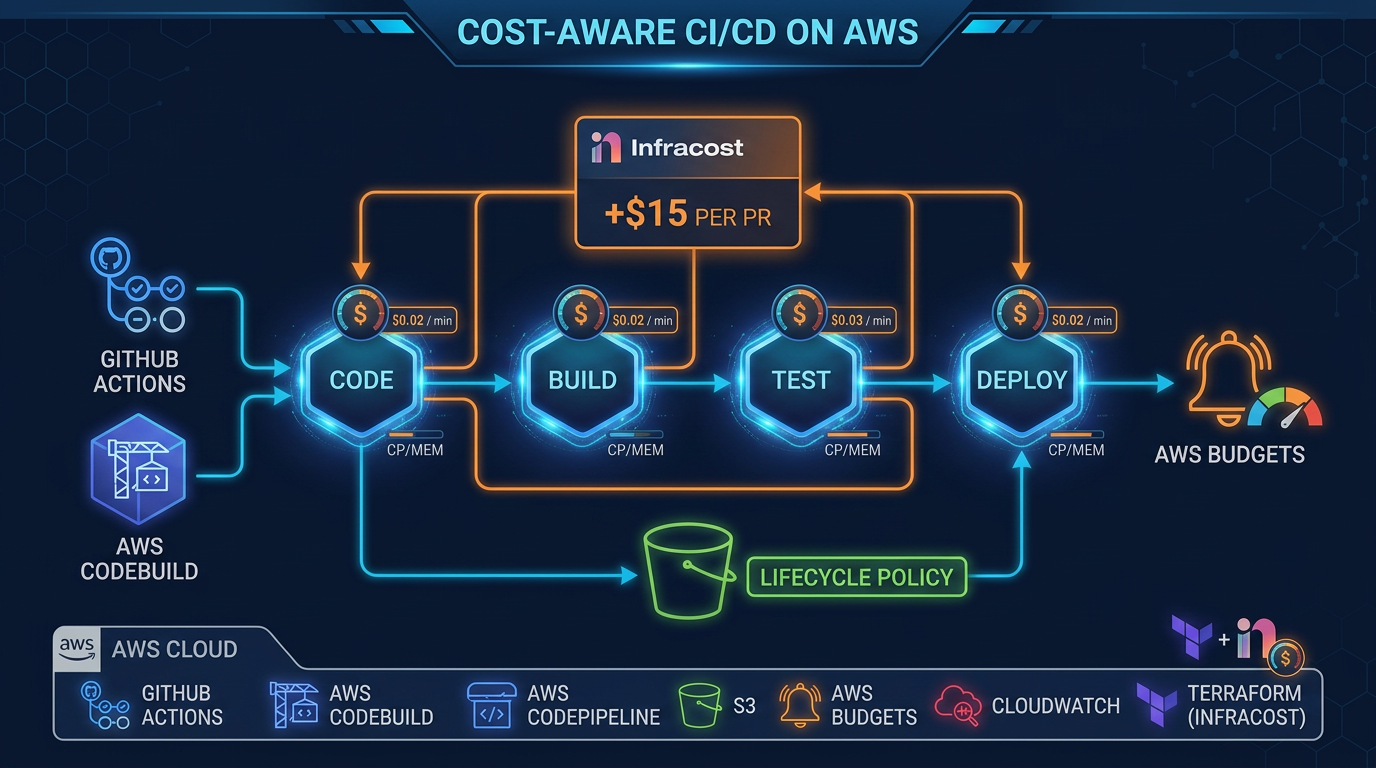
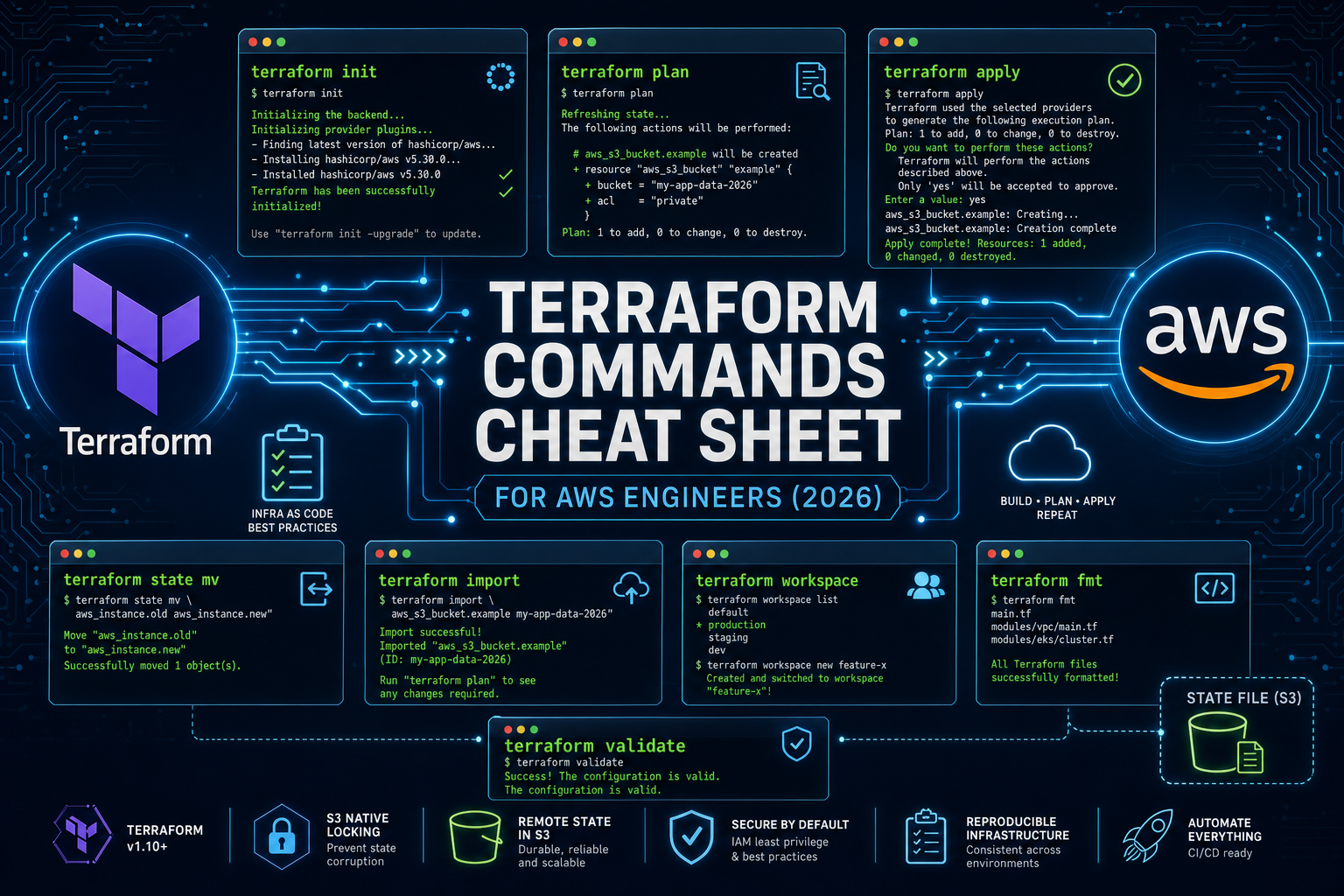
On 19 October 2026, a preview environment is useful until it is still running on Friday. The CI/CD cost article decides whether ephemeral stacks beat a shared stage. This page is the destroy path that cannot see production. The Terraform cheat sheet already warns that workspaces are the wrong boundary between production and staging.
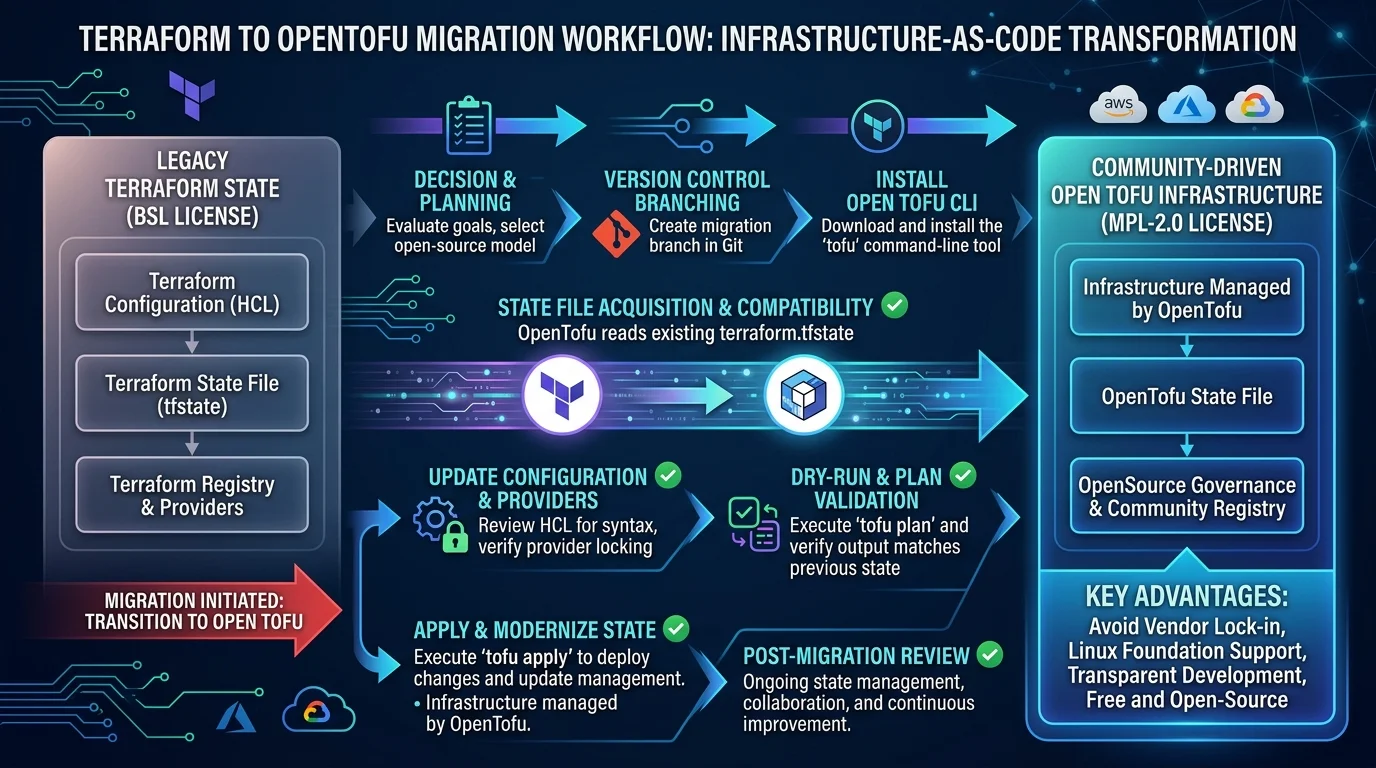
We use OpenTofu for new stacks. The migration mechanics are the OpenTofu article. The tag contract is the same if you are still on Terraform.
Reproduce this — Copy the tag contract. Cleanup that ignores a missing tag is not cleanup.
Who this is for
The platform engineer who opens a pull request and wants a URL, and the person who pays for the account when that URL is still up next month.
What you get, and what you do not
You get a stack named with the pull-request number, a smoke check, an expiry tag, and a function that refuses to destroy anything else. You do not get a cheaper AWS bill by definition. Read the cost article before you turn this on for every repository.
Opinionated take: separate state key, required tags, abort on one miss. The trade-off is a stuck preview when someone forgets a tag. A stuck preview is cheaper than a terminated production instance.
Architecture
The pull-request job runs tofu apply with a backend key that includes the pull-request number, under the preview/ prefix. Every resource gets Environment=preview, PullRequest, ExpiresAt, and Stack. The job comments the URL only after the smoke check returns. On close, and once a day, a function lists resources by tag and destroys that state key only.
flowchart LR
  pullRequest[PullRequest] --> apply[OpenTofuApply]
  apply --> smoke[SmokeCheck]
  smoke --> url[PreviewUrl]
  clock[DailySchedule] --> cleanup[TagGuard]
  closed[PullRequestClosed] --> cleanup
  cleanup --> destroy[DestroyPreviewState]
Walkthrough
1. State key and name are the pull-request number. Do not reuse a workspace called default. The production state key is not a parameter of this job.
2. Tags are not optional. Context: OpenTofu default_tags on the AWS provider, stack name from the pull-request number.
provider "aws" {
  default_tags {
    tags = {
      Environment = "preview"
      PullRequest = var.pull_request
      ExpiresAt   = var.expires_at
      Stack       = "preview-pr-${var.pull_request}"
    }
  }
}
3. Smoke check. HTTP GET of the preview URL must return the status you wrote down, usually 200, before the job reports the URL. A failed smoke check still leaves the stack up so the author can debug, and it must not mark the pull request green.
4. Cleanup. The function calls the Resource Groups Tagging API for Environment=preview and the stack name for that pull request. If any ARN in that batch lacks Environment=preview, it exits without calling destroy. The destroy command is tofu destroy against that state key only, with -var values taken from the tags, in the preview account. The role used here does not exist in the production account. If you have one account, the role’s identity policy still cannot describe the production state bucket key.
A daily Scheduler schedule catches a pull request that was closed without a webhook. Same function, same guard.
IAM
The apply role can change resources only where aws:RequestTag/Environment equals preview on create, and aws:ResourceTag/Environment equals preview on change and delete. The cleanup role is the same constraint. It can read one state-key prefix, preview/*. It cannot read prod/*.
Do not attach AdministratorAccess and promise the script will be careful.
Failure and retries
A failed apply leaves a partial stack. The next push applies the same state key. Destroy is idempotent against an already empty state. If destroy fails halfway, the next daily run tries again, still under the tag guard. Do not add a second janitor with a broader role “for the leftovers”.
Cost, as an assumption
The daily check is one Scheduler invocation, inside the 14 million free invocations. Preview EC2, NAT, and load balancers are the bill. This article does not restate the shared-staging comparison. Use the cost article’s method on your own prices. Not a measured saving.
Testing
Apply a fixture stack with the four tags. Run cleanup with a future ExpiresAt. Expect no destroy. Set ExpiresAt in the past. Expect destroy of that state only. Remove the tag from one resource in a test list and expect the function to abort with no destroy calls. Point the function at a state key named prod/terraform.tfstate in a unit test and expect a refusal before any AWS call.
What broke — Lab, 19 October 2026. Not a customer account. The tag query used
Environment=previewand the code destroyed every match in the account, including a stack whoseExpiresAtwas next month, because the date filter ran after the destroy call. Detection: the test log showed destroy before the date parse. Recovery: filter the batch in memory, abort if any row fails the date or tag check, and only then destroy. Lesson: a query is not a guard if you act on the page before you read it.
Production checklist
- Production state key is unreachable by this role.
- One missing tag aborts the batch.
- Smoke failure does not get marked as a green preview.
- Close and TTL use one function.
- Workspaces are not how production is separated from this.
- The cost article has been read before you enable this for every repository.
What This Post Doesn’t Cover
Whether ephemeral environments save money. OpenTofu migration steps. AWS Blocks sandbox versus a full deploy. Pipeline product choice.
What to Do This Week
- Put the tag contract in the provider block for one non-production repository.
- Run the abort test with a missing tag.
- Turn on the daily schedule only after that test fails closed.
Building the pipeline around this is application modernization work when the preview URL is the blocker and the production account boundary is still fuzzy.
Frequently asked questions
When should we not create a preview environment per pull request?
What could go wrong with Terraform workspaces for production and staging?
What if a resource is missing the preview tag?
Who deletes the environment when the pull request closes?

AWS Cloud Architect & AI Expert
AWS-certified cloud architect and AI expert with deep expertise in cloud migrations, cost optimization, and generative AI on AWS.