Amazon ECS Express Mode: Three Inputs, One HTTPS URL, and No Platform Team
Quick summary: AWS shipped ECS Express Mode on November 21, 2025 — three inputs (image + two IAM roles) and Express Mode provisions Fargate, ALB, HTTPS, auto scaling, and a *.ecs.*.on.aws URL. Up to 25 services can share one ALB. No Express Mode surcharge.
Key Takeaways
- AWS shipped ECS Express Mode on November 21, 2025 — three inputs (image + two IAM roles) and Express Mode provisions Fargate, ALB, HTTPS, auto scaling, and a *
- ecs
- aws URL
- Up to 25 services can share one ALB
- On November 21, 2025, AWS announced Amazon ECS Express Mode at re:Invent 2025 (session CNS379)
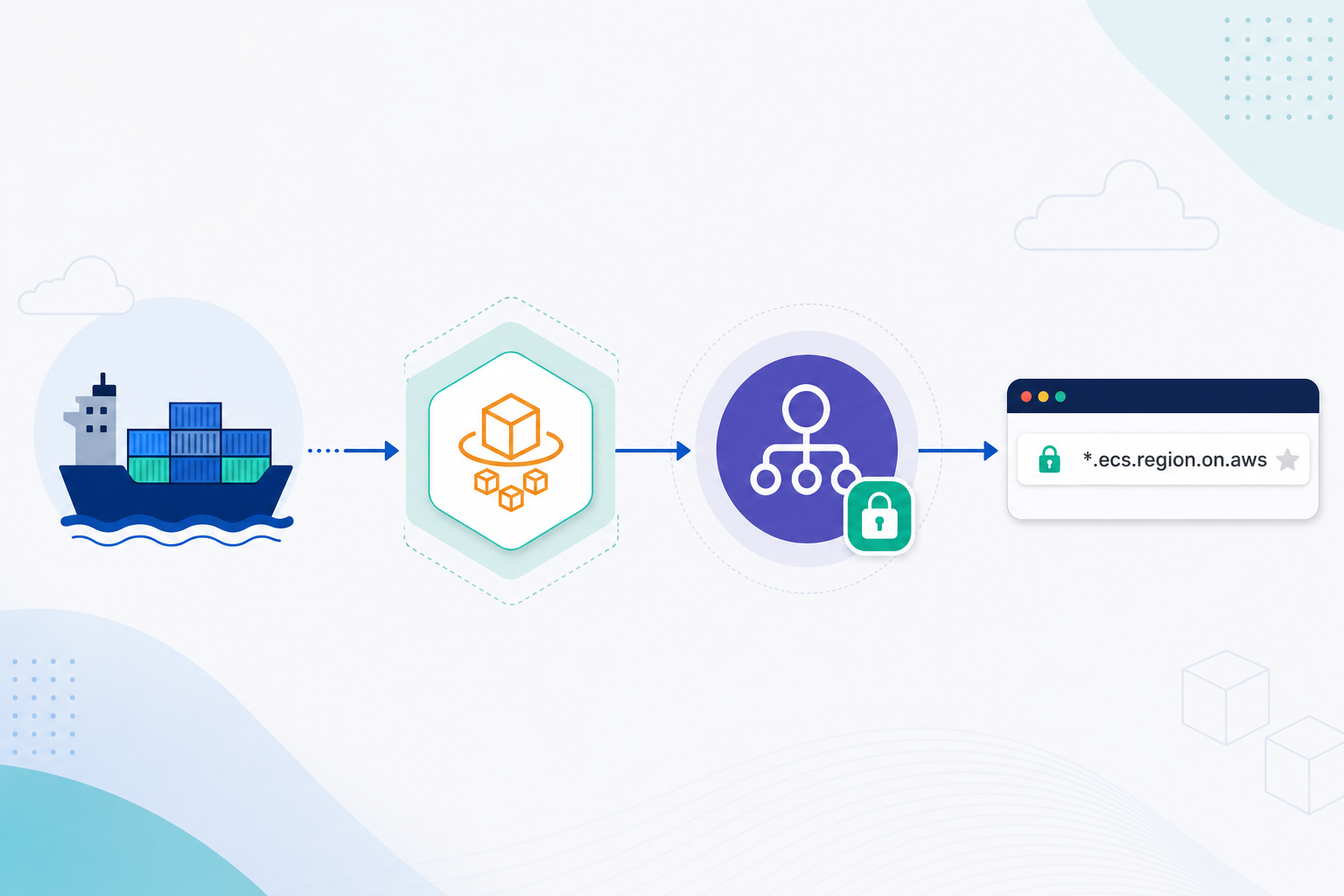
Table of Contents
On November 21, 2025, AWS announced Amazon ECS Express Mode at re:Invent 2025 (session CNS379). On June 15, 2026, Express Mode expanded to AWS GovCloud (US-East and US-West). Express Mode is not a new container service — it is a feature of Amazon ECS that collapses a production HTTPS deployment into three required inputs: a container image, a task execution role, and an infrastructure role. Every resource Express Mode creates lives in your AWS account with full console and API visibility.
ECS already runs at massive scale — AWS reports roughly 3 billion tasks provisioned per week across 38 regions, and 65% of new AWS container customers start on ECS. The bottleneck for many teams is not ECS capacity; it is the dozen supporting resources a standard web service requires before the first HTTPS request succeeds.
The Problem: ECS Web Services Are Infrastructure-Heavy
Deploying a stateless web application or API on standard ECS Fargate means configuring resources across multiple AWS services before traffic flows:
| Resource | Purpose |
|---|---|
| Application Load Balancer | HTTPS termination, traffic routing |
| Listener + rules | Port 443, host-based routing |
| Target group | Health checks, task registration |
| Security groups (×2) | ALB ingress/egress + service ingress from ALB |
| Task definition | Container image, CPU, memory, port mappings |
| ECS service | Desired count, deployment configuration |
| Application Auto Scaling | Target tracking on CPU or request count |
| CloudWatch alarms | Scaling triggers, deployment rollback signals |
| VPC networking | Subnets, route tables (if not default) |
For platform teams, this means maintaining CloudFormation modules, Terraform stacks, or CDK constructs that stay current across AWS API changes. For application teams, it means waiting on infra tickets — or shipping a container that runs locally but never gets an ALB, certificate, or scaling policy in production.
The friction shows up in three places:
- Prototype death — A developer builds a working container image, but the path from
docker pushto a public HTTPS URL requires platform expertise most app teams do not have. - Template sprawl — Platform teams maintain parallel IaC for ALB, target groups, security groups, and scaling policies that must stay synchronized on every port or image change.
- ALB cost multiplication — Giving each microservice its own ALB is simple but expensive. At ~$0.0225/hour in us-east-1, one ALB costs roughly $16/month before data processing charges — and three independent services means three ALBs.
Express Mode targets the gap between “ECS works at scale” and “my team can ship a container to HTTPS this afternoon.”
How Express Mode Solves It: Three Inputs, One Stack
Express Mode reduces the developer’s required inputs to three (AWS documentation):
- Container image — Your application packaged and pushed to ECR (or another supported registry).
- Task execution role — IAM permissions the application needs at runtime (Secrets Manager, S3, DynamoDB, etc.).
- Infrastructure role — IAM permissions for ECS to provision resources on your behalf (ALB, security groups, auto scaling).
From those three inputs, Express Mode provisions a complete production-ready stack:
Container Image + 2 IAM Roles
         │
         ▼
  ECS Express Mode API
         │
         ├── Fargate ECS service
         ├── Application Load Balancer (HTTPS on 443, TLS termination)
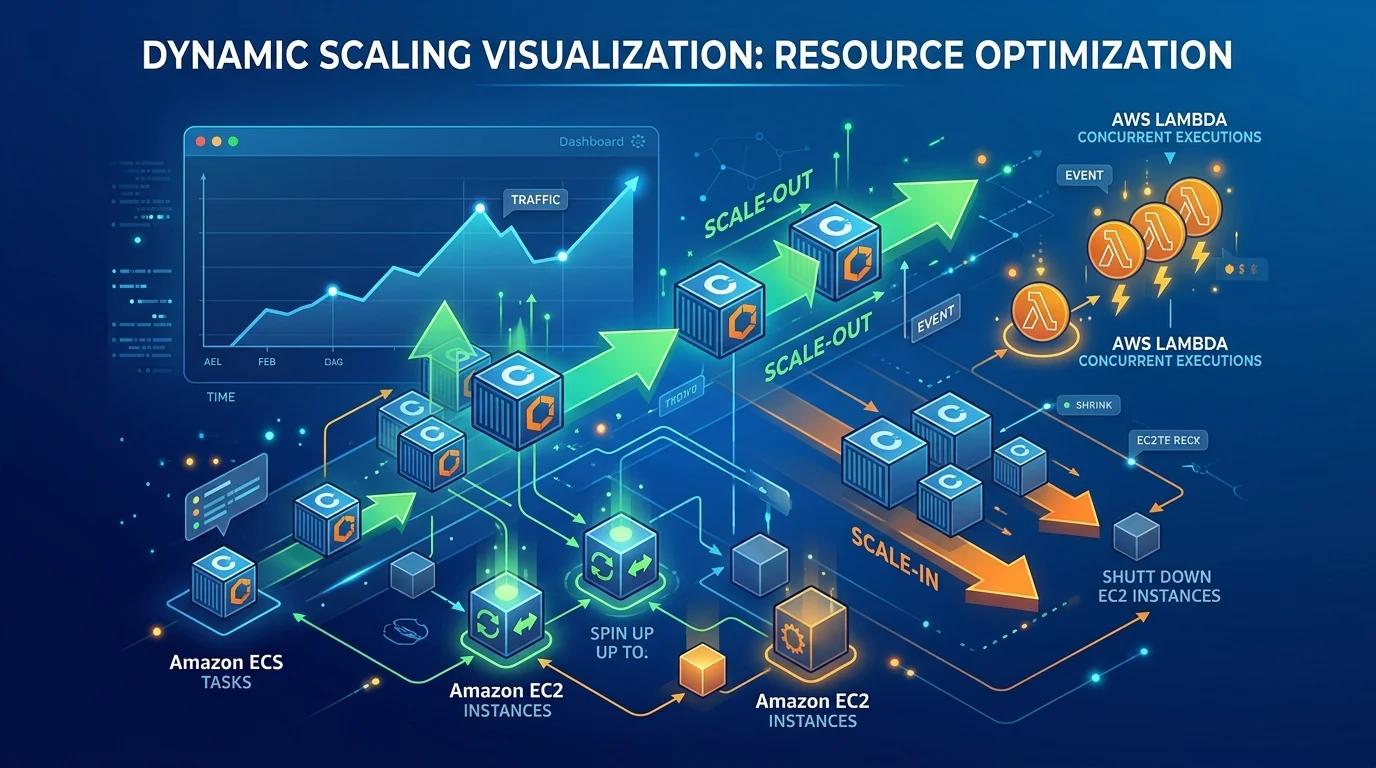
         ├── Auto-scaling policies (CPU or request count)
         ├── CloudWatch monitoring and alarms
         ├── Security groups (least-privilege ALB ↔ service rules)
         └── Unique URL: https://<service>.ecs.<region>.on.aws
Key properties that distinguish Express Mode from a black-box PaaS:
- No Express Mode surcharge — You pay only for underlying resources (Fargate compute, ALB, CloudWatch, data transfer).
- ALB sharing — Up to 25 Express Mode services with the same networking configuration share one ALB via host-header listener rules. Each service stays isolated; ALB hourly cost is distributed.
- Full resource access — The
--monitor-resourcesCLI flag and the console Resources tab show every provisioned resource in real time during create, update, and delete operations. - Standard ECS underneath — Task definitions, sidecars, and direct ECS API calls remain available when requirements grow beyond the Express defaults.
Reproduce this — Start with the Express Mode overview and updating an Express Mode service. Use the ECS console Create Express service wizard for a first deploy, or the AWS CLI with
--monitor-resourcesto watch resource provisioning in your terminal.
Full Lifecycle: Create, Update, and Delete
Express Mode is not a one-shot create experience. It manages the full service lifecycle.
Updates without downtime
Changing a container image or even the container port requires coordinated changes across the ALB security group egress rules, target group configuration, task definition, and service security group. Express Mode orchestrates all of those in a single update API call.
Updates deploy using canary-based deployment by default:
- 5% of traffic shifts to the new task revision.
- 95% remains on the prior revision during a bake period.
- CloudWatch alarms monitor ALB 4xx and 5xx error rates.
- If error rates exceed the threshold, Express Mode rolls back to the prior revision automatically.
Deletion with shared resource awareness
When you delete an Express Mode service, Express Mode identifies which resources are unique to that service and which are shared. Shared resources (cluster, ALB) are retained. Service-specific resources (target groups, scaling policies, listener rules) are drained and deprovisioned. The Resources tab shows this process in real time.
What’s New in 2025–2026
| Date | Update |
|---|---|
| November 21, 2025 | GA announcement at re:Invent 2025. Live demo of create, update, and delete from CLI and console (session CNS379). |
| November 2025 | IaC support: CloudFormation, AWS CDK, Terraform, CLI, SDKs, ECS Labs MCP Server. |
| June 15, 2026 | Availability in AWS GovCloud (US-East) and AWS GovCloud (US-West). |
Primary sources: AWS What’s New announcement, re:Invent 2025 re:Post summary, GovCloud availability.
When to Choose Express Mode (and When Not To)
We recommend Express Mode when:
- The workload is a stateless HTTP web app or API on Fargate.
- The team lacks dedicated platform engineers to maintain ALB + scaling IaC.
- You need an HTTPS URL in minutes, not days.
- Up to 25 related services can share ALB host-header routing.
We recommend standard ECS instead when:
- You need NLB ingress, multiple ALBs, or ECS Service Connect mesh from day one.
- Task definitions require complex multi-container layouts with non-standard port matrices before the first deploy.
- Your organization mandates pre-approved Terraform modules that define every resource explicitly.
- You are building with AWS Blocks preview and need full CDK control over VPC topology from day one.
We recommend App Runner instead when:
- You want even less ECS surface and can accept App Runner’s source-based deploy model and networking constraints.
We recommend EKS when:
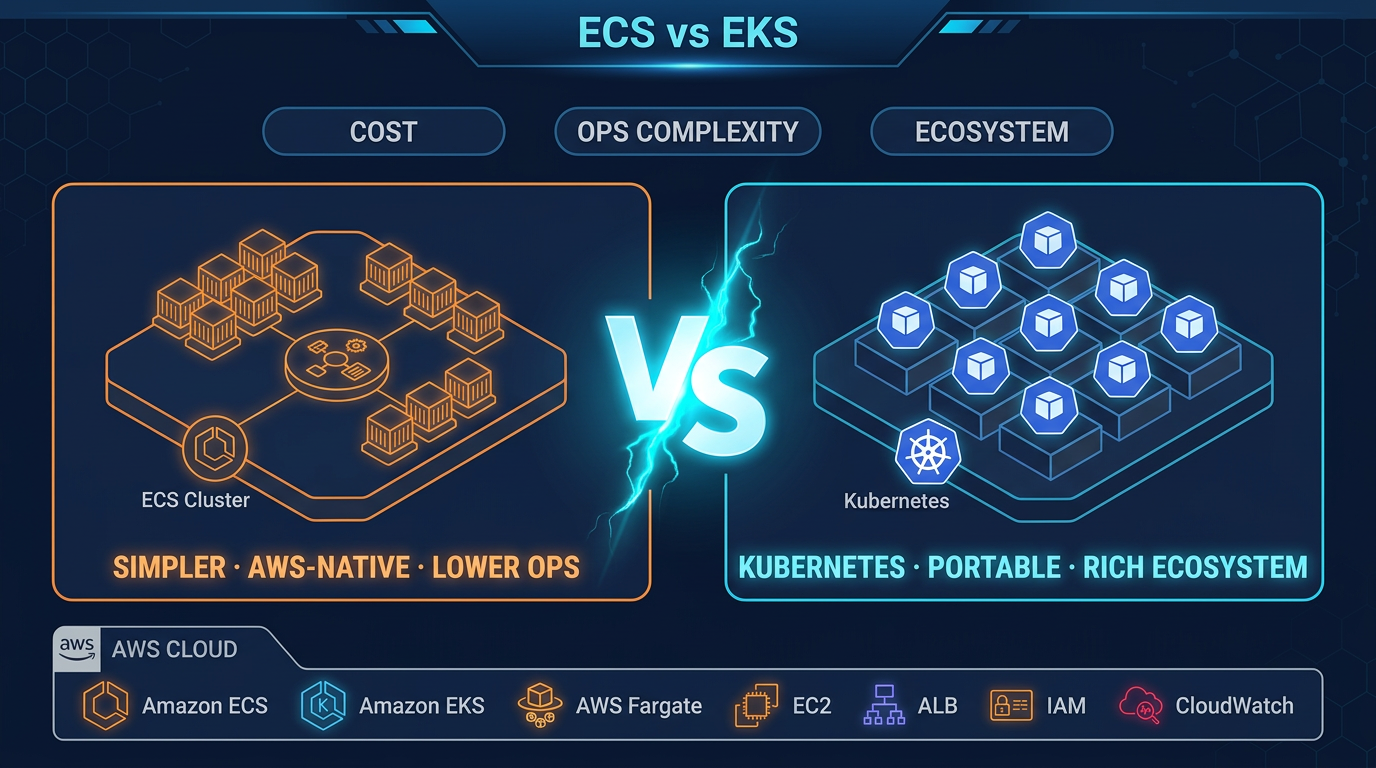
- Kubernetes portability, CRDs, operators, or multi-cloud are non-negotiable. See our ECS vs EKS decision guide and ECS vs EKS comparison page for the full framework.
Illustrative Cost: ALB Sharing vs Dedicated ALBs
Illustrative us-east-1 math, June 2026 list prices. Not a client engagement — verify against the AWS ALB pricing page for your region.
| Scenario | ALB count | ALB cost (approx.) | Express Mode surcharge |
|---|---|---|---|
| 3 microservices, dedicated ALB each | 3 | ~$48/month ($16 × 3) | N/A (standard ECS) |
| 3 microservices, Express Mode shared ALB | 1 | ~$16/month | $0 |
| Fargate compute (1 vCPU / 2 GB, 24/7) | — | ~$36/month per task | $0 |
Express Mode does not change Fargate pricing. The savings come from ALB consolidation — up to 25 services behind one load balancer — and from eliminating the platform-engineering time to wire ALB, scaling, and HTTPS for each new service.
What broke — Community reports on AWS re:Post describe Express Mode services stuck in a draining state during delete or update operations, and edge cases when configuring custom domains via CloudFormation. Detection: check the ECS service Events tab and the Resources tab for resources still in
DRAINING. Mitigation: wait for target deregistration to complete (match your target group deregistration delay to application drain time), then retry delete. For orphaned listener rules after a failed delete, inspect the ALB listener rules in the EC2 console and remove rules pointing to deprovisioned target groups.
Getting Started with the AWS CLI
AWS CLI v2, us-east-1, June 2026. Replace role ARNs and image URI with your values.
aws ecs create-express-service \
  --service-name my-api \
  --container-image 123456789012.dkr.ecr.us-east-1.amazonaws.com/my-api:latest \
  --task-execution-role-arn arn:aws:iam::123456789012:role/ecsTaskExecutionRole \
  --infrastructure-role-arn arn:aws:iam::123456789012:role/ecsInfrastructureRole \
  --monitor-resources
The --monitor-resources flag streams resource provisioning status to your terminal. After creation, the service receives a URL on the *.ecs.<region>.on.aws domain — HTTPS enabled, no certificate management required for the default domain.
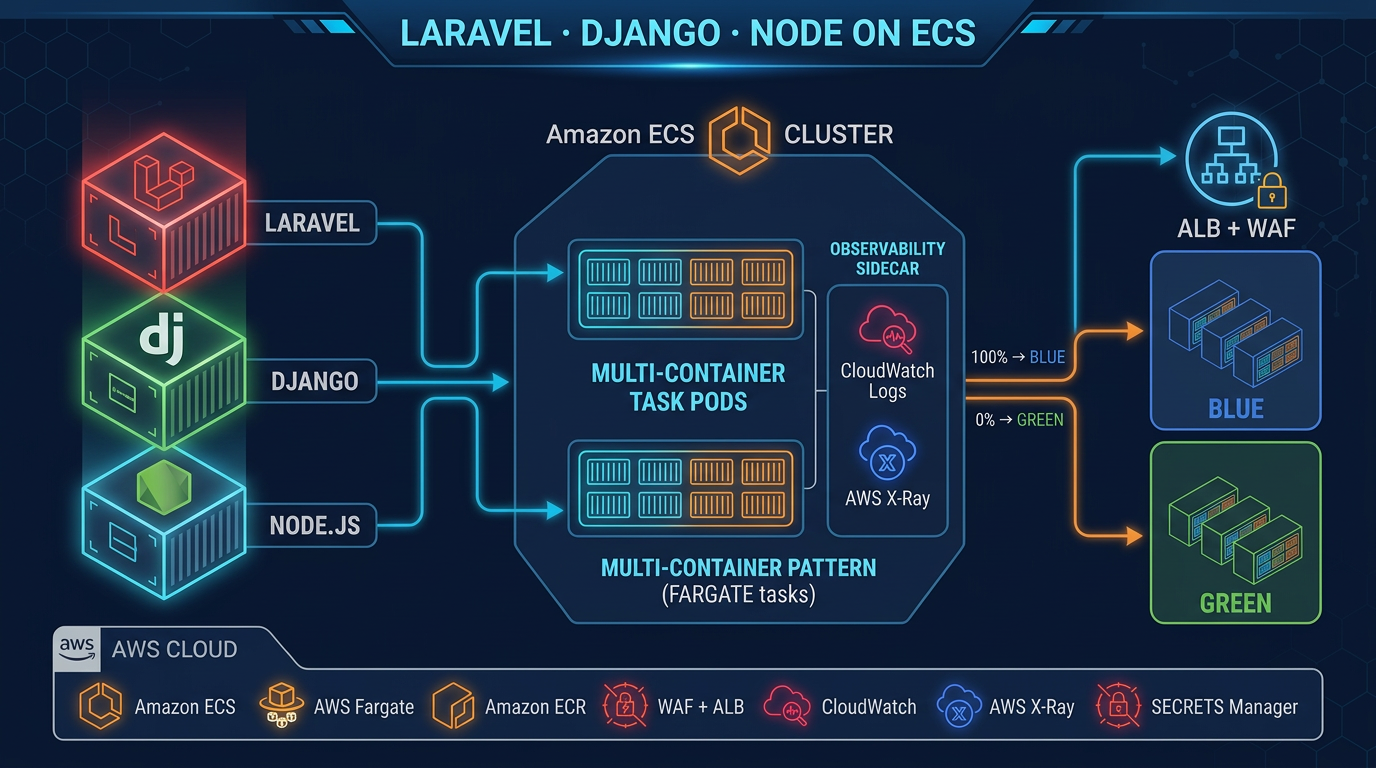
For production Laravel, Django, and Node.js patterns on ECS beyond Express Mode defaults, see our production ECS guide. For zero-downtime migration from monoliths, see migrating to ECS Fargate.
What to Do This Week
- Pick a stateless API or web app in a dev account — one container image, one HTTP port.
- Create the two IAM roles — task execution role (runtime permissions) and infrastructure role (ECS provisioning permissions). AWS provides managed policy guidance in the Express Mode documentation.
- Deploy via the ECS console Express service wizard or the CLI command above with
--monitor-resources. - Run an update — push a new image tag and confirm the 5% canary deployment completes without alarm rollback.
- Compare your ALB line item — if you run multiple microservices, model the savings from sharing one ALB across up to 25 Express Mode services vs dedicated ALBs per service.
What This Post Doesn’t Cover
- Custom domain configuration in depth (Route 53, ACM certificates, CloudFormation patterns for non-default domains).
- Private-only VPC endpoints and internal-only Express Mode services without public internet exposure.
- Migrating existing standard ECS services into Express Mode (Express Mode creates new services; conversion paths depend on your current ALB and task definition layout).
- Multi-region active-active deployments with Express Mode (each region is an independent Express service with its own URL).
- First-party deployment benchmarks — this post uses AWS-published facts and illustrative pricing math, not measured time-to-URL from a FactualMinds benchmark run.
For hands-on ECS production patterns — blue/green deployments, worker containers, observability — start with our ECS production guide and ECS vs EKS decision framework.
AWS Cloud Architect & AI Expert
AWS-certified cloud architect and AI expert with deep expertise in cloud migrations, cost optimization, and generative AI on AWS.