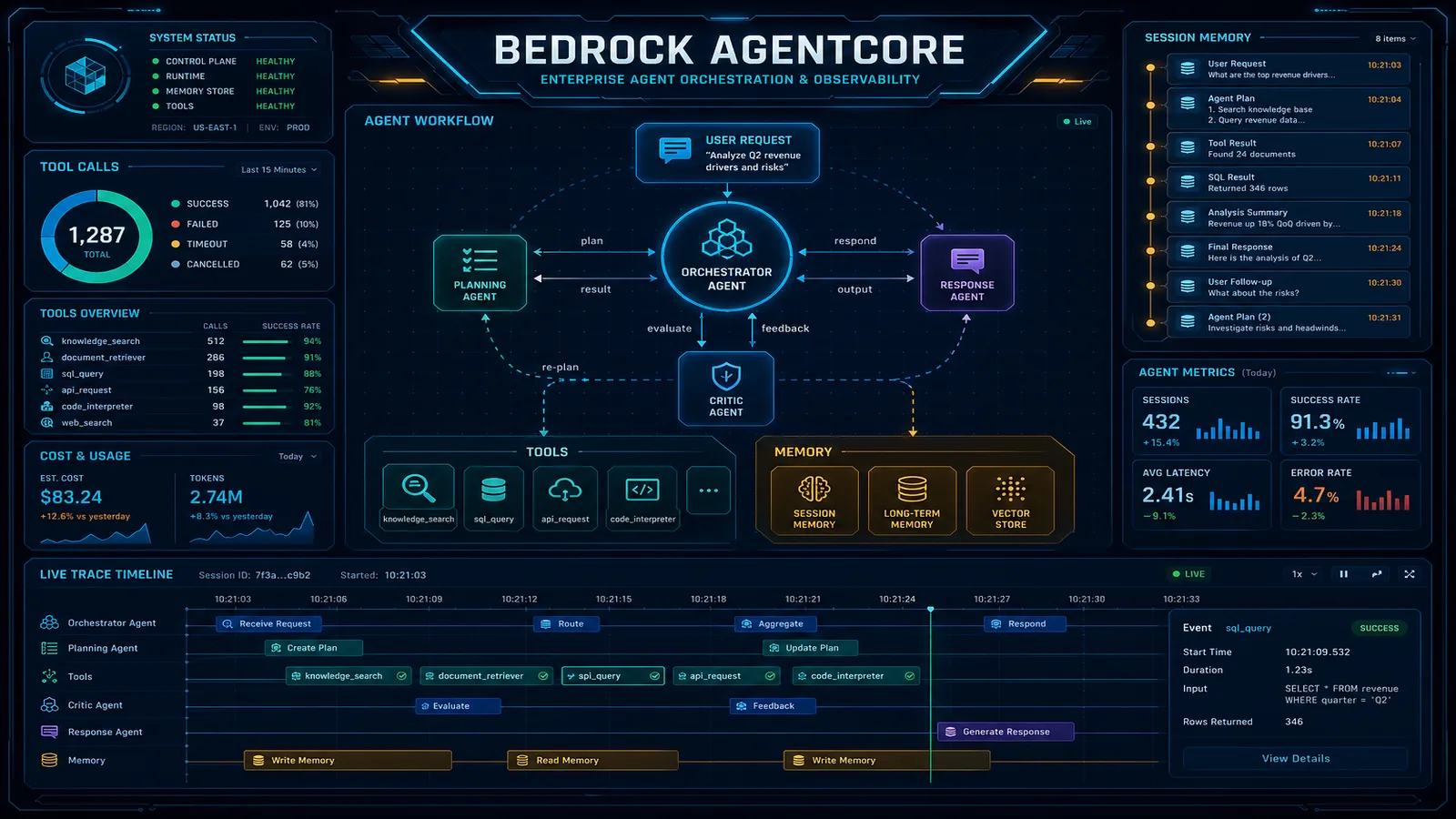
Bedrock Managed Agents Preview (September 2026): What AWS Runs and What You Still Own
Quick summary: On September 29, 2026 AWS opened Bedrock Managed Agents, powered by OpenAI, in preview: 3 US Regions, no extra preview charge, and an 8-hour compute window in the AgentCore example. AWS runs the conversation. Your compute runs the tools.
Key Takeaways
- On September 29, 2026 AWS opened Bedrock Managed Agents, powered by OpenAI, in preview: 3 US Regions, no extra preview charge, and an 8-hour compute window in the AgentCore example
- AWS runs the conversation
- On September 29, 2026, AWS opened Amazon Bedrock Managed Agents, powered by OpenAI, in public preview
- AWS and OpenAI built it together
- The user guide splits the work: AWS runs the conversation and the model calls
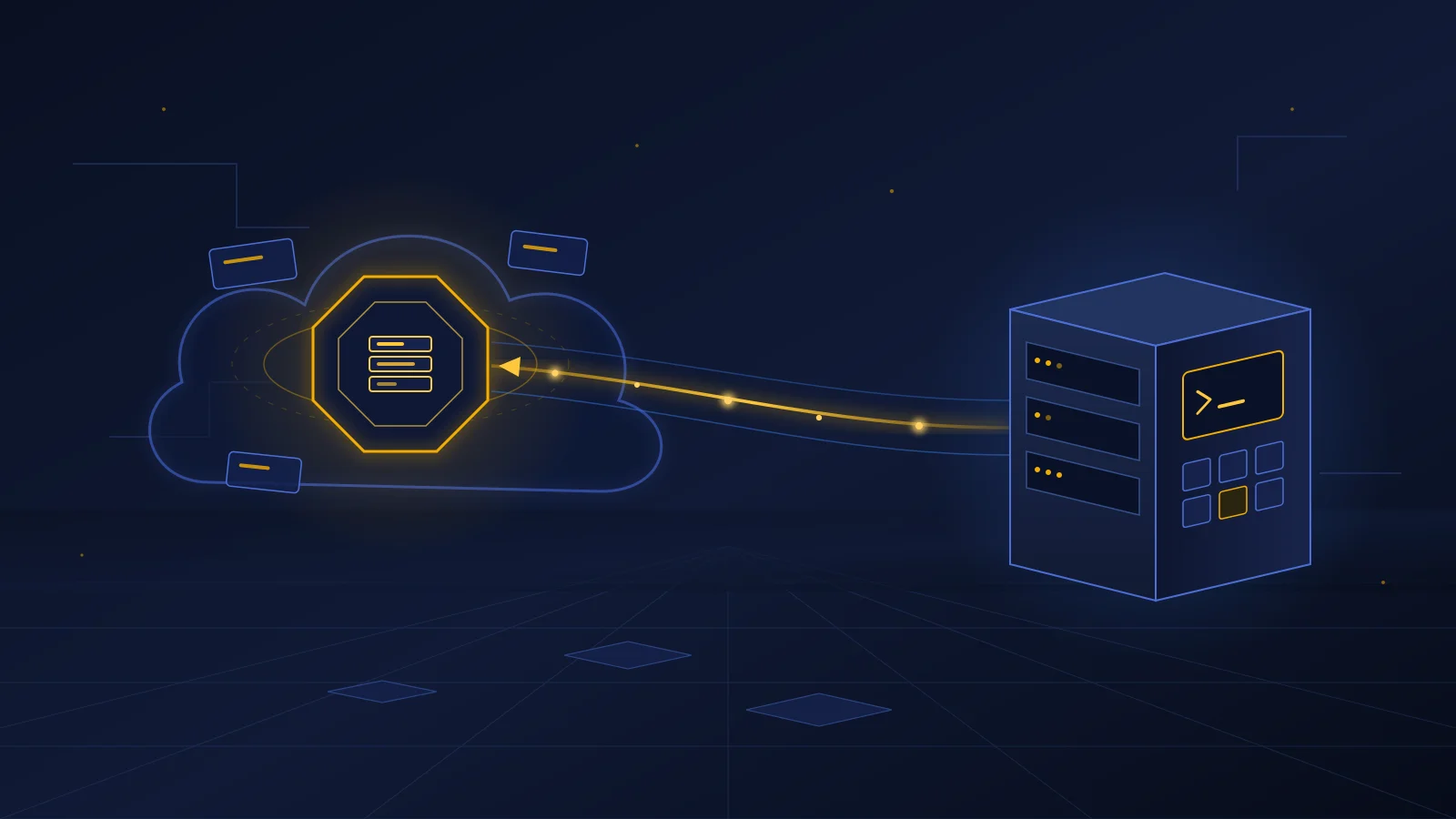
Table of Contents
On September 29, 2026, AWS opened Amazon Bedrock Managed Agents, powered by OpenAI, in public preview. AWS and OpenAI built it together. You give it a model, instructions, and a place to run tools. It manages how the model keeps state, picks tools, runs code, and works through multistep tasks.
The launch copy makes it sound fully managed. It is not. The user guide splits the work: AWS runs the conversation and the model calls. Your compute runs every command and every tool. That split decides your security review, your cost line, and who gets paged. This post maps it out, with starter IAM policies and a cost worksheet you can download.
We have not run a paid workload on the preview. Every number below comes from AWS pages we link, or from arithmetic on published AWS prices.
The short version for leaders
- What it is: AWS runs an OpenAI-powered agent loop for you. You still own the machine where the agent acts.
- What it costs in preview: no extra charge for the service itself. You pay for model tokens and for whatever your environment runs. The AgentCore example stack alone keeps a NAT gateway running at about $32.85 per month in us-east-1 before a single task.
- Where it runs: three US Regions only — us-east-1, us-east-2, and us-west-2.
- Our recommendation: pilot it on one internal, text-in, file-out task, such as a codebase review or a document summary written to a bucket. Do not put it in front of customers or connect it to a system that moves money until it reaches general availability and you have built approvals into the tools.
If you are still deciding where agents fit in your business at all, start with our AI agents overview. This post is for the team that has to run the pilot.
What AWS runs and what you run
Our April 2026 note on OpenAI models in Bedrock described Managed Agents from the first announcement, before the docs existed. The preview docs change that picture: tools do not run on AWS-owned compute you never see.
| Job | Who owns it in the preview |
|---|---|
| Conversation state across turns | AWS |
| Model calls to the OpenAI model | AWS, using a session role you create |
| The agent loop: picking tools, retrying steps | AWS |
| The machine where commands and tools run | You — your host, or an AgentCore Runtime in your account |
| Files the agent reads and writes | You — your disk or your S3 buckets |
| MCP servers and the credentials they use | You |
| Approval before an action with real-world effects | You — in your app or tool code |
| Long-term memory across sessions | You — none is built in |
| Deleting files and stacks after a session | You — deleting a session does not remove them |
A good comparison: AWS supplies the dispatcher, and you supply the workshop and the tools. The dispatcher decides what to do next. Anything that touches data happens in your workshop, under your permissions.
How one turn works
Four parts matter:
- Session — a stateful conversation. It fixes the model, instructions, tools, IAM session role, and execution environment when you create it.
- Turn — the work done after one message: reasoning, tool calls, output.
- Exec server — the
codex exec-serverprocess (Codex CLI 0.154.0 or later) in your environment. It opens an outbound HTTPS and WebSocket connection to Bedrock, signed with SigV4. You do not open an inbound port. - Items and events — items are the lasting record: messages, reasoning summaries, command runs, and MCP calls, each with a
turn_id. Events are a live server-sent stream of progress.
Everything goes through the bedrock-mantle endpoint under /openai/v1/agents/sessions. The preview does not use bedrock-runtime, and there is no console yet. You drive it through the API and AWS’s example scripts.
Context: preview REST shape from the sessions guide, sent as POST /openai/v1/agents/sessions/{session_id}/events with SigV4 service bedrock-mantle.
{
  "events": [
    {
      "type": "agent.session.input.message",
      "input": [
        {
          "role": "user",
          "content": [{ "type": "input_text", "text": "Summarize the files in the workspace." }]
        }
      ]
    }
  ]
}
A success response can be empty. It means “accepted”, not “done”. You learn the outcome from the items and the event stream.
Pick an execution environment
| Self-hosted compute | AgentCore Runtime | |
|---|---|---|
| You provide | A host, a workspace, network access, a running exec server | A Runtime image with the exec server and AWS’s adapter |
| AWS example creates | IAM roles only — no host | ARM64 Runtime, VPC with private subnets, one NAT gateway, S3 gateway endpoint, two versioned buckets, S3 Files mounts |
| Lifetime | As long as your process runs | Example sets idle timeout and maximum compute lifetime to 28,800 seconds (8 hours) |
| Cost while idle | Your host | NAT gateway hours, S3 storage, S3 Files |
| Best for | A first pilot in a throwaway container | Managed sessions and storage inside your AWS account |
Our pick: start self-hosted, in a disposable container with its own OS user and a scratch workspace. It needs no VPC and no NAT gateway, and when you finish, deleting the container removes everything. Move to AgentCore Runtime once the pilot needs sessions that survive your laptop closing, or outputs synced to S3.
The trade-off: self-hosted puts the agent’s command execution on a machine you have to lock down yourself. AgentCore gives you a cleaner boundary, but it bills before any work starts. One NAT gateway at the us-east-1 rate of $0.045 per hour comes to $32.85 per 730-hour month, plus $0.045 per GB processed. The AWS guide itself warns that a deployed stack keeps charging when no turn runs.
Two more AgentCore details to plan around:
- Compute is replaced when it hits the maximum lifetime, even mid-turn. Running processes and sockets do not survive. The adapter restores the connection from session storage, but a long shell command will not resume.
- S3 Files syncs asynchronously. A file the agent just wrote to
/mnt/outputmay not be in the outputs bucket yet. Retry the download instead of treating it as a failure.
Three identities, least privilege
A session uses three identities. Keep them separate:
| Identity | What it does | Key permissions |
|---|---|---|
| Caller (client role) | Creates sessions, sends messages, reads results | Seven bedrock-mantle:*AgentSession* actions, plus iam:PassRole on one role |
| Session role | Bedrock assumes it to call the model (and to start an AgentCore Runtime, if used) | bedrock-mantle:CreateInference, trust limited to bedrock-mantle.amazonaws.com in your account |
| Execution identity | Runs commands and tools | Self-hosted: RegisterEnvironment and ConnectEnvironment, plus only what the task needs. AgentCore: the Runtime execution role |
One detail catches security reviewers: CreateInference has no model-specific resource ARN. The Resource is *, and a condition key is the only thing that limits which model the role can call.
Context: IAM policy JSON from the BMA security guide, preview action names as of September 30, 2026.
{
  "Version": "2012-10-17",
  "Statement": [
    {
      "Effect": "Allow",
      "Action": "bedrock-mantle:CreateInference",
      "Resource": "*",
      "Condition": {
        "StringEquals": { "bedrock-mantle:Model": "openai.gpt-5.6-luna" }
      }
    }
  ]
}
If someone “fixes” a failing session by deleting the condition, the role can call every model on the endpoint. Treat a change to that condition like a production change.
The caller’s iam:PassRole should name one role and include iam:PassedToService: bedrock-mantle.amazonaws.com. Setting a different BMA_INFERENCE_ROLE_ARN in the scripts does not grant permission to pass that role. You have to update the policy as well.
Preview limits, and who they affect
| Preview limit | Who it affects |
|---|---|
| Three US Regions, no cross-Region inference profiles | EU and APAC teams. Also any model you only reach through a us. or global. profile — GPT-6.1 Sol is on Mantle only in us-east-1, so confirm it appears in GET /v1/models for your Region before you pick it |
| Text-only session input | Workflows that start from a photo, PDF upload, or scanned form |
| No subagents, no code mode | Designs with a planner agent that hands off to worker agents |
| No built-in long-term memory | Support or sales agents that must remember a customer next week |
| No customer-managed KMS key for session data | Regulated teams whose policy requires a CMK on every data store |
| No turn-list or turn-get API | Dashboards that expect to list turns. Correlate by turn_id on items instead |
| No console | Teams without API scripting skills |
The examples default to openai.gpt-5.6-luna. The endpoint’s model list includes models for other APIs too, and AWS states that being listed does not prove a model works with Managed Agents. Create one test session with the model you want before committing to it.
What broke (failure pattern from the AWS docs, not a client incident) — On day one, the obvious polling script waits for the session to read
idleand marks the job “done”. But the agent’spytestcommand can exit with code 1 and the session still goesidle, becauseidleonly means no turn is running. Later, the same script hits a network timeout on submit and sends the message again. If Bedrock already accepted the first request, the agent runs the task twice. The sessions guide warns about both cases. How to detect it: read the items for eachturn_id, check the exit code on every command item, and look for duplicate user messages. How to fix it: judge success from the items, not the session state. Before any retry, list the items and check whether the message is already there. Remember that cancelling a turn does not undo tools that already finished.
Managed Agents or your own agent stack?
| If you need… | Use | Why |
|---|---|---|
| An OpenAI agent loop with the least code, one text task, US Regions | Bedrock Managed Agents (preview) | AWS owns the loop and state. You own only tools and compute |
| Several model providers, subagents, long-term memory, or EU Regions | AgentCore Runtime with Strands or LangGraph | You write the loop, but AgentCore Memory, Gateway, and Identity fill those gaps today |
| Hundreds of enterprise APIs behind one tool catalog | AgentCore Gateway, with either option above | See our Gateway server-side tools write-up |
| A new build on Bedrock Agents Classic | Neither — don’t start there | Agents Classic is in maintenance for new customers after July 30, 2026 |
We recommend Managed Agents only for a bounded, internal, OpenAI-first pilot during the preview, and AgentCore with your own framework for anything that must ship this quarter. The trade-off: Managed Agents saves you from writing and testing an agent loop, but you give up model choice, memory, subagents, and Region choice. You also take on preview API churn. That is a good deal for learning and a poor one for a customer-facing launch date.
For any tool that can refund an order, change a price, or email a customer, put the approval check in the tool itself. Our human-in-the-loop guide covers the approval patterns. The same rules apply here, because the preview leaves enforcement to your code.
Starter files
Reproduce this — Download the starter files: session-role trust policy, one-model inference policy, client policy, idle cost worksheet, and the readiness checklist. Replace
123456789012with your account ID, then runaws iam create-role --role-name BedrockManagedAgentsPreviewInferenceServiceRole --assume-role-policy-document file://iam/session-role-trust.jsonandaws iam put-role-policy --role-name BedrockManagedAgentsPreviewInferenceServiceRole --policy-name bma-inference-one-model --policy-document file://iam/session-role-inference.json. ExportBMA_INFERENCE_ROLE_ARNand run./scripts/bma/0.create-session.shfrom AWS’s example bundle (self-hosted/). Expected output: a session ID and environment ID saved toscripts/bma/.bma-session.env.
What to Do This Week
- Score one workload against the seven hard gates in the readiness checklist. Any “No” means this workload waits.
- Use a sandbox account. Create the three identities from the starter files. Keep the deployment identity separate from the client role.
- Run self-hosted first, in a disposable container with a scratch workspace and no production credentials.
- Pick the model deliberately. Call
GET /v1/modelsin your Region, create one test session, and keep the inference policy’s model condition in place. - Write the success check before the prompt. Read items per
turn_id, fail on any non-zero exit code, and check for an existing message before any retry. - Name a cleanup owner. Put the AgentCore stack’s NAT gateway in the cost worksheet, and run
npm run destroywhen the pilot ends.
What This Post Doesn’t Cover
- Our own test results. We have not run a paid pilot on the preview, so this post has no latency, task-success, or token-per-task numbers.
- Post-preview pricing. AWS has published no service charge beyond “no additional charge during preview”.
- Regions and partitions outside the three US Regions, including AWS GovCloud (US).
- Codex CLI, desktop, and IDE setup for developers. See the April note.
- Features outside the documented preview surface: subagents and code mode (unsupported), MCP transports other than the STDIO servers the guide documents, and console workflows.
Related reading
- Amazon Bedrock AgentCore in Production
- GPT-6 Sol and Luna on Amazon Bedrock (with the GPT-6.1 Sol update)
- OpenAI Models, Codex, and Managed Agents on Bedrock (April 2026)
- Human-in-the-Loop AI Agents
- AgentCore vs Amazon Q: Enterprise Decision Guide
Frequently asked questions
What is Amazon Bedrock Managed Agents, powered by OpenAI?
A preview service, announced September 29, 2026, that runs stateful agents on OpenAI models inside Amazon Bedrock. You create a session with a model, instructions, tools, an IAM role, and an execution environment, then send messages. AWS keeps the conversation and makes the model calls. Commands and tools run on compute you provide, either your own host running codex exec-server or an Amazon Bedrock AgentCore Runtime. It is built on a customized version of the OpenAI Agents API and uses the bedrock-mantle endpoint in us-east-1, us-east-2, and us-west-2.
How is it different from building on Bedrock AgentCore myself?
With AgentCore plus a framework such as Strands or LangGraph, you write the agent loop, choose any Bedrock model, and add AgentCore Memory, Gateway, and Identity as needed. With Managed Agents, AWS owns the agent loop for OpenAI models, and you supply only instructions, skills, MCP tools, and the compute where tools run. The trade is less code for fewer options: no subagents, no built-in long-term memory, no cross-Region inference, and OpenAI models only in the preview.
What does the preview cost?
AWS says there is no additional charge for Managed Agents during the preview. You still pay for model inference and for every resource your environment uses. The AgentCore example stack creates one NAT gateway, which bills about $32.85 per month at the us-east-1 rate of $0.045 per hour even when no turn is running, plus S3 storage, S3 Files, and AgentCore Runtime compute.
When should we NOT use Bedrock Managed Agents yet?
Skip it for a workload that must run outside us-east-1, us-east-2, or us-west-2; needs image or file input in the session; needs subagents or long-term memory without building your own store; requires a customer-managed KMS key on service-held session data; or needs a non-OpenAI model. Also skip it for anything with a production SLA. Preview APIs and IAM action names can change.
What can go wrong with tool side effects and approvals?
Three things. First, an idle session does not mean the task succeeded, so check command exit codes and MCP results in the items. Second, retrying a message after a network timeout can run the work twice, because the service may already have accepted the first request. Third, cancelling a turn does not undo tools that already ran. The announcement mentions human approval, but the security guide says to enforce authorization and human review in your application or tool code. Build the approval check into the tool, not the prompt.
Can a Managed Agent remember things across sessions?
Not by itself in the preview. A session keeps conversation context across its own turns, and the execution environment can keep files. Neither is a long-term memory shared across sessions. If the agent needs to remember customers, cases, or past decisions, provision a datastore, authorize it separately, and expose it through an MCP tool.
AWS Cloud Architect & AI Expert
AWS-certified cloud architect and AI expert with deep expertise in cloud migrations, cost optimization, and generative AI on AWS.